




How to Access Live Yotpo Data in Power Automate Desktop via ODBC

The CData ODBC Driver for Yotpo enables you to access live Yotpo data in workflow automation tools like Power Automate. This article shows how to integrate Yotpo data into a simple workflow, moving Yotpo data into a CSV file.
Through optimized data processing, CData ODBC Drivers offer unmatched performance for interacting with live Yotpo data in Microsoft Power Automate. When you issue complex SQL queries from Power Automate to Yotpo, the driver pushes supported SQL operations, like filters and aggregations, directly to Yotpo and utilizes the embedded SQL engine to process unsupported operations client-side (e.g. SQL functions and JOIN operations).
Connect to Yotpo as an ODBC Data Source
If you have not already, first specify connection properties in an ODBC DSN (data source name). This is the last step of the driver installation. You can use the Microsoft ODBC Data Source Administrator to create and configure ODBC DSNs.
Start by setting the Profile connection property to the location of the Yotpo Profile on disk (e.g. C:\profiles\Yotpo.apip). Next, set the ProfileSettings connection property to the connection string for Yotpo (see below).
Yotpo API Profile Settings
To authenticate to Yotpo, you can use the OAuth 2.0 client credentials flow with your Yotpo AppKey and AppSecret.
To use the Yotpo API, you need a Yotpo store account with an AppKey and AppSecret. You can find these credentials in the Yotpo dashboard under Account Settings > Store.
After setting the following connection properties, you are ready to connect:
- AuthScheme: Set this to OAuthClient.
- InitiateOAuth: Set this to GETANDREFRESH. You can use InitiateOAuth to manage the process to obtain the OAuthAccessToken.
- OAuthClientId: Set this to your Yotpo AppKey.
- OAuthClientSecret: Set this to your Yotpo AppSecret.
When you configure the DSN, you may also want to set the Max Rows connection property. This will limit the number of rows returned, which is especially helpful for improving performance when designing workflows.
Integrate Yotpo Data into Power Automate Workflows
After configuring the DSN for Yotpo, you are ready to integrate Yotpo data into your Power Automate workflows. Open Microsoft Power Automate, add a new flow, and name the flow.
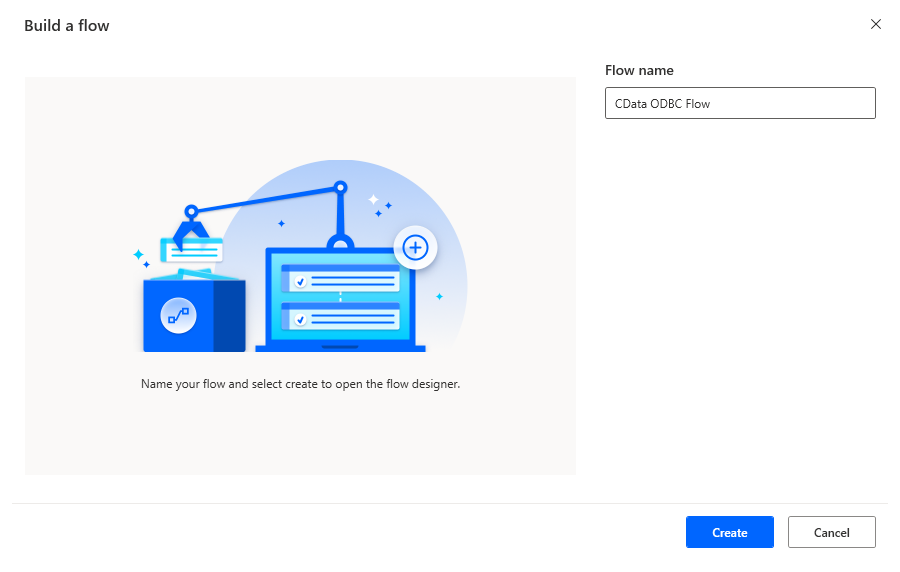
In the flow editor, you can add the actions to connect to Yotpo, query Yotpo using SQL, and write the query results to a CSV document.
Add an Open SQL Connection Action
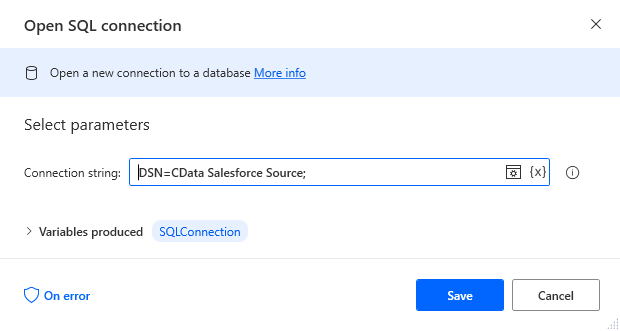
Add an "Open SQL connection" action (Actions -> Database) and configure the properties.
- Connection string: DSN=CData Yotpo Source
After configuring the action, click Save.
Add an Execute SQL Statement Action
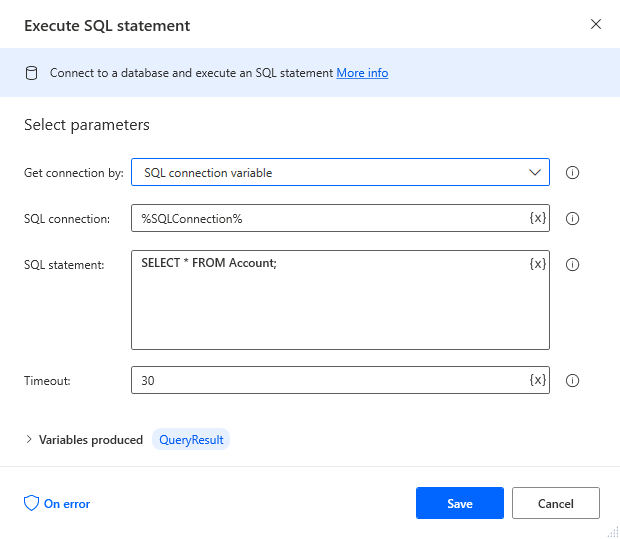
Add an "Execute SQL statement" action (Actions -> Database) and configure the properties.
- Get connection by: SQL connection variable
- SQL connection: %SQLConnection% (the variable from the "Open SQL connection" action above)
- SQL statement: SELECT * FROM ProductBottomLine
After configuring the action, click Save.
Add a Write to CSV File Action
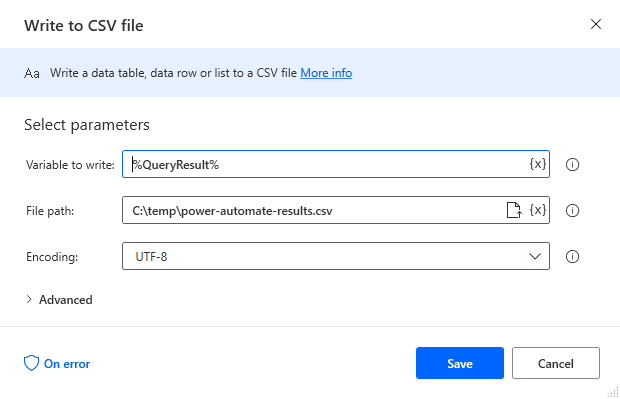
Add a "Write to CSV file" action (Actions -> File) and configure the properties.
- Variable to write to: %QueryResult% (the variable from the "Execute SQL statement" action above)
- File path: set to a file on disk
- Configure Advanced settings as needed.
After configuring the action, click Save.
Add a Close SQL Connection Action
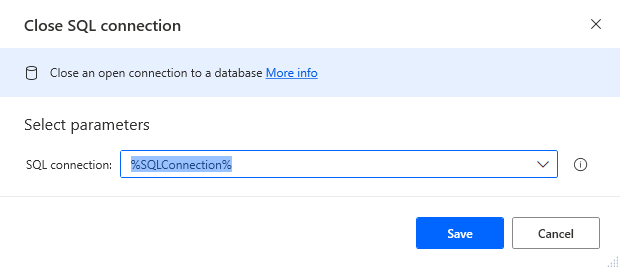
Add a "Close SQL connection" action (Actions -> Database) and configure the properties.
- SQL Connection: %SQLConnection% (the variable from the "Open SQL connection" action above)
After configuring the action, click Save.
Save & Run the Flow
Once you have configured all the actions for the flow, click the disk icon to save the flow. Click the play icon to run the flow.
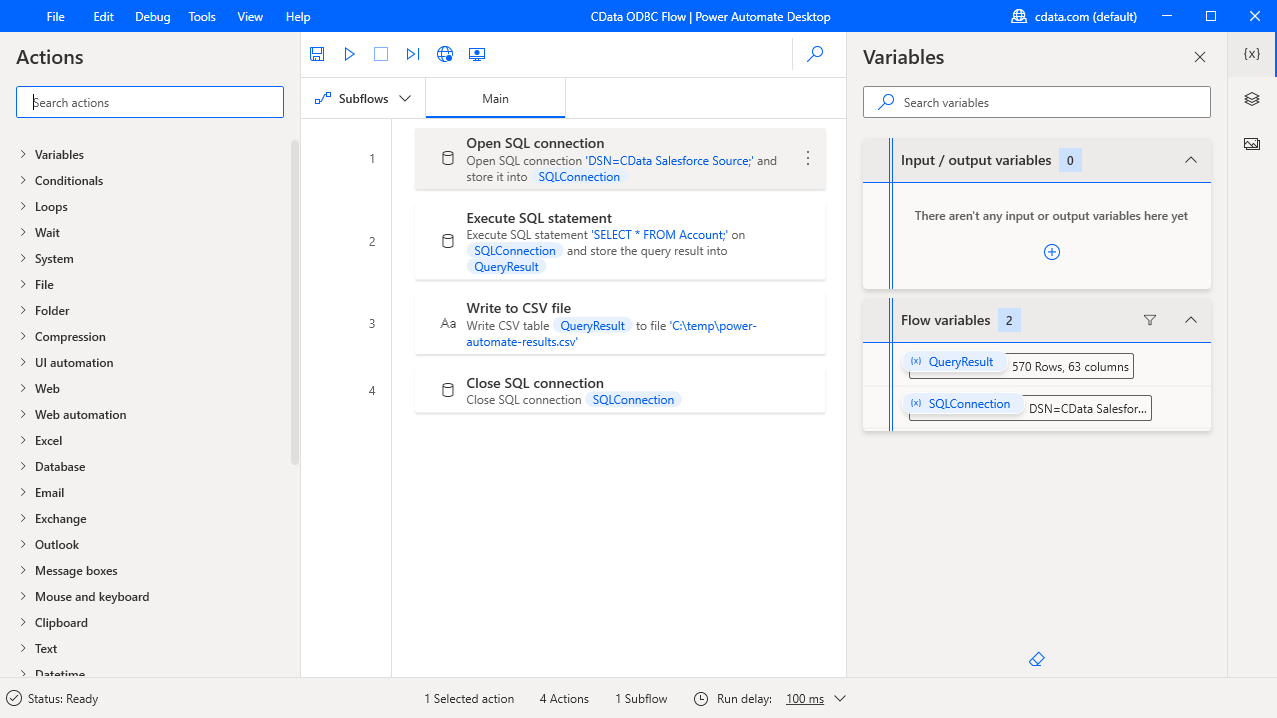
Now you have a workflow to move Yotpo data into a CSV file.
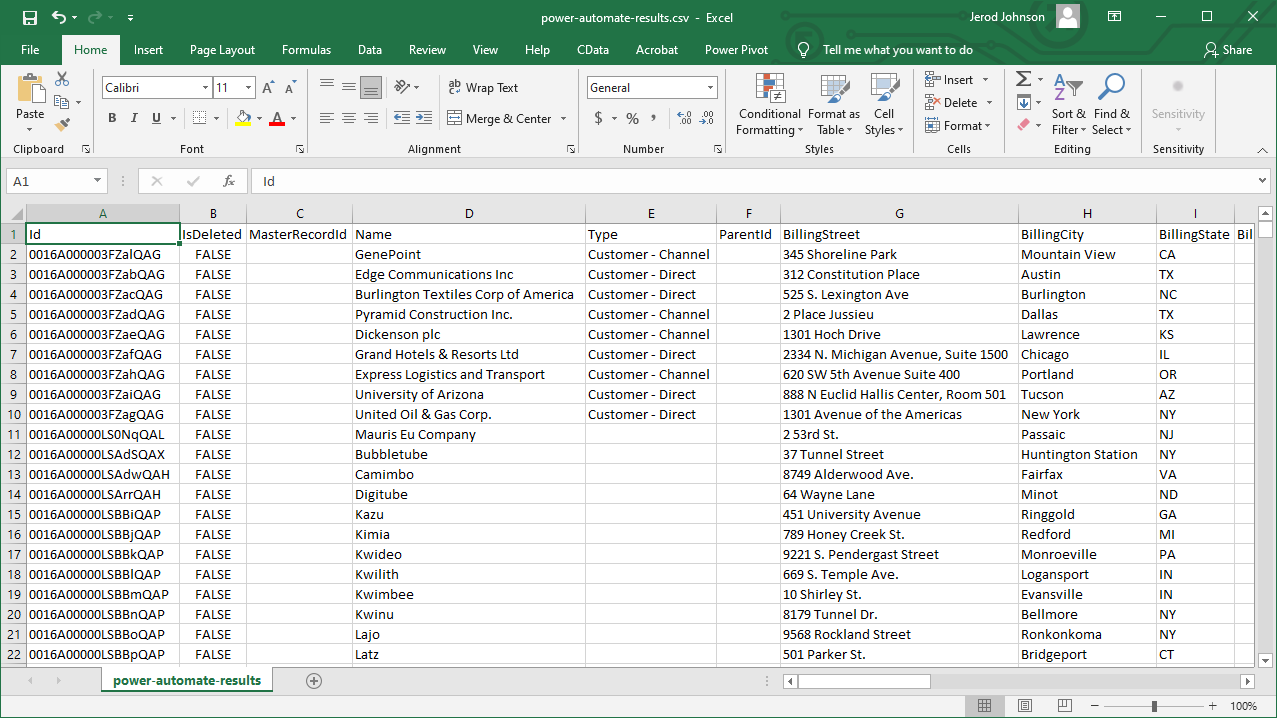
With the CData ODBC Driver for Yotpo, you get live connectivity to Yotpo data within your Microsoft Power Automate workflows.