








Use Claude to Talk to Your Adobe Target Data via CData Connect AI

Claude is a family of advanced large language models (LLMs) built by Anthropic, an AI research company founded in 2021. These models power the Claude conversational assistant and developer tools.
CData Connect AI offers a dedicated cloud-to-cloud interface for connecting to Adobe Target data. The CData Connect AI Remote MCP Server enables secure communication between Claude and Adobe Target. This allows you to ask questions and take actions on your Adobe Target data using Claude, all without the need for data replication to a natively supported database. With its inherent optimized data processing capabilities, CData Connect AI efficiently channels all supported SQL operations, including filters and JOINs, directly to Adobe Target. This leverages server-side processing to swiftly deliver the requested Adobe Target data.
Step 1: Configure Adobe Target Connectivity for Claude
Connectivity to Adobe Target from Claude is made possible through CData Connect AI Remote MCP. To interact with Adobe Target data from Claude, we start by creating and configuring a Adobe Target connection in CData Connect AI.
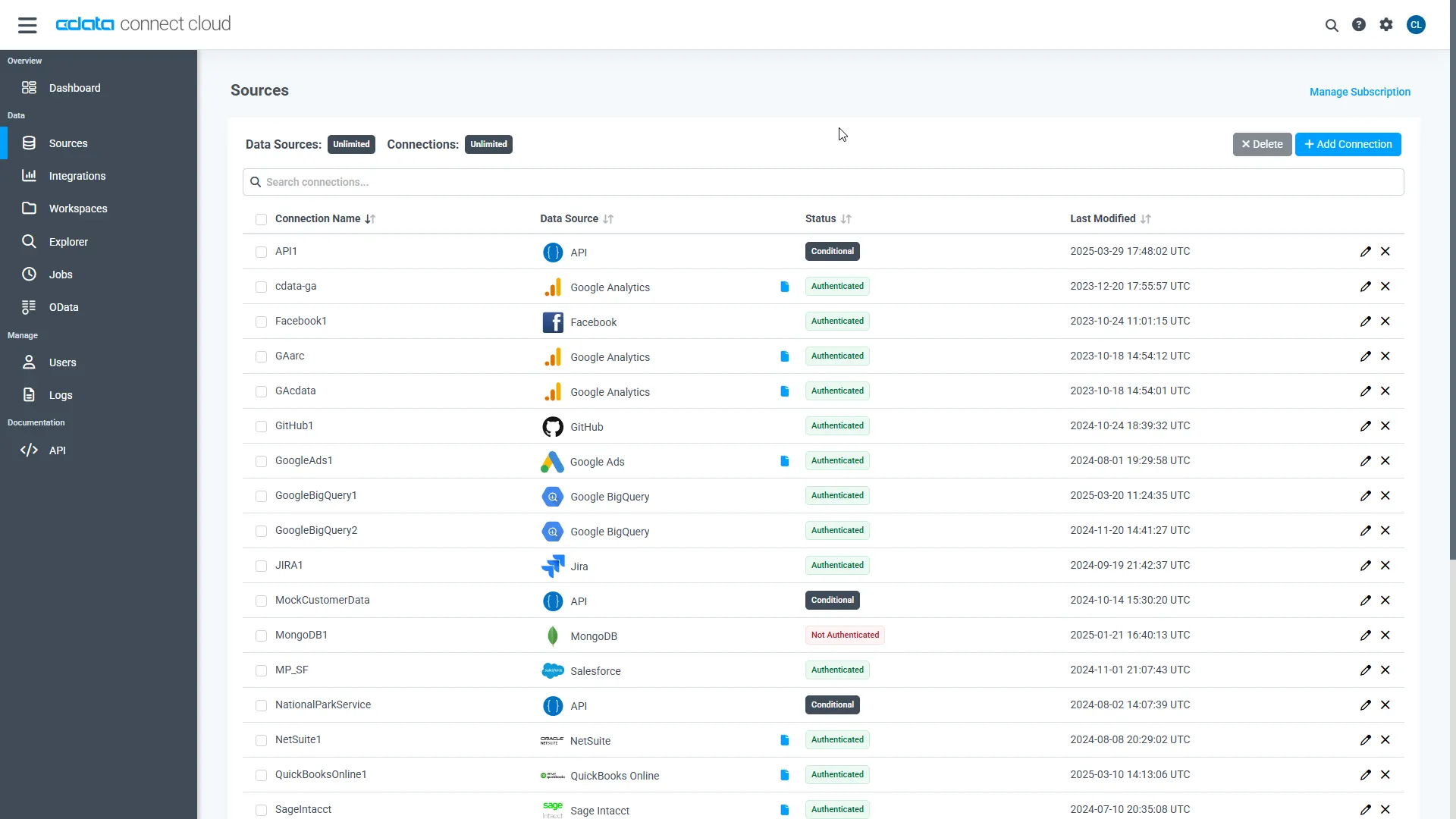
- Log into Connect AI, click Sources, and then click Add Connection
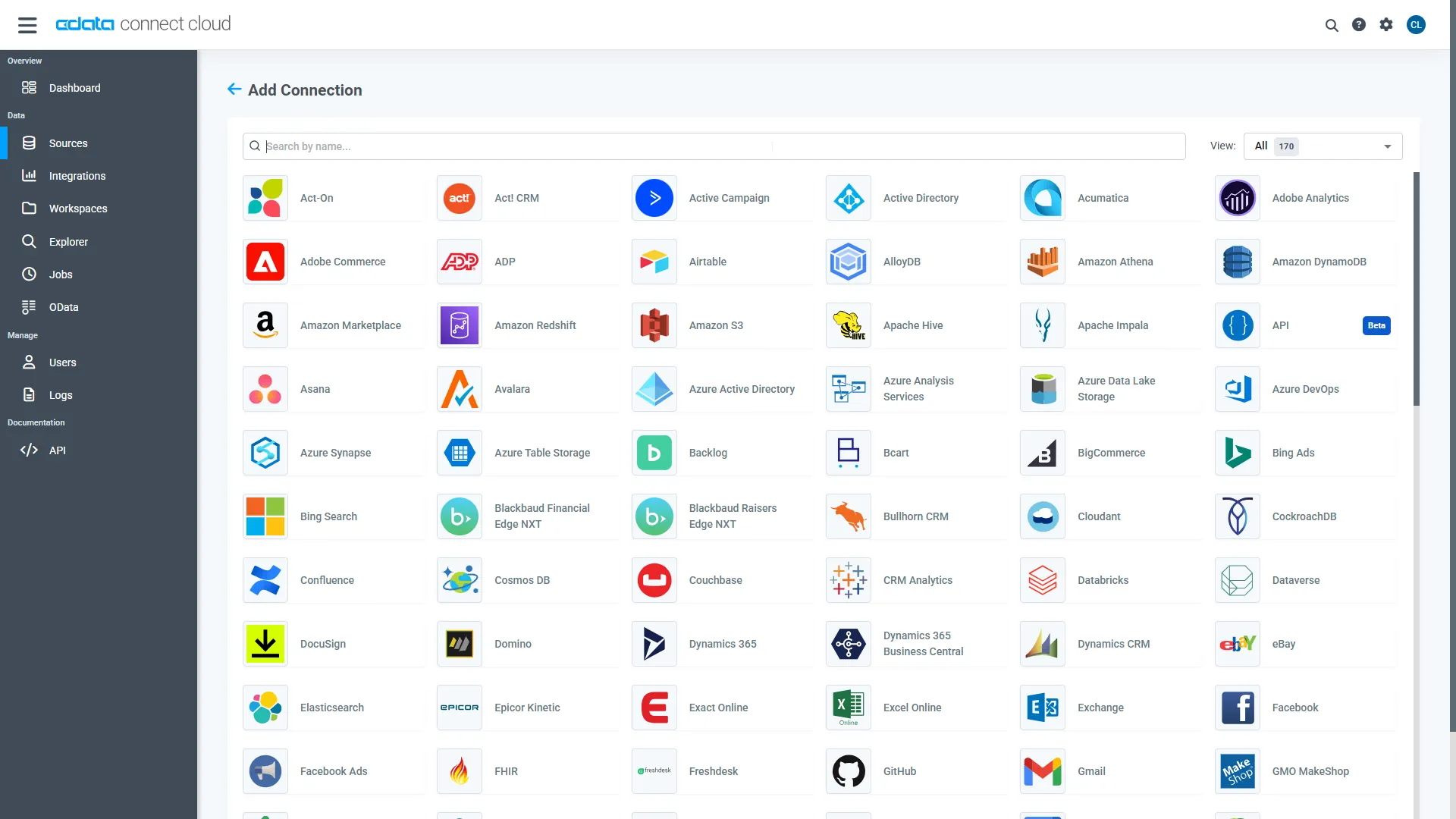
- Select "Adobe Target" from the Add Connection panel
-
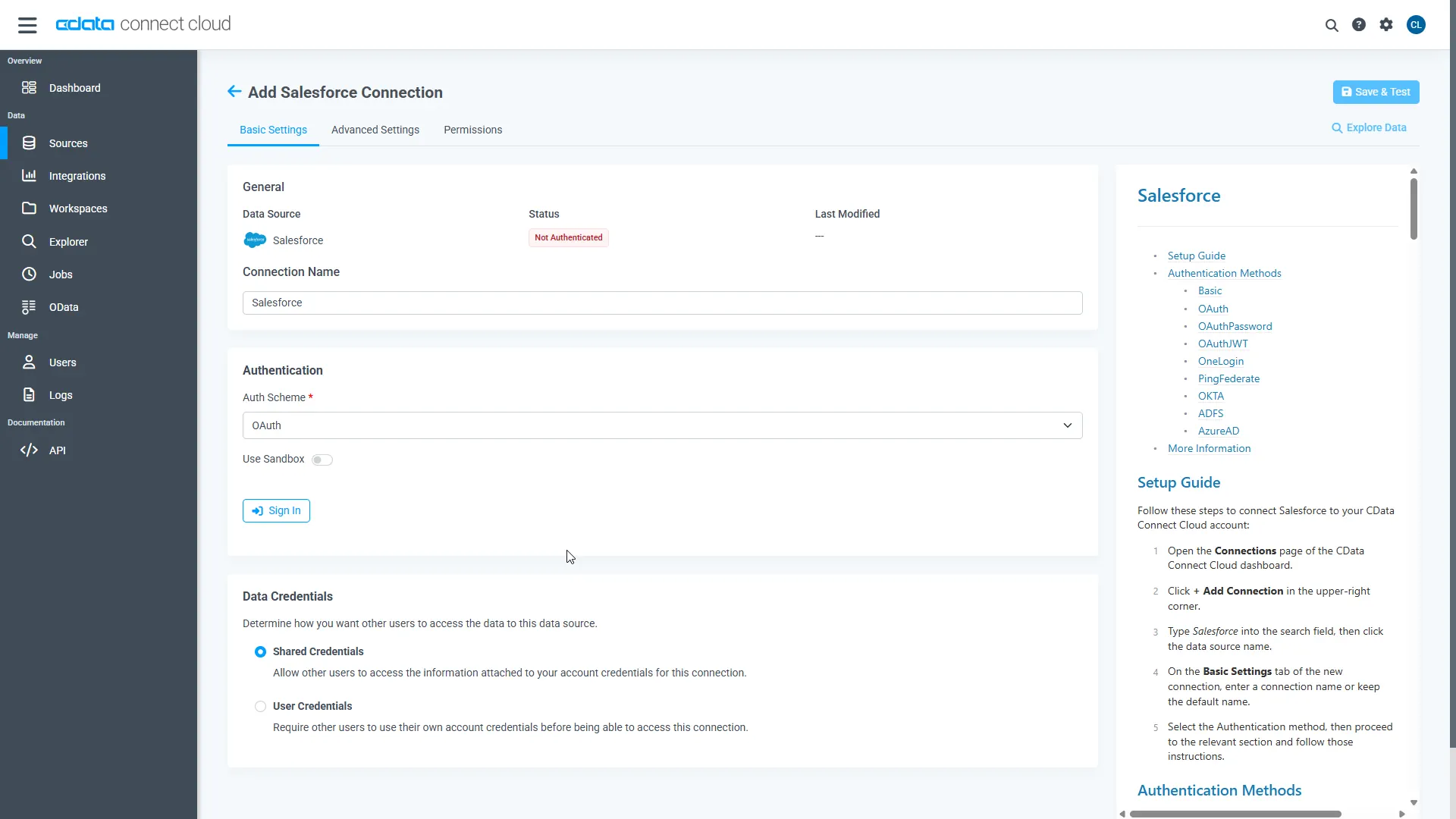
Adobe Target uses OAuth to authenticate. Click "Sign in" to authenticate with Adobe Target.
Step 2: Connect Claude to CData Connect AI
Follow these steps to add a CData Connect AI connector in Claude:
- Sign in to Claude.ai or create a new account.
- Expand the left navigation menu.
- In the bottom-left corner, click your user name and select Settings from the menu. The Settings screen appears.
- In the Settings screen, click Connectors.
- Click the button to Browse Connectors.
- Search for "CData Connect AI" and click the listing.
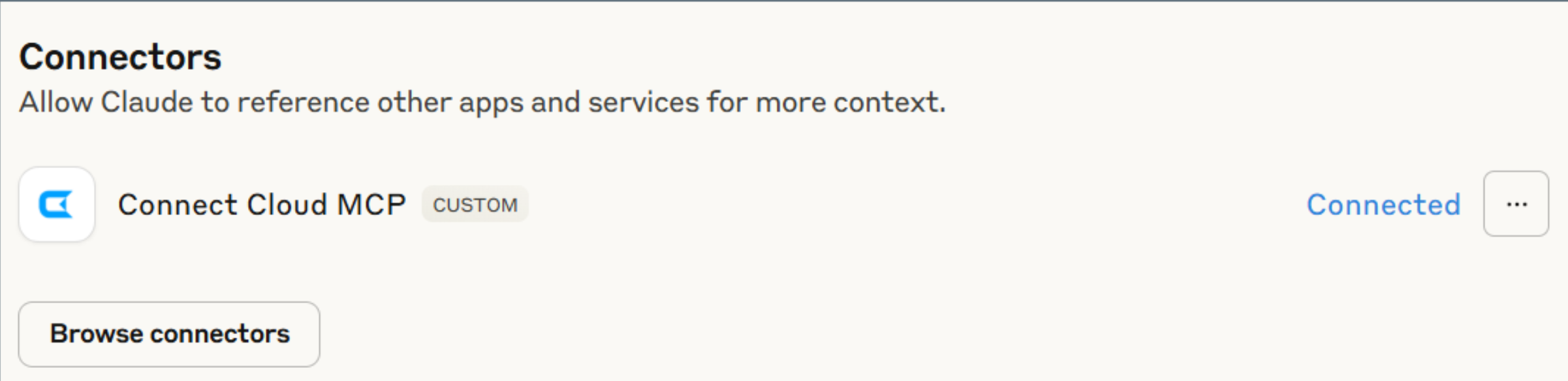
- Click "Connect" and sign into your Connect AI account.
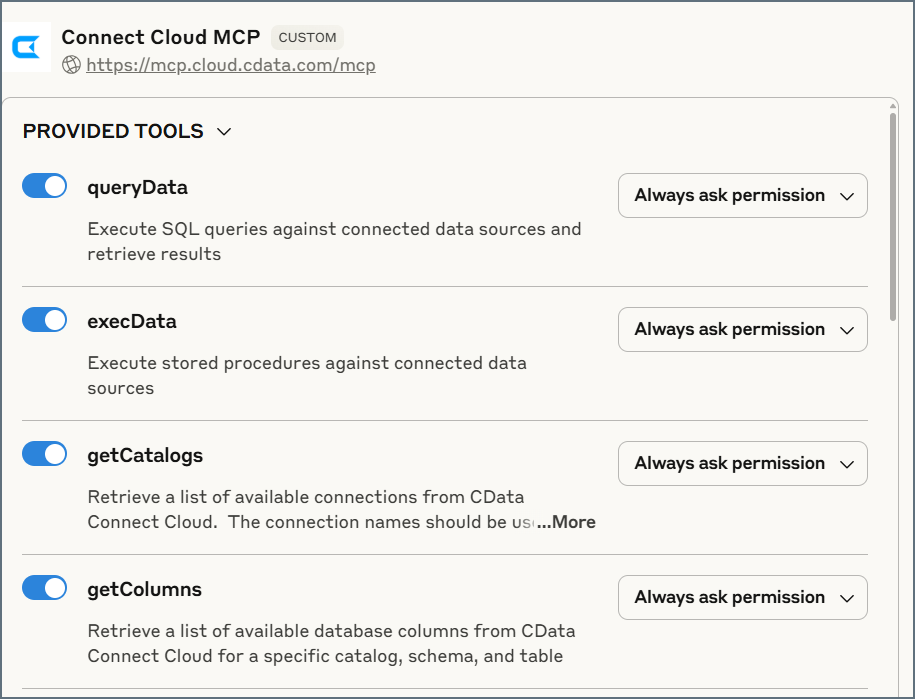
- After connecting, Claude opens a new chat.
Step 3: Explore Live Adobe Target Data with Claude
- You can now start exploring your data with natural language prompts. Claude outlines the steps it uses to retrieve data from the source in CData Connect AI. Refer to CData's prompt library for prompt ideas.
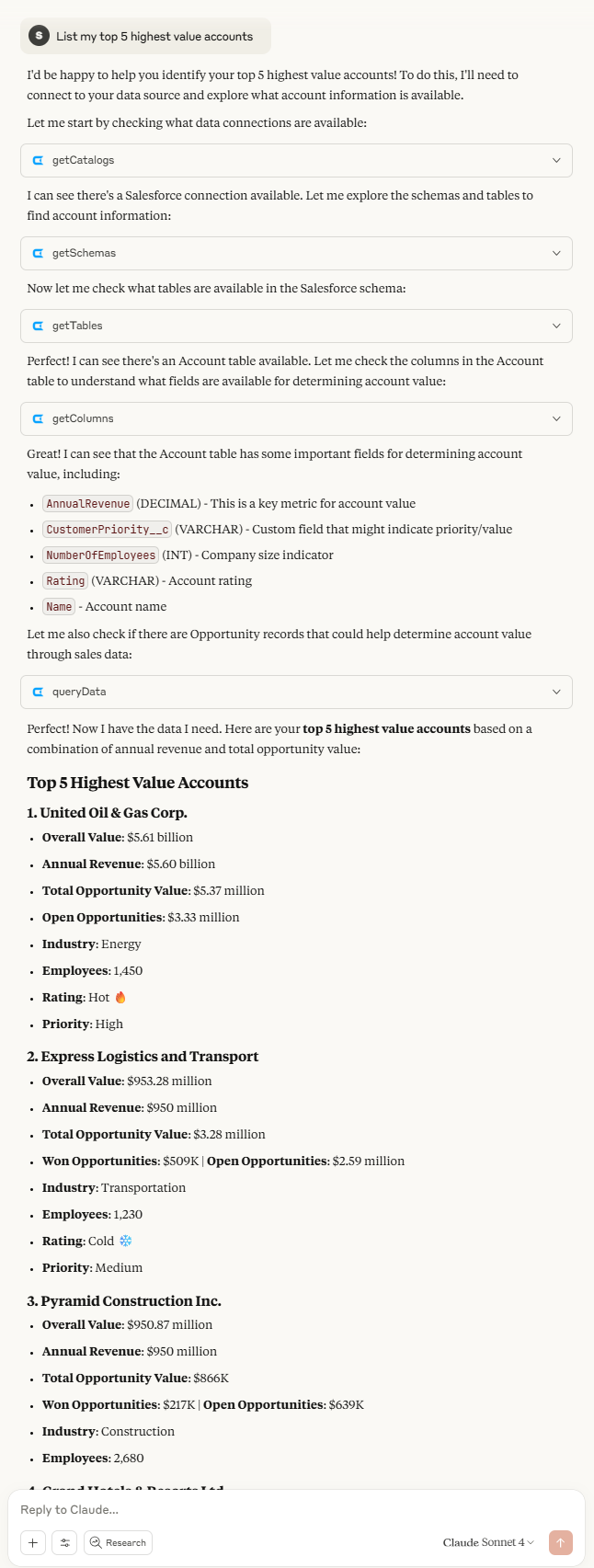
NOTE: Claude's setup process is subject to change. Refer to Claude's documentation for the latest setup information.
Get CData Connect AI
To get live data access to hundreds of SaaS, Big Data, and NoSQL sources directly from your cloud applications, try CData Connect AI today!