








Access Live Azure Data Catalog Data in Excel for the Web (Excel 365/Online) through Connect Spreadsheets

Looking for Connect AI instructions?
Your Connect AI account includes Connect Spreadsheets, so you can use the instructions below. You can expect minor differences when referencing the Connect Spreadsheet platform, but the principles still apply!
Microsoft Excel for the web represents a cloud-native iteration of Microsoft Excel. When combined with Connect Spreadsheets by CData, you gain immediate access to Azure Data Catalog data directly within Excel, facilitating data analysis, collaboration, calculations, and more. This article shows how to connect to Azure Data Catalog in Connect Spreadsheets and access live Azure Data Catalog data in Excel spreadsheets online.
Connect Spreadsheets is the easiest way to get all your live data into Microsoft Excel and Google Sheets - no more downloading, wrangling, and uploading files again. Just connect to your data, select the dataset you'd like to see, and import it into your spreadsheet.
This setup requires a Connect Spreadsheets instance and the Connect Spreadsheets Add-In for Excel. To get started, sign up a free trial of Connect Spreadsheets and install the free Connect Spreadsheets Excel Add-In.
Configure Azure Data Catalog Connectivity for Excel
Connectivity to Azure Data Catalog from Excel is made possible through Connect Spreadsheets . To work with Azure Data Catalog data from Excel, we start by creating and configuring a Azure Data Catalog connection.
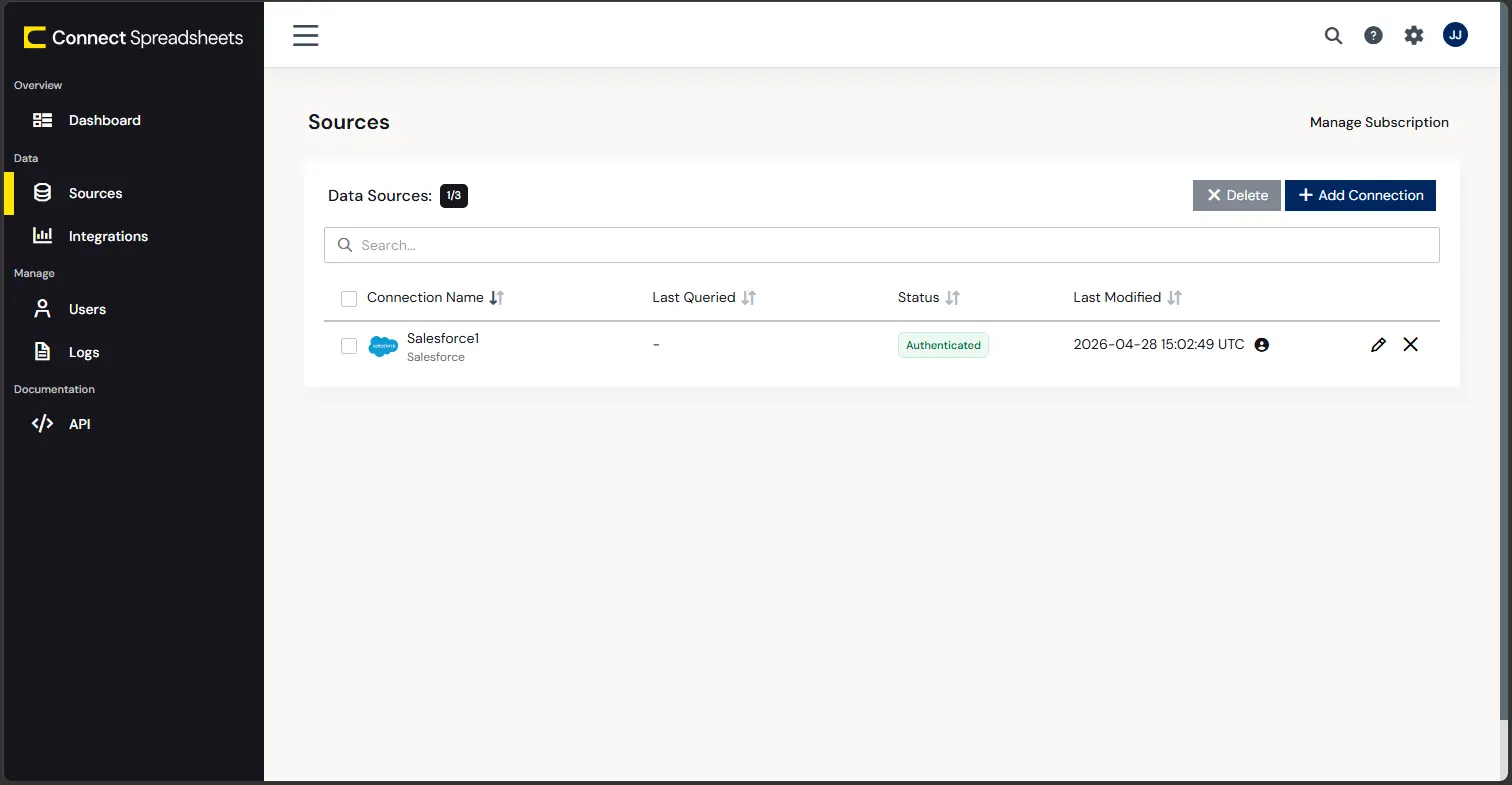
- Log into Connect Spreadsheets, click Sources and click Add Connection
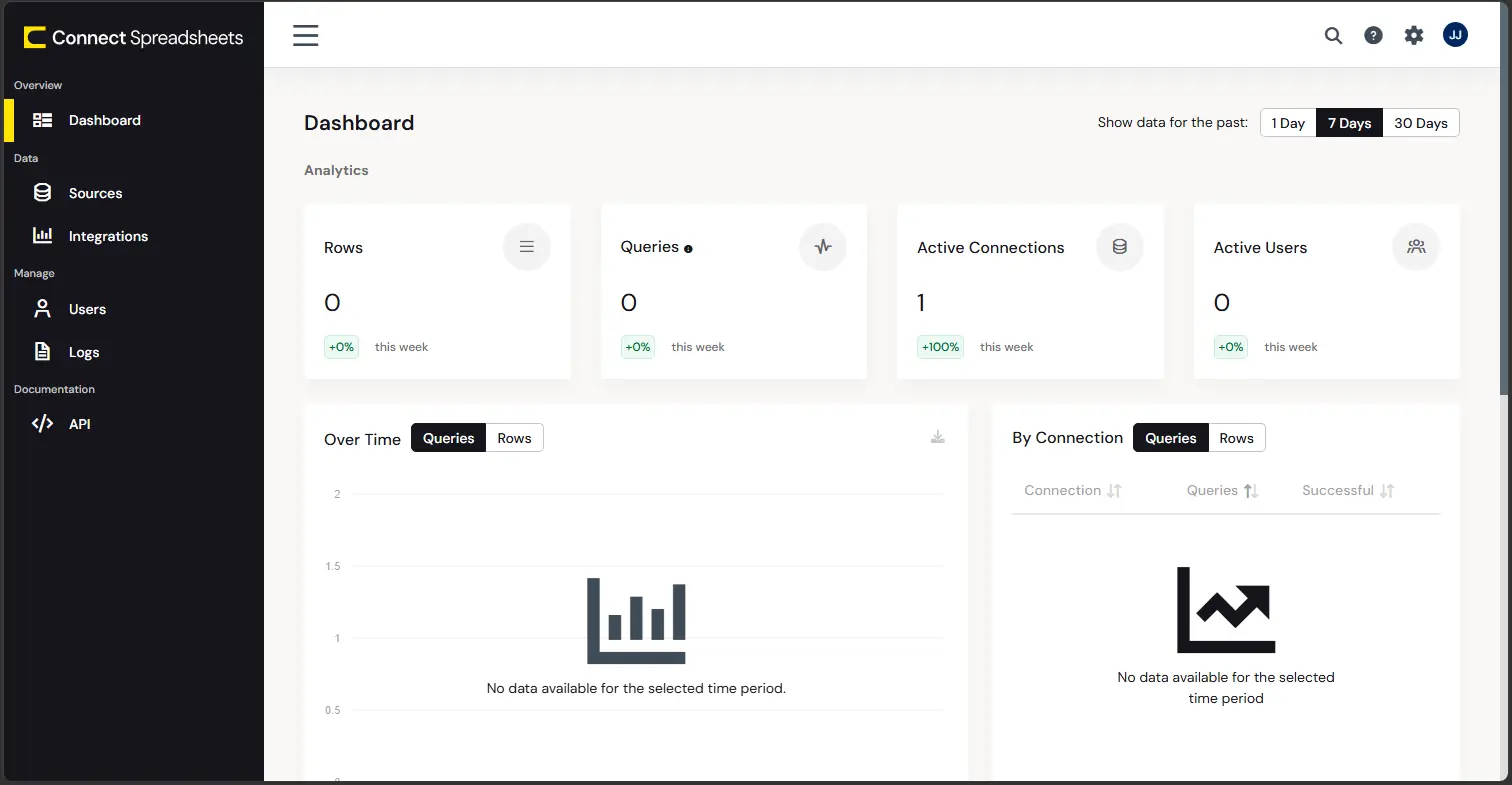
- Select "Azure Data Catalog" from the Add Connection panel
-
Enter the necessary authentication properties to connect to Azure Data Catalog.
You can optionally set the following to read the different catalog data returned from Azure Data Catalog.
Connect Using OAuth Authentication
You must use OAuth to authenticate with Azure Data Catalog. OAuth requires the authenticating user to interact with Azure Data Catalog using the browser. For more information, refer to the OAuth section in the help documentation.
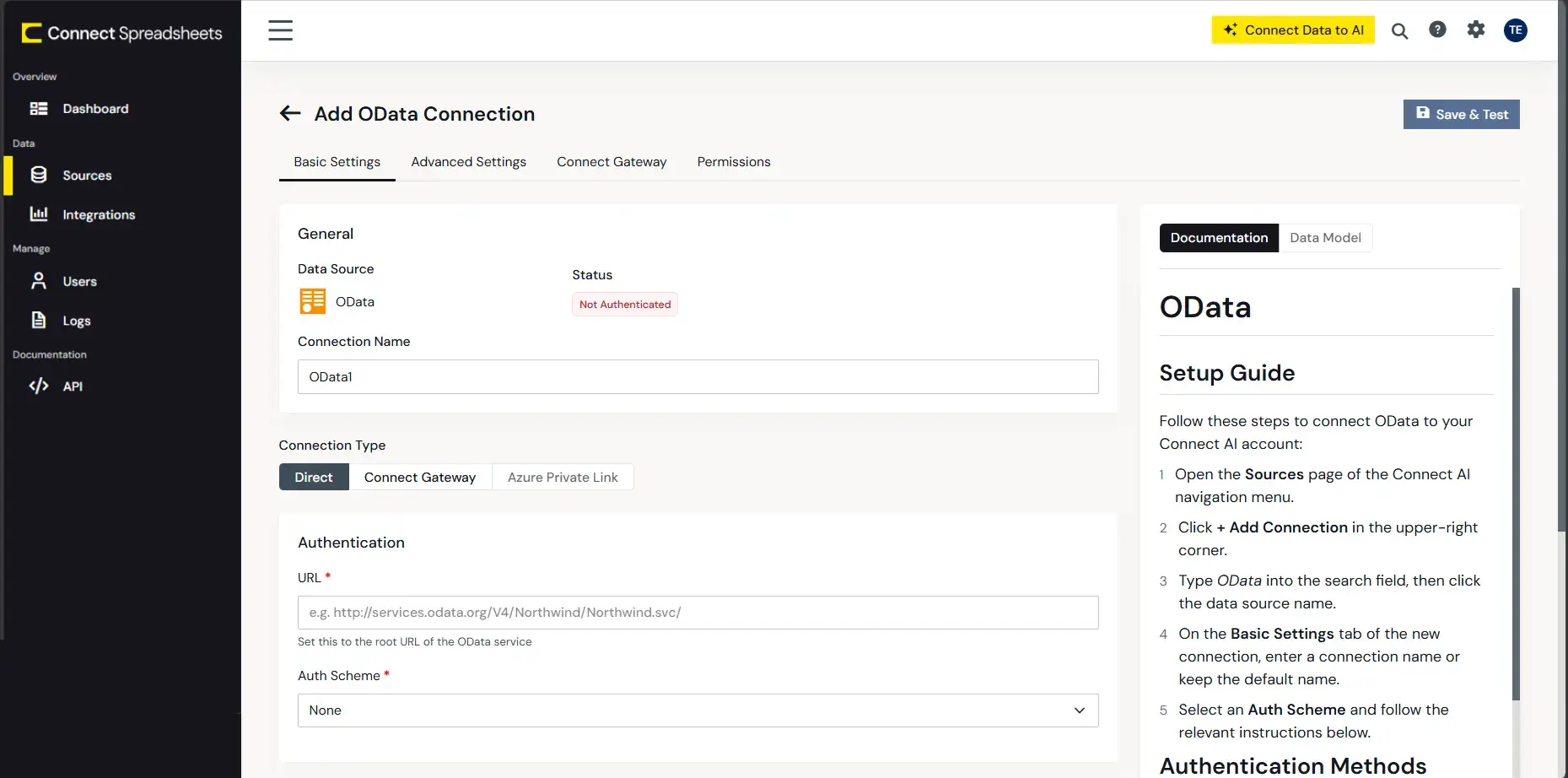
- Click Create & Test
With the connection configured, you are ready to connect to Azure Data Catalog data from Excel for the web.
Access Live Azure Data Catalog Data in Excel for the web
The steps below outline connecting to Connect Spreadsheets from Excel to access live Azure Data Catalog data.
- Log into Excel, create a new sheet (or open an existing one).
- Click Insert and click Office Add-ins. (If you have already installed the Add-In, jump to step 4.)
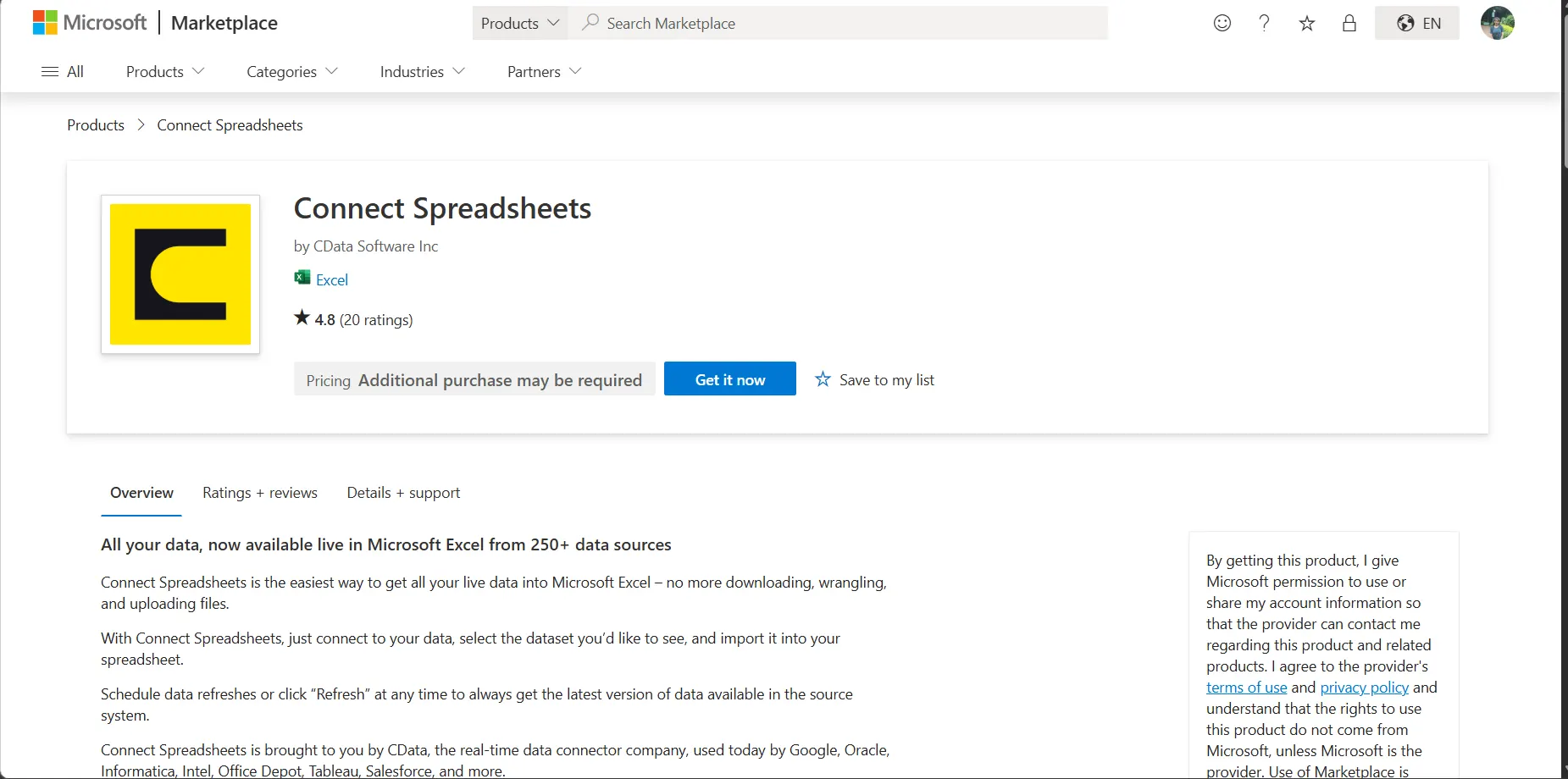
- Search for Connect Spreadsheets and click "Get it now" to install the Add-in.
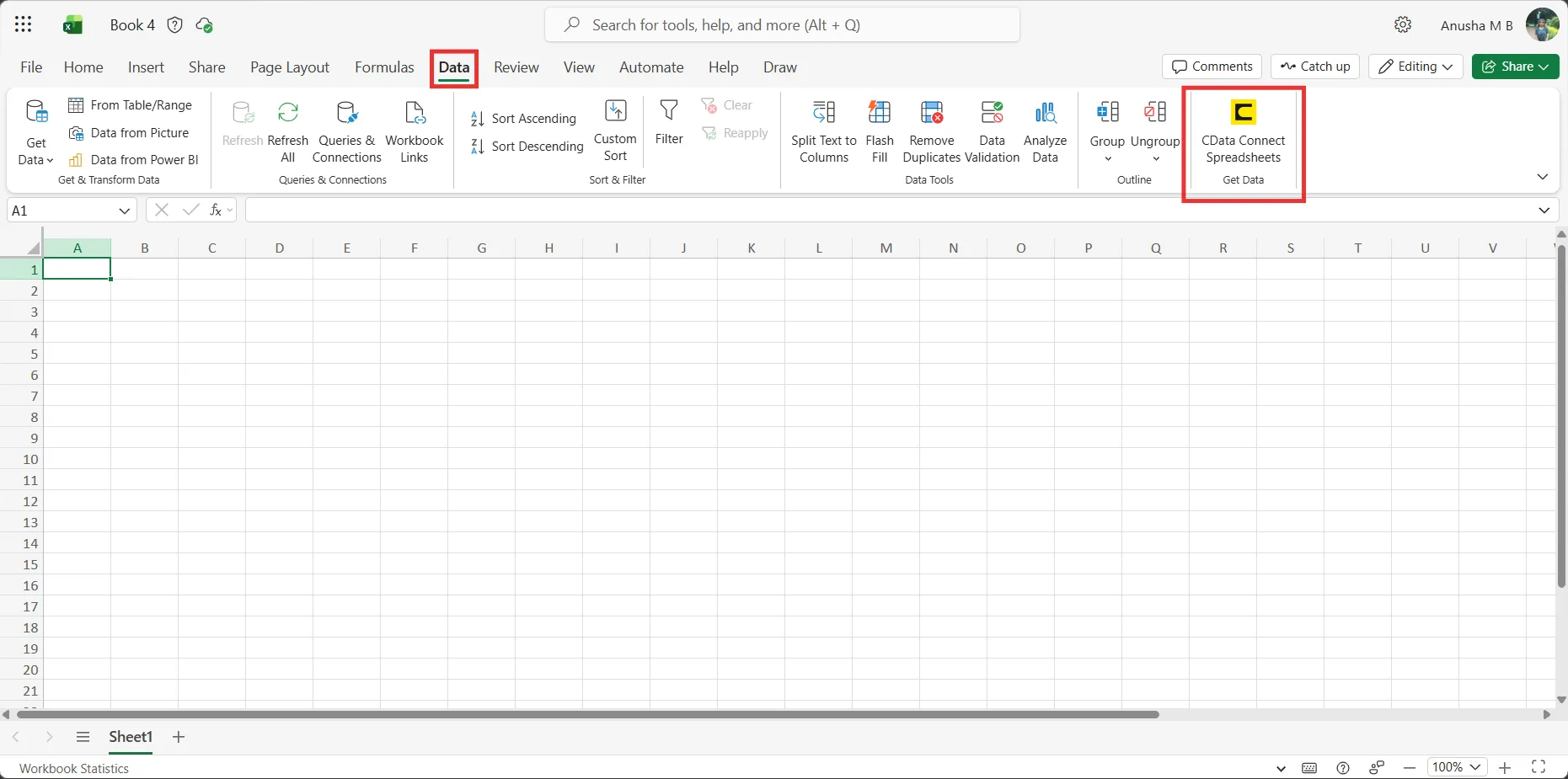
- Back in Excel, open the Data ribbon select and click the CData Connect Spreadsheets "Get Data" button.
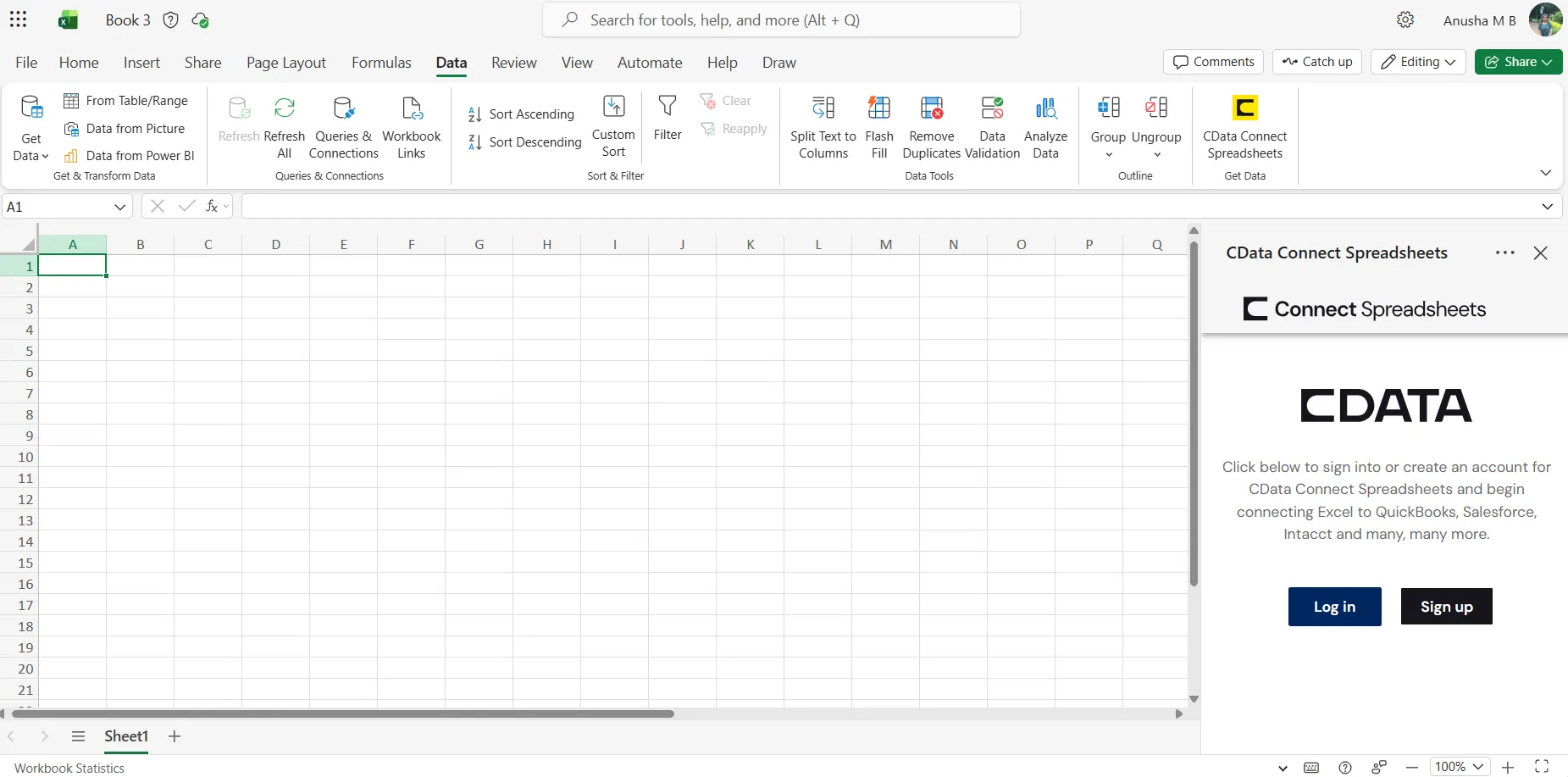
- In the Add-In panel, click "Log in" to sign into and authenticate with your Connect Spreadsheets account
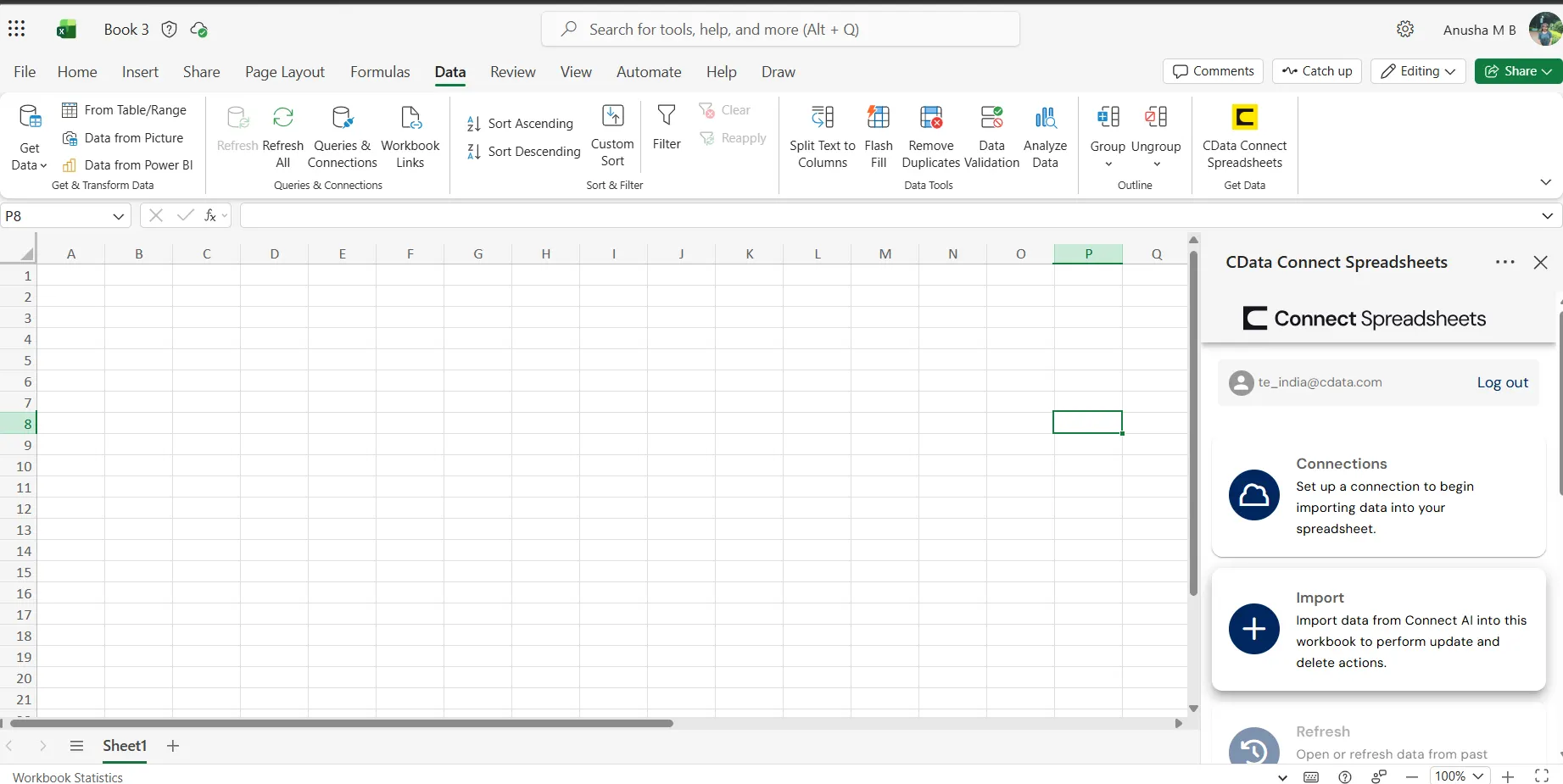
- In the Connect Spreadsheets panel in Excel, click Import
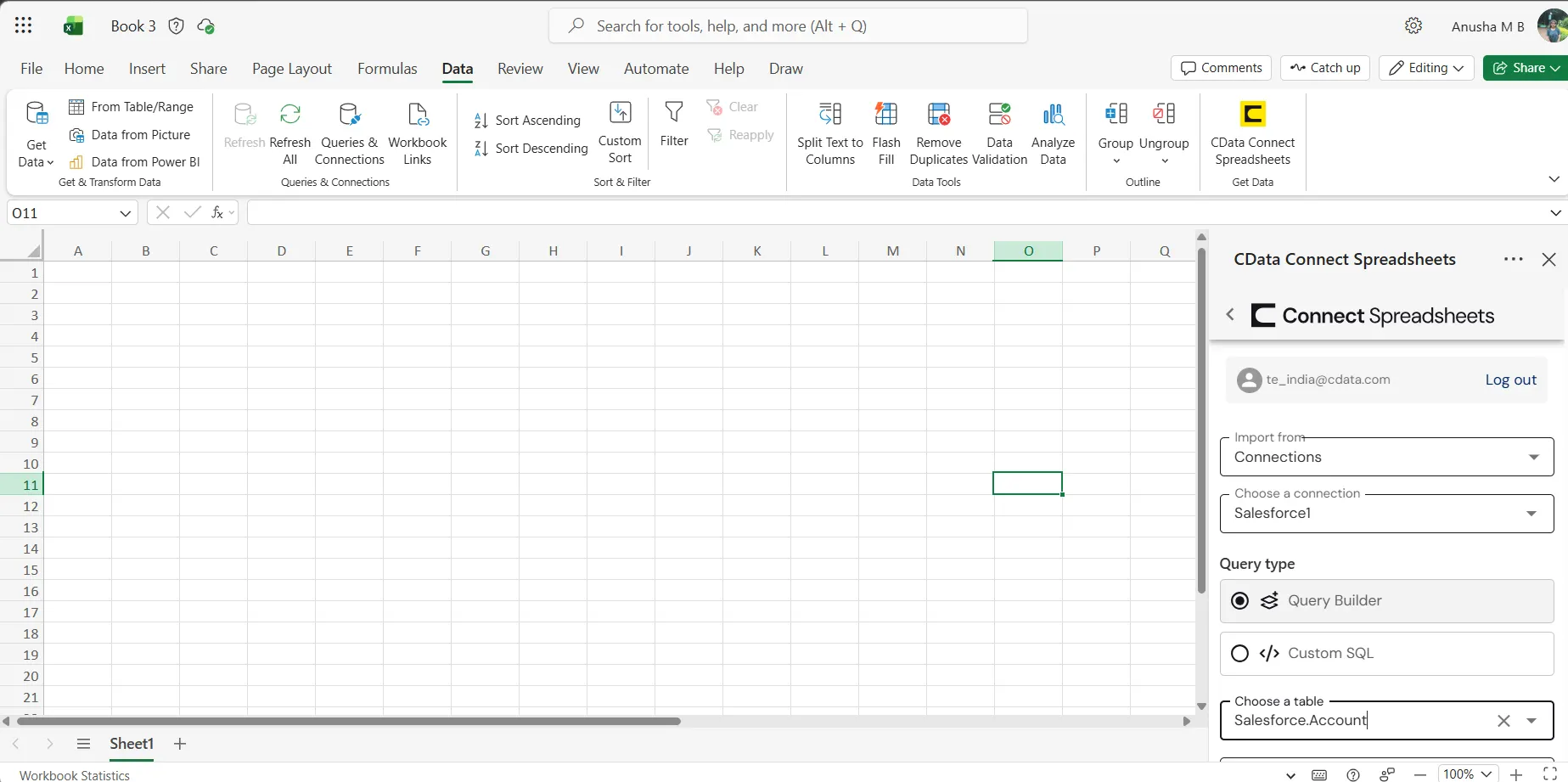
- Choose a Connection (e.g. AzureDataCatalog1), Table (e.g. Tables), and Columns to import
- Optionally add Filters, Sorting, and a Limit
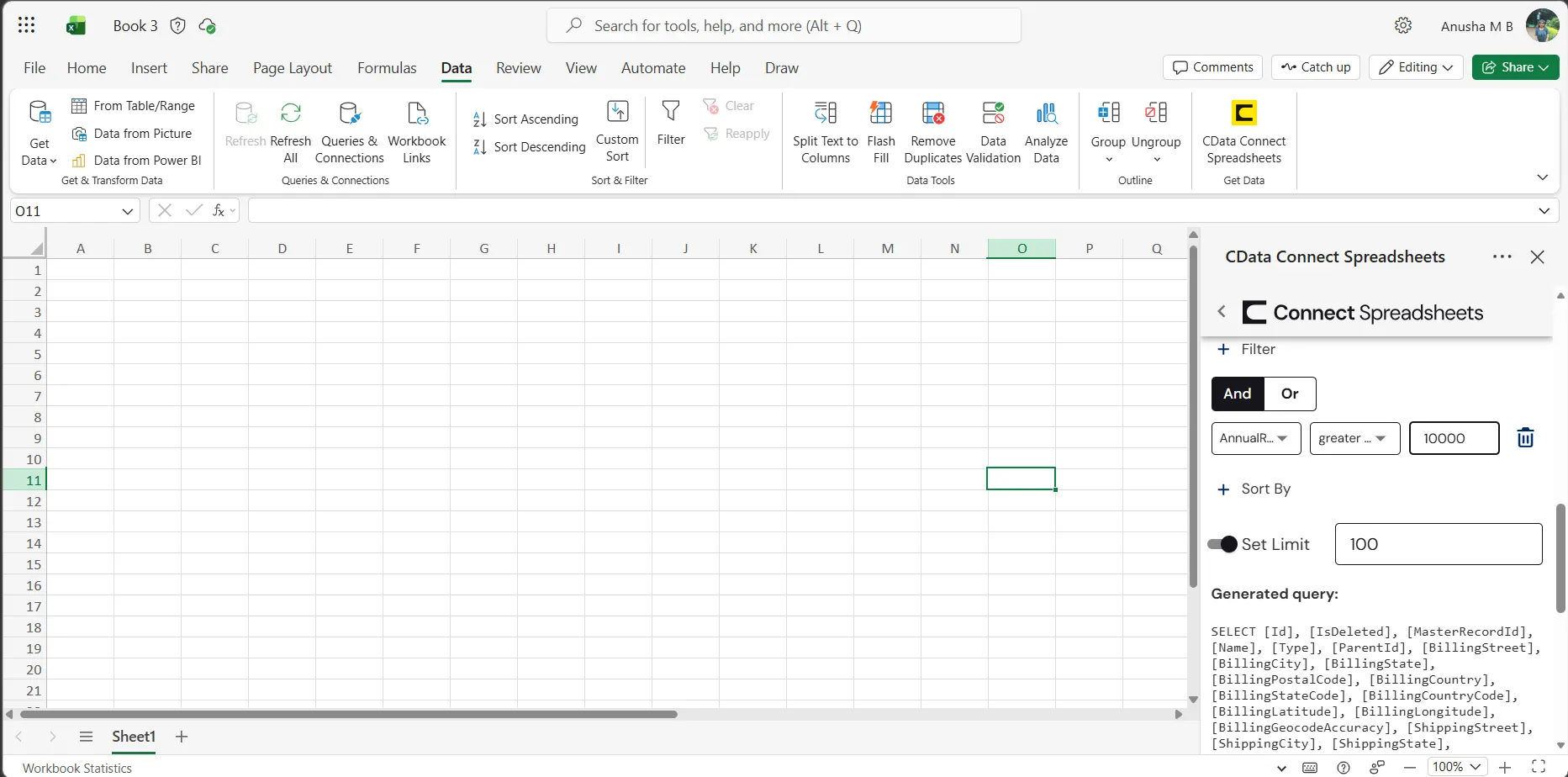
- Click Execute to import the data
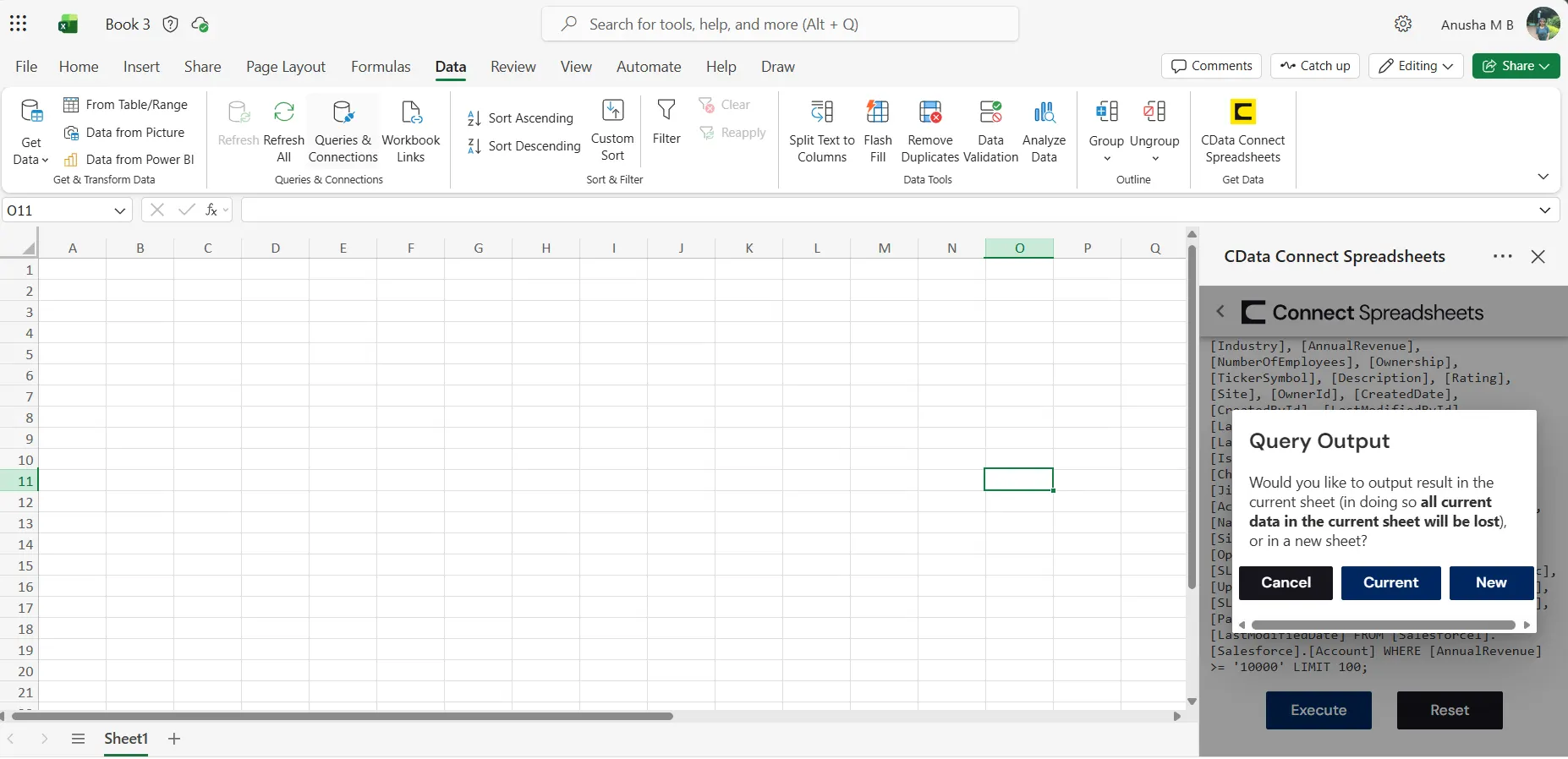
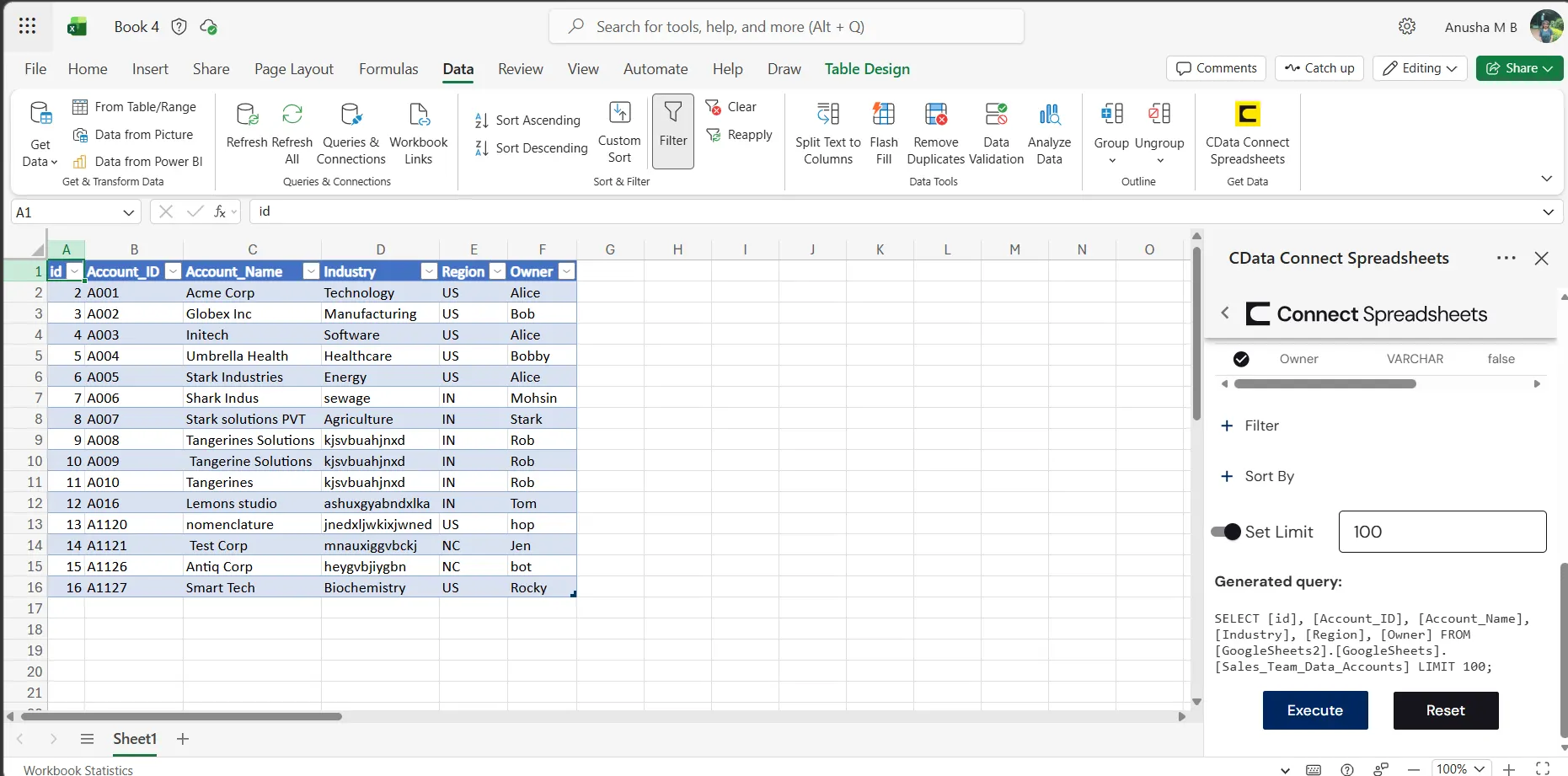
Live Access to Azure Data Catalog Data from Spreadsheets
New, you have a direct, cloud-to-cloud connection to live Azure Data Catalog data from your Excel workbook. You can add more data to your workbook for calculations, aggregations, collaboration, and more.
Try Connect Spreadsheets and get real-time data access to hundreds of SaaS, Big Data, and NoSQL sources directly from your spreadsheet apps.