







Integrate OpenCode with Live eBay Data via CData Connect AI

OpenCode is an open source AI coding agent that connects to a wide range of LLM providers. It supports the model context protocol (MCP), allowing you to configure local or remote MCP servers in its configuration files to add external tools and data sources and give the agent access to live data.
By integrating OpenCode with CData Connect AI through the built-in MCP Server, OpenCode gains governed, real-time access to live eBay data. You can list catalogs, explore schemas, and query records from eBay data using natural language prompts, with all data access running securely against authorized sources.
This article explains how to configure eBay connectivity in Connect AI, generate the required personal access token, install OpenCode, add the Connect AI MCP Server in the project configuration file, configure an LLM provider, and verify the integration by querying live eBay data from OpenCode.
Step 1: Configure eBay connectivity for OpenCode
Connectivity to eBay from OpenCode is made possible through Connect AI's Remote MCP Server. To interact with eBay data from OpenCode, start by creating and configuring a eBay connection in Connect AI.
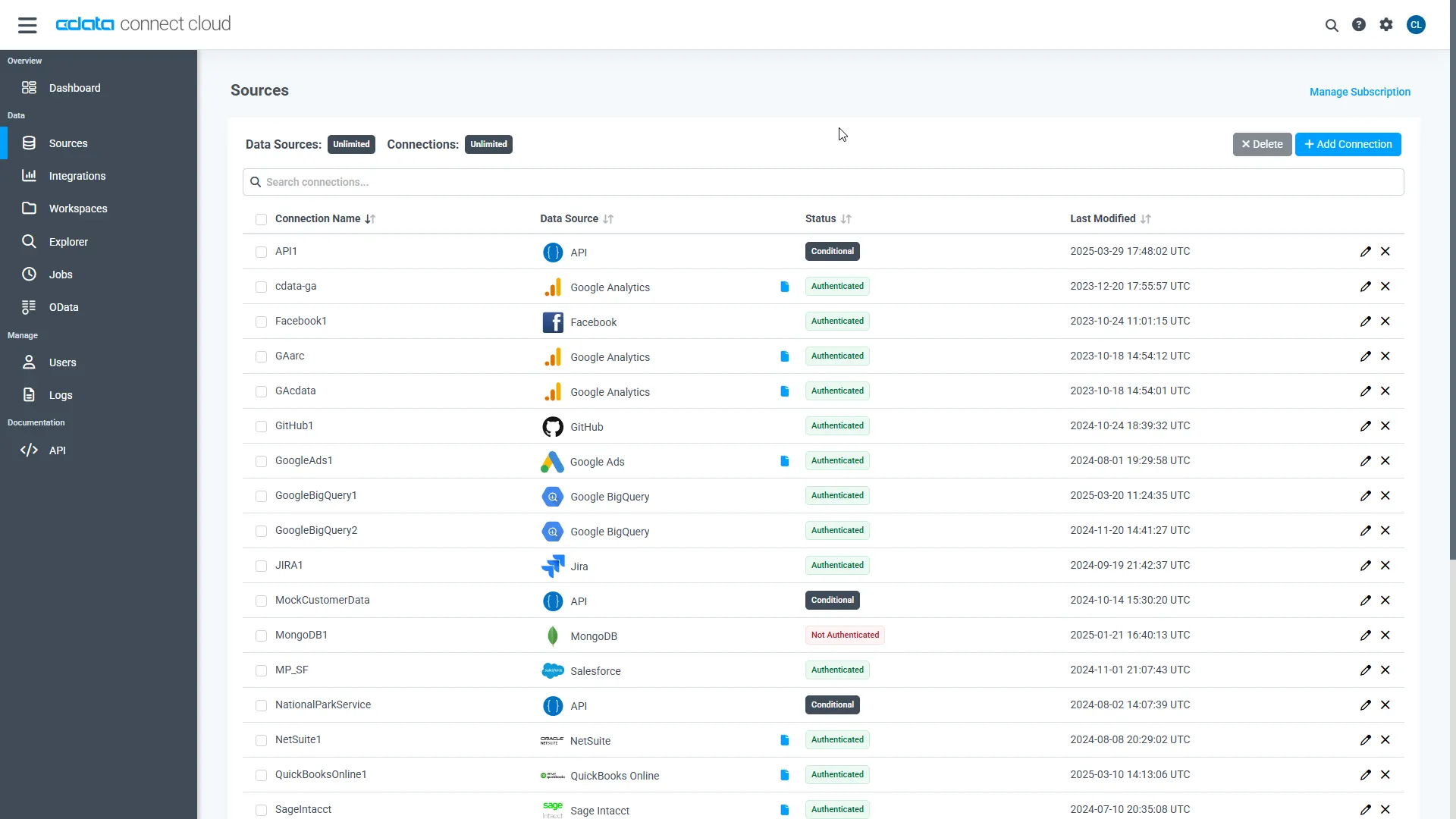
- Log into Connect AI, click Sources, and then click Add Connection
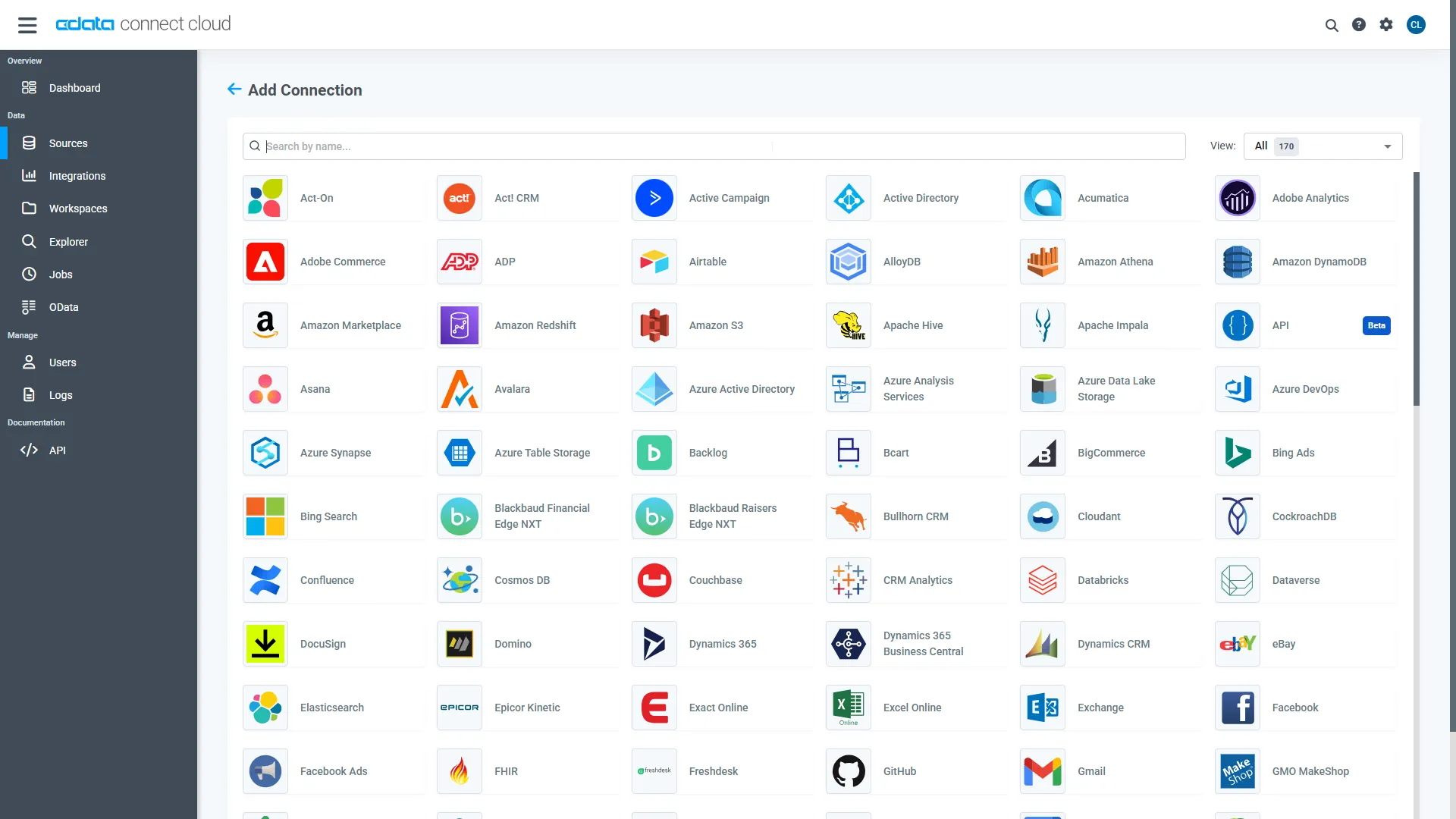
- Select eBay from the Add Connection panel
-
Enter the necessary authentication properties to connect to eBay.
If you will be accessing your own account, you can generate an OAuthAccessToken from your developer account dashboard. You can also allow other users to securely access their own accounts.
Both of these methods require you to create an application key set to obtain values for the following connection properties: AppId, CertId, DevId, and SiteId.
The user consent flow additionally requires the RuName and CallbackURL.
See the "Getting Started" chapter in the help documentation for a guide to using OAuth.
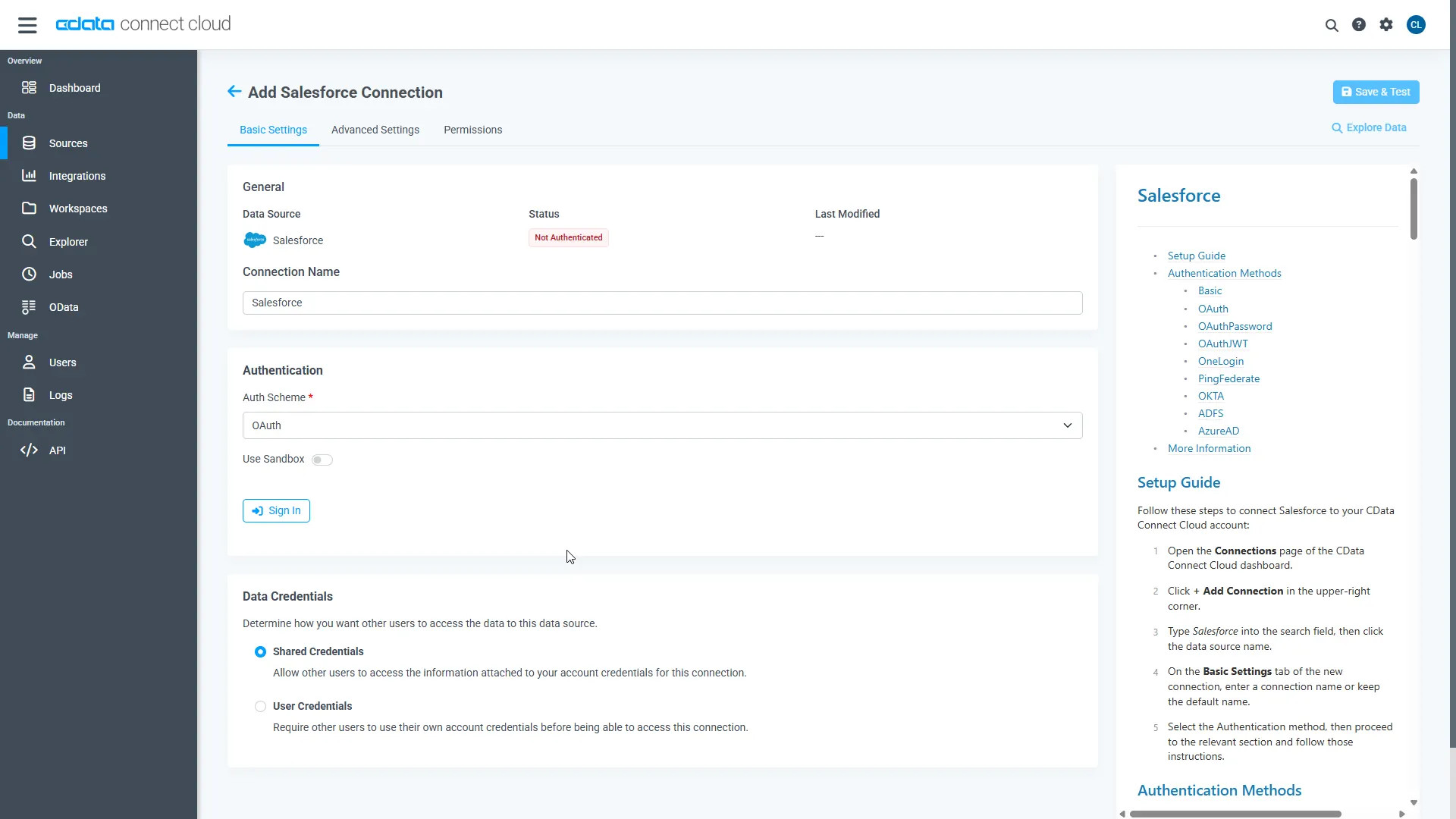
- Click Save & Test
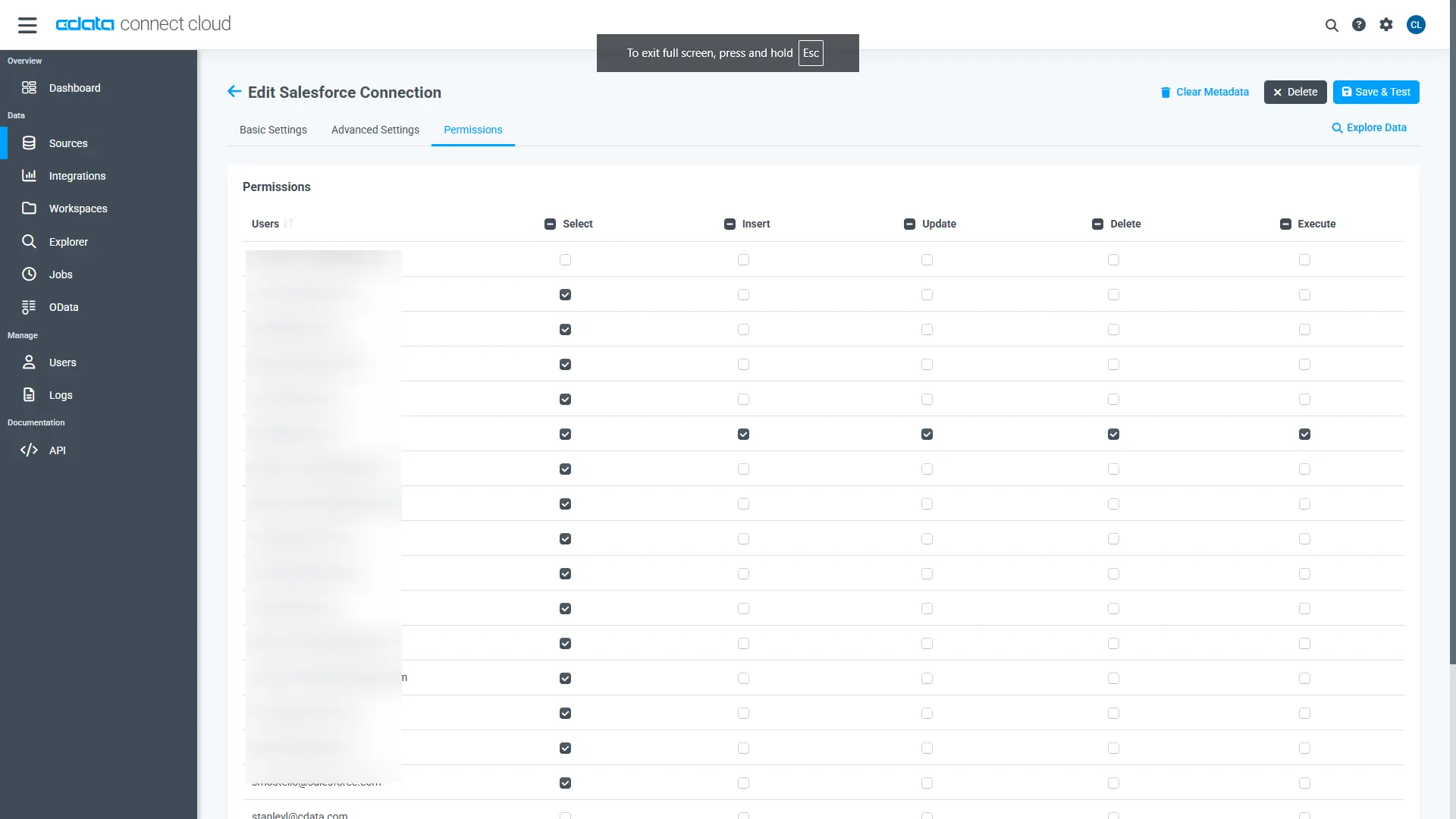
- Navigate to the Permissions tab and update user-based permissions
Add a Personal Access Token
A Personal Access Token (PAT) is used to authenticate the connection to Connect AI from OpenCode. It is best practice to create a separate PAT for each integration to maintain granular access control.
- Click the gear icon () at the top right of the Connect AI app to open Settings
- On the Settings page, go to the Access Tokens section and click Create PAT
- Give the PAT a descriptive name and click Create
- Copy the token when displayed and store it securely. It will not be shown again
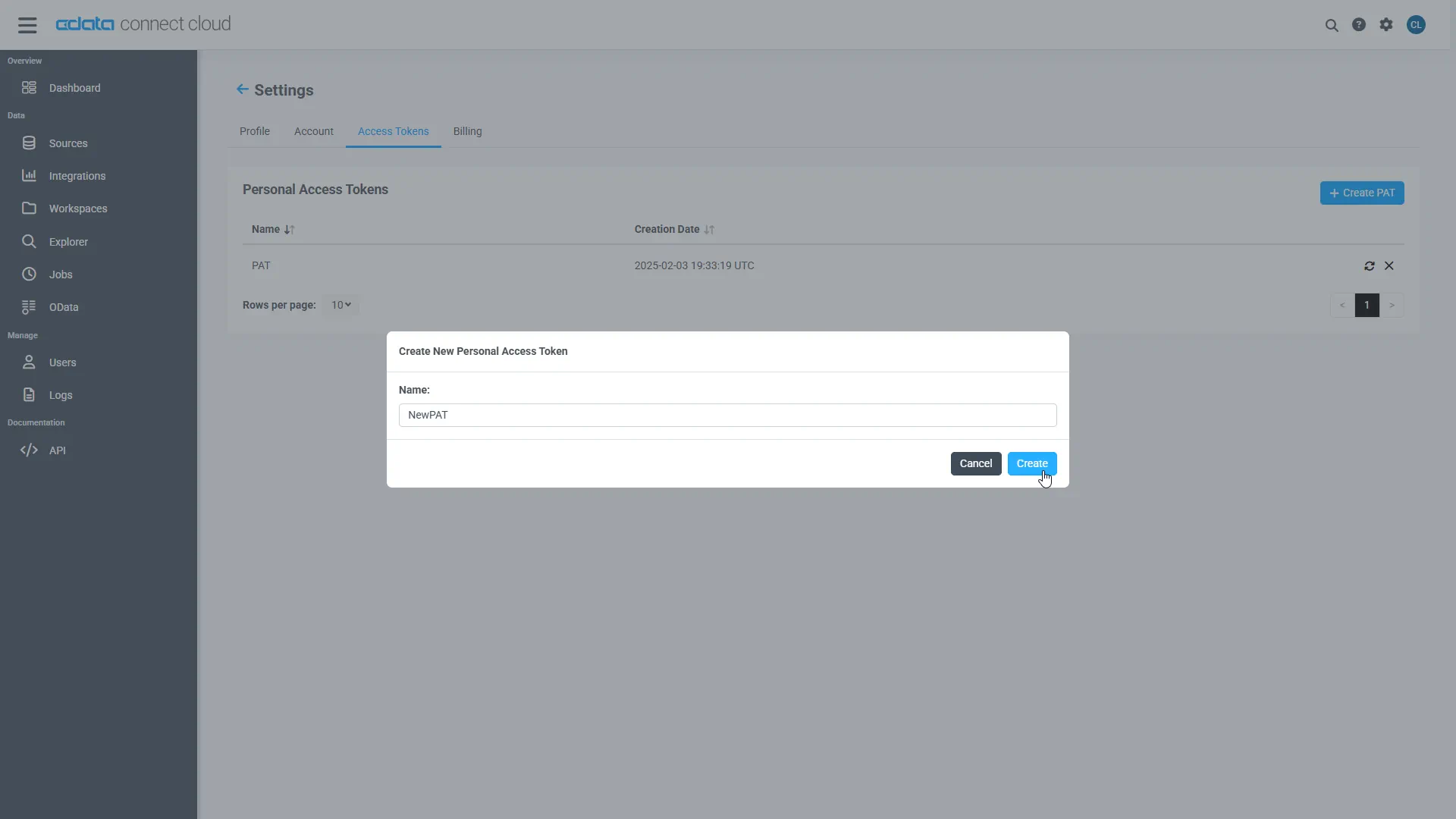
With the eBay connection configured and a PAT generated, OpenCode can now connect to eBay data through Connect AI.
Step 2: Install OpenCode and configure the Connect AI MCP Server
Next, install OpenCode, add the Connect AI Remote MCP Server in your project configuration file, and configure an LLM provider so the agent can discover and call live data tools through Connect AI.
- Download and install OpenCode by following the official installation guide
- Create a new folder for your project, or open an existing project directory
-
In the root of that directory, create a file named opencode.json and paste the following configuration:
{
  "$schema": "https://opencode.ai/config.json",
  "mcp": {
    "cdata-connect-ai": {
      "type": "remote",
      "url": "https://mcp.cloud.cdata.com/mcp",
      "enabled": true,
      "oauth": false,
      "headers": {
        "Authorization": "Basic your_base64_encoded_email_PAT"
      },
      "timeout": 30000
    }
  }
}
Note: OpenCode will use Basic authentication with Connect AI. Combine your Connect AI user email and the PAT you created earlier in the format email:PAT, base64 encode the combined string, and prefix it with Basic. For example, given [email protected]:ABC123...XYZ789, the Authorization header value becomes something like: Basic dXNlckBkb21haW4uY29tOkFCQzEyMy4uLlhZWjc4OQ==
-
Open the project directory in OpenCode. Select the project from the project dropdown, or click Add project to point OpenCode at the folder that contains opencode.json
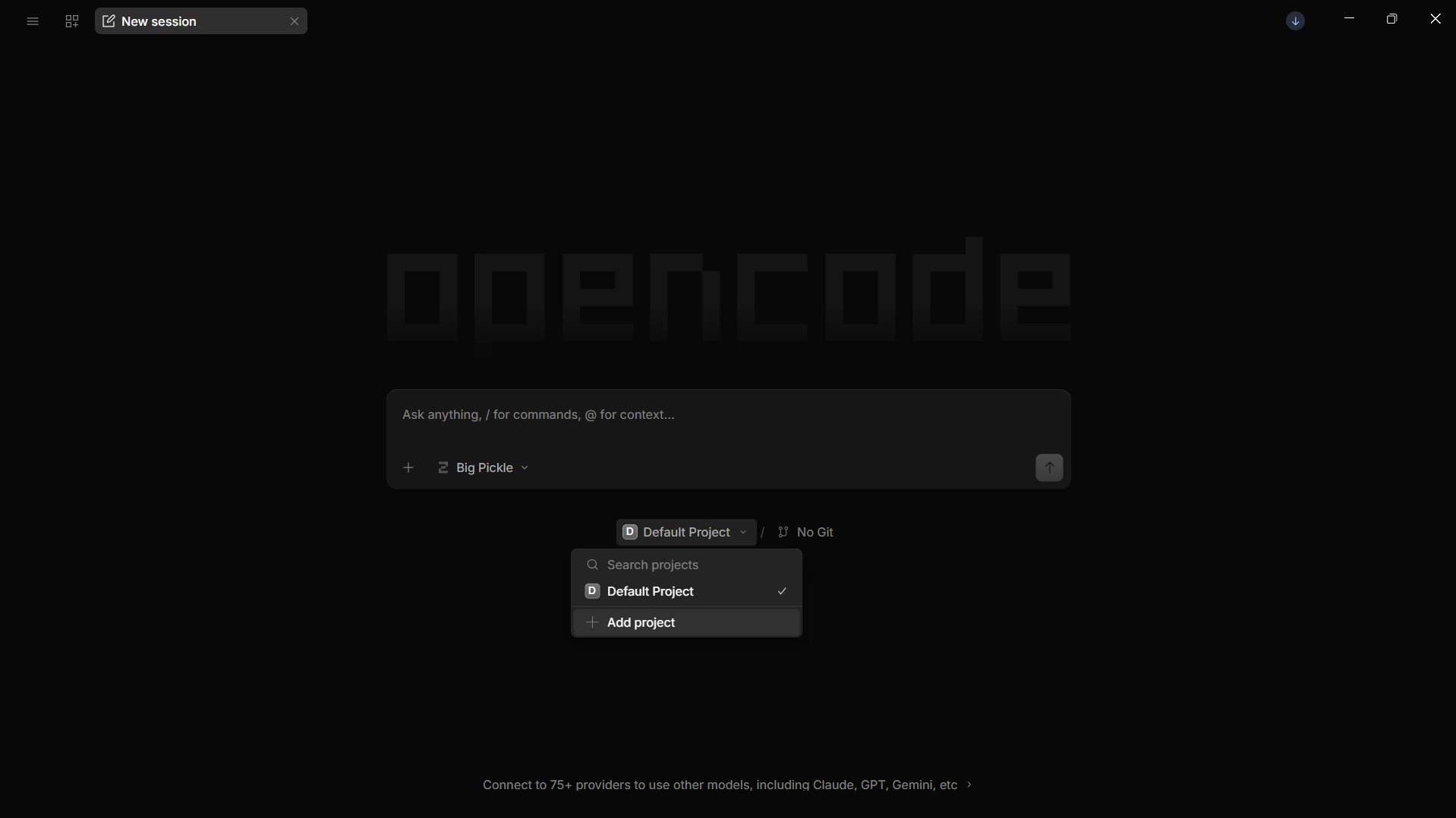
-
Configure an LLM provider so the agent can interpret prompts and call MCP tools. Open the model selector (Ctrl + '), choose a provider such as OpenAI, Anthropic, or Google, and enter your API key
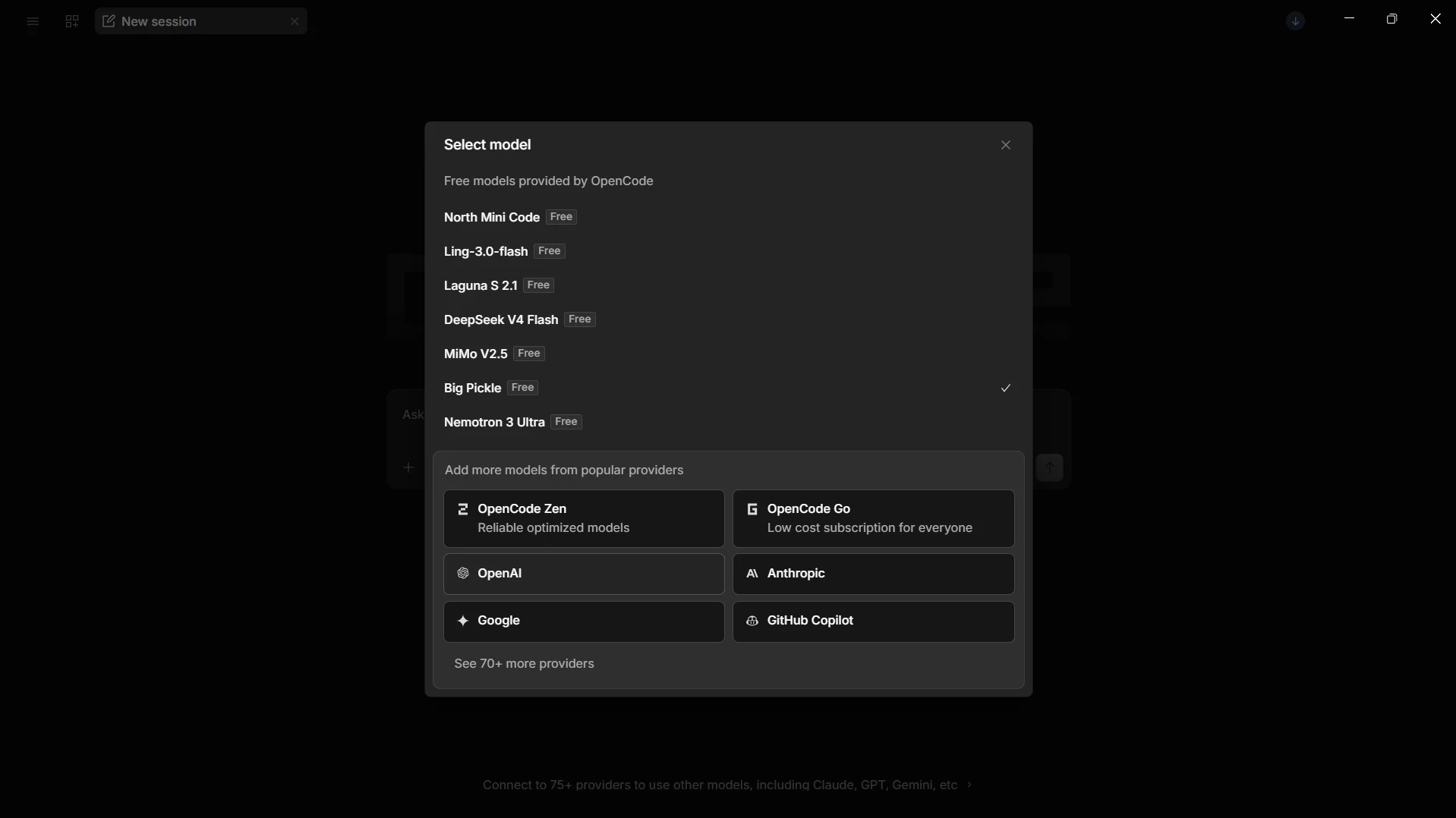
With the MCP server added in opencode.json and an LLM provider configured, OpenCode is ready to query live eBay data through Connect AI.
Step 3: Query live eBay data from OpenCode
With the integration complete, use OpenCode to interact with live eBay data through natural language prompts handled by the configured LLM.
-
In a new session, type a prompt in the chat input, for example:
- Use the cdata-connect-ai tools to list all available catalogs
- Show the available schemas and tables for eBay
- Query the top 5 records from a table in eBay
-
OpenCode calls the Connect AI MCP Server and returns live results from eBay data
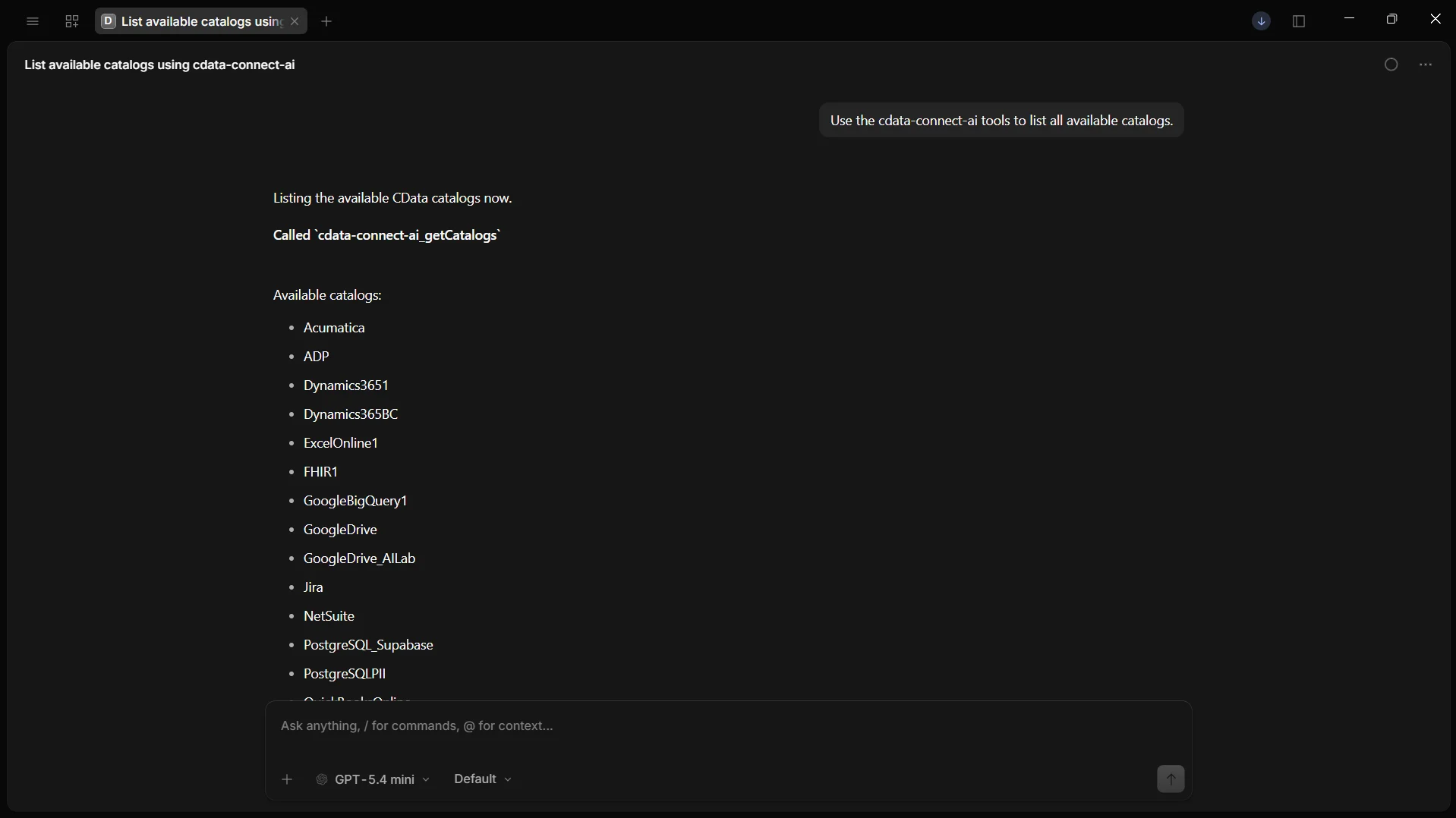
At this point, OpenCode communicates with the Connect AI MCP Server and retrieves live eBay data through remote MCP tools directly from your AI coding agent.
Get CData Connect AI
To access hundreds of SaaS, big data, and NoSQL sources directly from your cloud applications, try CData Connect AI today. Download a free 14-day trial of CData Connect AI, and our Support Team is available to help with any questions you have.