







Use ChatGPT to Talk to Your QuickBooks Data via CData Connect AI

ChatGPT is an AI chatbot developed by OpenAI, launched in November 2022. Based on large language models (LLMs), it enables users to refine and steer conversations through natural language processing. ChatGPT's developer mode, available to Plus and Pro subscribers, provides full Model Context Protocol (MCP) support for connecting to external data sources and tools.
CData Connect AI offers a dedicated cloud-to-cloud interface for connecting to QuickBooks data. The CData Connect AI Remote MCP Server enables secure communication between ChatGPT and QuickBooks. This allows you to ask questions and take actions on your QuickBooks data using ChatGPT, all without the need for data replication to a natively supported database. With its inherent optimized data processing capabilities, CData Connect AI efficiently channels all supported SQL operations, including filters and JOINs, directly to QuickBooks. This leverages server-side processing to swiftly deliver the requested QuickBooks data.
About QuickBooks Data Integration
CData simplifies access and integration of live QuickBooks data. Our customers leverage CData connectivity to:
- Access both local and remote company files.
- Connect across editions and regions: QuickBooks Premier, Professional, Enterprise, and Simple Start edition 2002+, as well as Canada, New Zealand, Australia, and UK editions from 2003+.
- Use SQL stored procedures to perform actions like voiding or clearing transactions, merging lists, searching entities, and more.
Customers regularly integrate their QuickBooks data with preferred tools, like Power BI, Tableau, or Excel, and integrate QuickBooks data into their database or data warehouse.
Getting Started
Step 1: Configure QuickBooks Connectivity for ChatGPT
Connectivity to QuickBooks from ChatGPT is made possible through CData Connect AI Remote MCP. To interact with QuickBooks data from ChatGPT, we start by creating and configuring a QuickBooks connection in CData Connect AI.
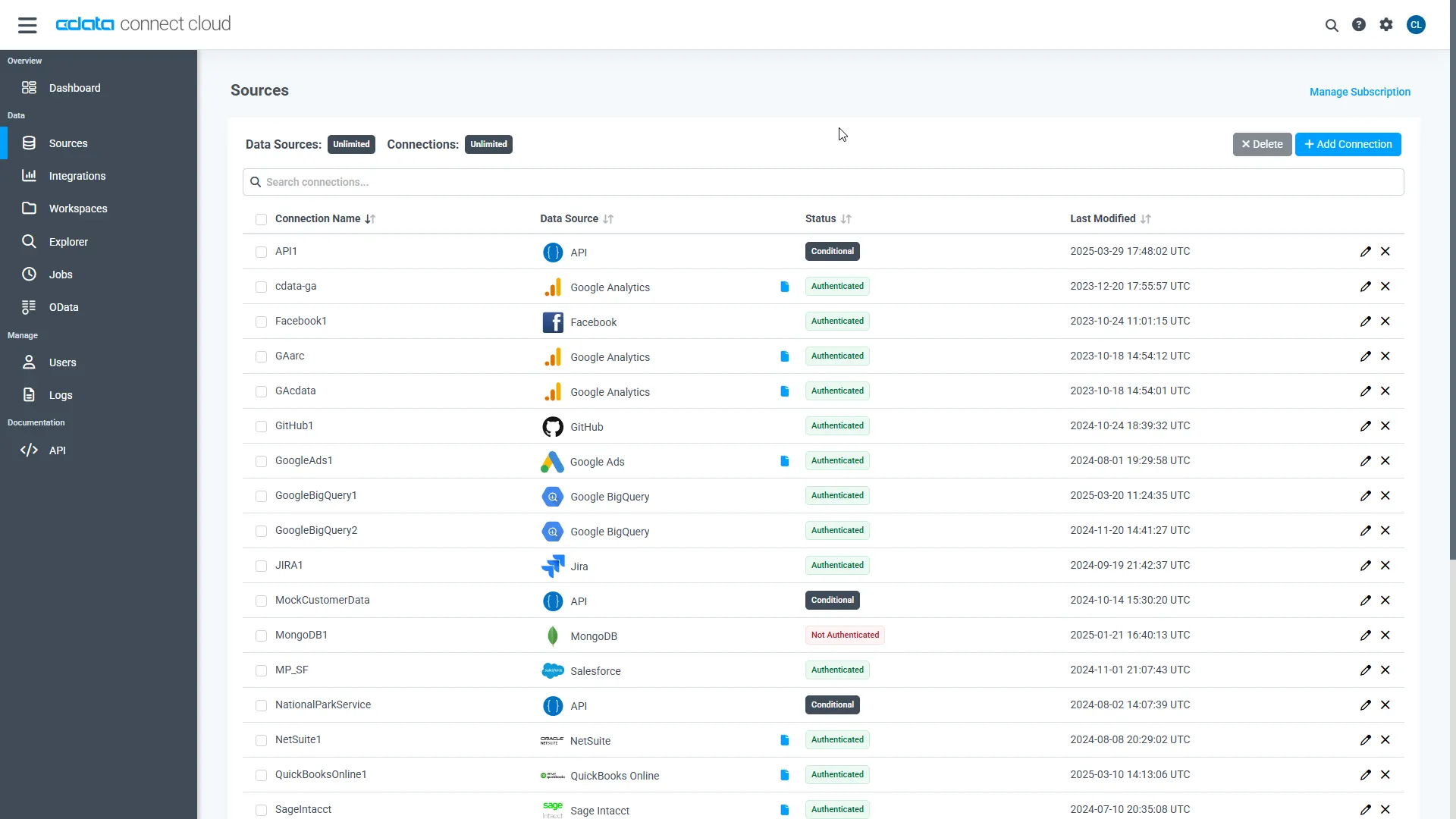
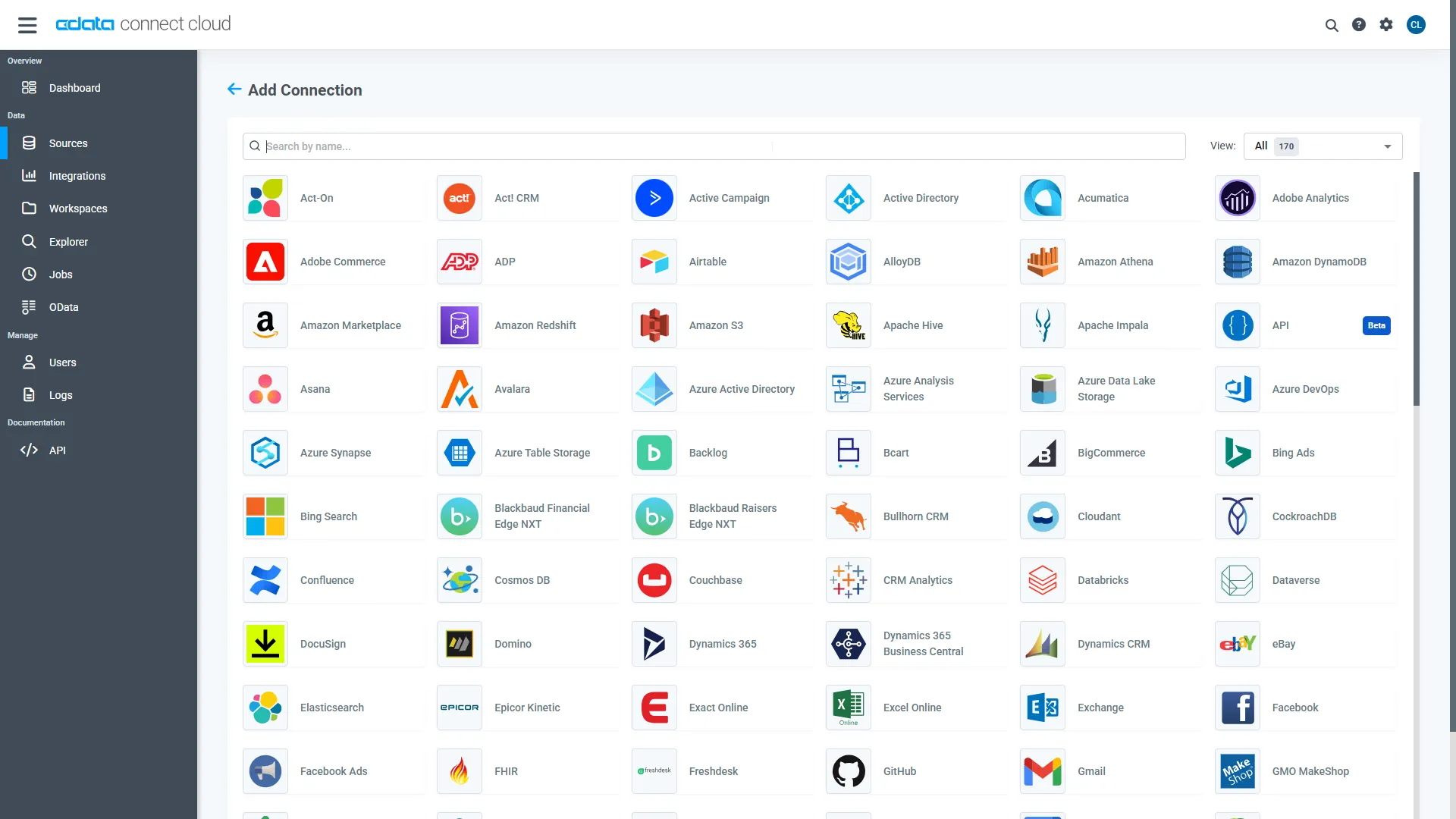
- Log into your Connect AI account, click Sources, and then click Add Connection.
- Select "QuickBooks" from the Add Connection panel.
-
Enter the necessary authentication properties to connect to QuickBooks.
QuickBooks runs on-premises, so Connect AI requires the Connect Gateway to reach it. Install and start the gateway on the same machine (or network) as QuickBooks, then set the URL connection property to the Remote Connector address (e.g., http://remotehost:8166) and enter your User and Password.
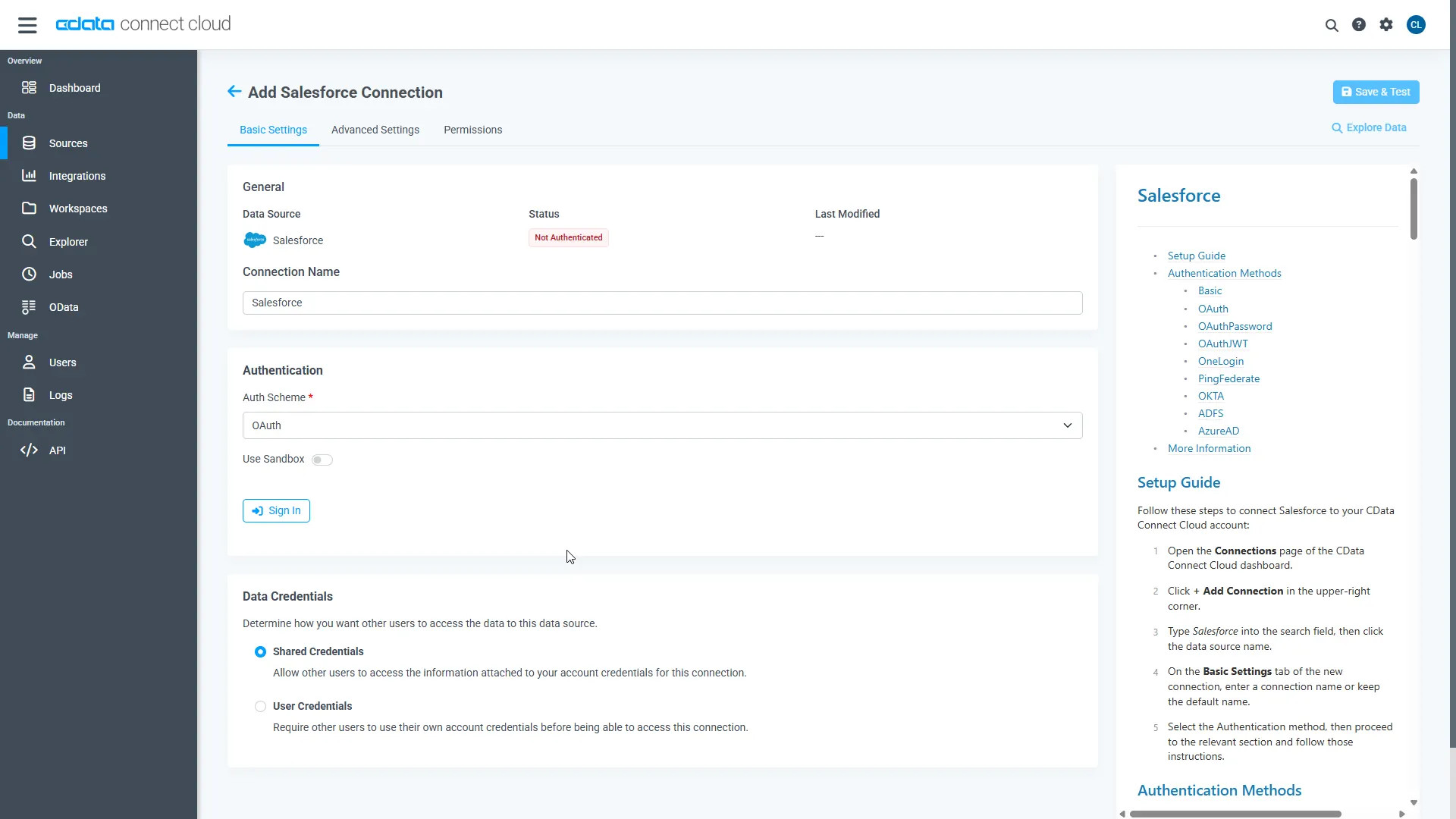
- Click Save & Test
With the connection configured, we are ready to connect to QuickBooks data from ChatGPT.
Step 2: Connect ChatGPT to CData Connect AI
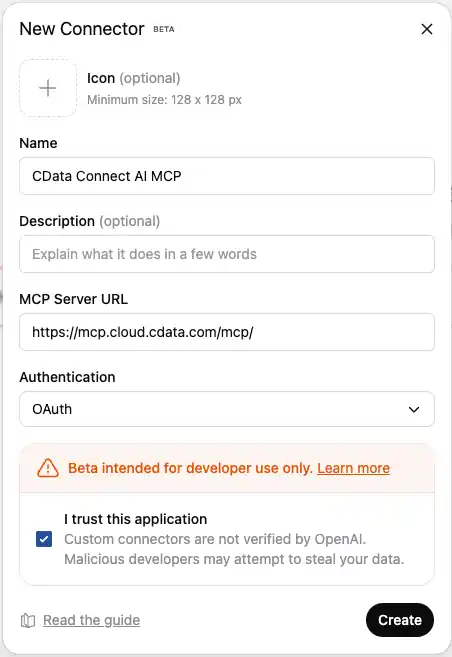
Follow these steps to add a CData Connect AI connection in ChatGPT:
- Sign in to ChatGPT with a Plus or Pro subscription.
- Navigate to Apps from the left panel.
- Select the CData Connect AI app from the list. .
- Click Connect to authenticate to your Connect AI account.
- Click Sign in with CData Connect AI to add Connect AI to your ChatGPT account.
- After successful authorization, you will be redirected back to ChatGPT.
- Click Start Chat to start a new conversation in ChatGPT with Connect AI connected at the background.
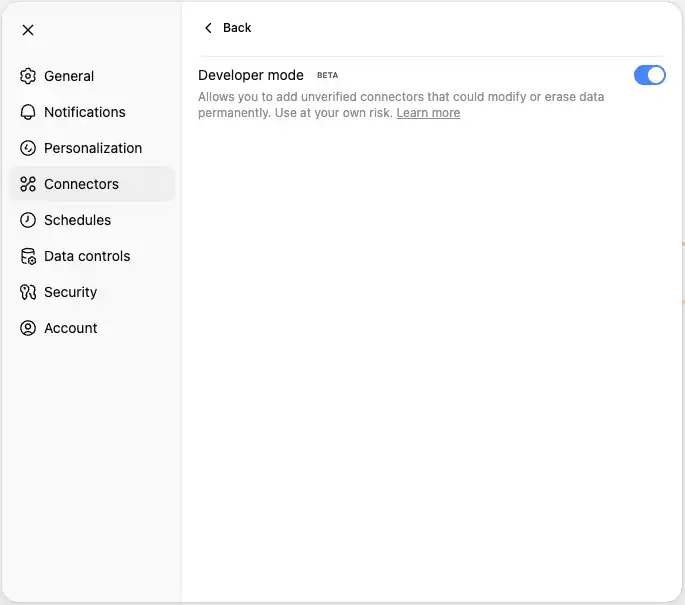


Step 3: Explore Live QuickBooks Data with ChatGPT
- Start a new conversation in ChatGPT.
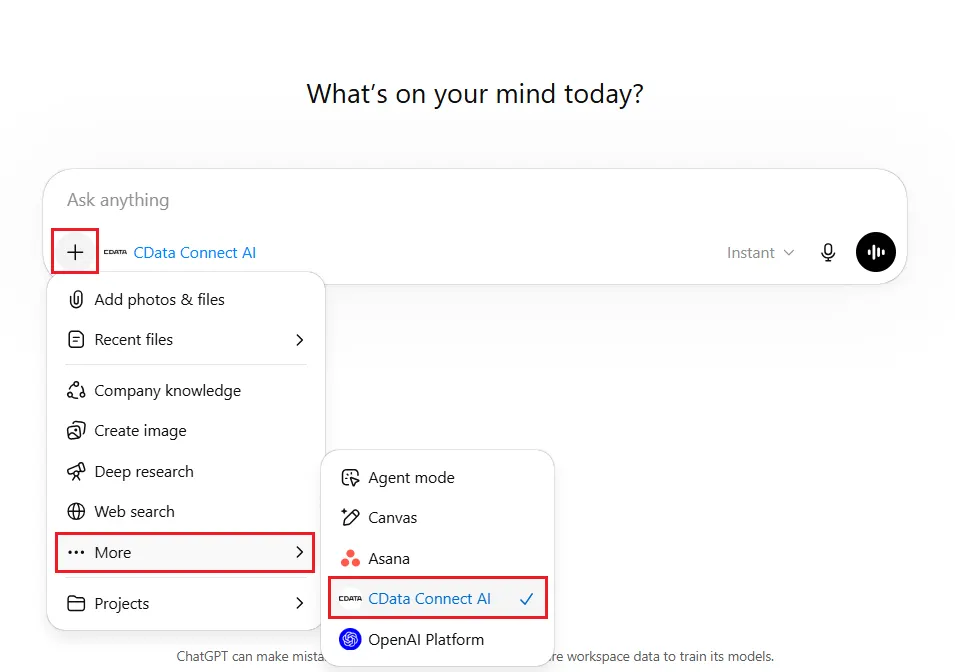
- Connect AI should ideally be automatically enabled in the chat. If not, navigate to -> More -> CData Connect AI, under the chatbox, to enable the connector from the dropdown
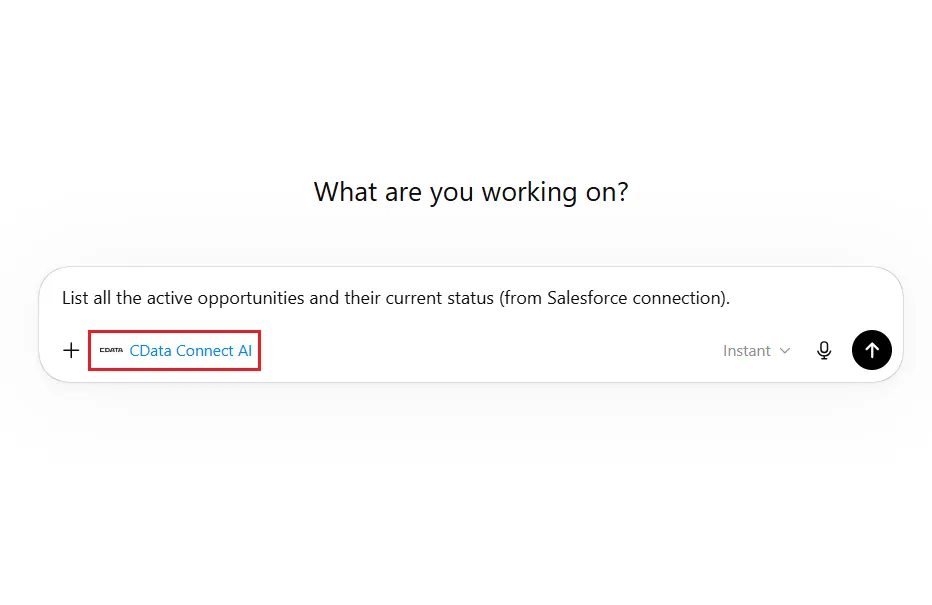
- You can now start exploring your data with natural language prompts. ChatGPT will use the Connect AI MCP server to query your live QuickBooks data. Example prompts:
- "Show me all customers from the last 30 days"
- "What are my top performing products?"
- "Analyze sales trends for this quarter"
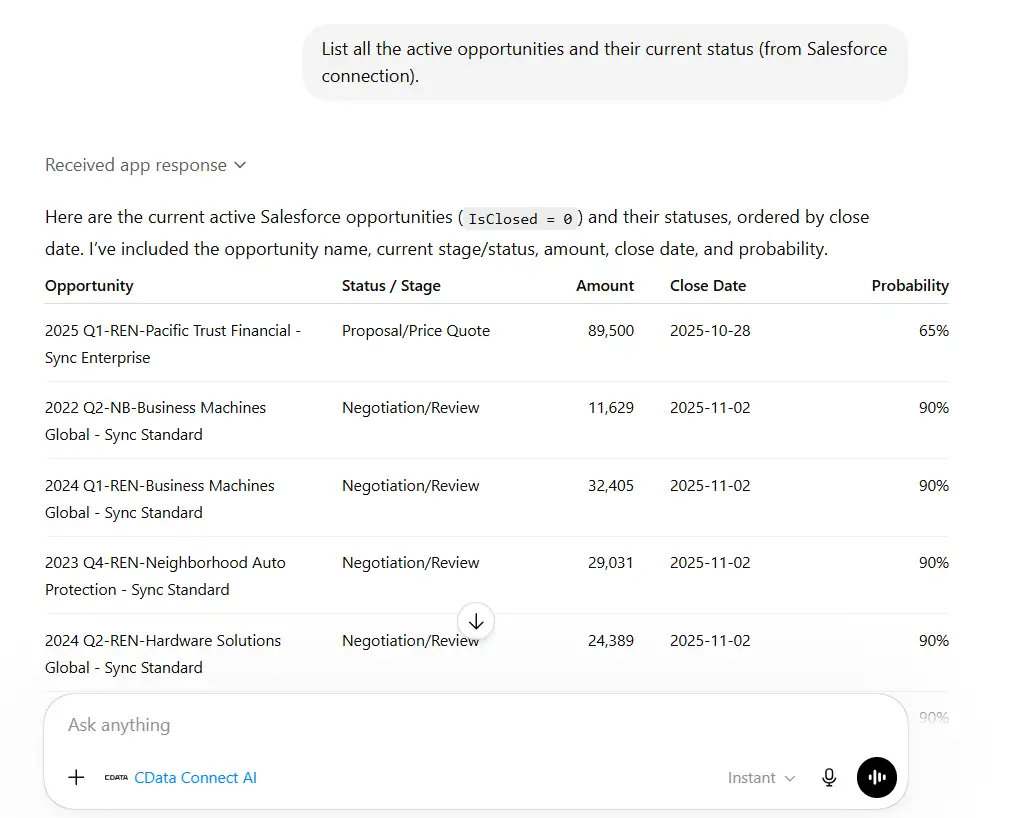
- "List all active projects and their current status"
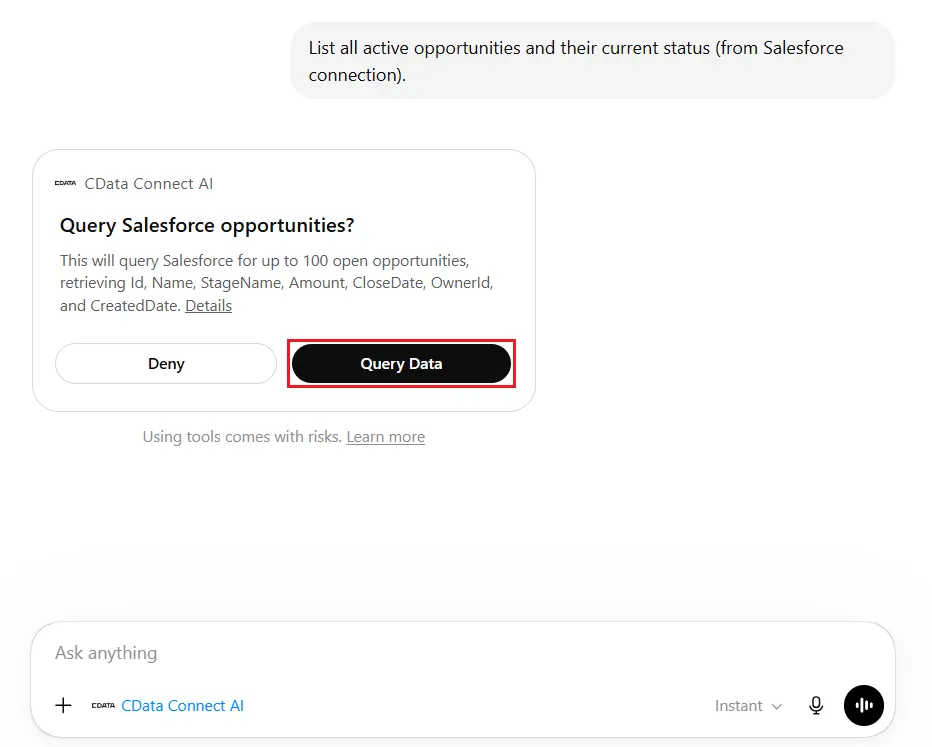
- Permit ChatGPT to access your QuickBooks data. Click Query Data to continue, or Deny to refuse.
- ChatGPT translates your natural language queries into SQL and execute them against your QuickBooks data through the Connect AI MCP server.
Get CData Connect AI
To get live data access to hundreds of SaaS, Big Data, and NoSQL sources directly from your cloud applications, try CData Connect AI today!