








How to connect Amazon QuickSight to Salesloft Data

Amazon QuickSight allows users to build interactive dashboards in the cloud. When paired with CData Connect AI, you get cloud-to-cloud access to Salesloft data for visualizations, dashboards, and more. This article shows how to connect to Salesloft in Connect AI and build dashboards in Amazon QuickSight with access to Salesloft data.
CData Connect AI provides a pure cloud-to-cloud interface for Salesloft, allowing you to allowing build visualizations from Salesloft data in Amazon QuickSight. By importing your Salesloft data into the Amazon QuickSight "Super-fast, Parallel, In-memory Calculation Engine" (SPICE), you can leverage the powerful data processing features of the Amazon ecosystem to build responsive dashboards. And with the ability to schedule refreshes of the data stored in SPICE, you control how up-to-date your dashboards are.
Configure Salesloft Connectivity for Amazon QuickSight
Connectivity to Salesloft from Amazon QuickSight is made possible through CData Connect AI. To work with Salesloft data from Amazon QuickSight, we start by creating and configuring a Salesloft connection.
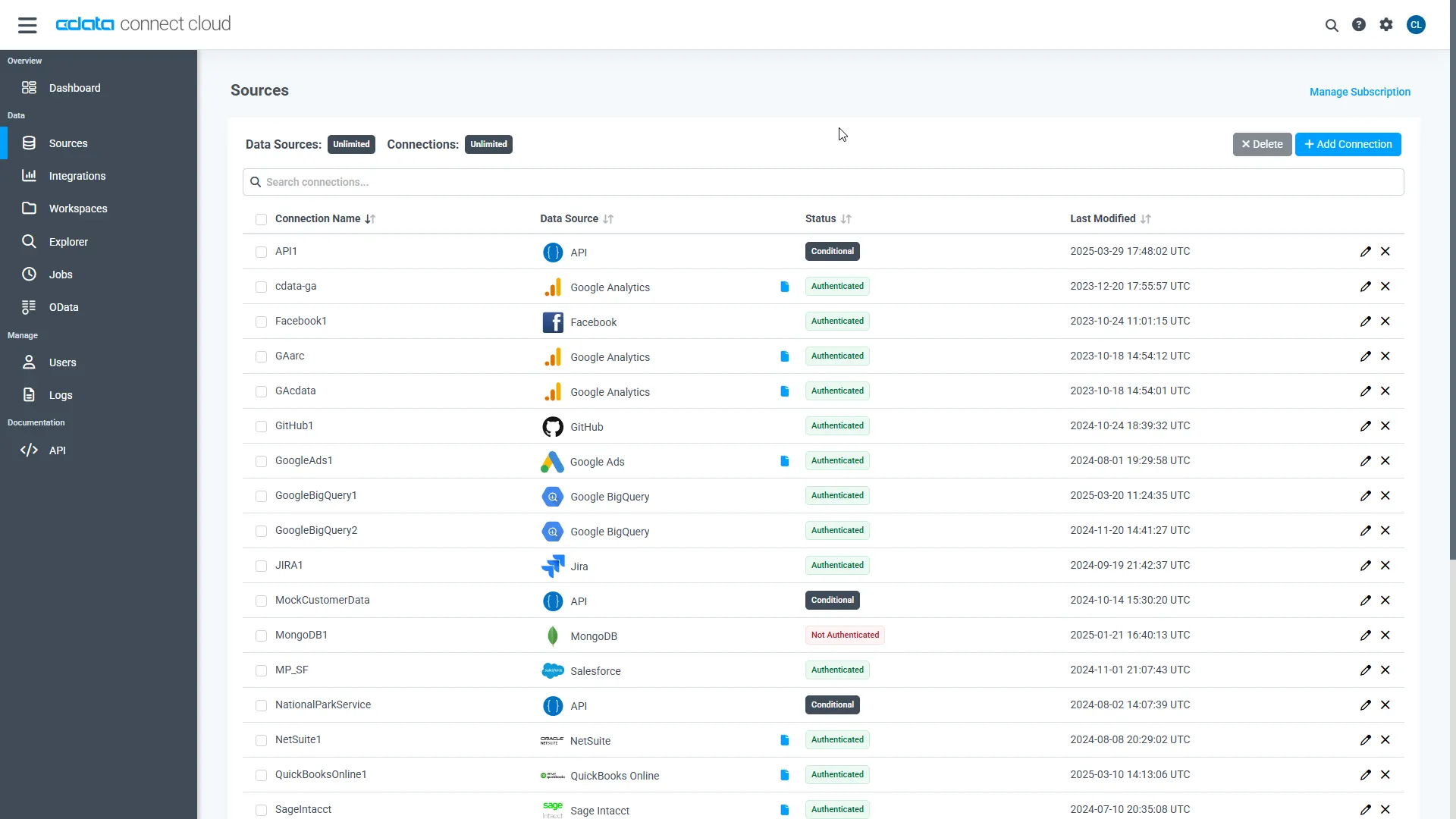
- Log into Connect AI, click Sources, and then click Add Connection
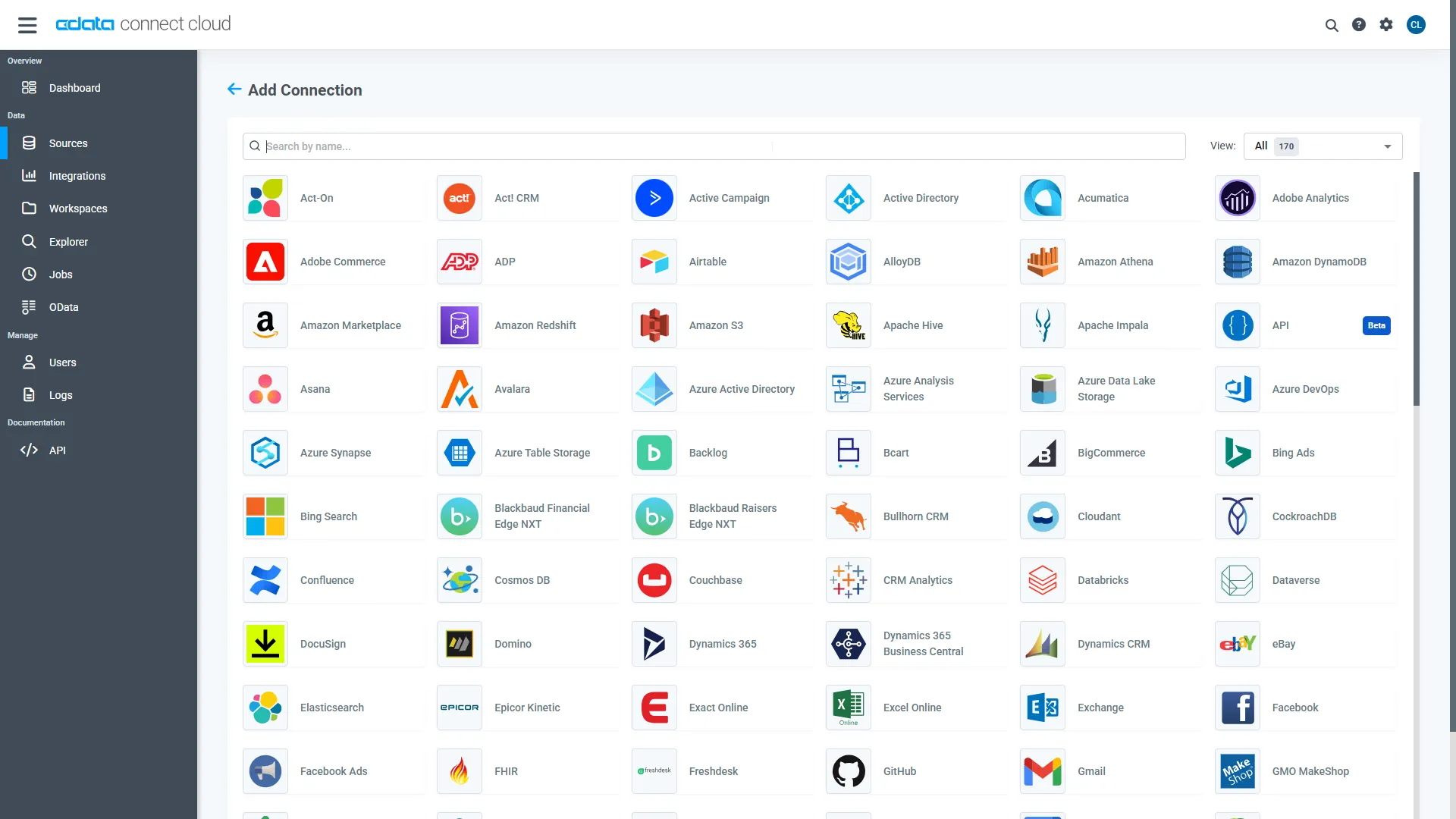
- Select "Salesloft" from the Add Connection panel
-
Enter the necessary authentication properties to connect to Salesloft.
SalesLoft authenticates using the OAuth authentication standard or an API Key. OAuth requires the authenticating user to interact with SalesLoft using the browser.
Using OAuth
For OAuth authentication, create an OAuth app to obtain the OAuthClientId, OAuthClientSecret, and CallbackURL connection properties. See the OAuth section in the Help documentation for an authentication guide.Using APIKey
Alternatively, you can authenticate with an APIKey. Provision an API key from the SalesLoft user interface: https://accounts.salesloft.com/oauth/applications/. You will receive a Key which will be used when issuing requests.
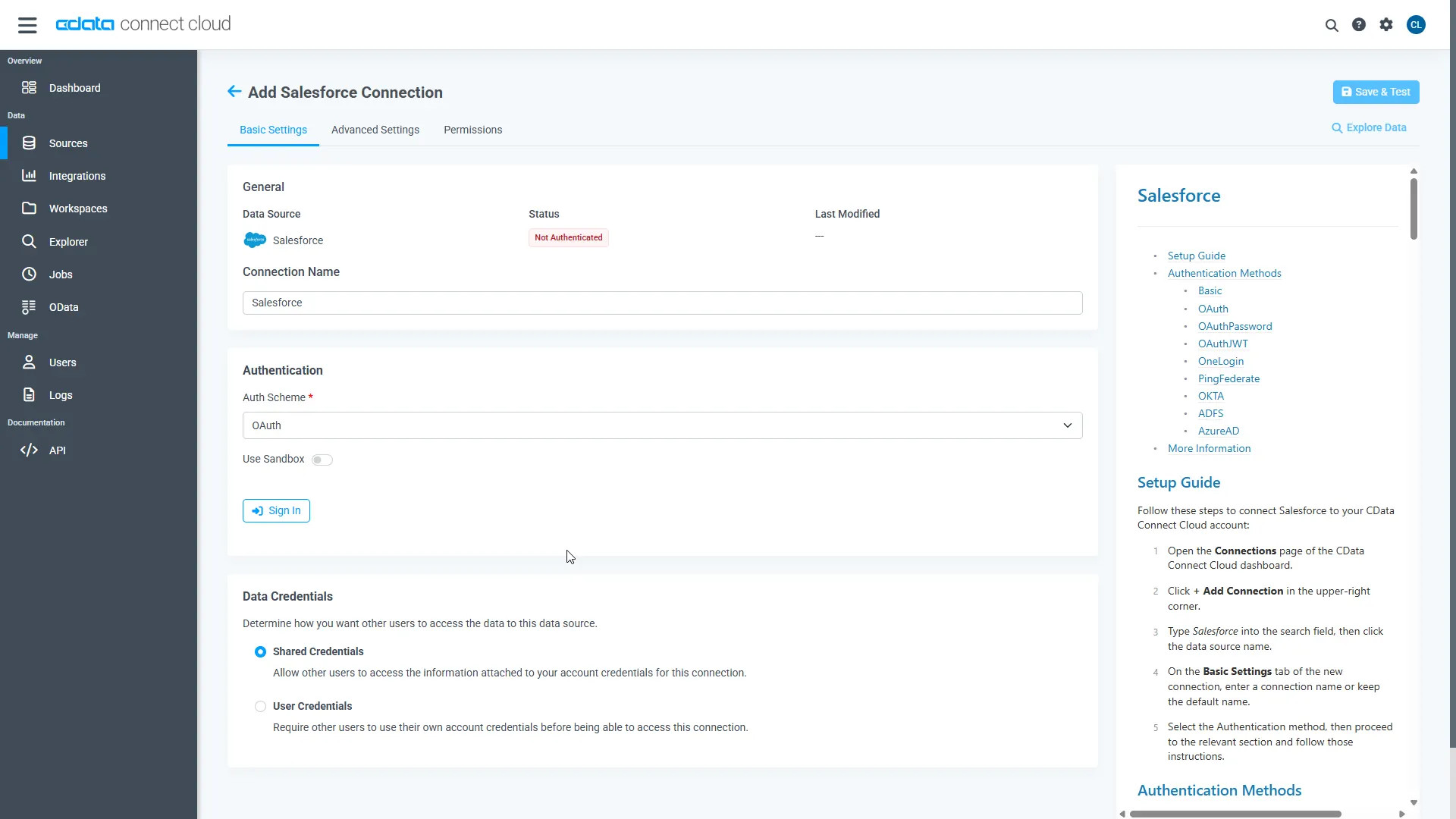
- Click Save & Test
-
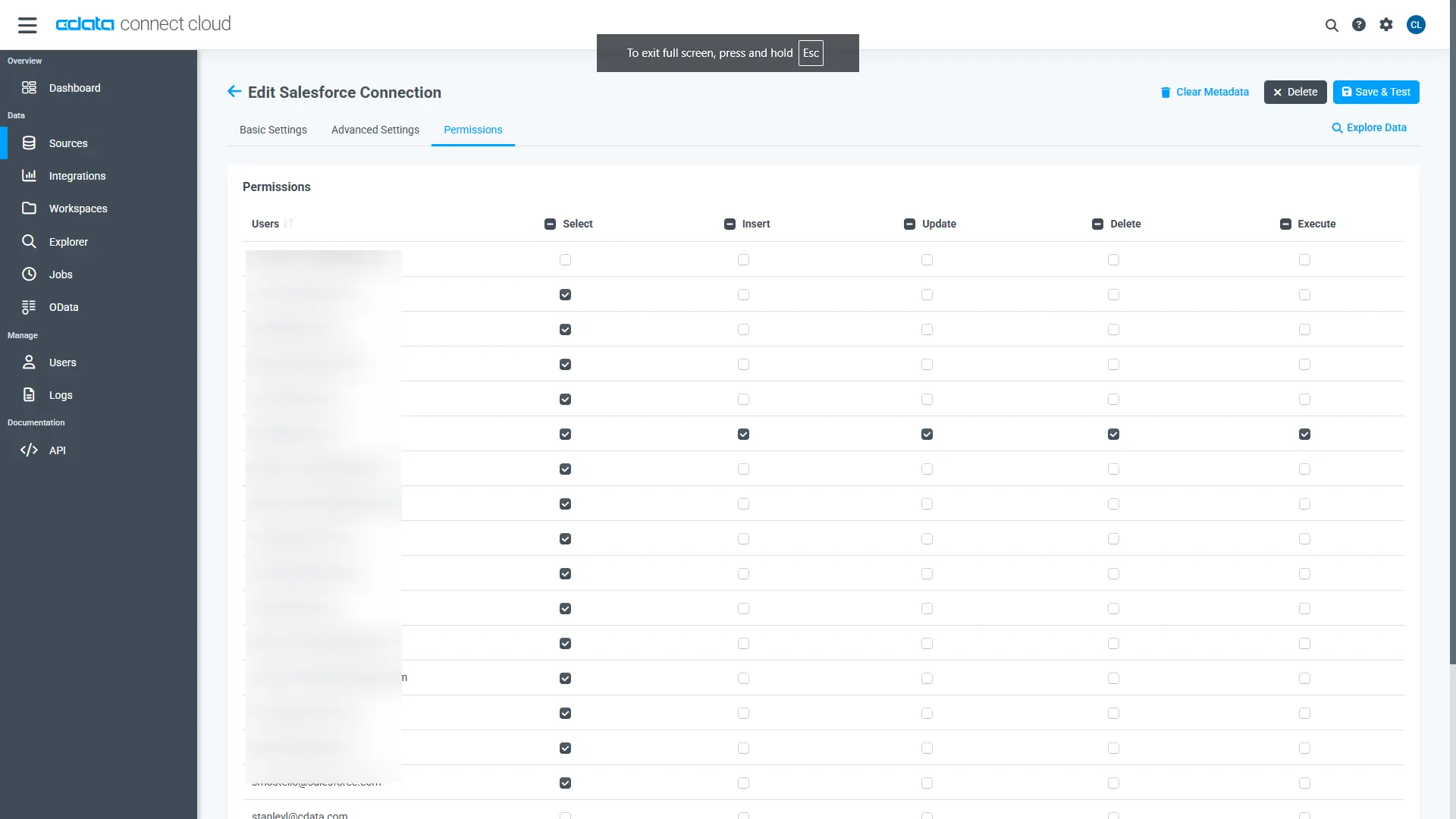
Navigate to the Permissions tab in the Add Salesloft Connection page and update the User-based permissions.
Add a Personal Access Token
When connecting to Connect AI through the REST API, the OData API, or the Virtual SQL Server, a Personal Access Token (PAT) is used to authenticate the connection to Connect AI. It is best practice to create a separate PAT for each service to maintain granularity of access.
- Click on the Gear icon () at the top right of the Connect AI app to open the settings page.
- On the Settings page, go to the Access Tokens section and click Create PAT.
-
Give the PAT a name and click Create.
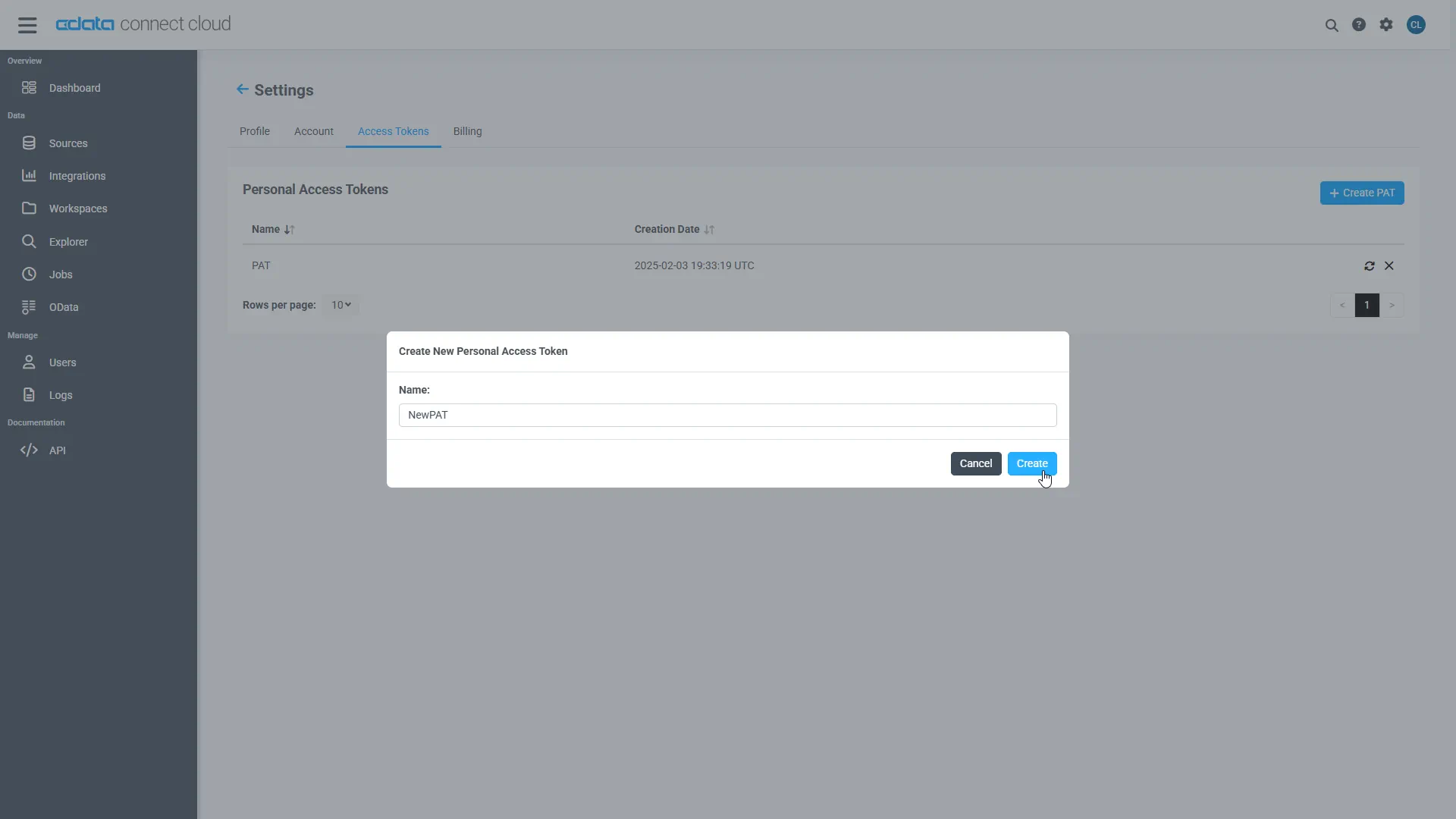
- The personal access token is only visible at creation, so be sure to copy it and store it securely for future use.
With the connection configured and a PAT generated, you are ready to connect to Salesloft data from Amazon QuickSight.
Import Salesloft Data into SPICE and Create Interactive Dashboards
The steps below outline creating a new data set based on the connection to Salesloft in Connect AI, importing the dataset into SPICE, and building a simple visualization from the data.
- Log into Amazon QuickSight and click "Manage data."
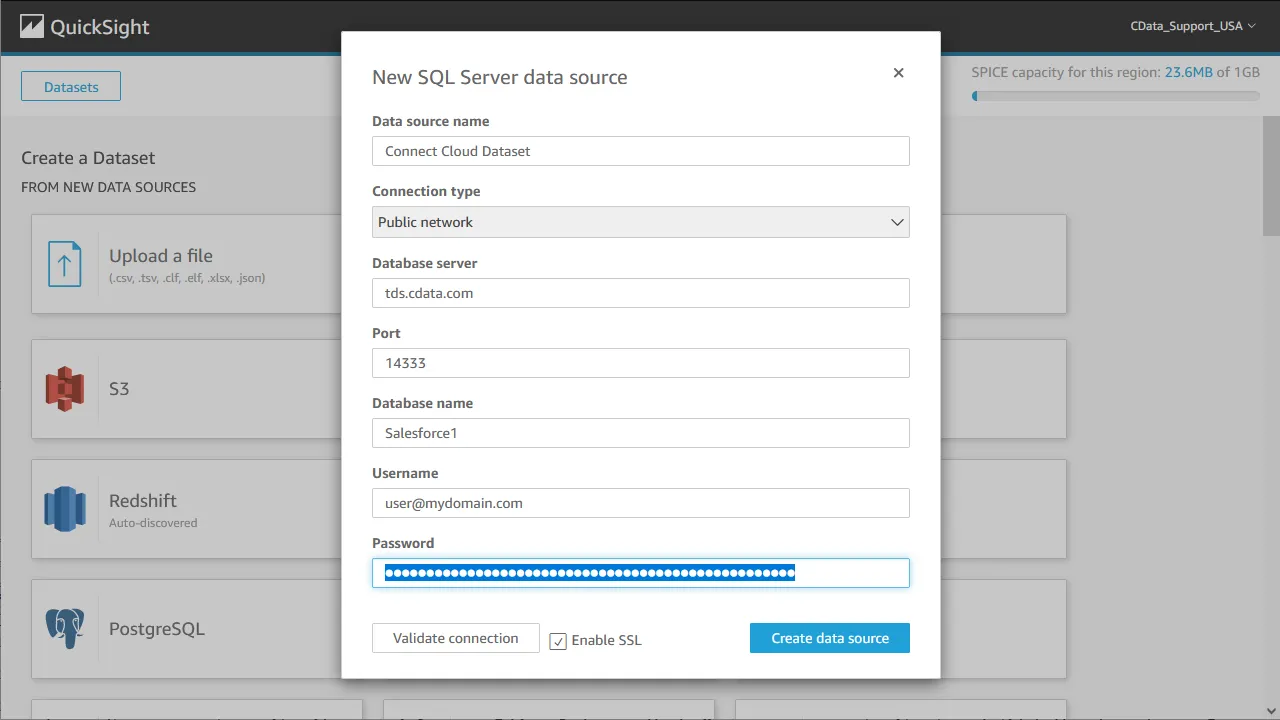
- Click "Now data set," select SQL Server as the data source, configure the connection to your Connect AI instance, and click "Create data source."
- Select a table to visualize (or subait a custom SQL query for your data).
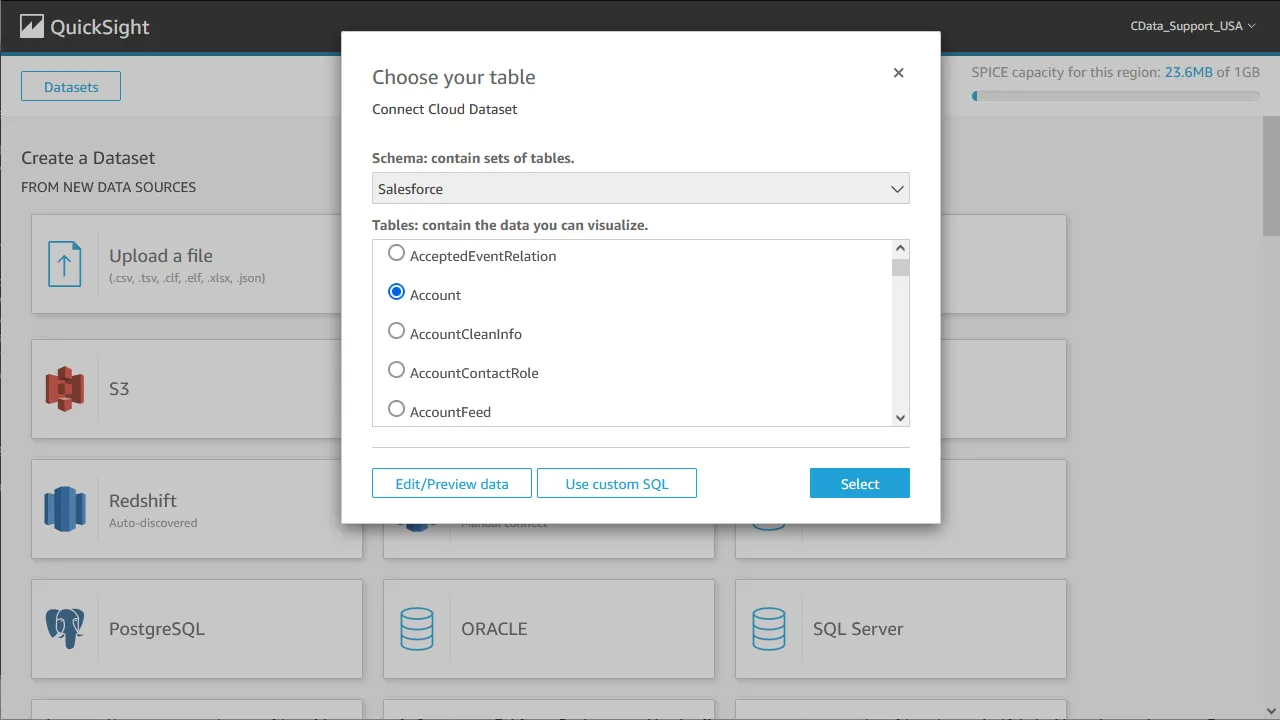
- Click "Edit/Preview data" to customize the data set.
- Select "Import to SPICE for quicker analytics" and click "Visualize."
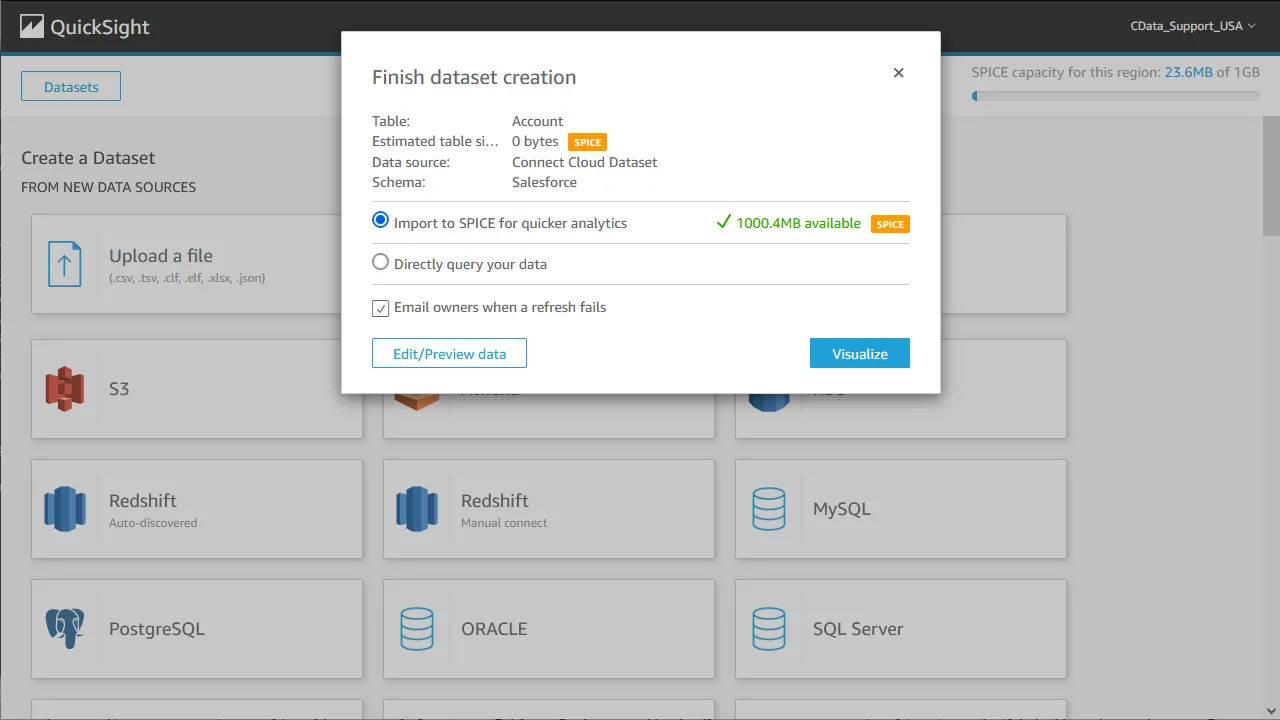
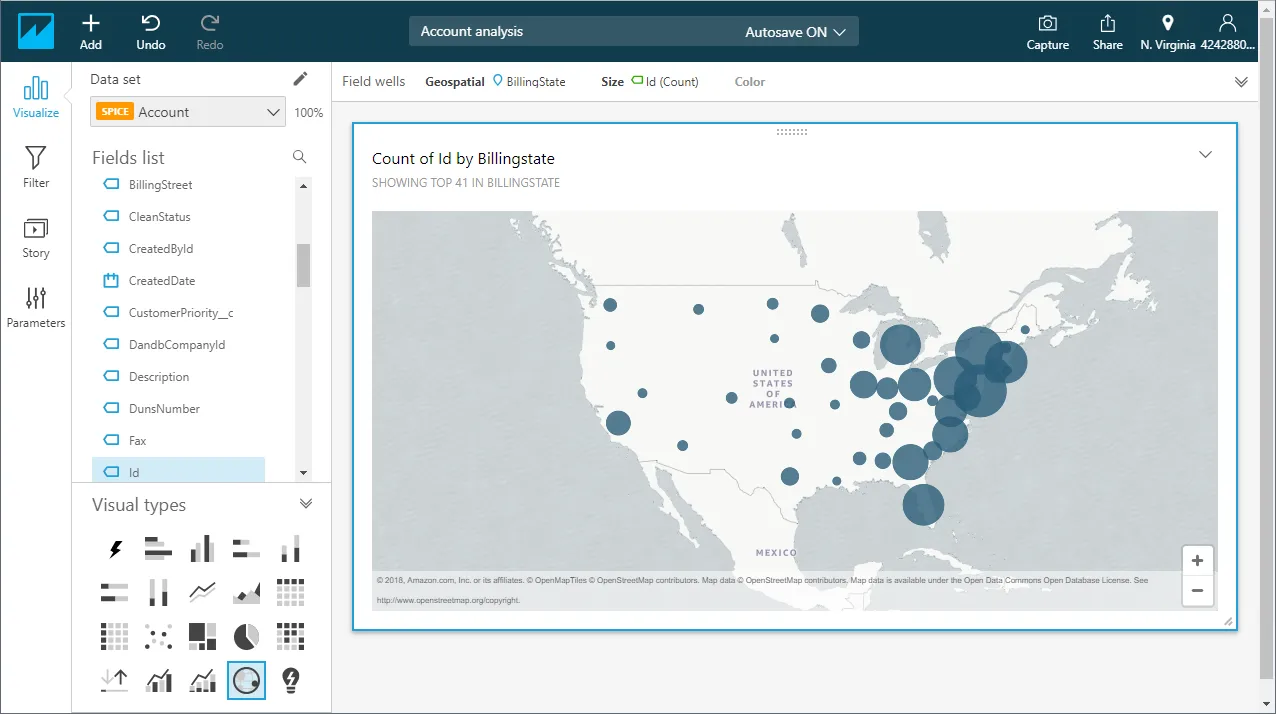
- Select fields to visualize and a visual type.
Schedule Refreshes for SPICE Data Sets
QuickSight users can schedule refreshes for data sets that are imported into SPICE, ensuring that data being analyzed is only as old as the most recent refresh.
- Navigate to the QuickSight home page.
- Click "Manage data."
- Select the data set you wish to refresh.
- Click "Schedule refresh."
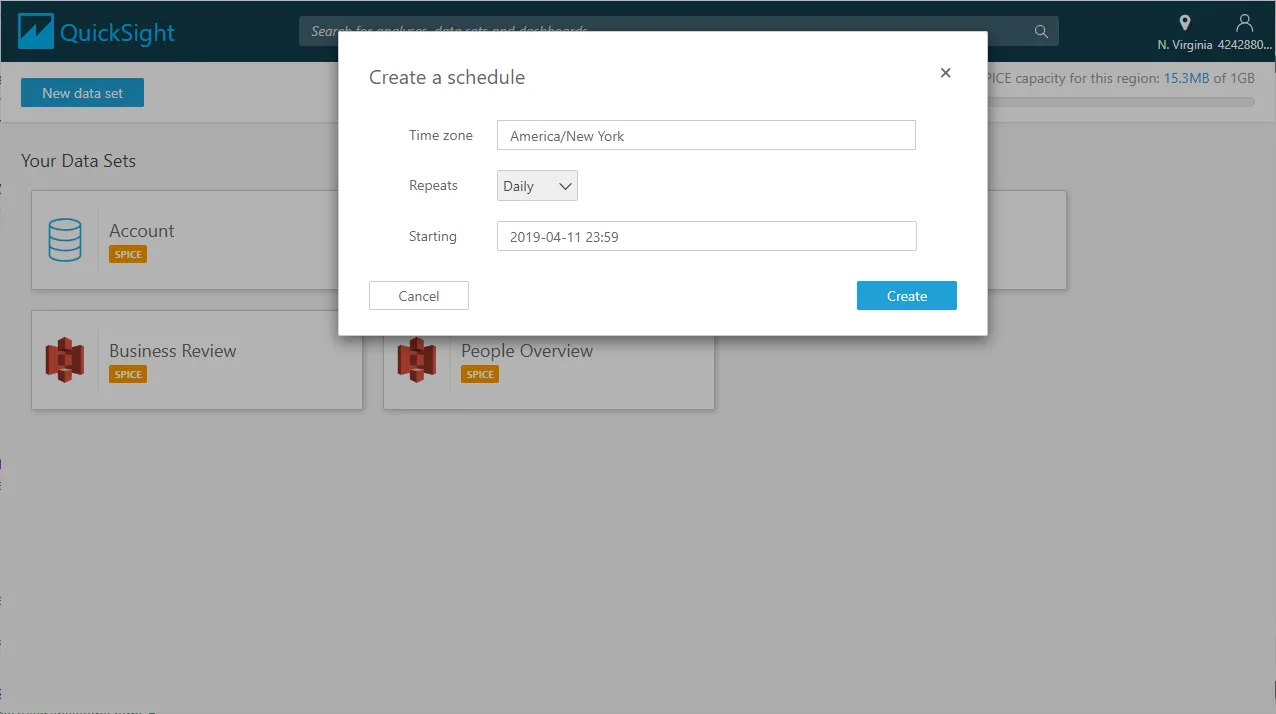
- Click Create, configure the refresh settings (time zone, repeat frequency, and starting datetime), and click Create.
Live Access to Salesloft Data from Cloud Applications
At this point, you have a direct, cloud-to-cloud connection to Salesloft data from your Amazon QuickSight dashboard. You can create new visualizations, build interactive dashboards, and more. For more information on gaining live access to data from more than 100 SaaS, Big Data, and NoSQL sources from cloud applications like Amazon QuickSight, refer to our Connect AI page.