








Build Salesloft-Connected Dashboards Using Zoho Analytics

Zoho Analytics is a modern BI and Analytics platform that allows you to connect and analyze your data, while also creating visualizations and dashboards to discover hidden insights. When paired with CData Connect AI, Zoho Analytics provides instant, cloud-to-cloud access to Salesloft data for reporting and analytics. This article demonstrates how to connect to Salesloft using Connect AI and analyze Salesloft data by creating dashboards in Zoho Analytics.
CData Connect AI provides a pure cloud-to-cloud interface for Salesloft, allowing you to analyze Salesloft data in Zoho Analytics — without replicating the data to a natively supported database. Using optimized data processing out of the box, CData Connect AI pushes all supported SQL operations (filters, JOINs, etc.) directly to Salesloft, leveraging server-side processing to return the requested Salesloft data quickly.
Configure Salesloft Connectivity for Zoho Analytics
Connectivity to Salesloft from Zoho Analytics is made possible through CData Connect AI. To work with Salesloft data from Zoho Analytics, we start by creating and configuring a Salesloft connection.
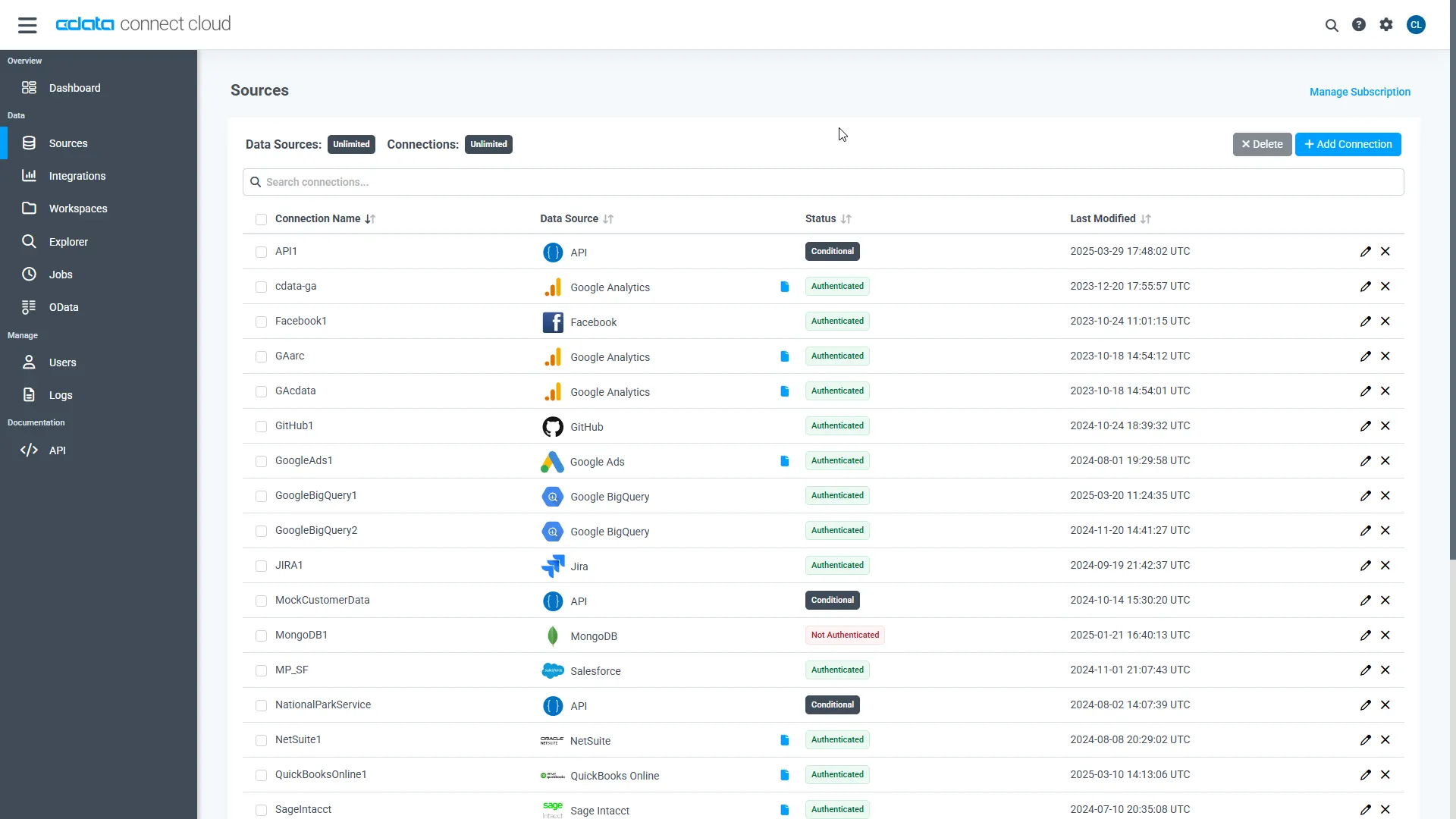
- Log into Connect AI, click Sources, and then click Add Connection
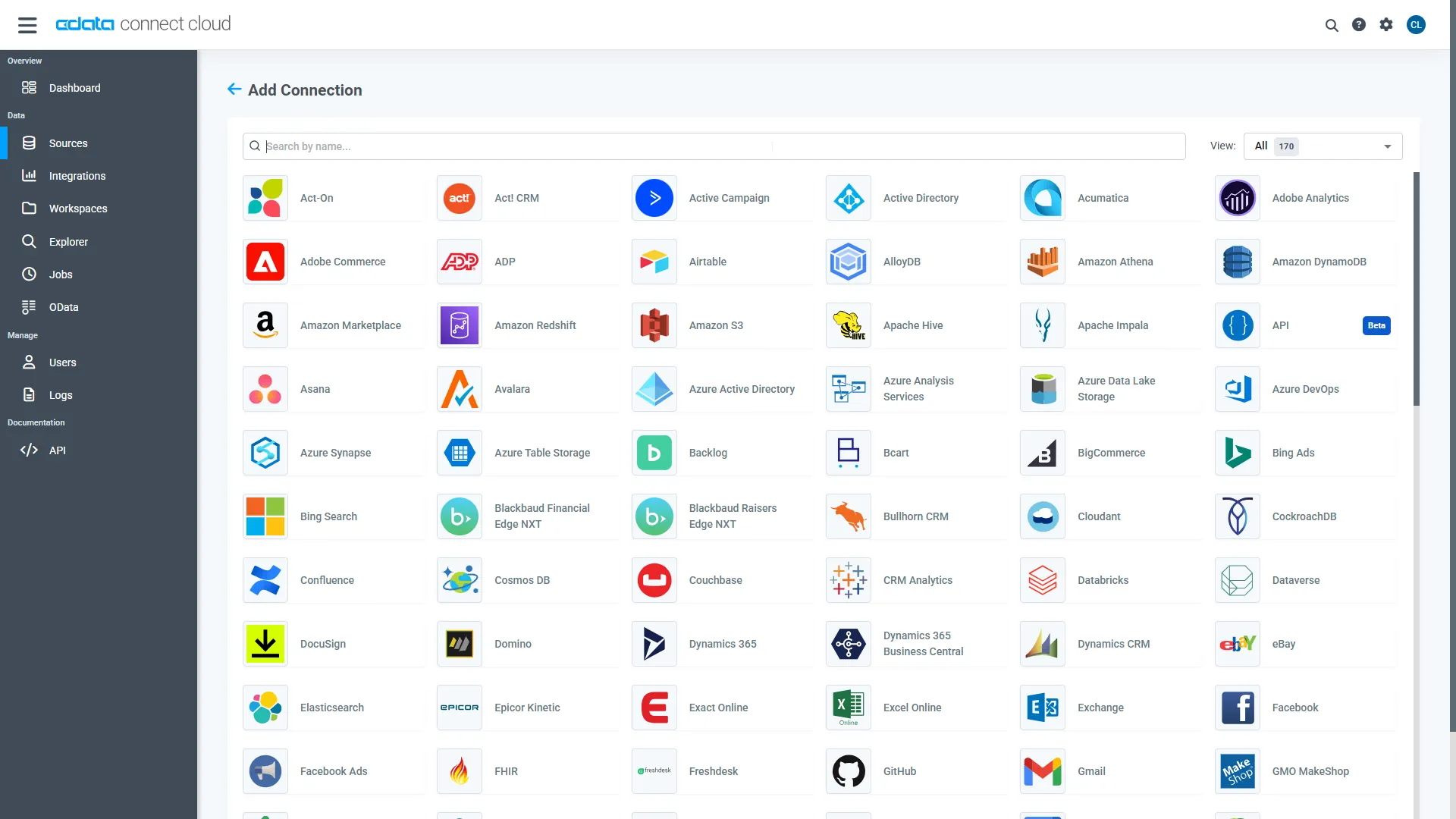
- Select "Salesloft" from the Add Connection panel
-
Enter the necessary authentication properties to connect to Salesloft.
SalesLoft authenticates using the OAuth authentication standard or an API Key. OAuth requires the authenticating user to interact with SalesLoft using the browser.
Using OAuth
For OAuth authentication, create an OAuth app to obtain the OAuthClientId, OAuthClientSecret, and CallbackURL connection properties. See the OAuth section in the Help documentation for an authentication guide.Using APIKey
Alternatively, you can authenticate with an APIKey. Provision an API key from the SalesLoft user interface: https://accounts.salesloft.com/oauth/applications/. You will receive a Key which will be used when issuing requests.
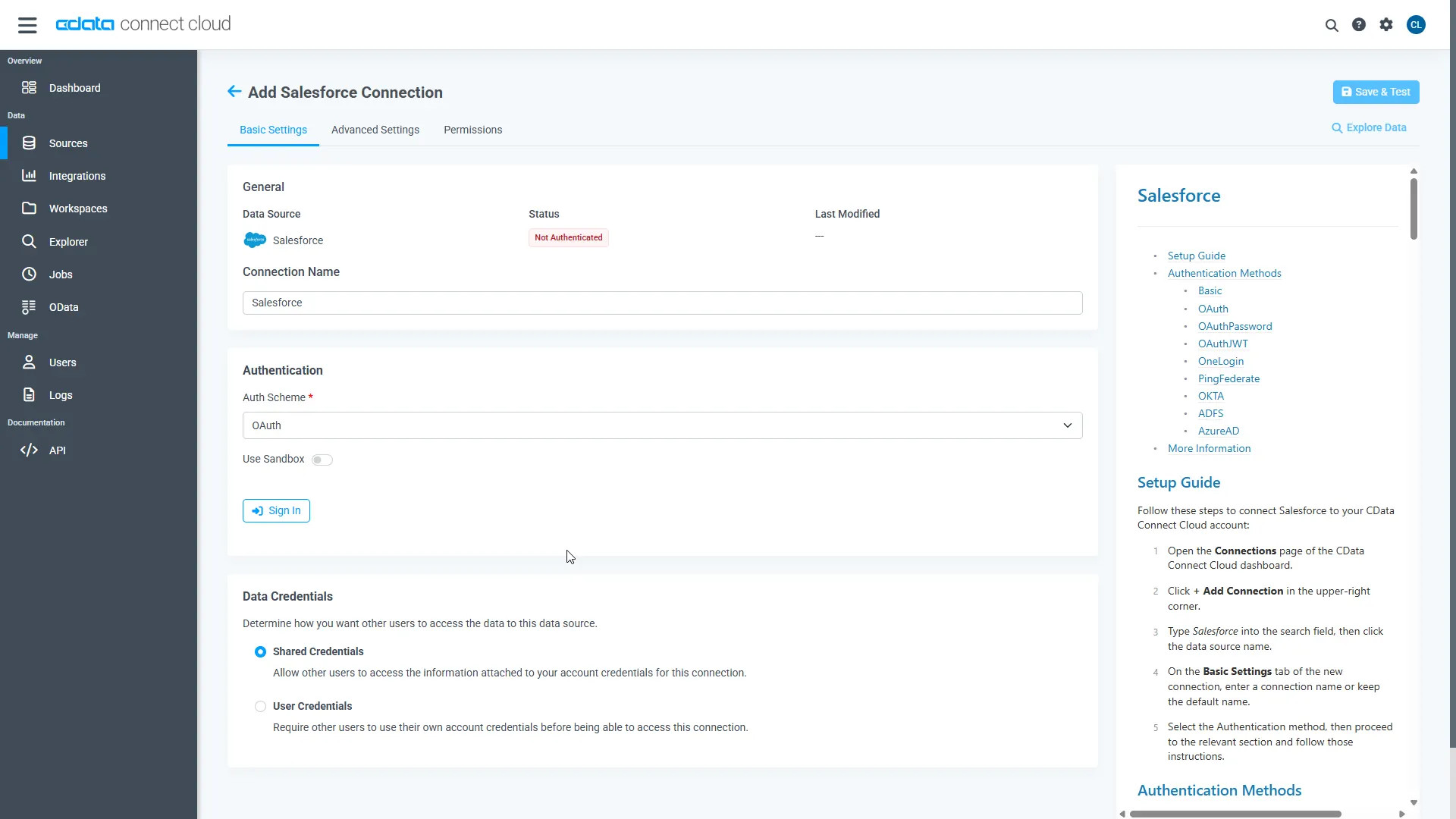
- Click Save & Test
-
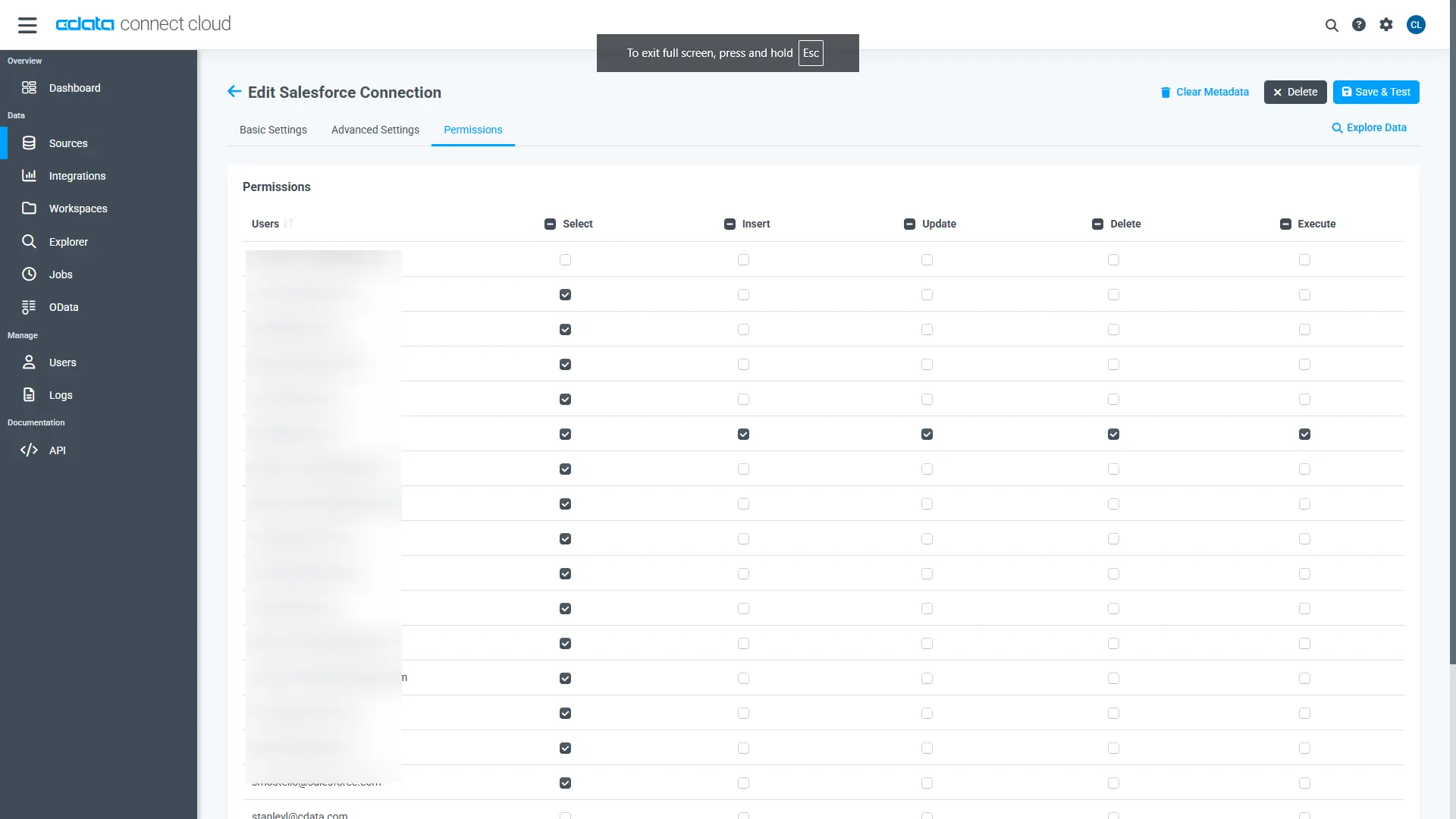
Navigate to the Permissions tab in the Add Salesloft Connection page and update the User-based permissions.
Add a Personal Access Token
When connecting to Connect AI through the REST API, the OData API, or the Virtual SQL Server, a Personal Access Token (PAT) is used to authenticate the connection to Connect AI. It is best practice to create a separate PAT for each service to maintain granularity of access.
- Click on the Gear icon () at the top right of the Connect AI app to open the settings page.
- On the Settings page, go to the Access Tokens section and click Create PAT.
-
Give the PAT a name and click Create.
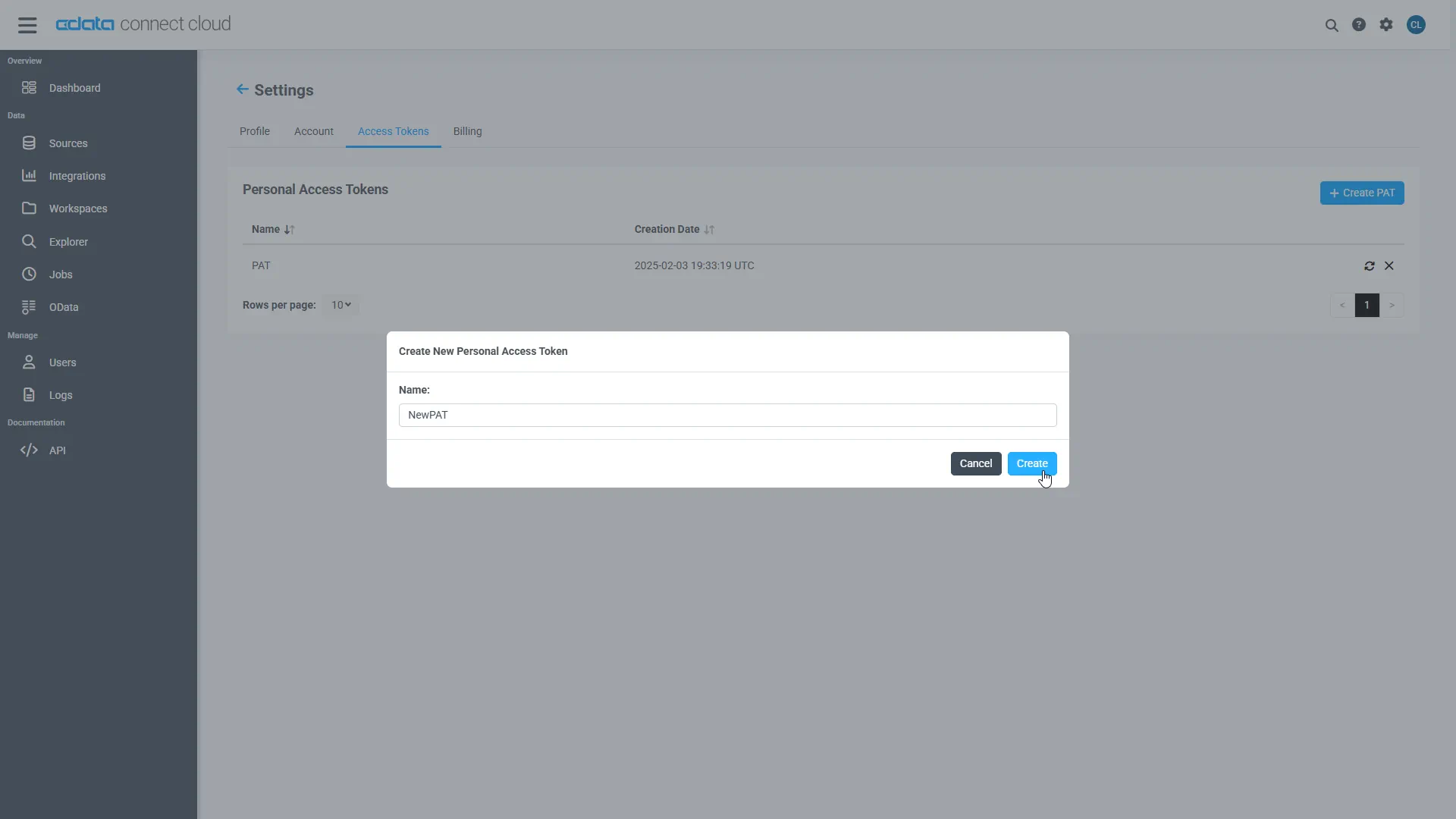
- The personal access token is only visible at creation, so be sure to copy it and store it securely for future use.
With the connection configured and a PAT generated, you are ready to connect to Salesloft data from Zoho Analytics.
Connect to Salesloft in Zoho Analytics Using CData Connect AI
To establish a connection from Zoho Analytics to CData Connect AI, follow these steps:
- Log in to Zoho Analytics.
- Create a new connection and select Cloud Databases to open the connection modal.
-
Enter the following information:
- Database Type - select MS SQL Server.
- Endpoint - enter tds.cdata.com
- SQL Server Instance Name - leave this blank.
- Port - enter 14333
- Username - enter your CData Connect AI username. This is displayed in the top-right corner of the CData Connect AI interface. For example, [email protected].
- Password - enter the PAT you generated.
- Database Name - enter the Connection Name of the CData Connect AI data source you want to connect to (for example, SalesLoft1).
- Click Next.
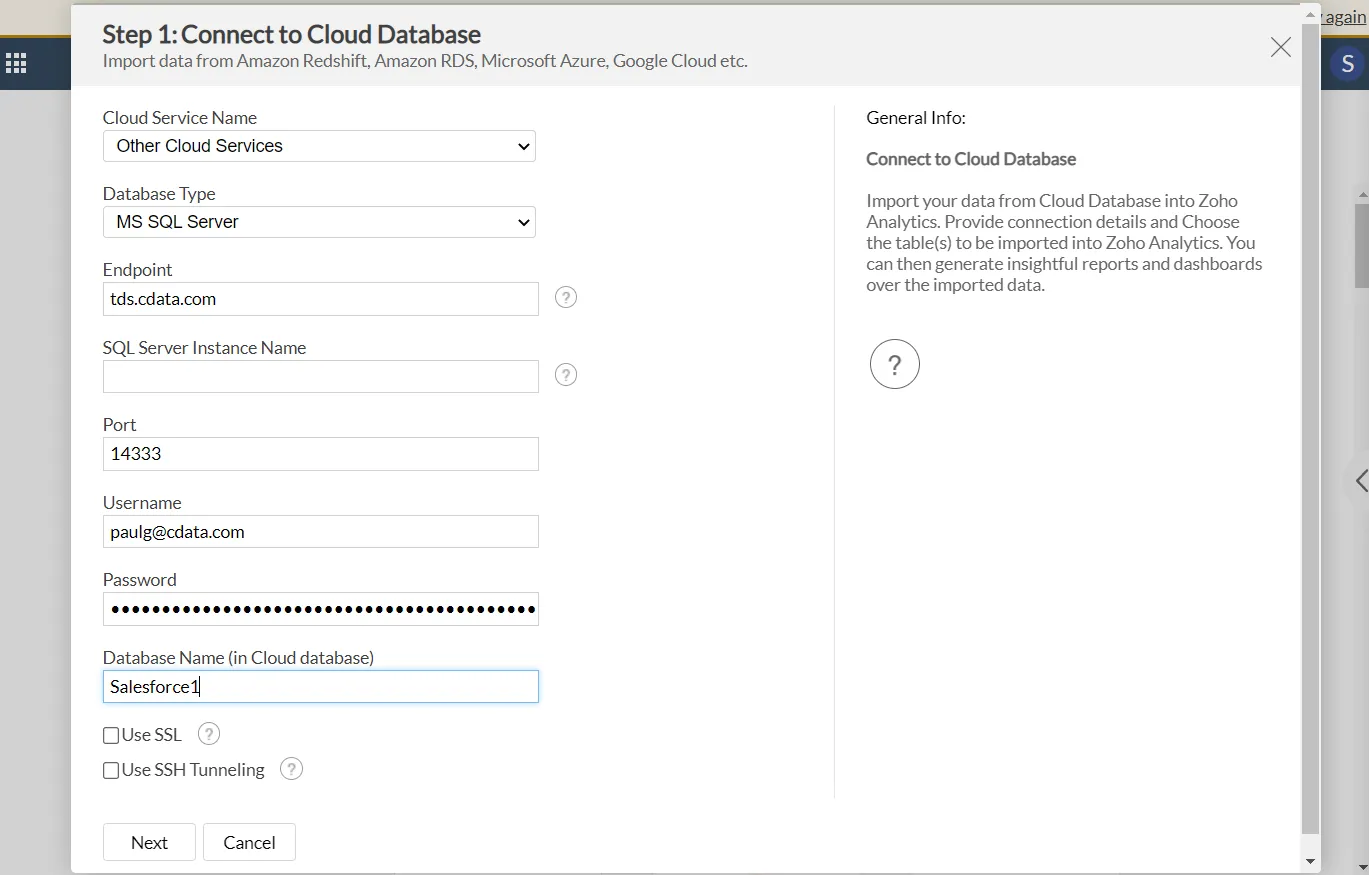
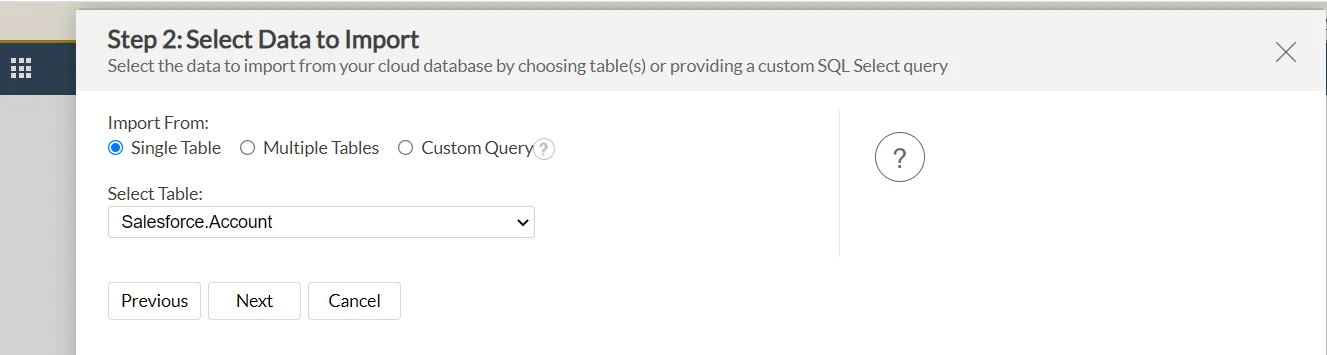
- Choose the table that you would like to import from, e.g. Accounts.
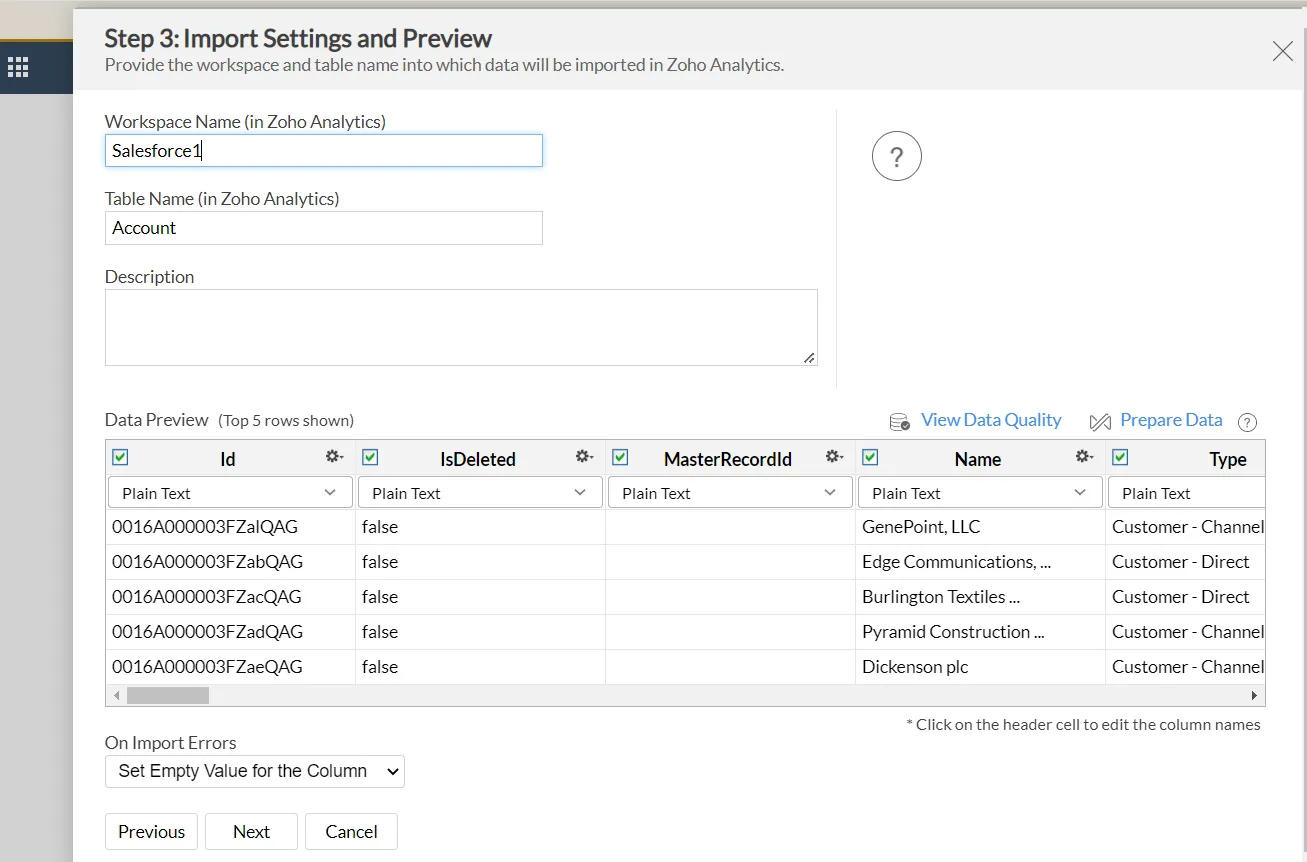
- A Data Preview of the table should pop up. Next, enter a Workspace Name and Table Name to be able to refer to in Zoho Analytics. Click Next.
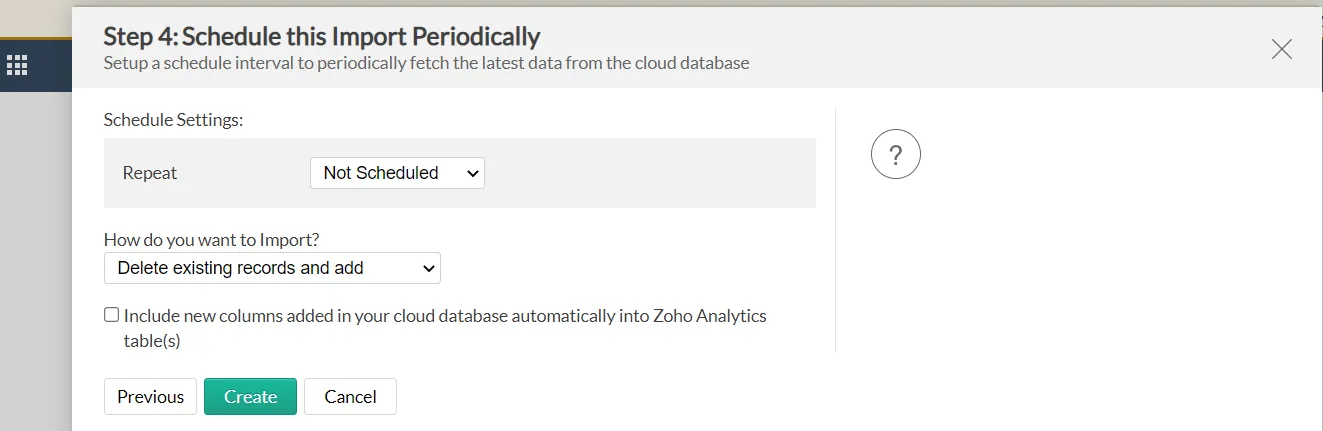
- There is an option to schedule the import periodically. After configuring, click Create.
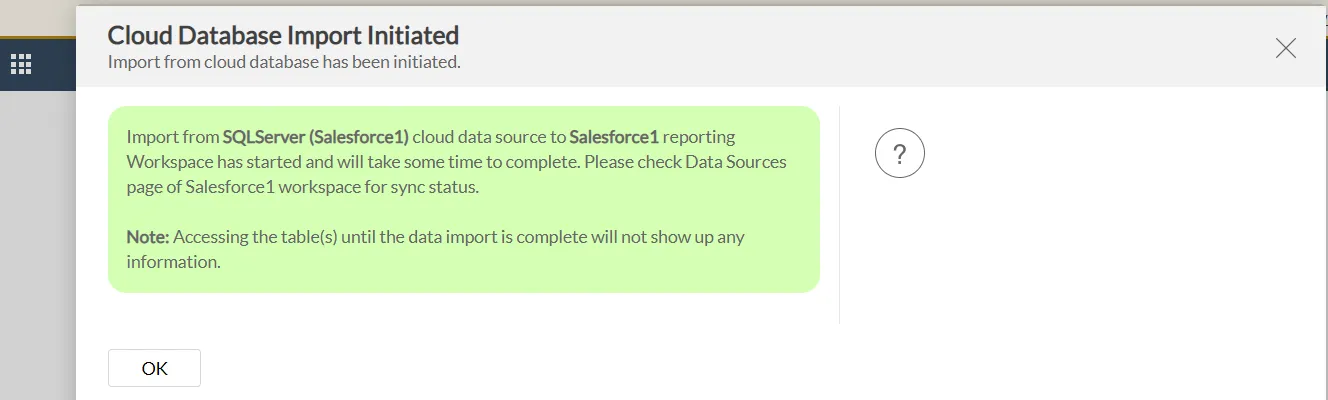
- Now, the import has been initiated. Click OK.
- View your new connection in the Zoho Analytics Explorer.
- Click on the new connection to see the table.
- Zoho Analytics can auto-generate dashboards for the user, as seen here:
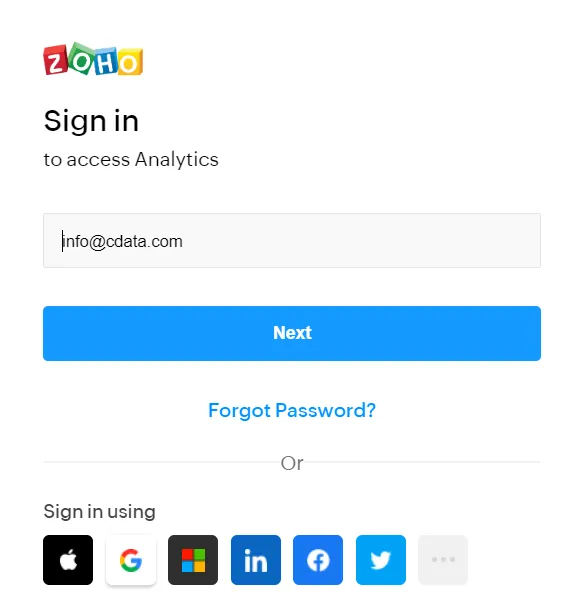
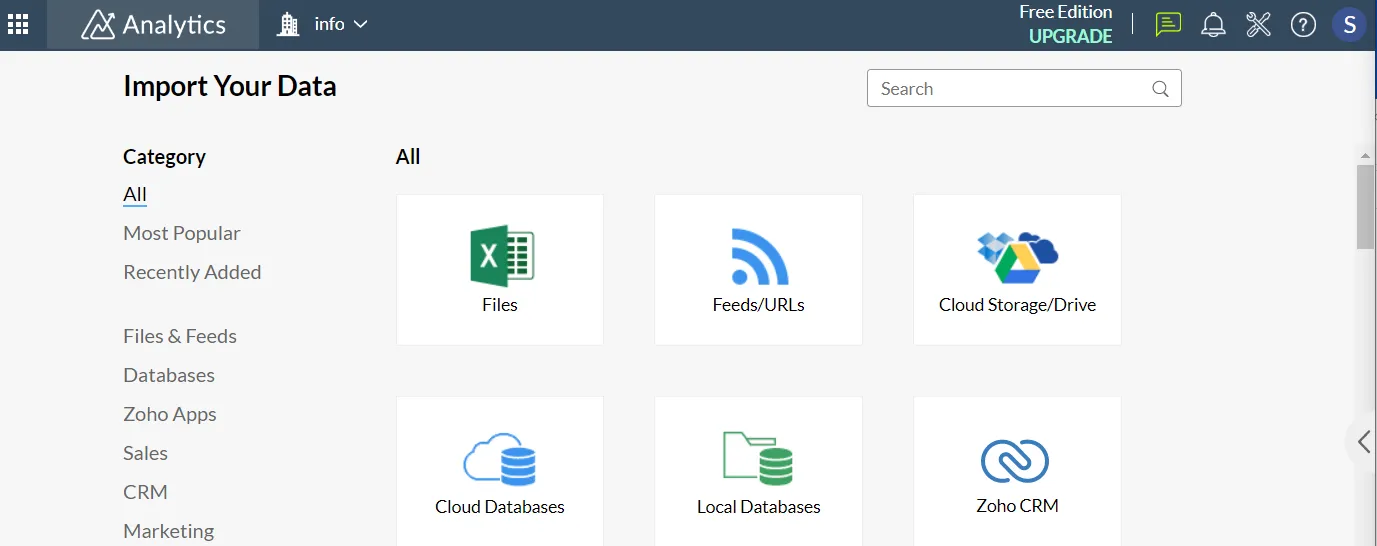
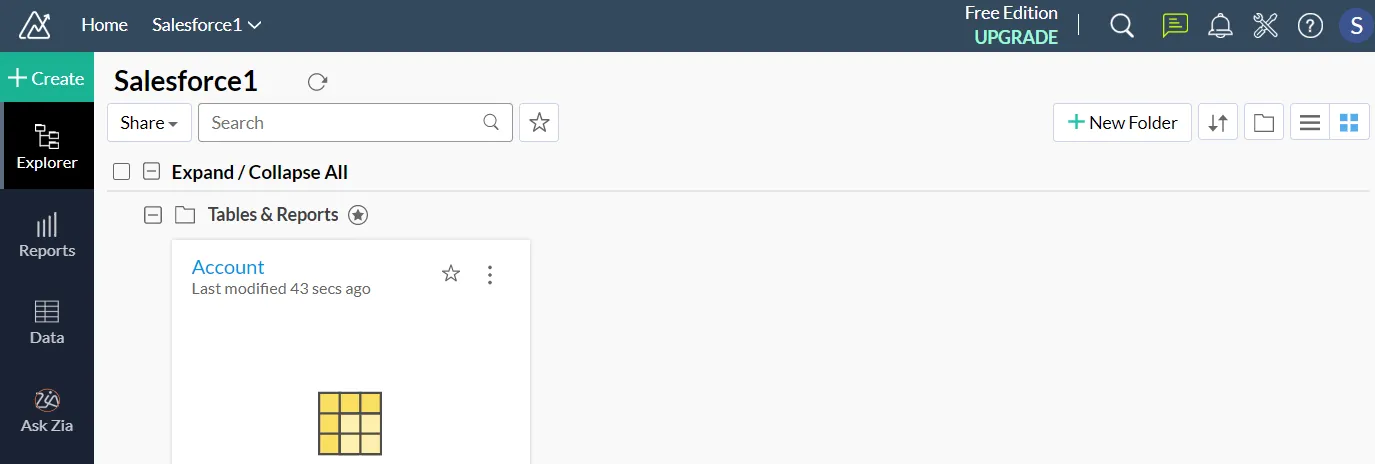
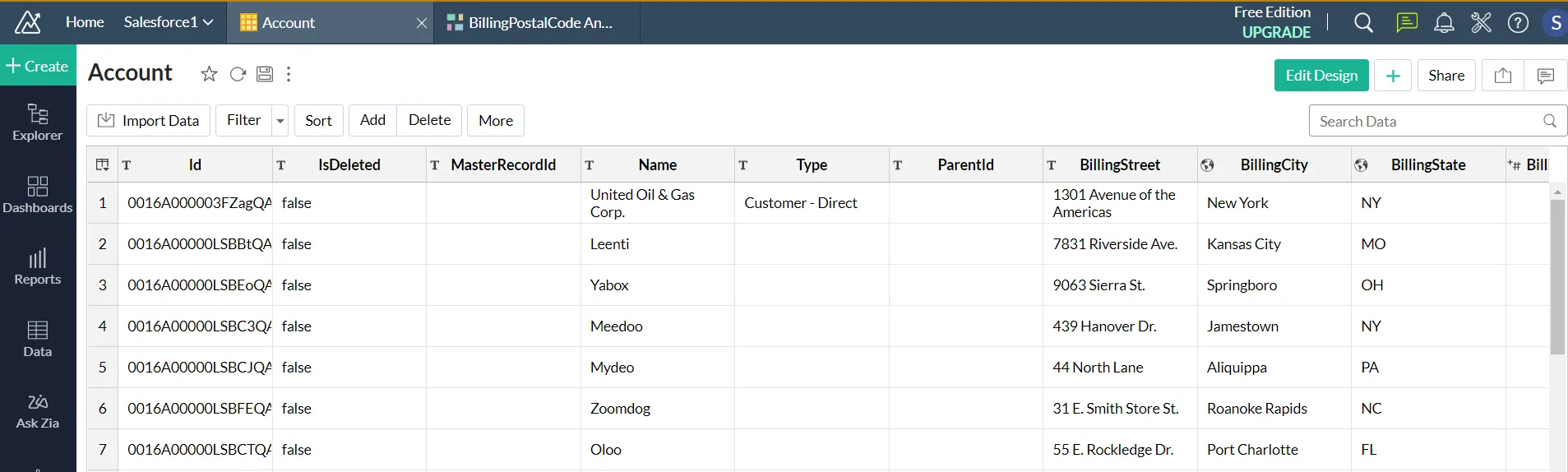
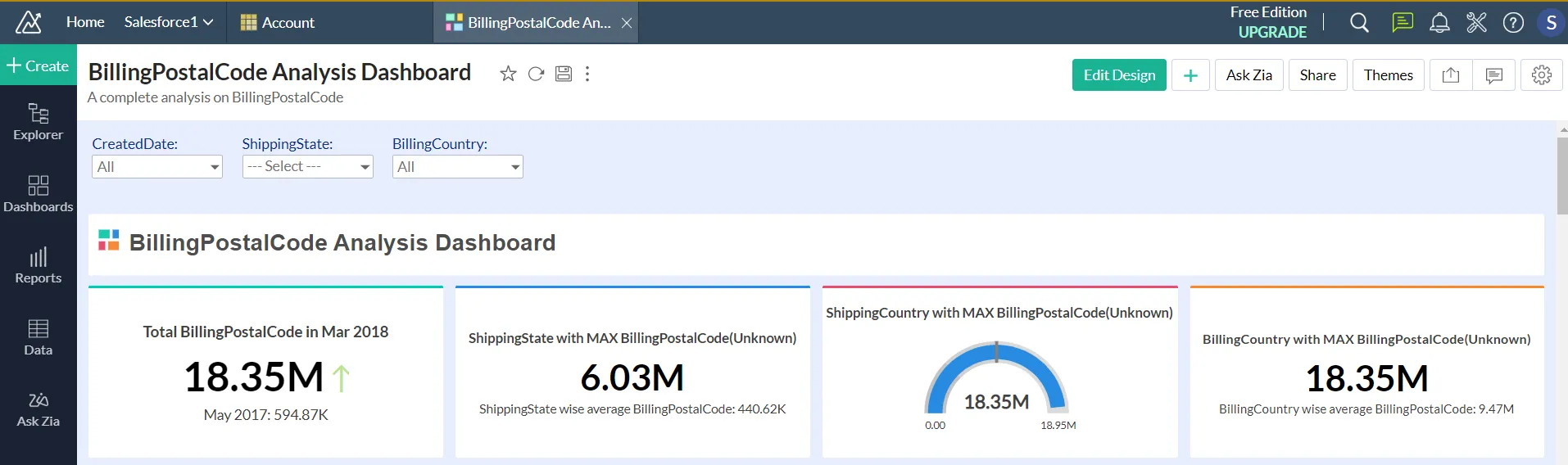
We have successfully imported Salesloft data into Zoho Analytics and created dashboards.
Get CData Connect AI
To get live data access to hundreds of SaaS, Big Data, and NoSQL sources directly from your cloud applications, try CData Connect AI today!