








Query SparkPost Data as a SQL Server Database in Node.js

You can use CData Connect AI to query SparkPost data through a SQL Server interface. Follow the procedure below to create a virtual database for SparkPost in Connect AI and start querying using Node.js.
CData Connect AI provides a pure MySQL, cloud-to-cloud interface for SparkPost, allowing you to easily query live SparkPost data in Node.js — without replicating the data to a natively supported database. As you query data in Node.js, CData Connect AI pushes all supported SQL operations (filters, JOINs, etc) directly to SparkPost, leveraging server-side processing to quickly return SparkPost data.
Configure SparkPost Connectivity for NodeJS
Connectivity to SparkPost from NodeJS is made possible through CData Connect AI. To work with SparkPost data from NodeJS, we start by creating and configuring a SparkPost connection.
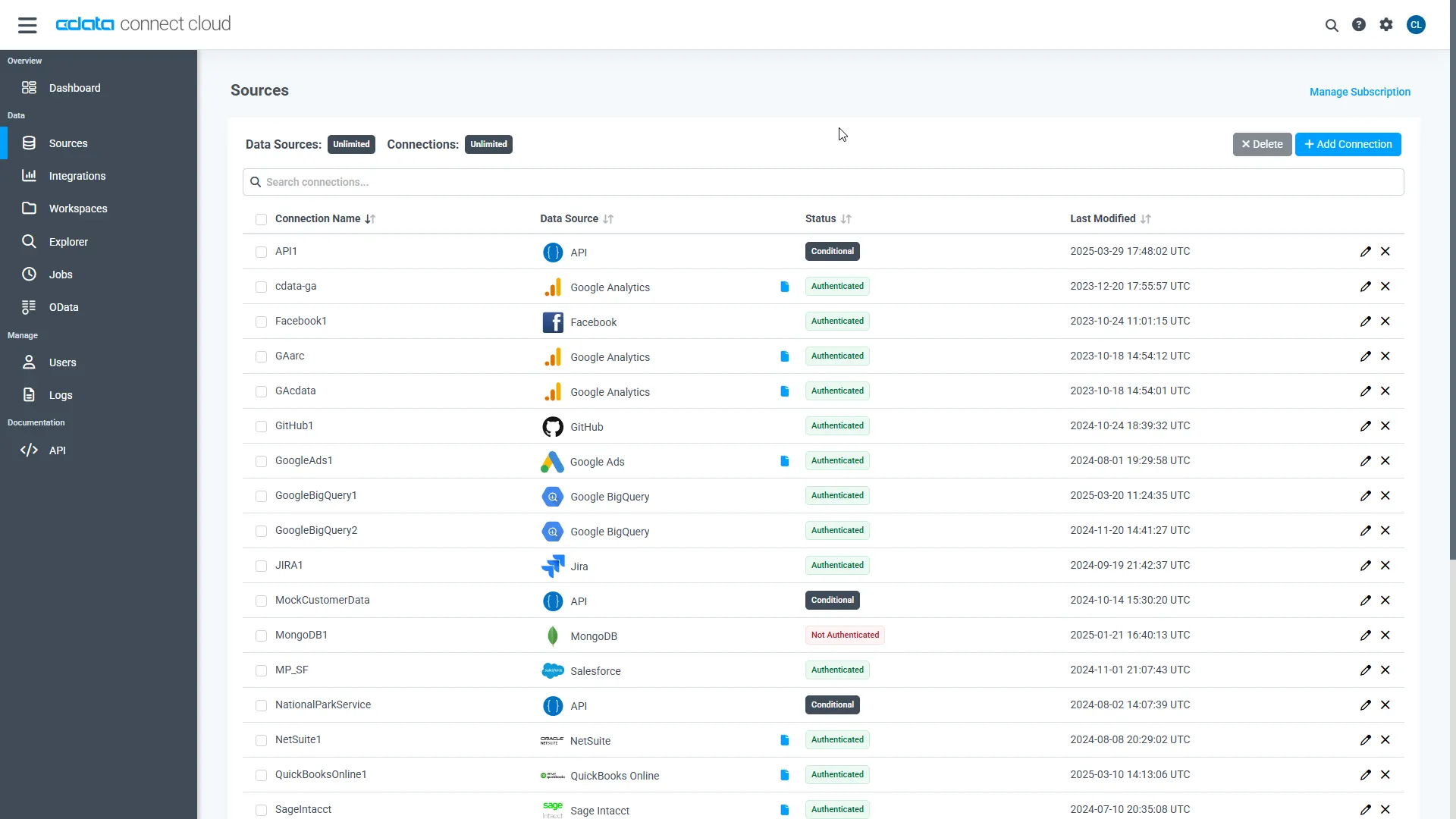
- Log into Connect AI, click Sources, and then click Add Connection
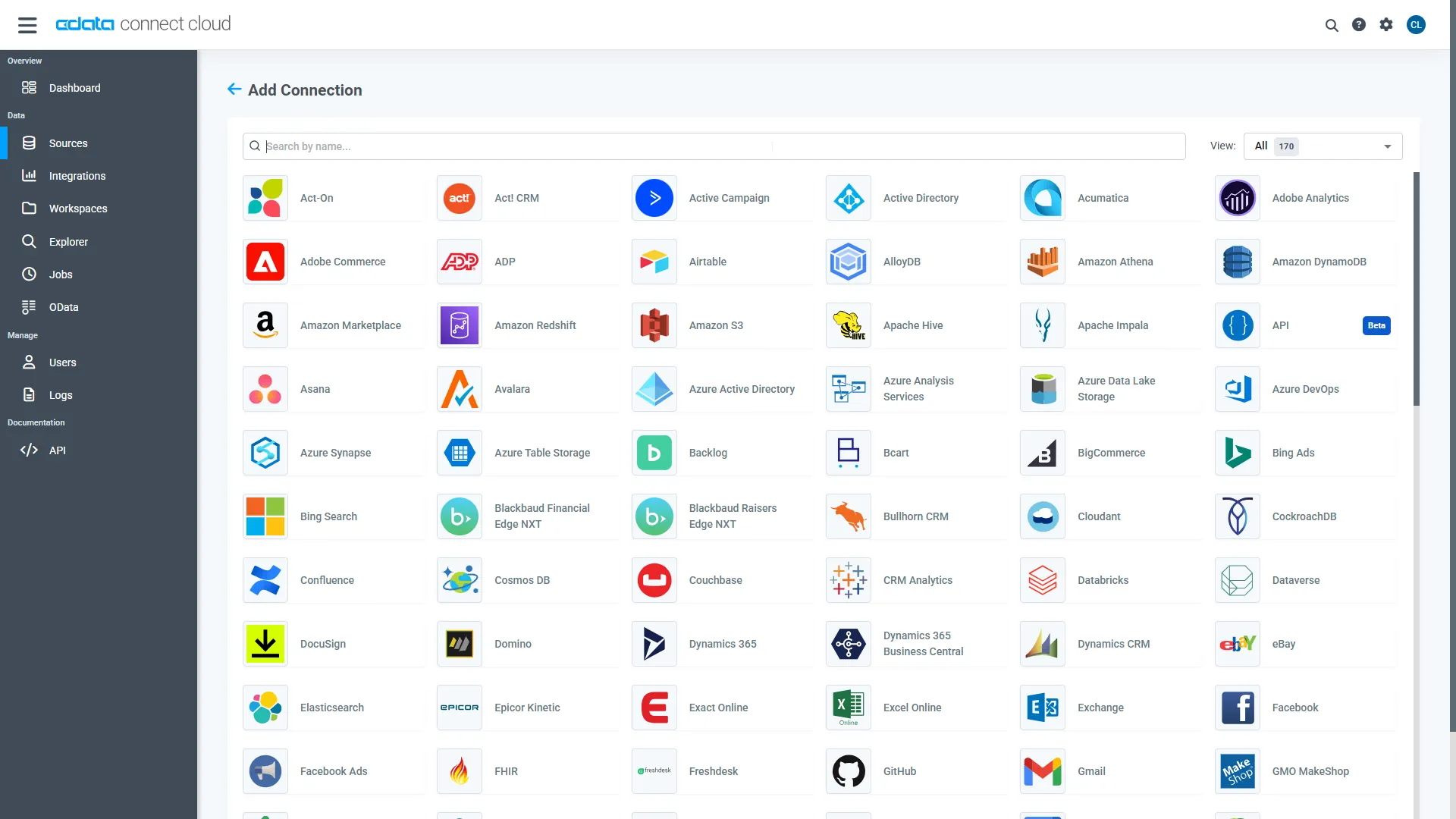
- Select "SparkPost" from the Add Connection panel
-
Enter the necessary authentication properties to connect to SparkPost.
Start by setting the Profile connection property to the location of the SparkPost Profile on disk (e.g. C:\profiles\SparkPost.apip). Next, set the ProfileSettings connection property to the connection string for SparkPost (see below).
SparkPost API Profile Settings
Generate an API key by navigating to Configuration > API Keys > Create API Key in your SparkPost account.
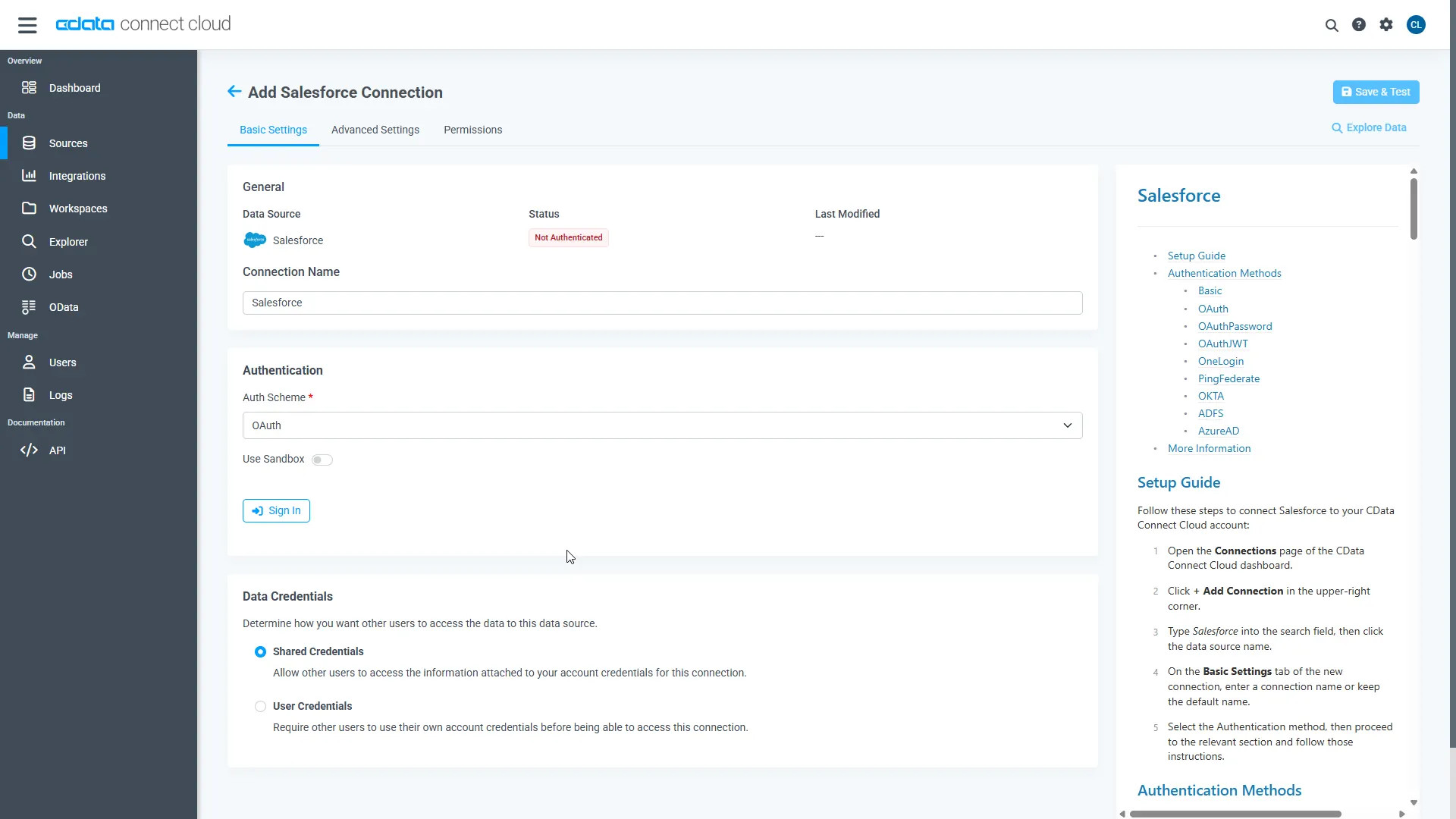
- Click Save & Test
-
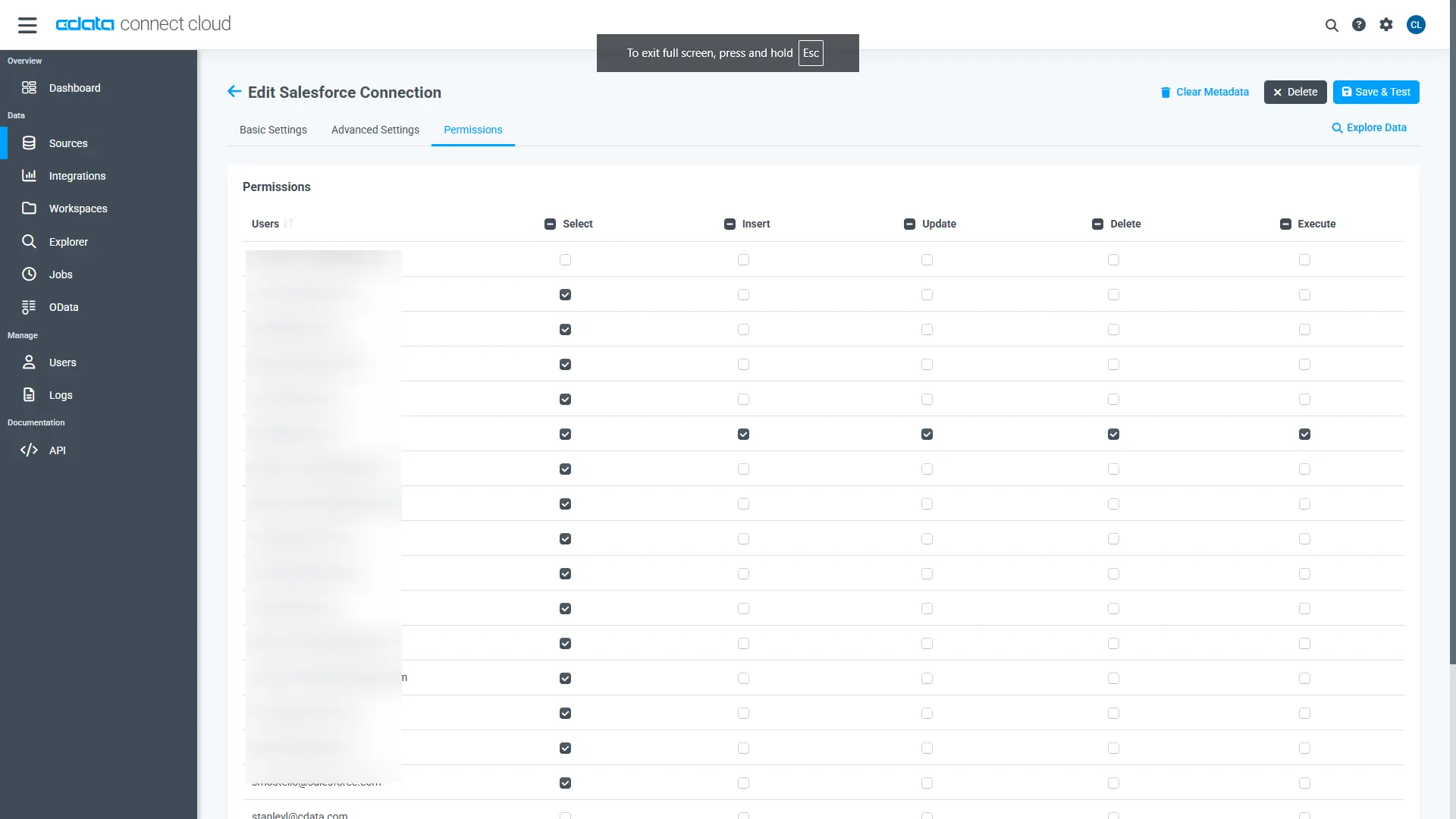
Navigate to the Permissions tab in the Add SparkPost Connection page and update the User-based permissions.
Add a Personal Access Token
When connecting to Connect AI through the REST API, the OData API, or the Virtual SQL Server, a Personal Access Token (PAT) is used to authenticate the connection to Connect AI. It is best practice to create a separate PAT for each service to maintain granularity of access.
- Click on the Gear icon () at the top right of the Connect AI app to open the settings page.
- On the Settings page, go to the Access Tokens section and click Create PAT.
-
Give the PAT a name and click Create.
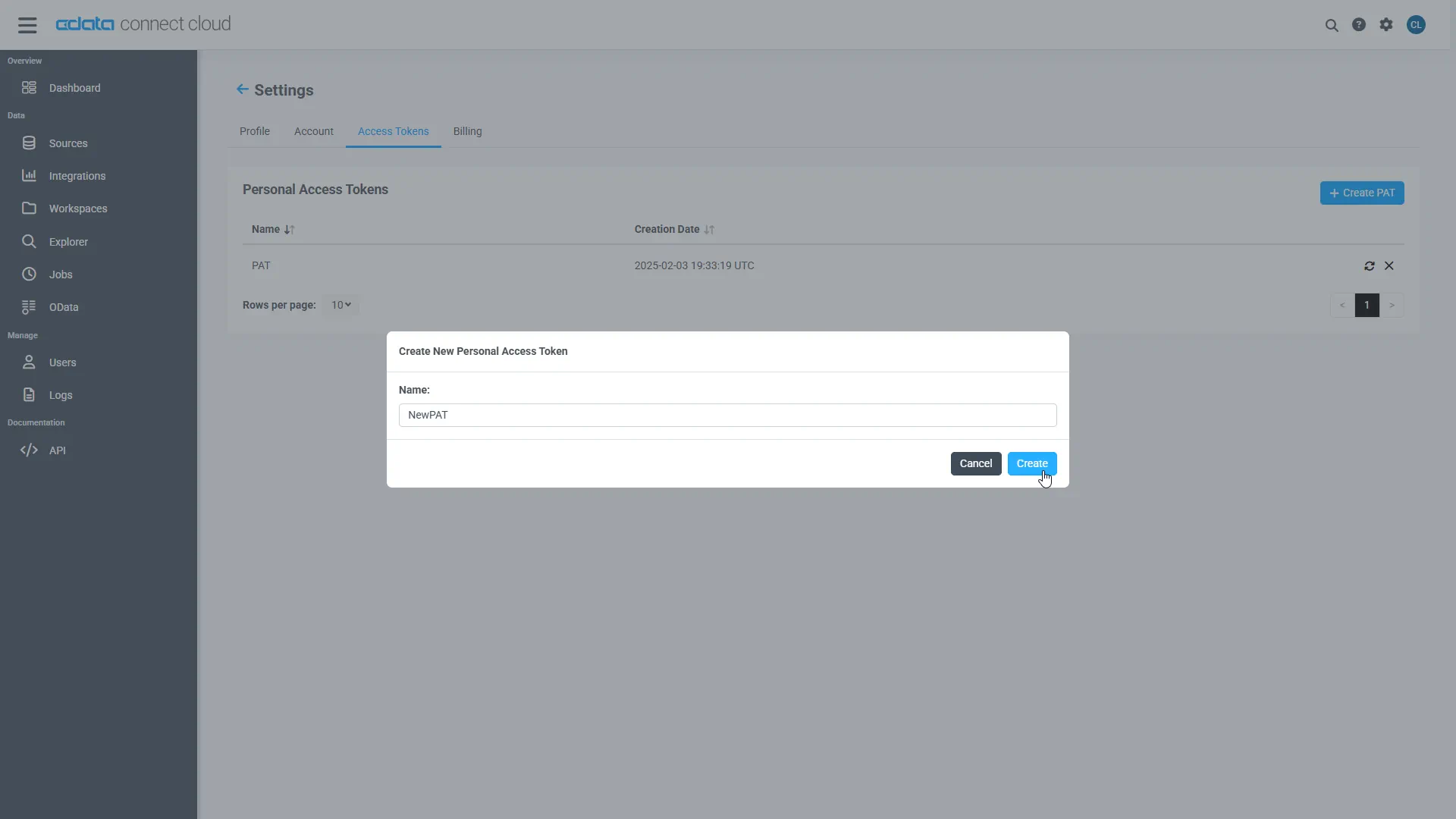
- The personal access token is only visible at creation, so be sure to copy it and store it securely for future use.
With the connection configured and a PAT generated, you are ready to connect to SparkPost data from Node.js.
Query SparkPost from Node.js
The following example shows how to define a connection and execute queries to SparkPost with the SQL Server module. You will need the following information:
- server: tds.cdata.com
- port: 14333
- user: a Connect AI user (e.g. [email protected])
- password: the PAT for the above user
- database: The connection you configured for SparkPost (API1)
Connect to SparkPost data and start executing queries with the code below:
var sql = require('mssql')
var config = {
	server: 'tds.cdata.com',
	port: 14333,
	user: '[email protected]', //update me
	password: 'CONNECT_USER_PAT', //update me
	options: {
		encrypt: true,
		database: 'API1'
	}
}

sql.connect(config, err => {
    if(err){
        throw err ;
    }
    new sql.Request().query('SELECT * FROM ABTests', (err, result) => {
        console.dir(result)
    })

});

sql.on('error', err => {
    console.log("SQL Error: " ,err);
})