








Connect to TaxJar Data in ACL Analytics

ACL Analytics, part of Diligent HighBond, is a powerful data analysis software primarily used for audit, risk management, and compliance. It enables professionals to examine and analyze large volumes of data to identify anomalies, trends, and potential risks or fraudulent activities.
CData Connect AI offers a dedicated cloud-to-cloud interface for TaxJar, enabling analytics directly from live TaxJar data within ACL Analytics, all without the need for data replication to a native database. With its inherent optimized data processing capabilities, CData Connect AI efficiently channels all supported SQL operations, including filters and JOINs, directly to TaxJar. This leverages server-side processing to swiftly deliver the requested TaxJar data.
Configure TaxJar Connectivity for ACL Analytics
Connectivity to TaxJar from ACL Analytics is made possible through CData Connect AI. To work with TaxJar data from ACL Analytics, we start by creating and configuring a TaxJar connection in CData Connect AI.
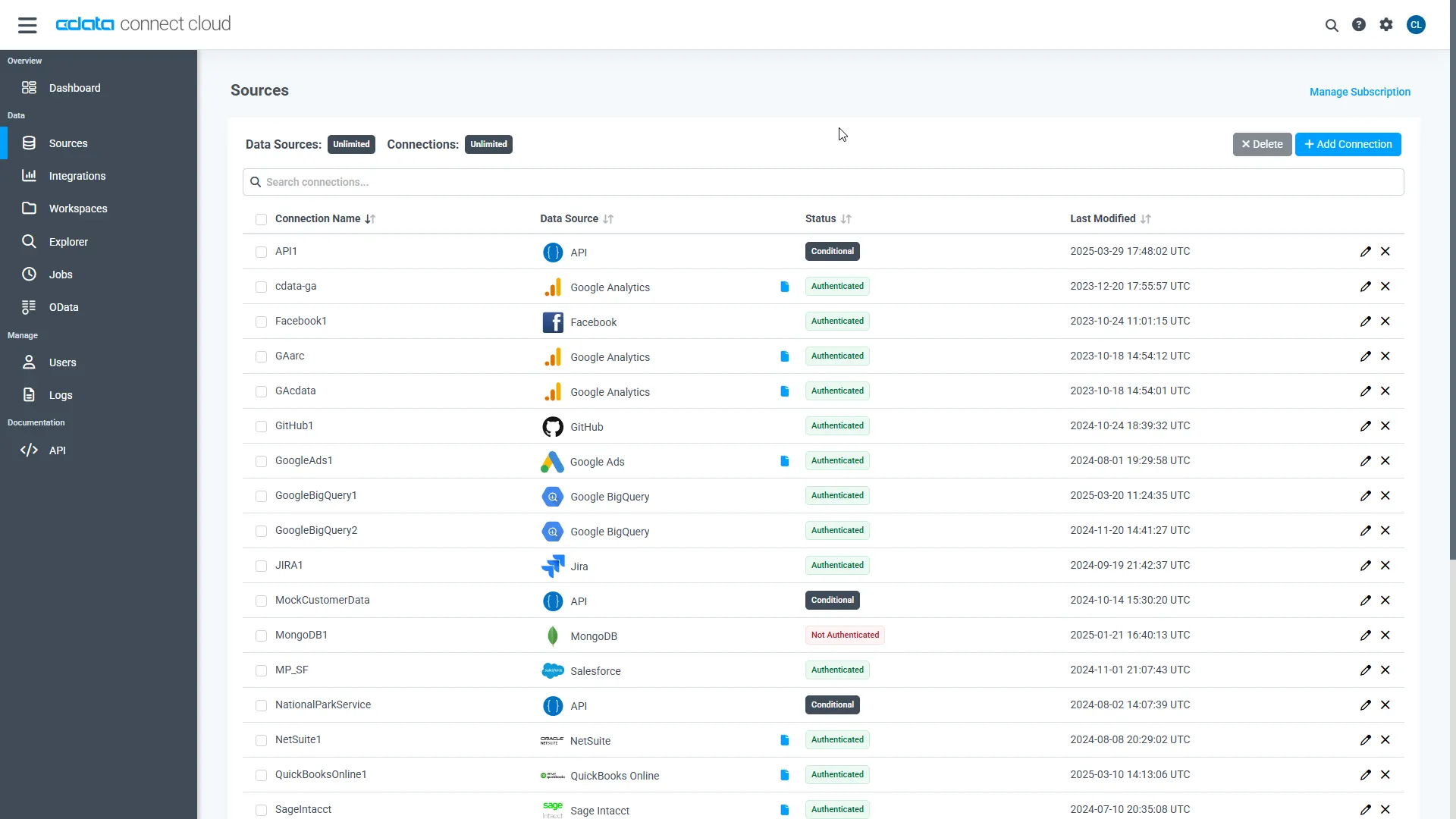
- Log into Connect AI, click Sources, and then click Add Connection
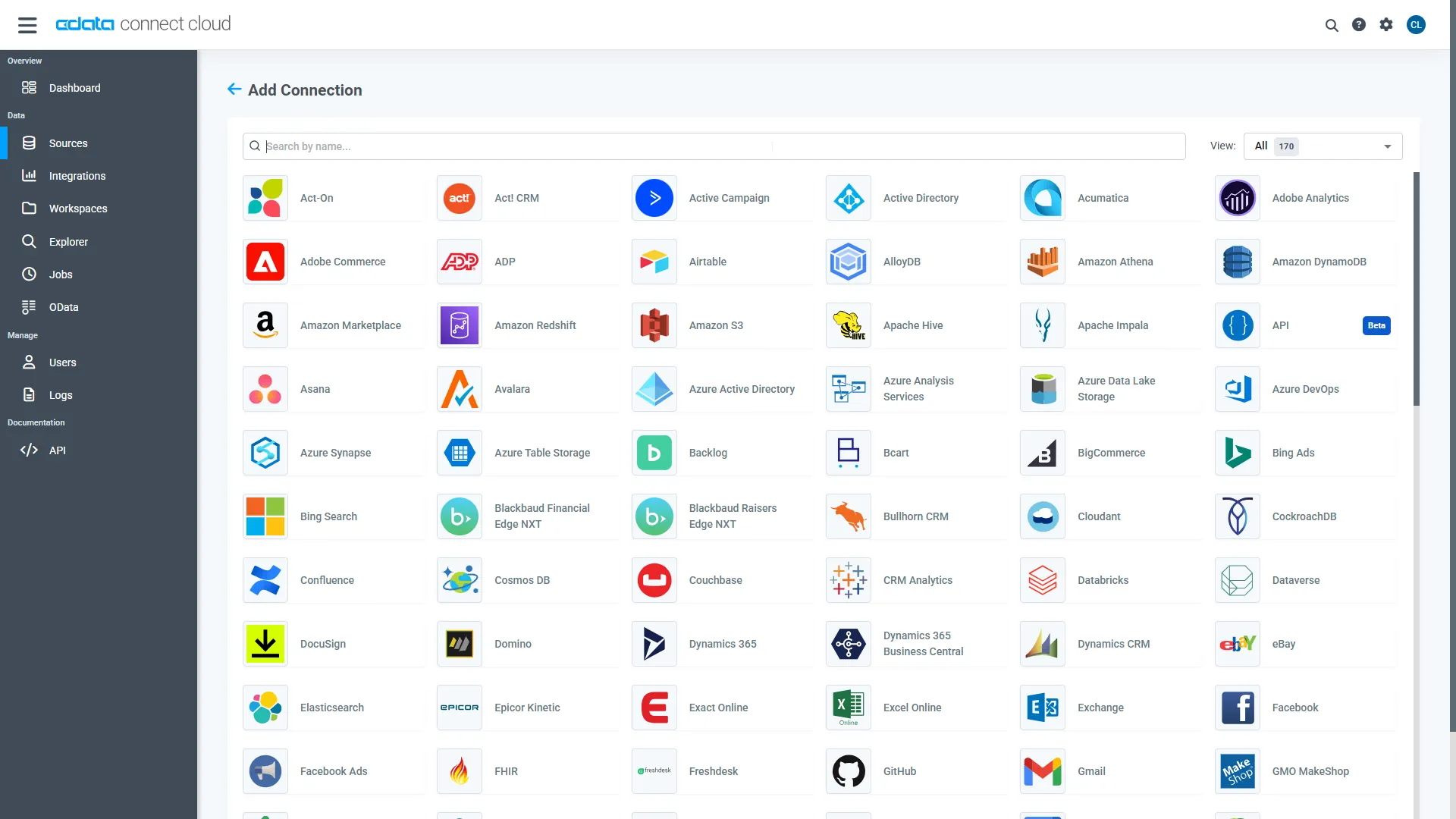
- Select "TaxJar" from the Add Connection panel
- Enter the necessary authentication properties to connect to TaxJar.
Enter the necessary authentication properties to connect to TaxJar.
To authenticate to the TaxJar API, first obtain the API Key from the TaxJar UI.
NOTE: the API is available only for Professional and Premium TaxJar plans.
If you already have a Professional or Premium plan you can find the API Key by logging in the TaxJar UI and navigating to Account -> TaxJar API. After obtaining the API Key, you can set it in the APIKey connection property.
Additional Notes
- By default, the CData connector will retrieve data of the last 3 months in cases where the entity support date range filtering. You can set StartDate to specify the minimum creation date of the data retrieved.
- If the API Key has been created for a sandbox API account please set UseSandbox to true, but not all endpoints will work as expected. For more information, refer to the TaxJar developer documentation.
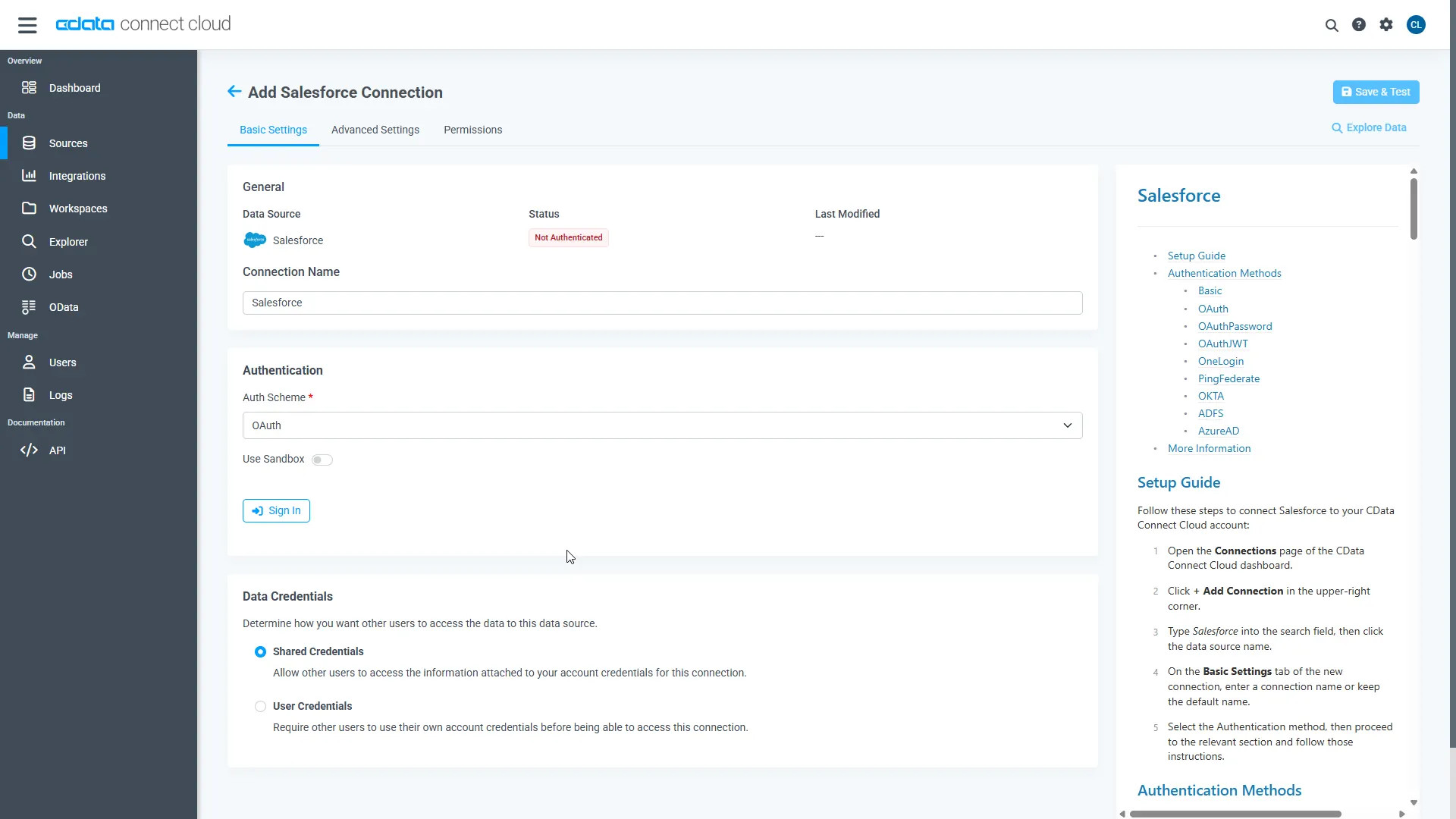
- Click Save & Test
-
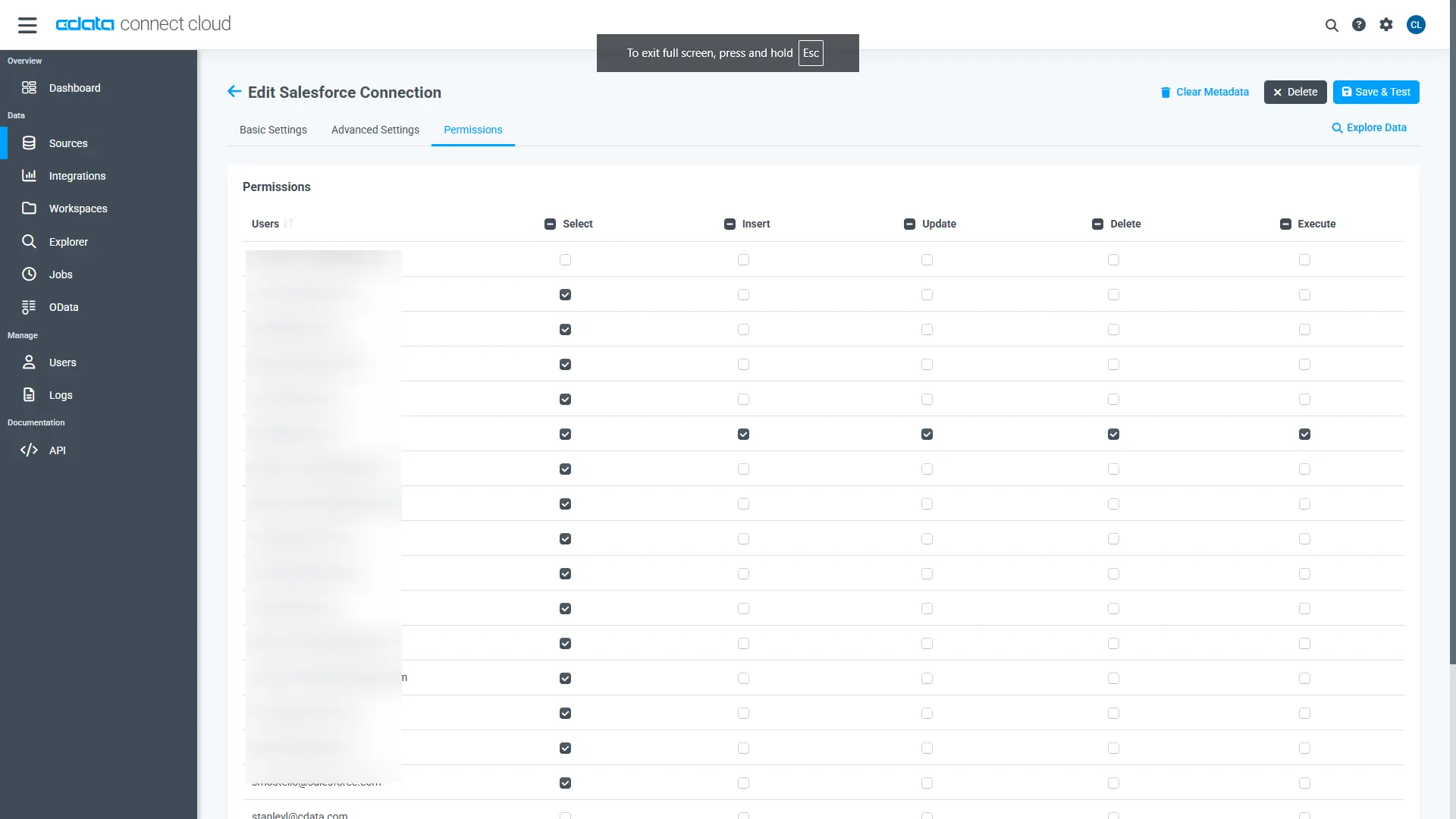
Navigate to the Permissions tab in the Add TaxJar Connection page and update the User-based permissions.
Add a Personal Access Token
When connecting to Connect AI through the REST API, the OData API, or the Virtual SQL Server, a Personal Access Token (PAT) is used to authenticate the connection to Connect AI. It is best practice to create a separate PAT for each service to maintain granularity of access.
- Click on the Gear icon () at the top right of the Connect AI app to open the settings page.
- On the Settings page, go to the Access Tokens section and click Create PAT.
-
Give the PAT a name and click Create.
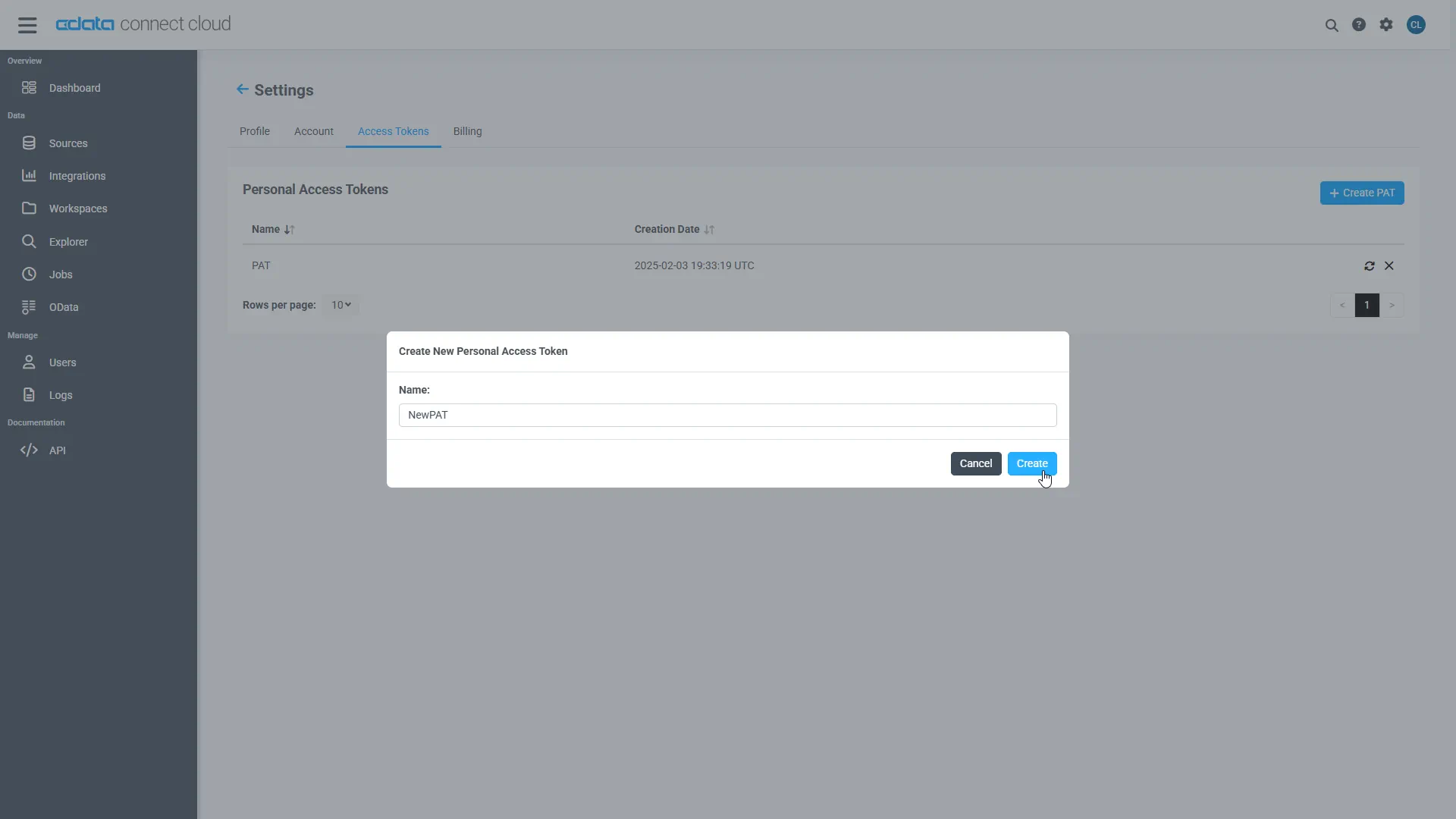
- The personal access token is only visible at creation, so be sure to copy it and store it securely for future use.
With the connection configured and a PAT generated, you are ready to connect to TaxJar data from ACL Analytics.
Connect to TaxJar from ACL Analytics
The steps below outline connecting to CData Connect AI from ACL Analytics to create a new TaxJar data source. The CData Connect AI Virtual SQL Server allows you to establish a connection to your data from integration tools that support connections to SQL servers. The Virtual SQL Server mimics the behavior of a traditional SQL server, and it supports a range of query options.
- With your Analytics File open, select 'Import' --> 'Database and application'
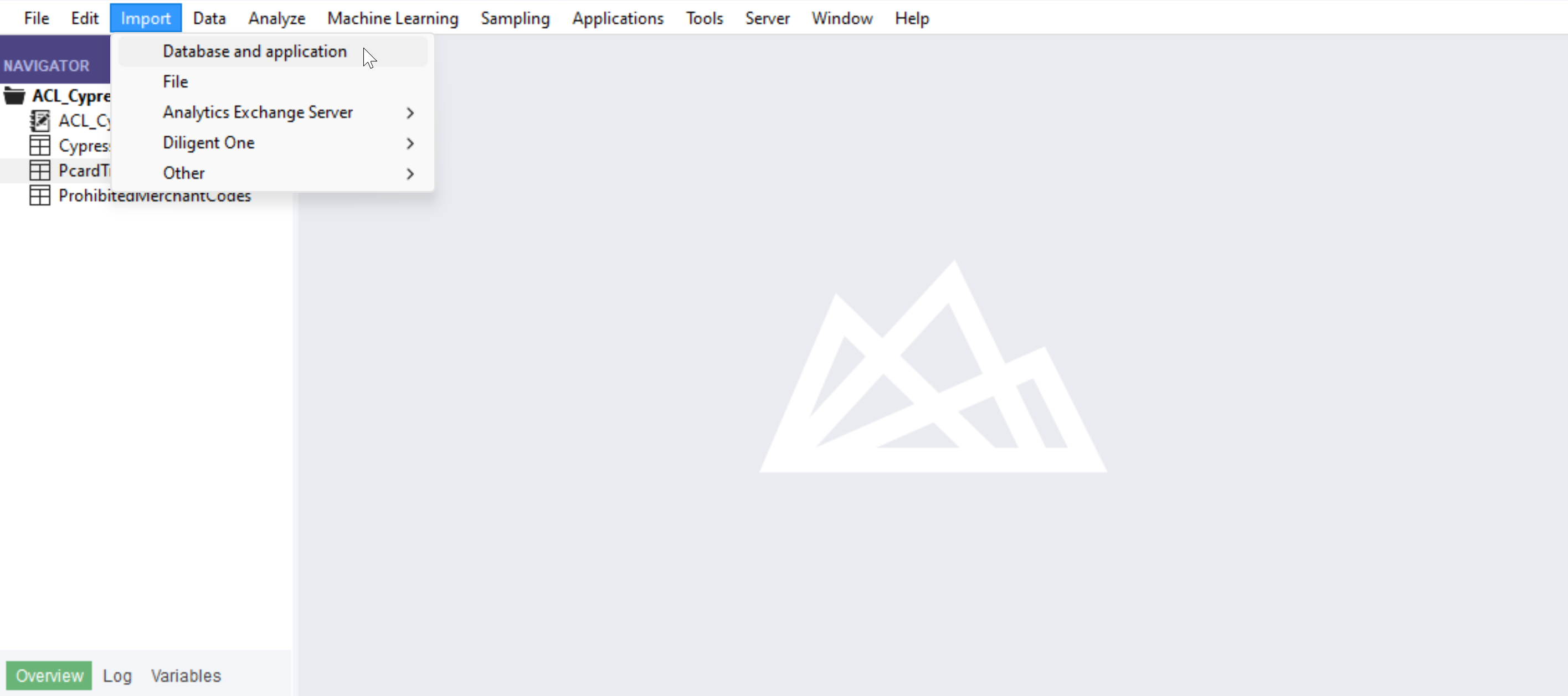
- Create a new SQL Server connection
- Set the connection information
- Server: tds.cdata.com
- Port: 14333
- Auth Scheme: Password
- Username: a Connect AI user, for example, [email protected]
- Password: the PAT for the above Connect AI user
- Database: the name of your TaxJar connection, for example, TaxJar1
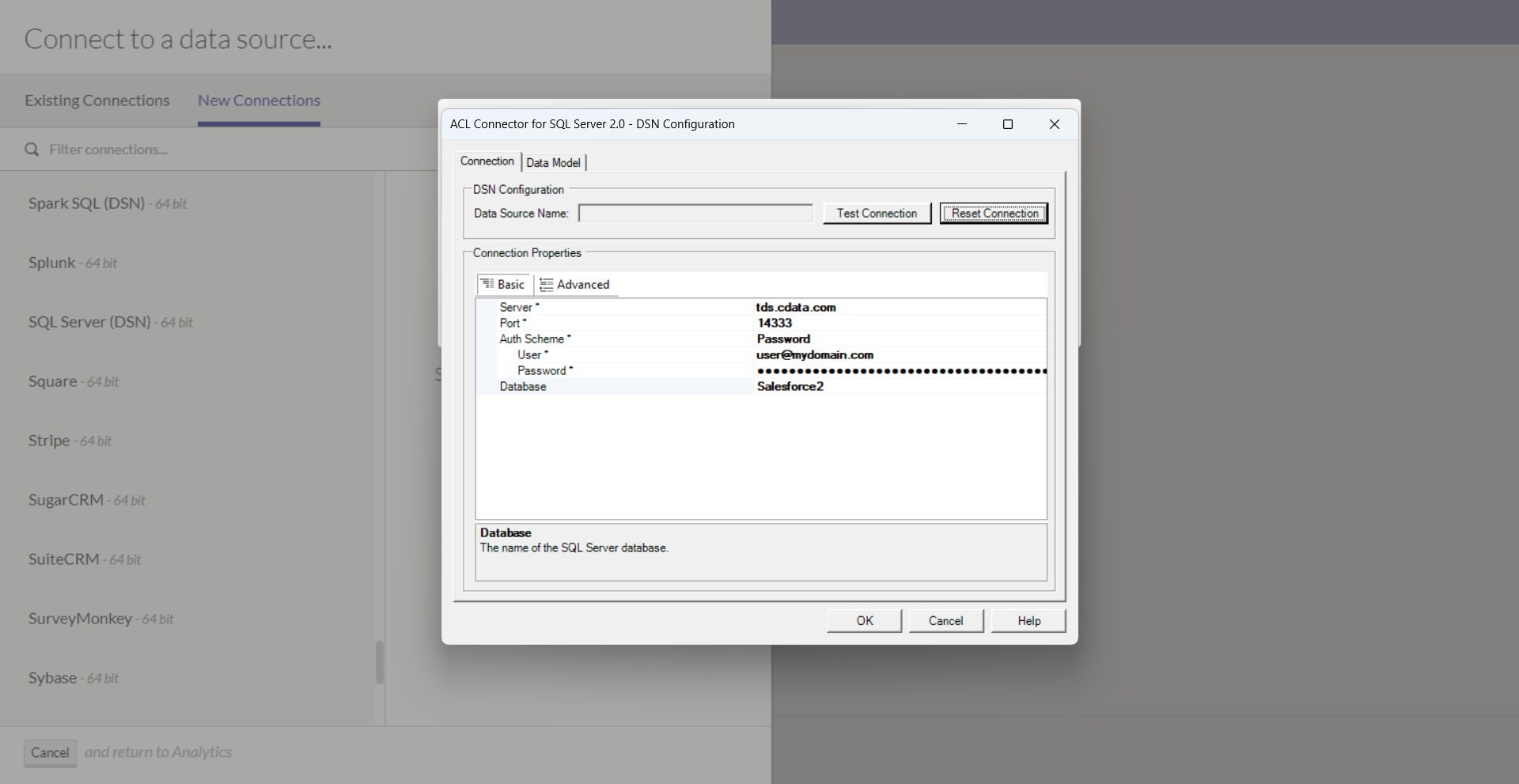
- Click "Test Connection"
- Click "OK"
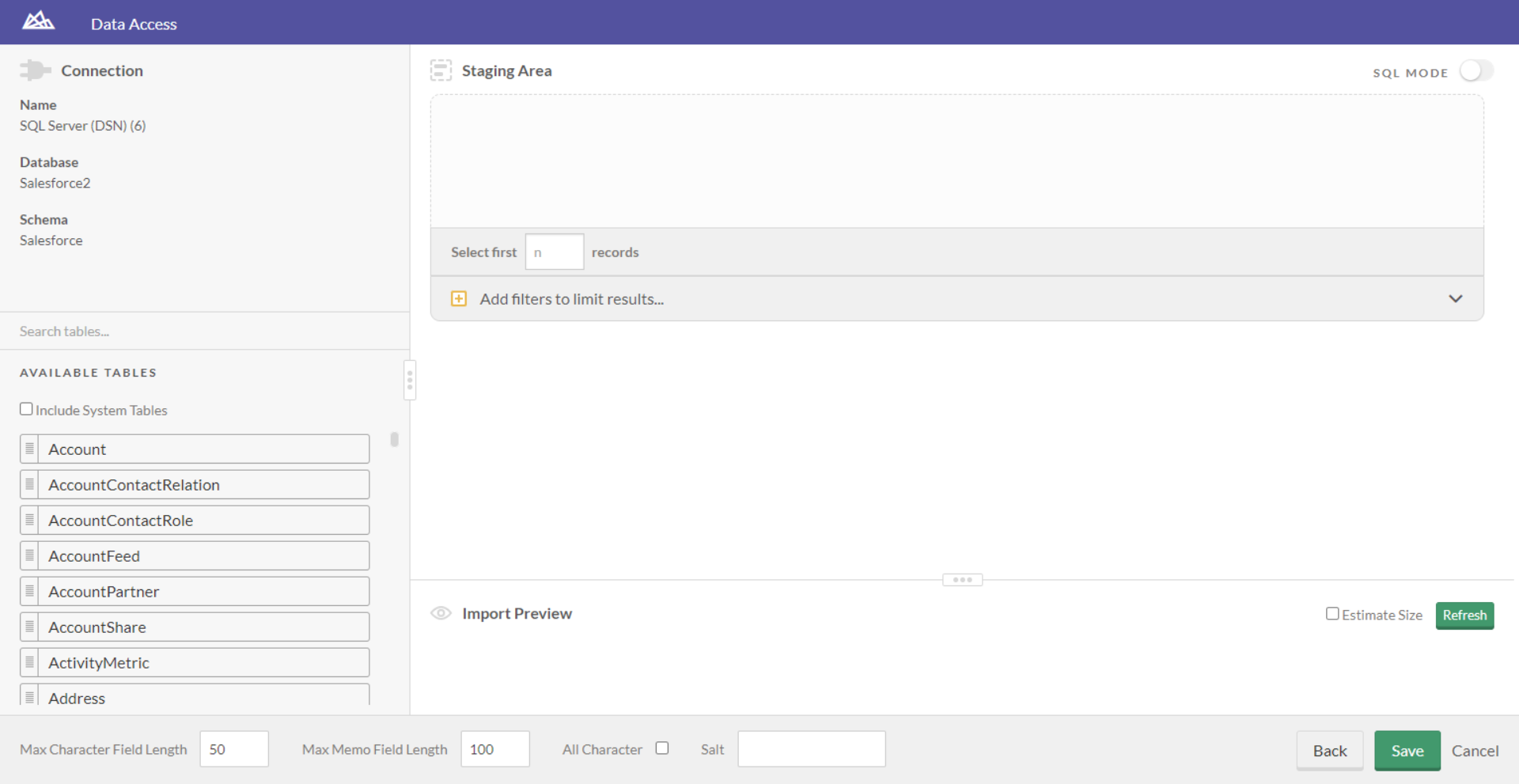
- You are now ready to work with your TaxJar data in ACL Analytics!
Live connections to TaxJar data from your applications
ACL Analytics can now connect to live TaxJar data directly through Connect AI, allowing you to analyze TaxJar data without duplicating it.
To get live data access to hundreds of SaaS, Big Data, and NoSQL sources directly from your applications, try CData Connect AI today!