








Analyze Toggl Data in Cognos Analytics

Cognos Analytics, powered by IBM Watson®, empowers users to cleanse and establish connections with their data while creating visualizations. When integrated with CData Connect AI, users gain immediate, real-time connectivity between cloud-based data sources and Cognos Analytics, facilitating data management, visualization, analytics, and more. This article provides step-by-step guidance on connecting to Toggl via CData Connect AI and subsequently analyzing Toggl data within Cognos Analytics.
NOTE: These instructions require Cognos Analytics 11.2.4 or higher
CData Connect AI offers a dedicated cloud-to-cloud interface for Toggl, enabling users to perform real-time analysis on Toggl data within Cognos without the need to replicate data to a natively supported database. Equipped with built-in optimized data processing capabilities, CData Connect AI efficiently directs all supported SQL operations, including filters and JOINs, directly to Toggl. This harnesses server-side processing to promptly provide the requested Toggl data.
Configure Toggl Connectivity for Cognos Analytics
Connectivity to Toggl from Cognos Analytics is made possible through CData Connect AI. To work with Toggl data from Cognos Analytics, we start by creating and configuring a Toggl connection.
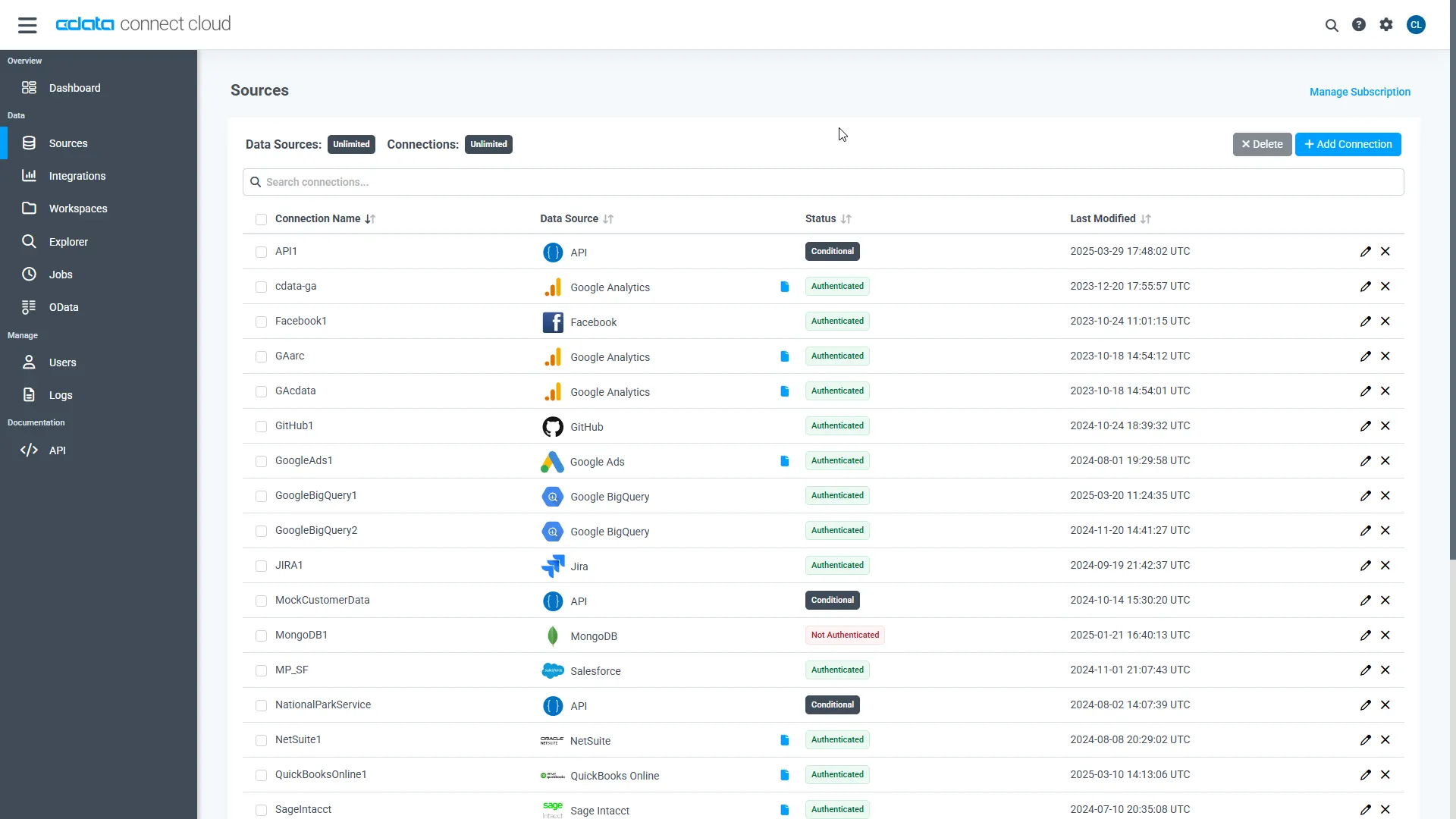
- Log into Connect AI, click Sources, and then click Add Connection
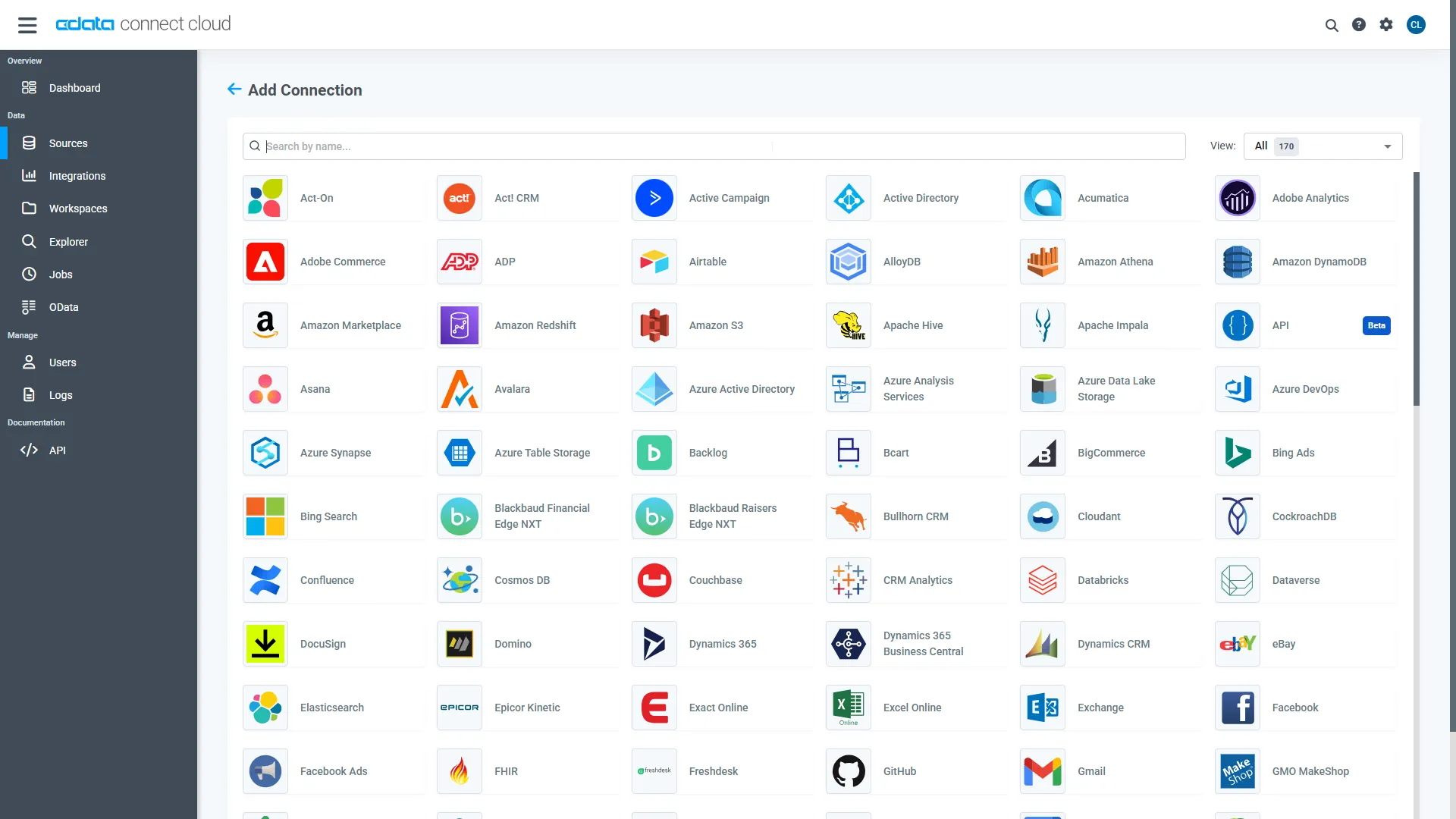
- Select "Toggl" from the Add Connection panel
-
Enter the necessary authentication properties to connect to Toggl.
Start by setting the Profile connection property to the location of the Toggl Profile on disk (e.g. C:\profiles\Toggl.apip). Next, set the ProfileSettings connection property to the connection string for Toggl (see below).
Toggl API Profile Settings
Obtain your API key from your Toggl account Profile Settings page, where it is listed under the API section.
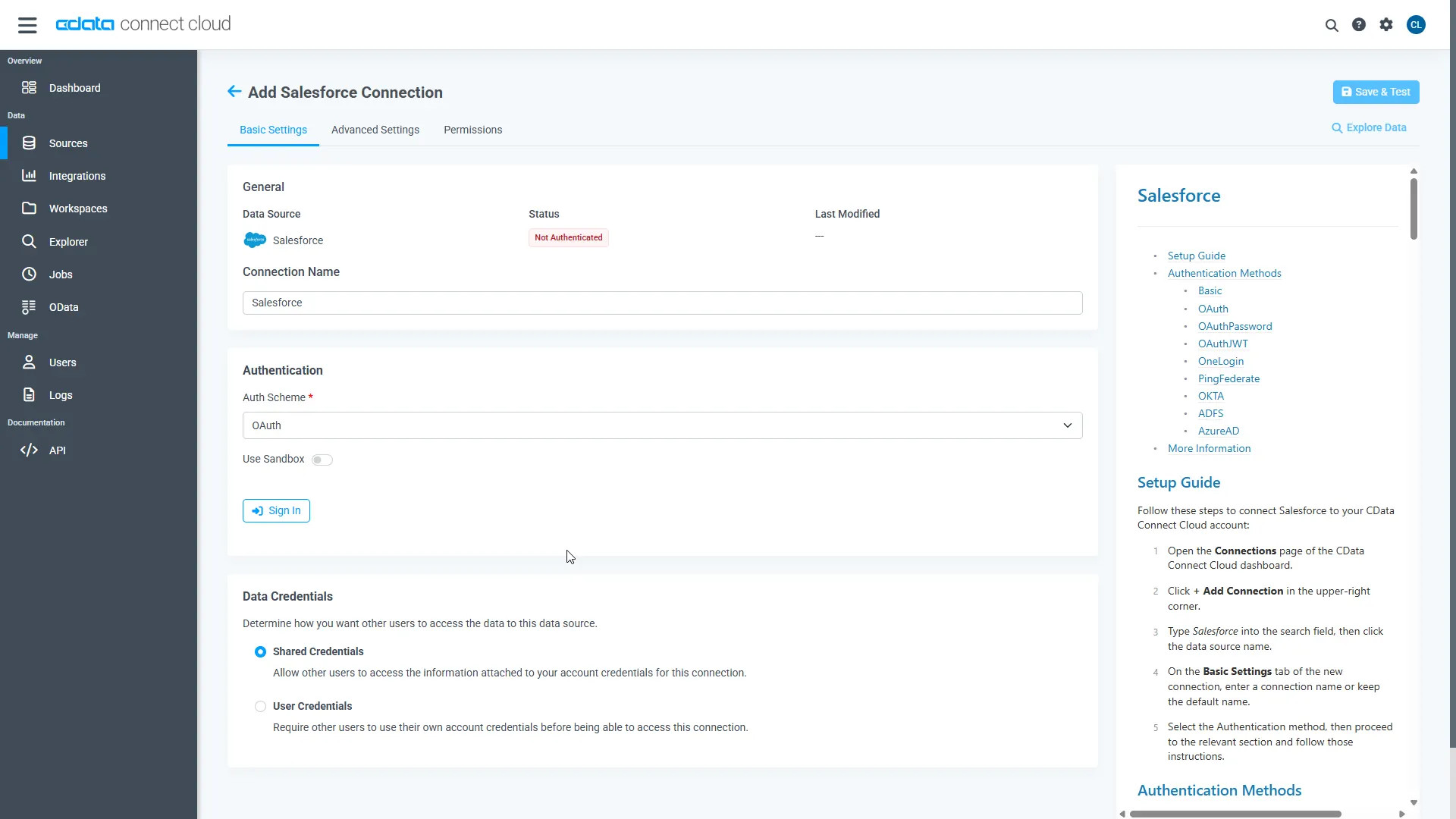
- Click Save & Test
-
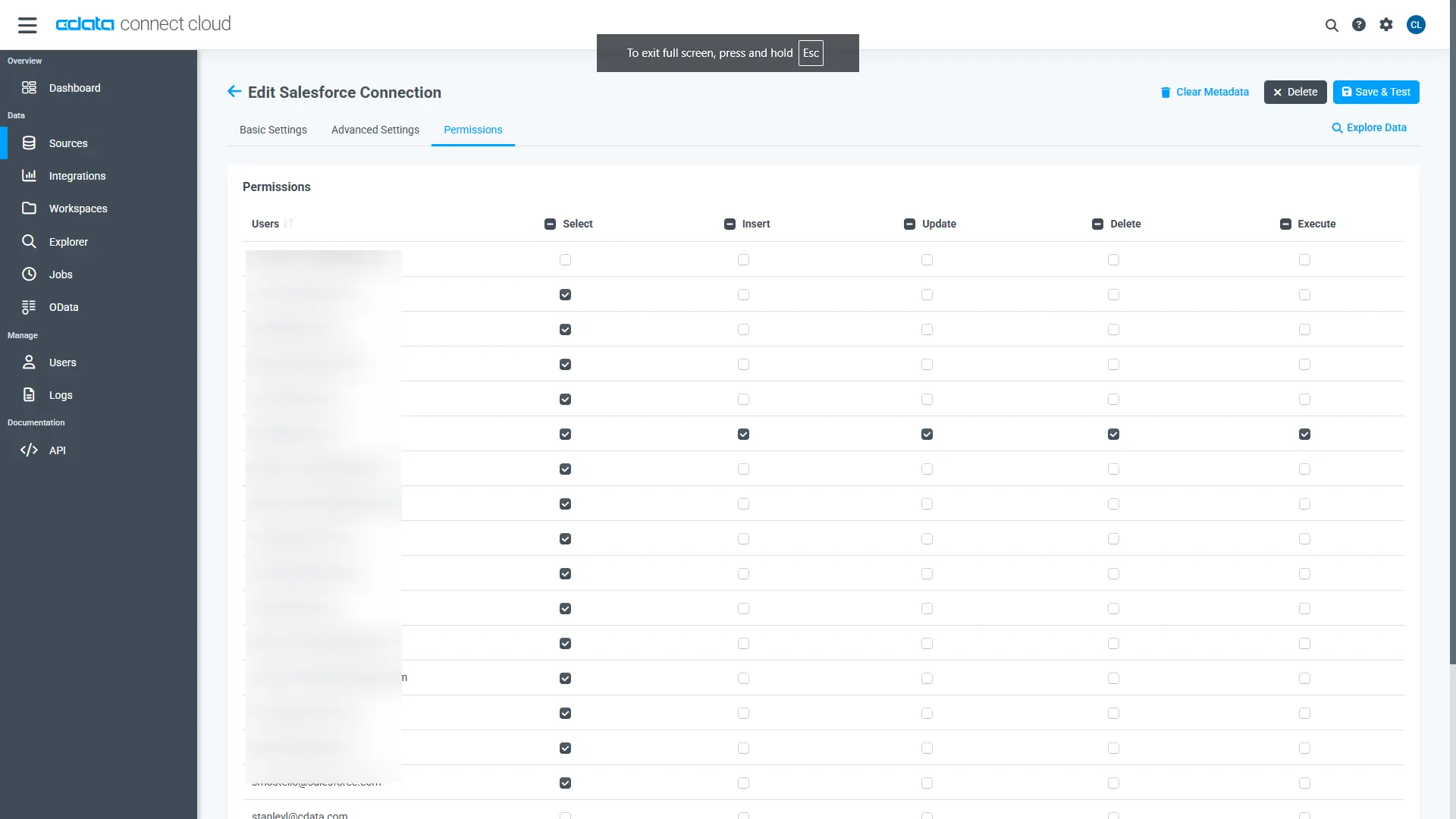
Navigate to the Permissions tab in the Add Toggl Connection page and update the User-based permissions.
Add a Personal Access Token
When connecting to Connect AI through the REST API, the OData API, or the Virtual SQL Server, a Personal Access Token (PAT) is used to authenticate the connection to Connect AI. It is best practice to create a separate PAT for each service to maintain granularity of access.
- Click on the Gear icon () at the top right of the Connect AI app to open the settings page.
- On the Settings page, go to the Access Tokens section and click Create PAT.
-
Give the PAT a name and click Create.
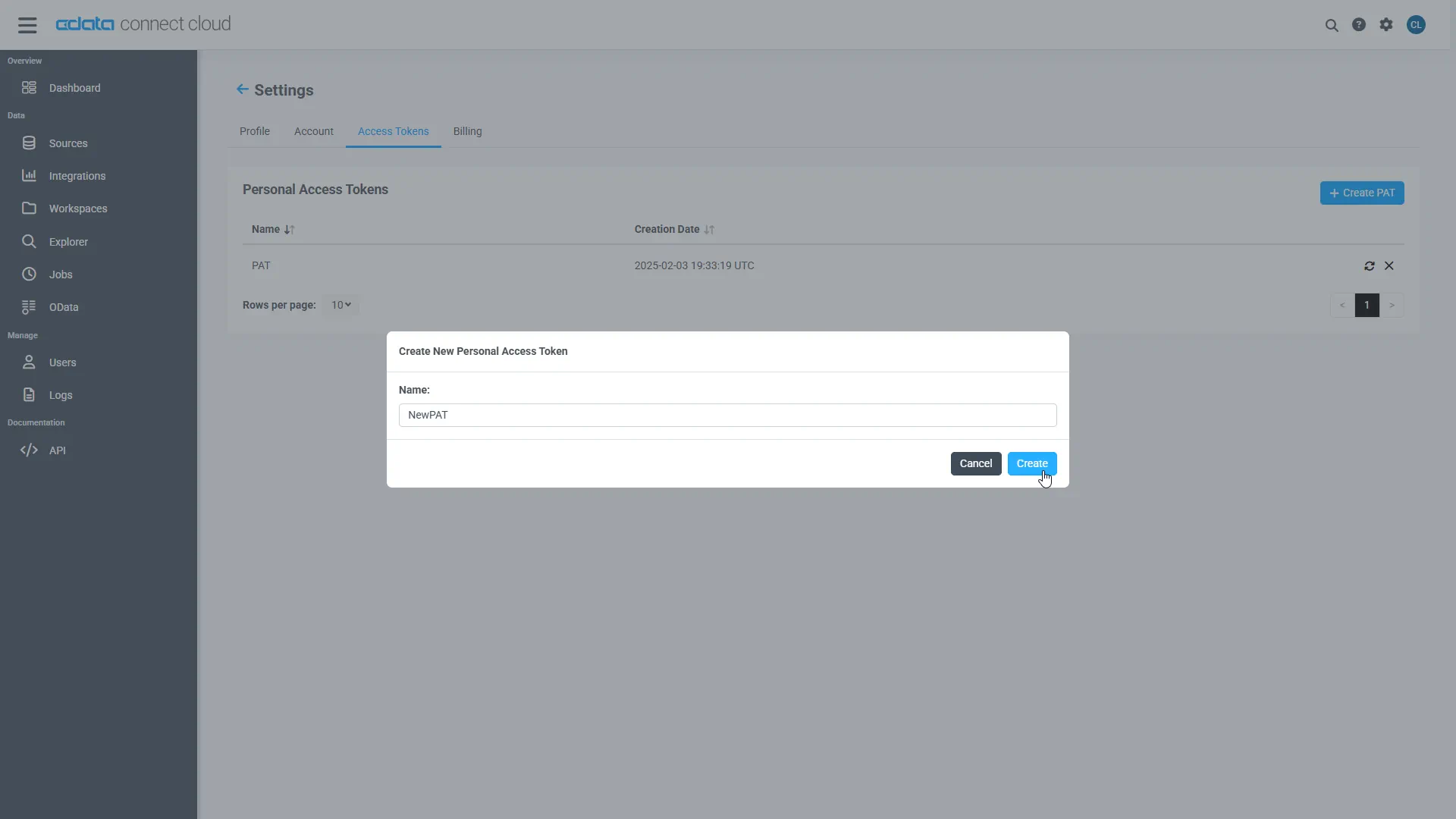
- The personal access token is only visible at creation, so be sure to copy it and store it securely for future use.
With the connection configured and a PAT generated, you are ready to connect to Toggl data from Cognos Analytics.
Connect to Toggl from Cognos Analytics
The steps below outline connecting to CData Connect AI from Cognos Analytics to analyze live Toggl data.
Download and install the CData Connect AI JDBC driver
- Open the Integrations page of CData Connect AI.
- Search for and select JDBC.
- Download and run the setup file.
- When the installation is complete, copy the JAR file (cdata.jdbc.connect.jar) from the installation directory (e.g., C:\Program Files\CData\JDBC Driver for CData Connect\lib) to the "drivers" folder in your Cognos Analytics installation directory.
Configure the Connection to CData Connect AI
- Open IBM Cognos and navigate to Manage > Data server connections.
- Click the icon to add a data server.
- Select CData Connect AI.
- Set JDBC URL to the appropriate connection string. For example:
jdbc:connect:AuthScheme=Basic;user=username;password=PAT; - Set Driver class name to "cdata.jdbc.connect.ConnectDriver"
- Create and store authenticate credentials by selecting an authentication method
- Set Username to your CData Connect AI username (e.g., [email protected])
- Set Password to the PAT you previously generated.
- Click Test connection to confirm that the connection succeeds.
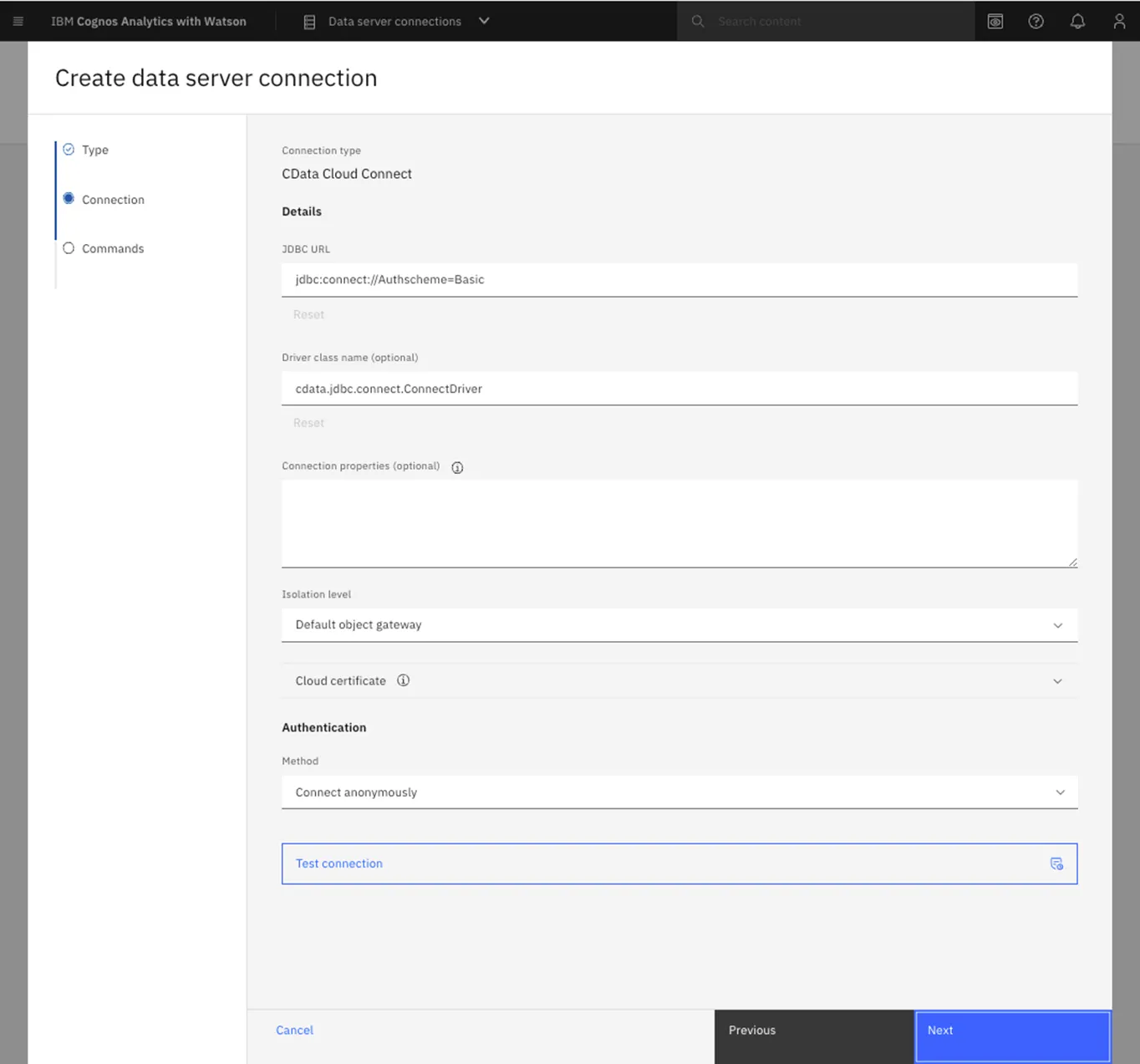
At this point, you are ready to analyze and visualize Toggl data in Cognos Analytics. For more information about using Cognos Analytics, please refer to the Cognos Analytics documentation.
Live Access to Toggl Data for Analytics
Now you have a direct, cloud-to-cloud connection to live Toggl data from Cognos Analytics. You can create new visualizations, build reports, and more — without replicating Toggl data.
Try CData Connect AI and get real-time data access to hundreds of SaaS, Big Data, and NoSQL sources directly from your cloud applications.