








Build Agents in Relevance AI with Access to Live ZohoSubscriptions Data via CData Connect AI

Relevance AI is an AI automation and agent-building platform that enables organizations to create autonomous workflows powered by natural language reasoning. Users can visually design agents that interact with APIs, databases, and third-party systems to complete everyday business tasks or data operations.
By integrating Relevance AI with CData Connect AI through the built-in MCP (Model Context Protocol) Server, your agents can query, summarize, and act on live ZohoSubscriptions data in real time. This connection bridges Relevance AI intelligent workflow engine with the governed enterprise connectivity of CData Connect AI ensuring every query runs securely against authorized sources without manual data export.
This article outlines the steps to configure ZohoSubscriptions connectivity in Connect AI, register Connect AI in Relevance AI, and build an agent that interacts with live ZohoSubscriptions data.
Step 1: Configure ZohoSubscriptions Connectivity for Relevance AI
Connectivity to ZohoSubscriptions from Relevance AI is made possible through CData Connect AI's Remote MCP Server. To interact with ZohoSubscriptions data from Relevance AI, we start by creating and configuring a ZohoSubscriptions connection in CData Connect AI.
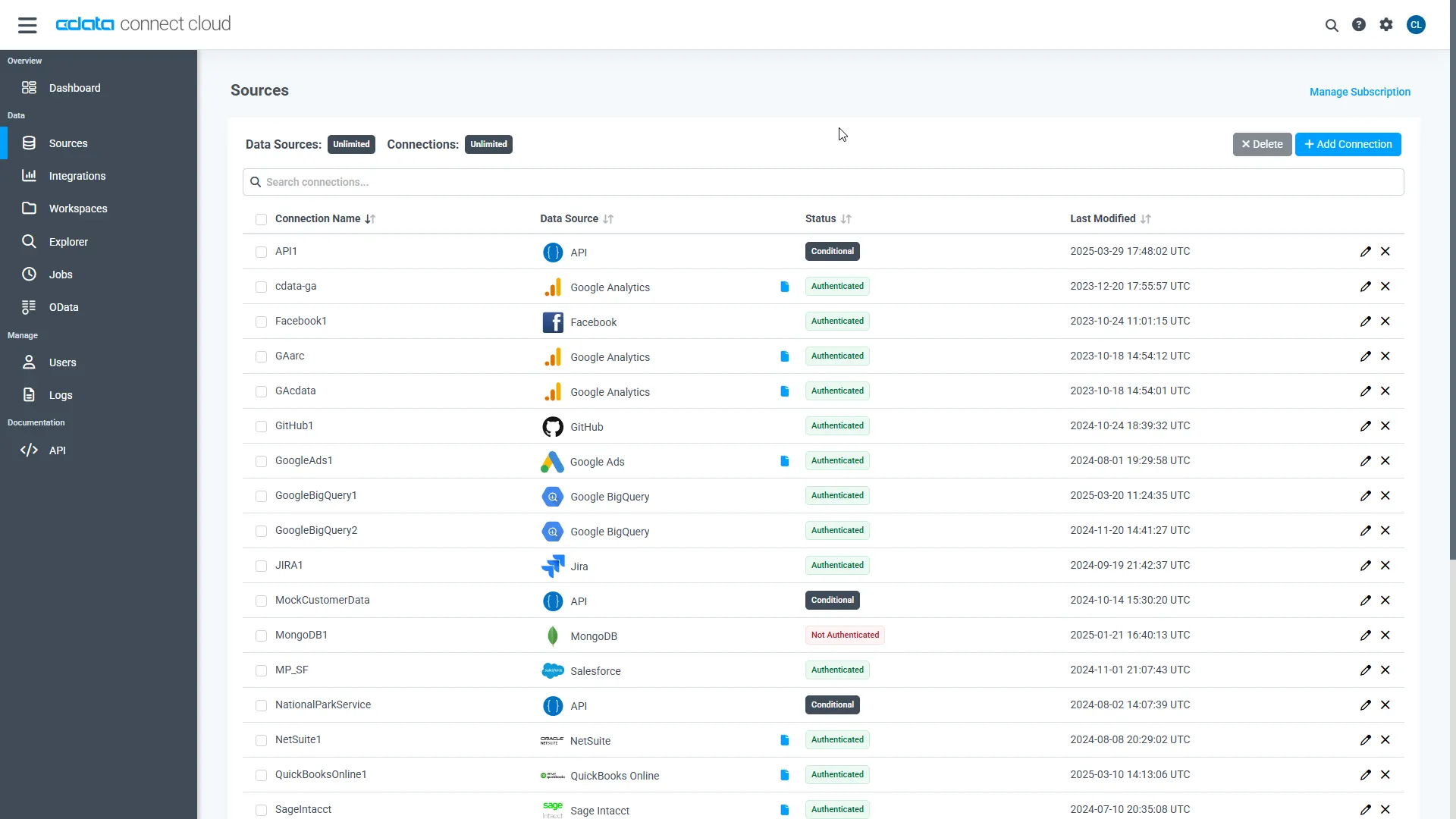
- Log into Connect AI, click Sources, and then click Add Connection
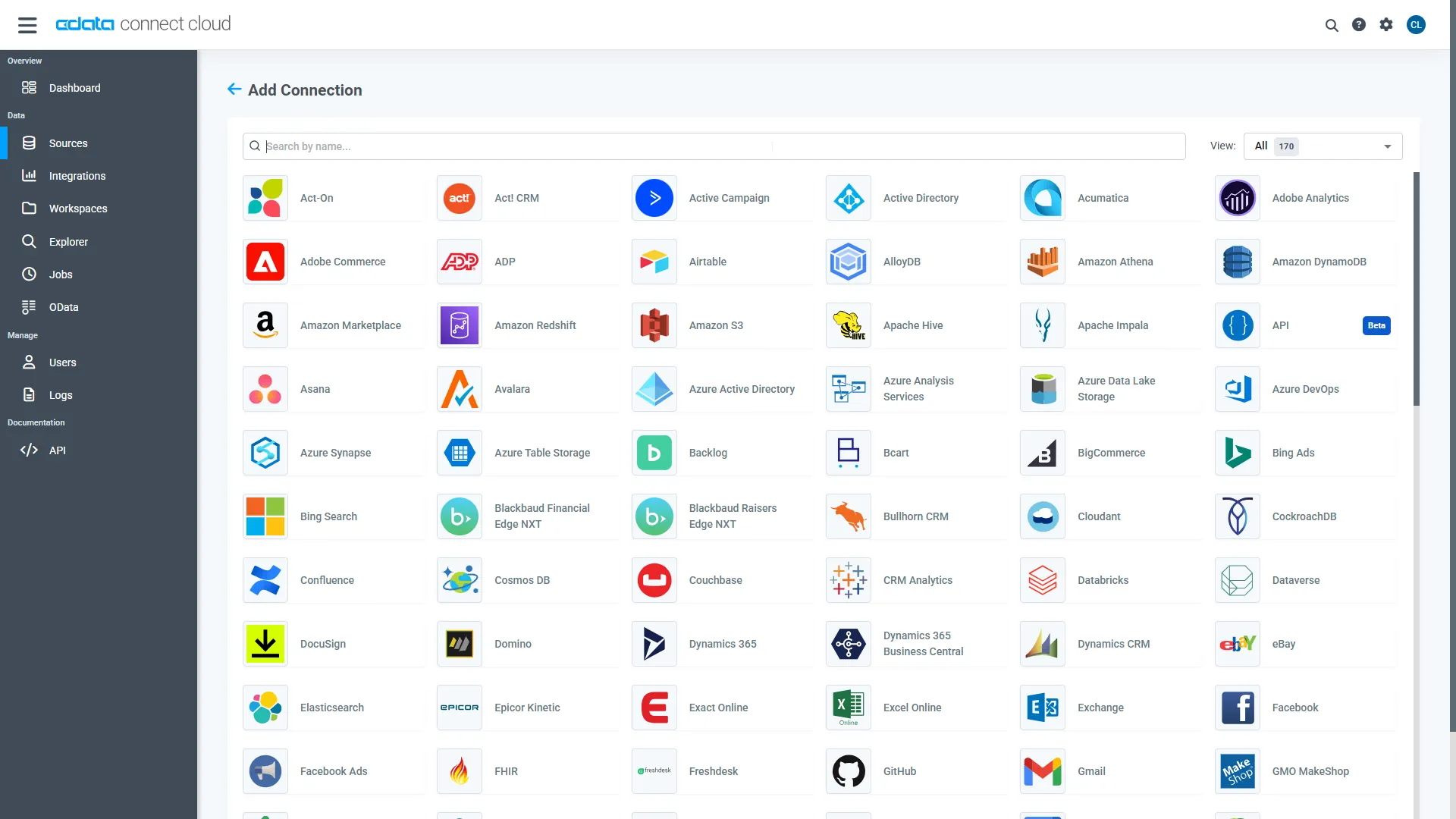
- Select ZohoSubscriptions from the Add Connection panel
-
Enter the necessary authentication properties to connect to ZohoSubscriptions.
Start by setting the Profile connection property to the location of the ZohoSubscriptions Profile on disk (e.g. C:\profiles\ZohoSubscriptions.apip). Next, set the ProfileSettings connection property to the connection string for ZohoSubscriptions (see below).
ZohoSubscriptions API Profile Settings
Register an OAuth application in the Zoho Developer Console as a server-based application to obtain your Client ID and Client Secret.
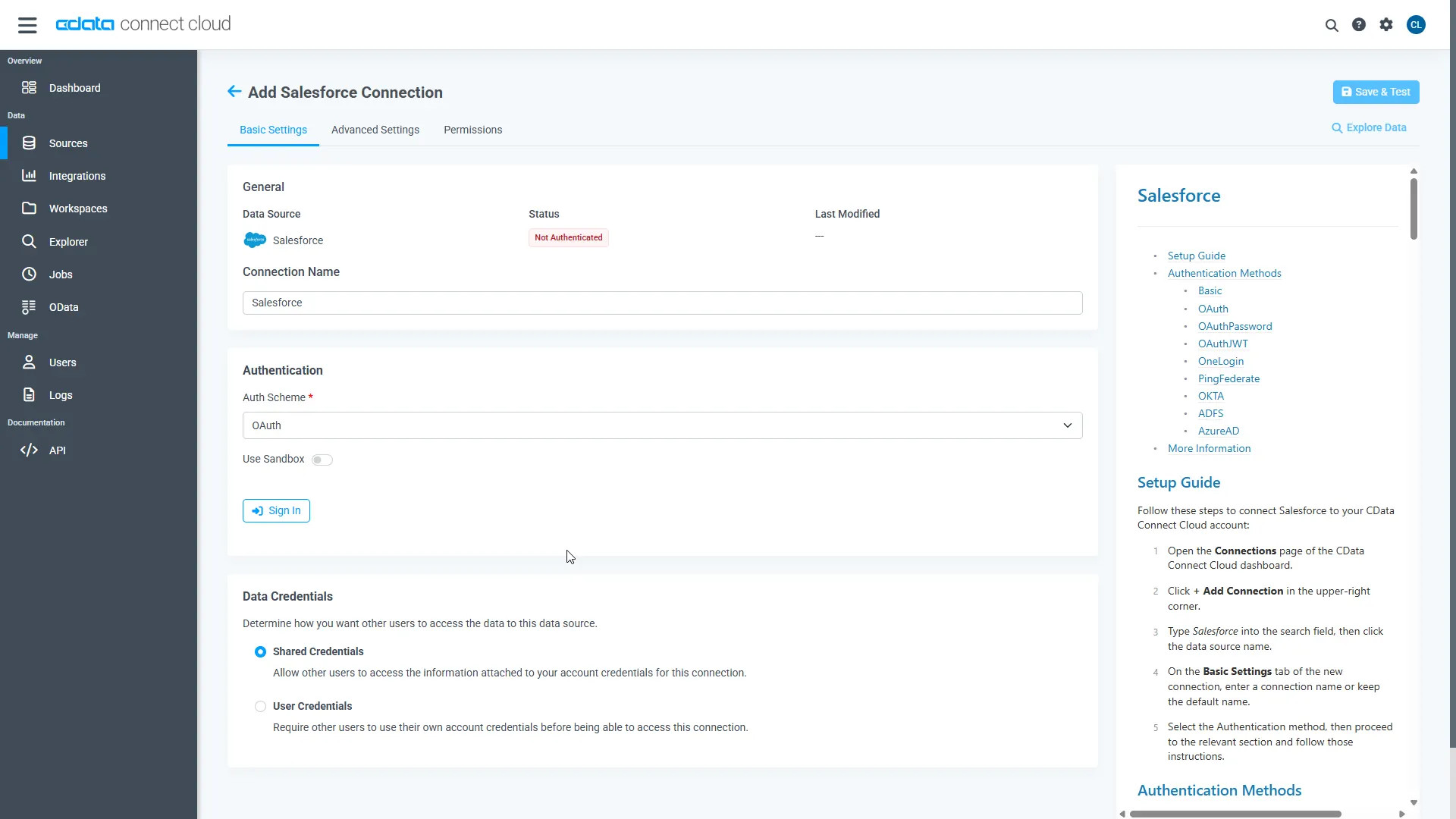
- Click Save & Test
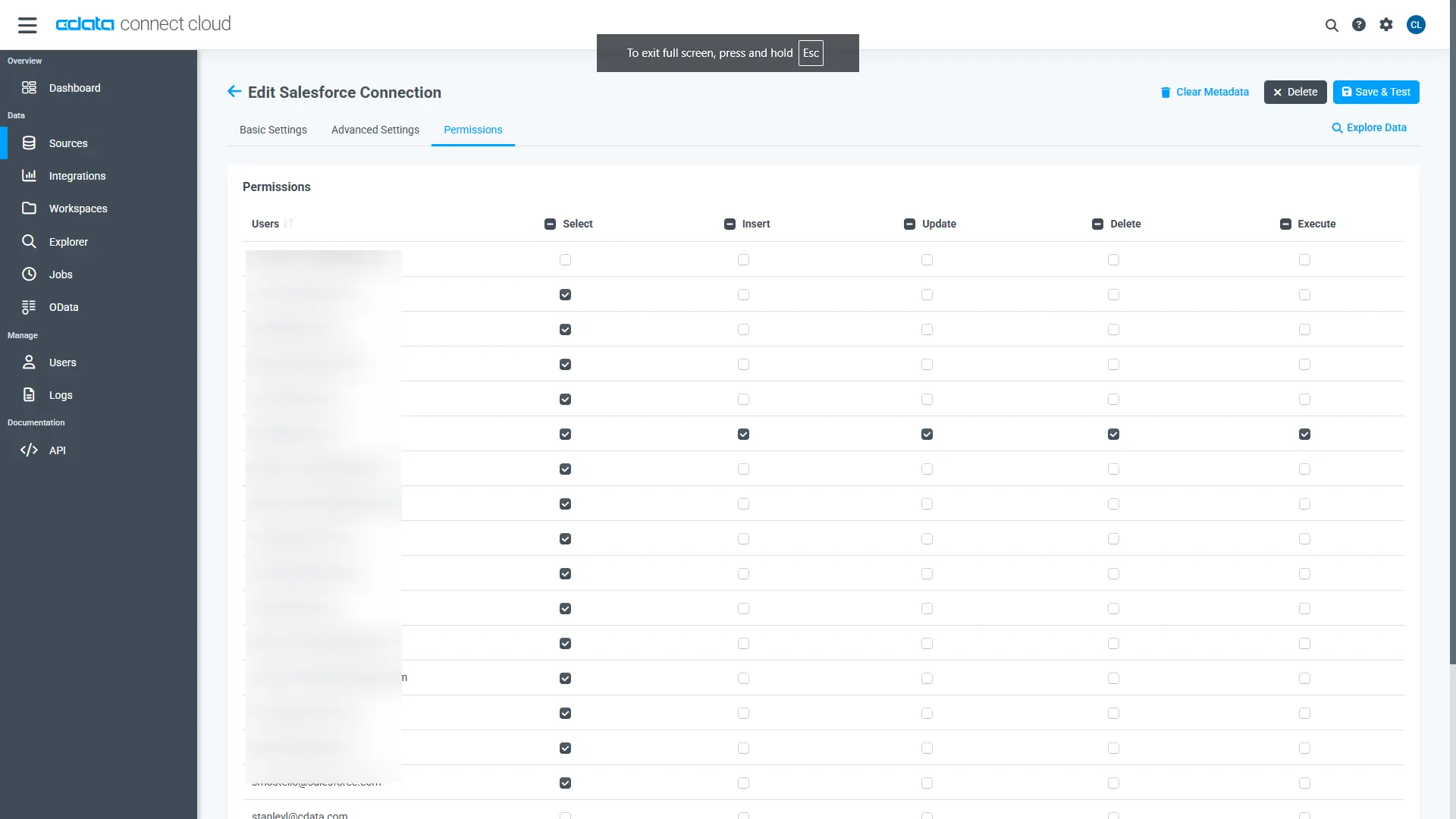
- Navigate to the Permissions tab and update user-based permissions
Add a Personal Access Token
A Personal Access Token (PAT) is used to authenticate the connection to Connect AI from Relevance AI. It is best practice to create a separate PAT for each integration to maintain granular access control.
- Click the gear icon () at the top right of the Connect AI app to open Settings
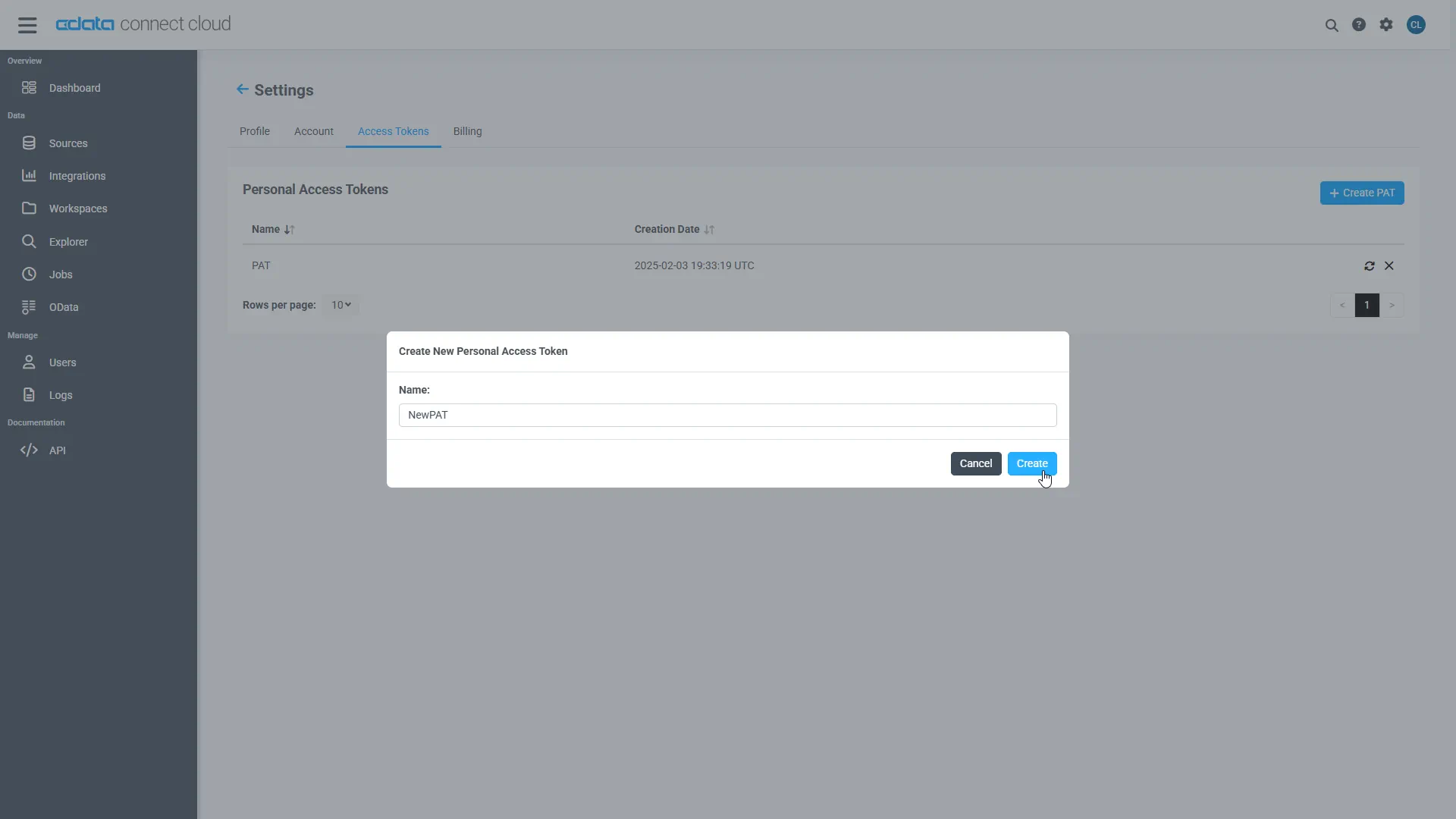
- On the Settings page, go to the Access Tokens section and click Create PAT
- Give the PAT a descriptive name and click Create
- Copy the token when displayed and store it securely. It will not be shown again
With the ZohoSubscriptions connection configured and a PAT generated, Relevance AI can now connect to ZohoSubscriptions data through Connect AI.
Step 2: Configure Connectivity in Relevance AI
The CData Connect AI MCP endpoint and authorization details are registered within Relevance AI so that agents can call live data from Connect AI.
- Sign in to Relevance AI and create an account if you do not already have one
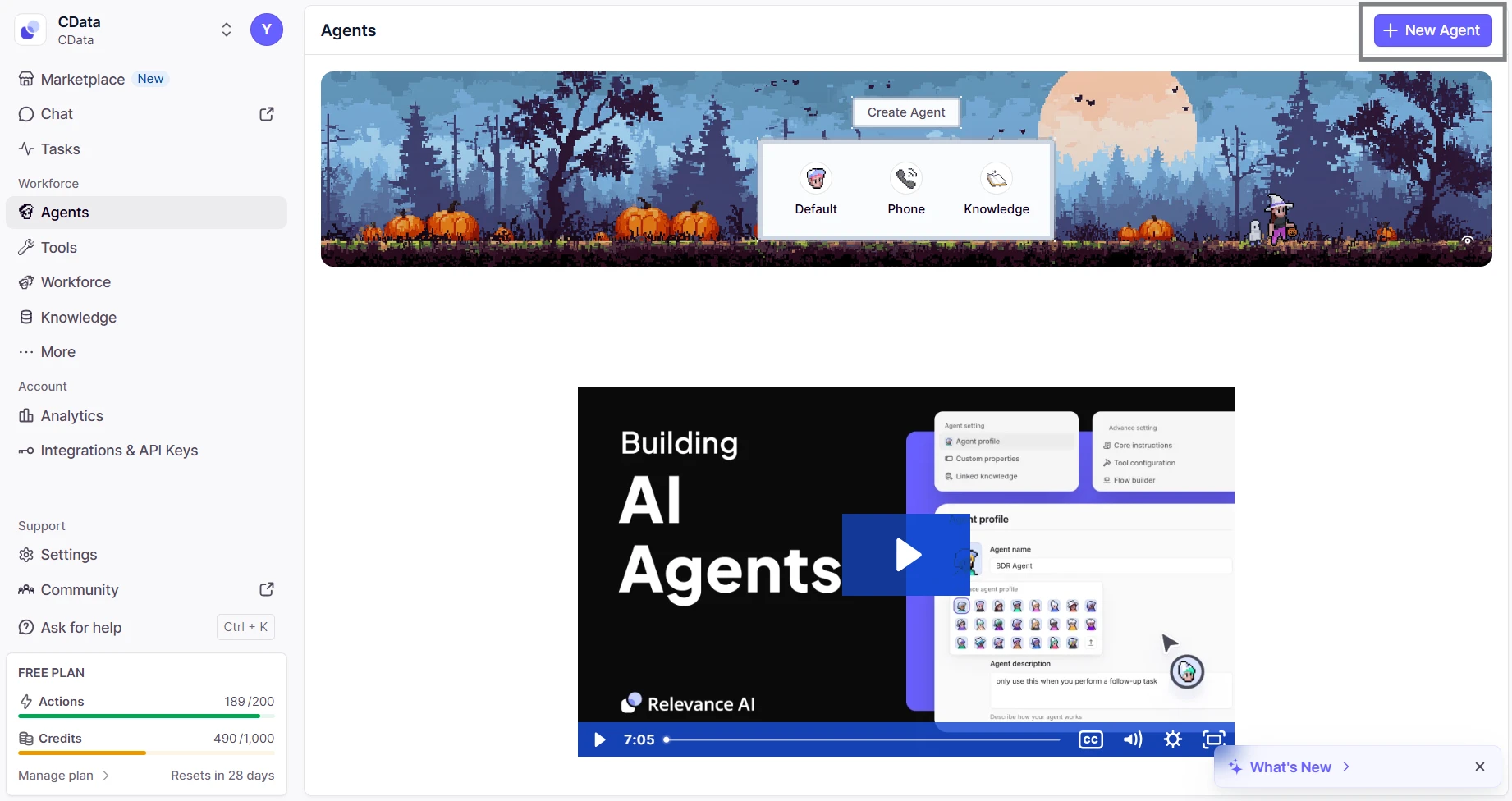
- From the sidebar, navigate to Agents and then click on New Agent
- Select Build from scratch and name the agent (eg; CData MCP Server)
- Inside the agent editor, select Advanced and then switch to the MCP Server tab
- Click + Add Remote MCP Tools
- In the dialog that appears, fill out the fields as follows:
- URL: https://mcp.cloud.cdata.com/mcp
- Label: Any custom label (eg; cdata_mcp_server)
- Authentication: Select Custom headers
- Add header key:value pair. Combine your email and PAT as email:PAT and encode that string in Base64 and then prefix with the word Basic
- Key: Authorization
- Value: Basic base64(email:PAT)


Click Connect to establish the connection. Relevance AI will verify your credentials and register the CData Connect AI MCP Server for use in agents.
Step 3: Build and Run a Relevance AI Agent with Live ZohoSubscriptions Data
- Switch to the Run tab for your agent
- Enter a task for example, "List the five most recent incidents from ServiceNow"
- The agent will query Connect AI via the MCP endpoint and display live results from ZohoSubscriptions data


With the connection complete, Relevance AI agents can now issue queries, retrieve records, and perform AI-driven tasks over live ZohoSubscriptions data through CData Connect AI MCP Server.
Get CData Connect AI
To access hundreds of SaaS, Big Data, and NoSQL sources directly from your cloud applications, try CData Connect AI today!