







Build Authorize.Net-Connected Web Apps with Axios and CData Connect AI

Axios is a JavaScript library that allows developers to make HTTP requests to servers from a web browser or Node.js. When paired with CData Connect AI, you get access to live Authorize.Net data for your web apps. This article shows how to connect to Authorize.Net and build web apps in Axios with access to live Authorize.Net data.
Connect to Authorize.Net from Axios
To work with Authorize.Net in Axios, we need to connect to Authorize.Net from Connect AI, provide user access to the connection, and create a Workspace for the Authorize.Net data.
Connect to Authorize.Net from Connect AI
CData Connect AI uses a straightforward, point-and-click interface to connect to data sources.
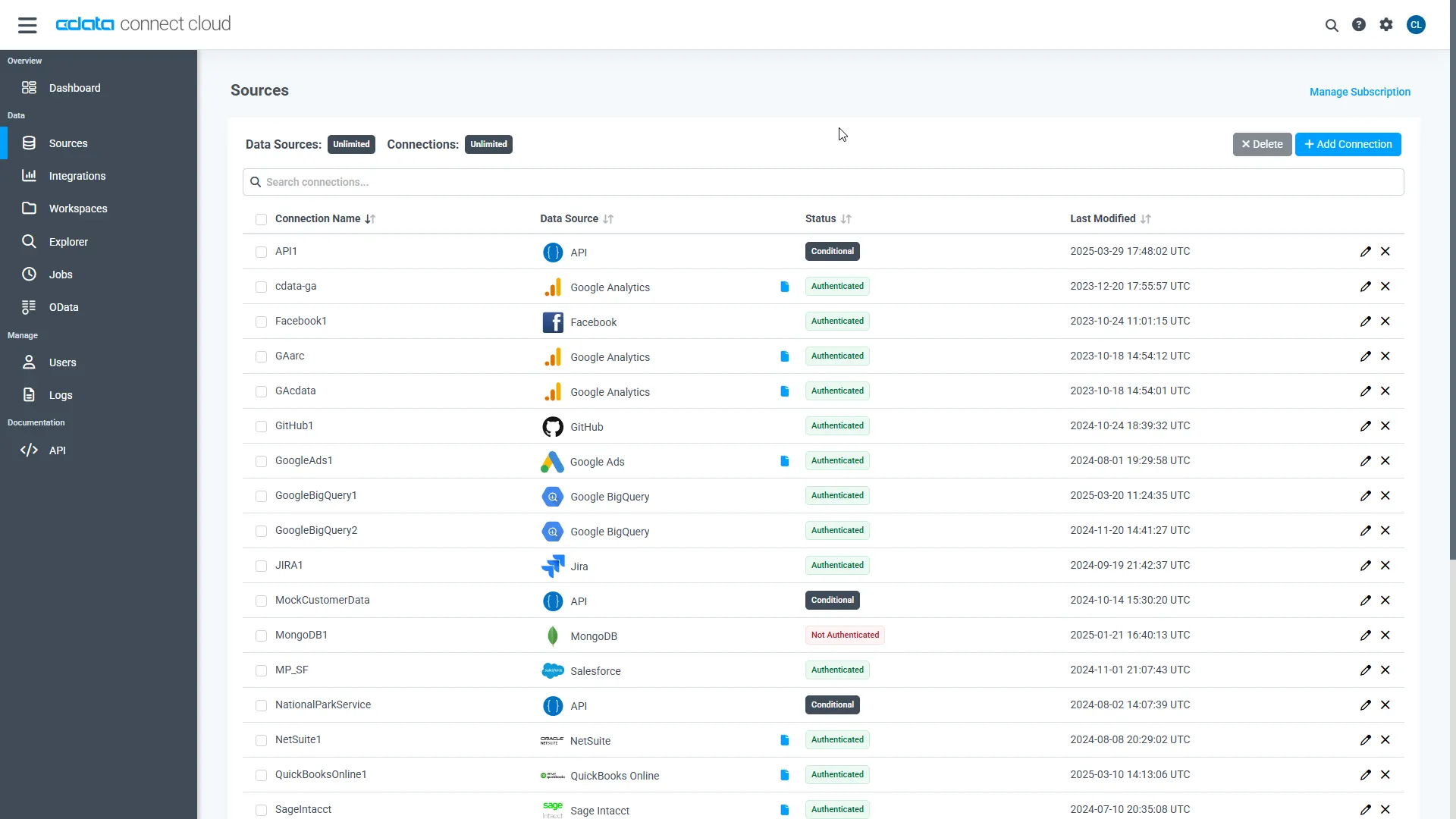
- Log into Connect AI, click Sources, and then click Add Connection
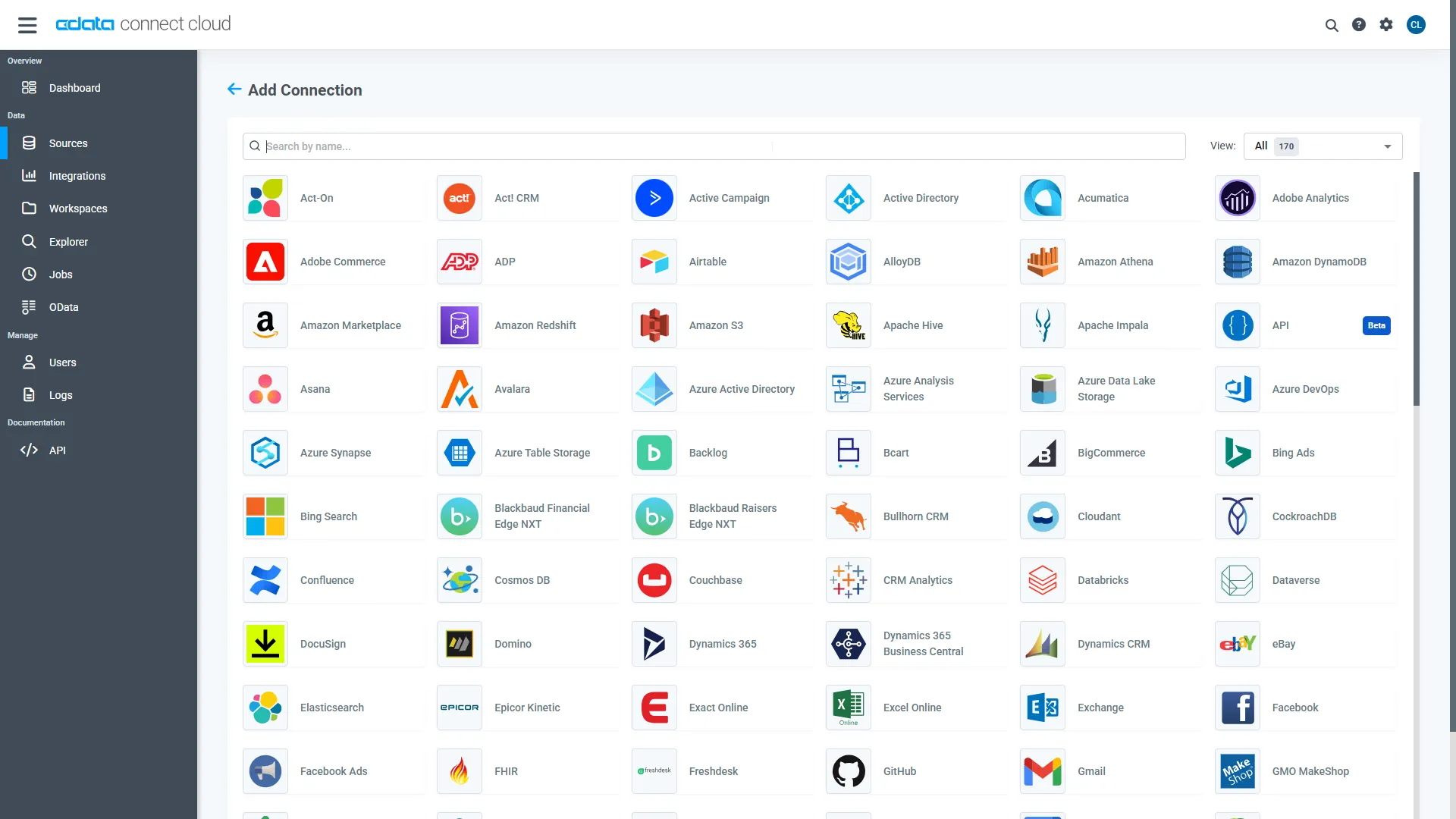
- Select "Authorize.Net" from the Add Connection panel
-
Enter the necessary authentication properties to connect to Authorize.Net.
You can obtain the necessary connection properties on the Security Settings -> General Settings page after logging into your Merchant Account.
- UseSandbox: The Authorize.Net API to be used to process transactions. If you are using a production account, this property can be left blank. If you are using a developer test account, set this to 'TRUE'.
- LoginID: The API login Id associated with your payment gateway account. This property is used to authenticate that you are authorized to submit website transactions. Note that this value is not the same as the login Id that you use to log in to the Merchant Interface.
- TransactionKey: The transaction key associated with your payment gateway account. This property is used to authenticate that you are authorized to submit website transactions.
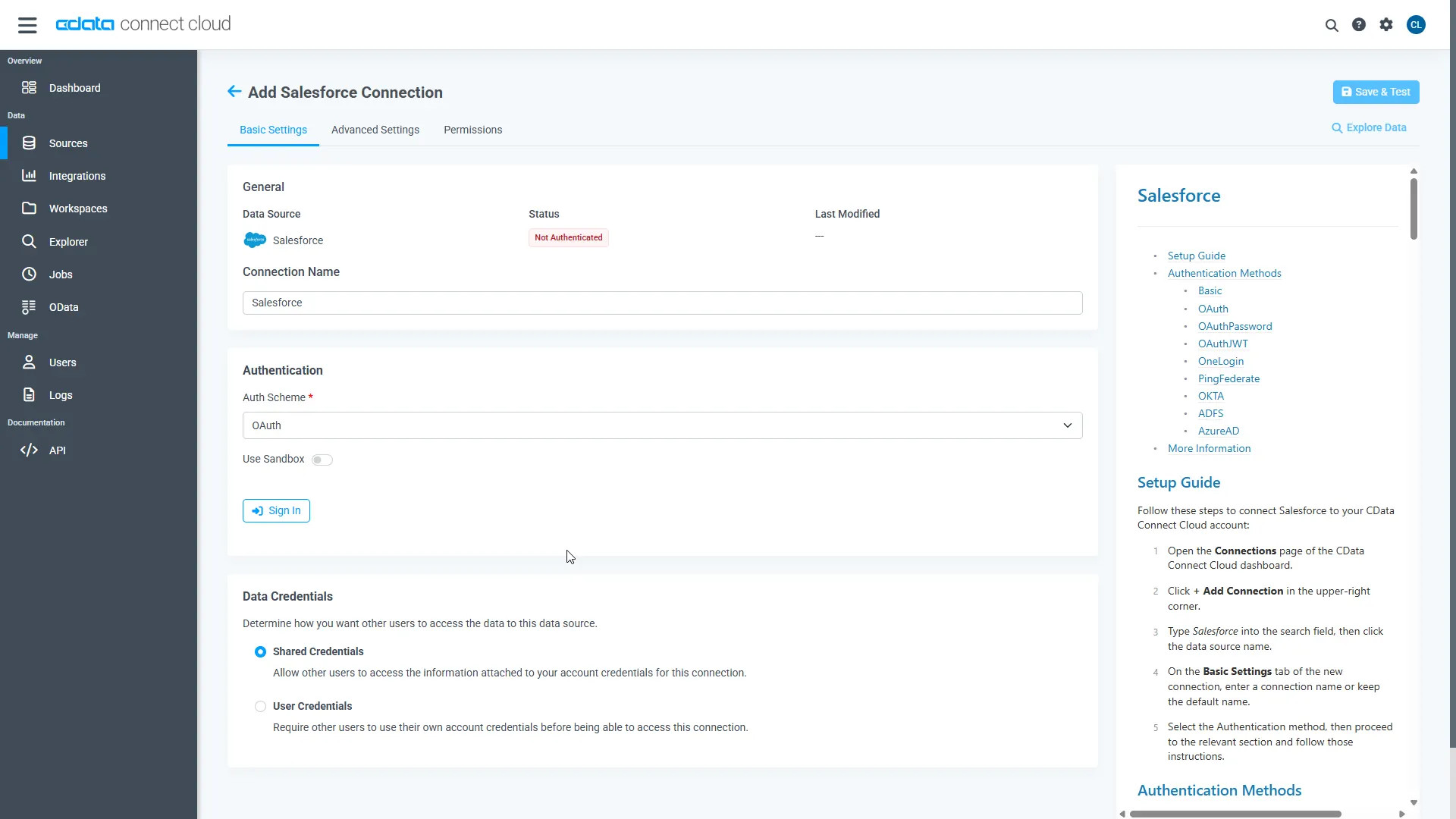
- Click Save & Test
-
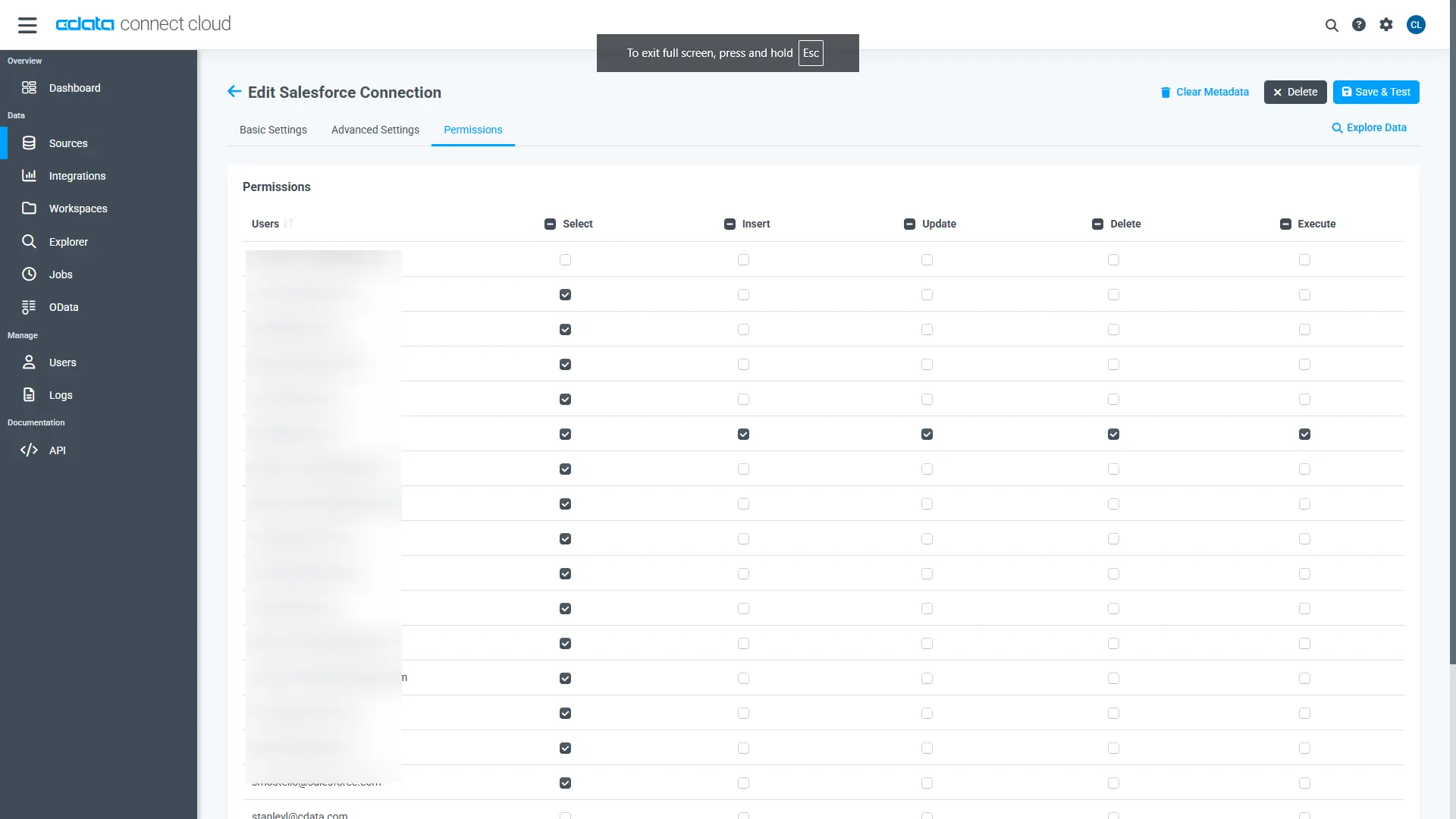
Navigate to the Permissions tab in the Add Authorize.Net Connection page and update the User-based permissions.
Add a Personal Access Token
When connecting to Connect AI through the REST API, the OData API, or the Virtual SQL Server, a Personal Access Token (PAT) is used to authenticate the connection to Connect AI. It is best practice to create a separate PAT for each service to maintain granularity of access.
- Click on the Gear icon () at the top right of the Connect AI app to open the settings page.
- On the Settings page, go to the Access Tokens section and click Create PAT.
-
Give the PAT a name and click Create.
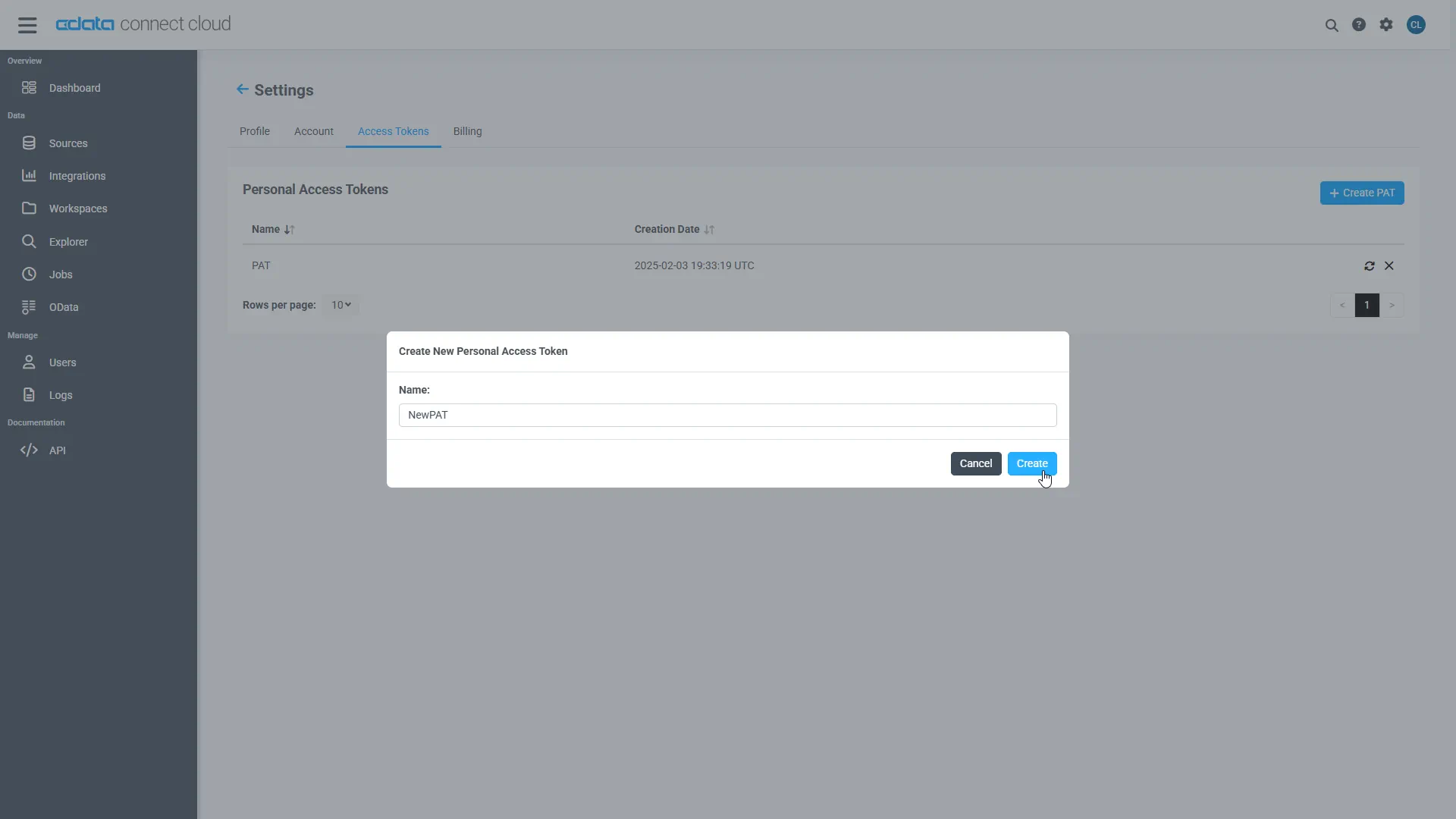
- The personal access token is only visible at creation, so be sure to copy it and store it securely for future use.
Configure Authorize.Net Endpoints for Axios
After connecting to Authorize.Net, create a workspace for your desired table(s).
-
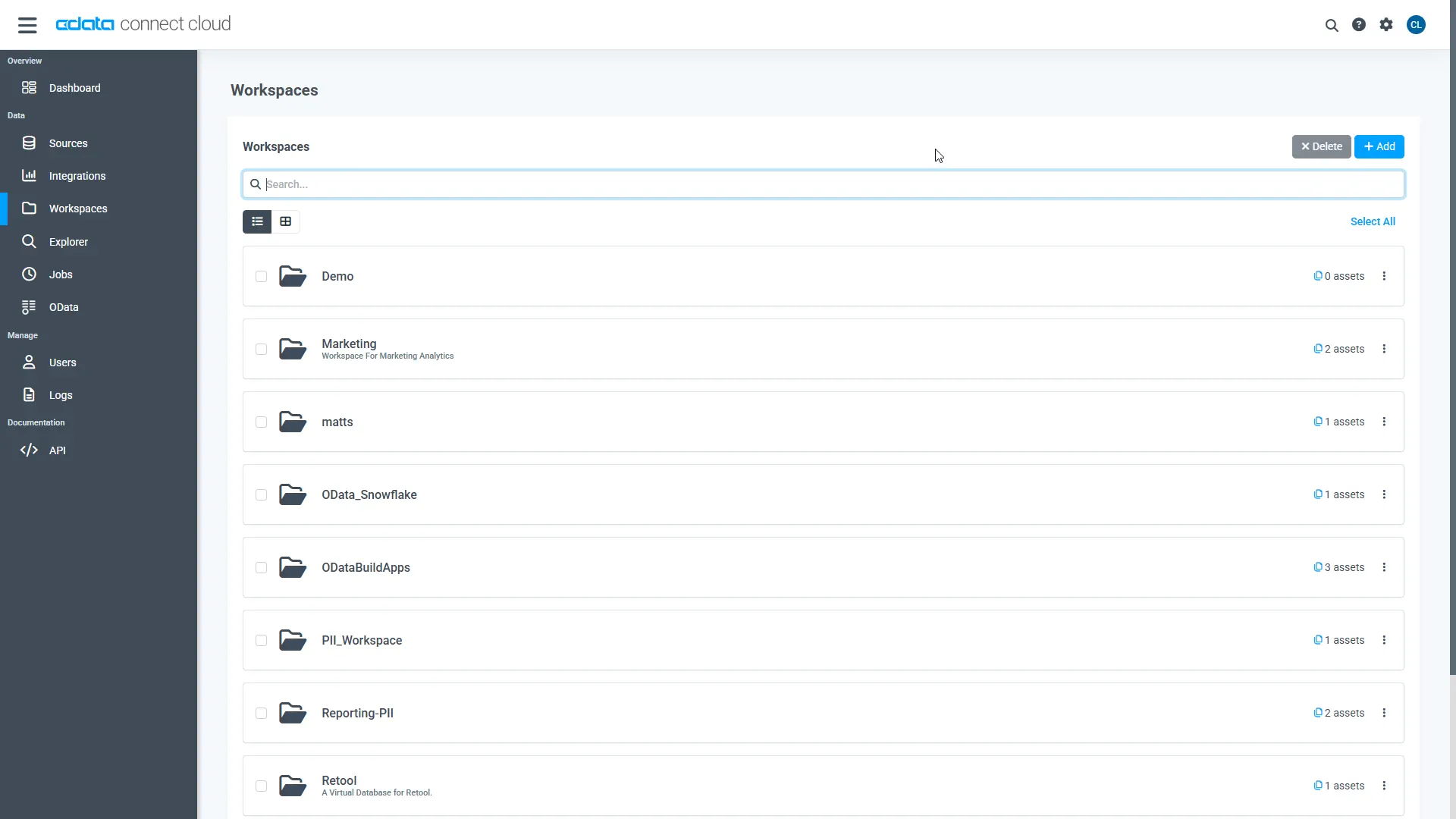
Navigate to the Workspaces page and click Add to create a new Workspace (or select an existing workspace).
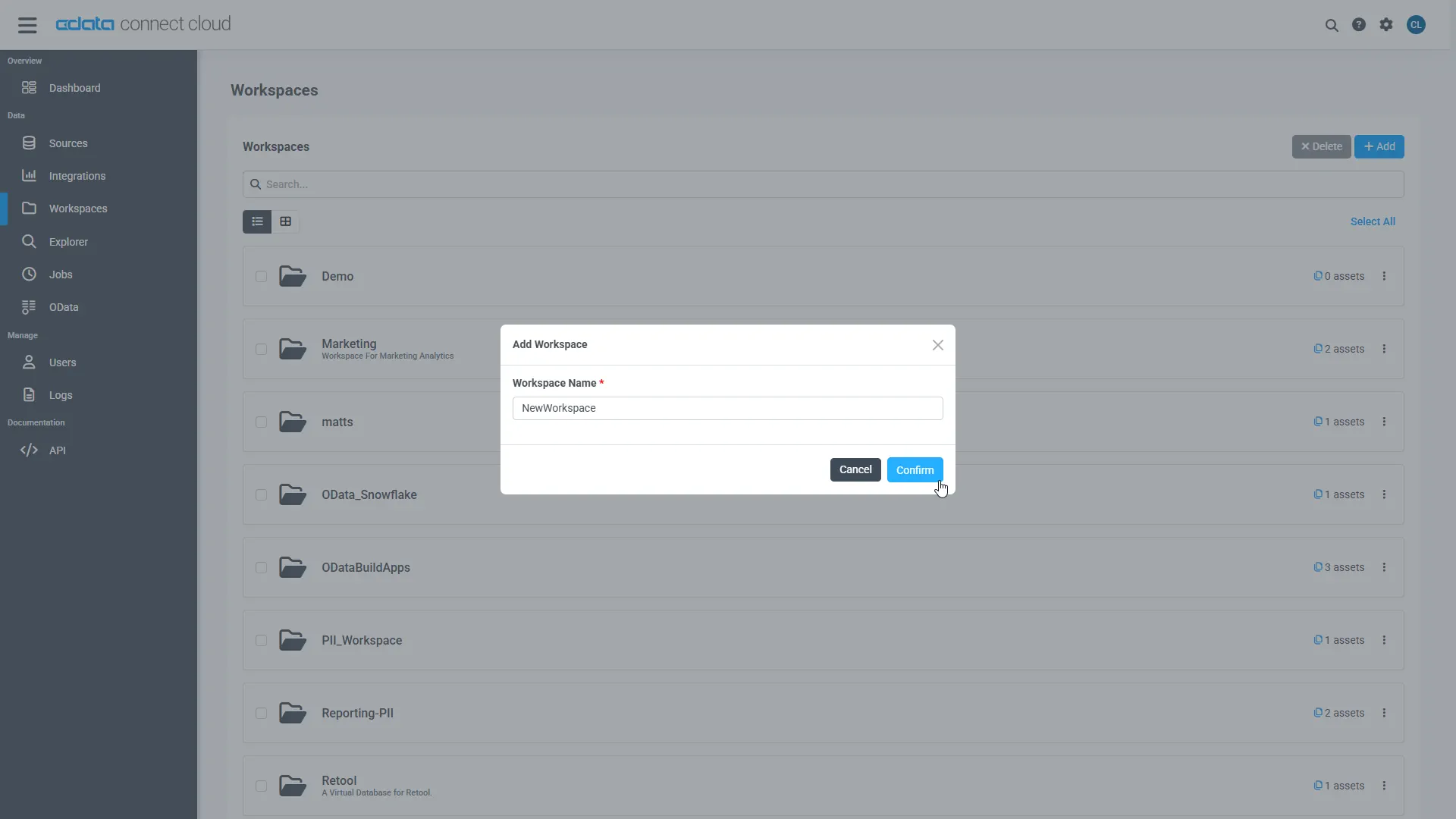
- Click Add to add new assets to the Workspace.
-
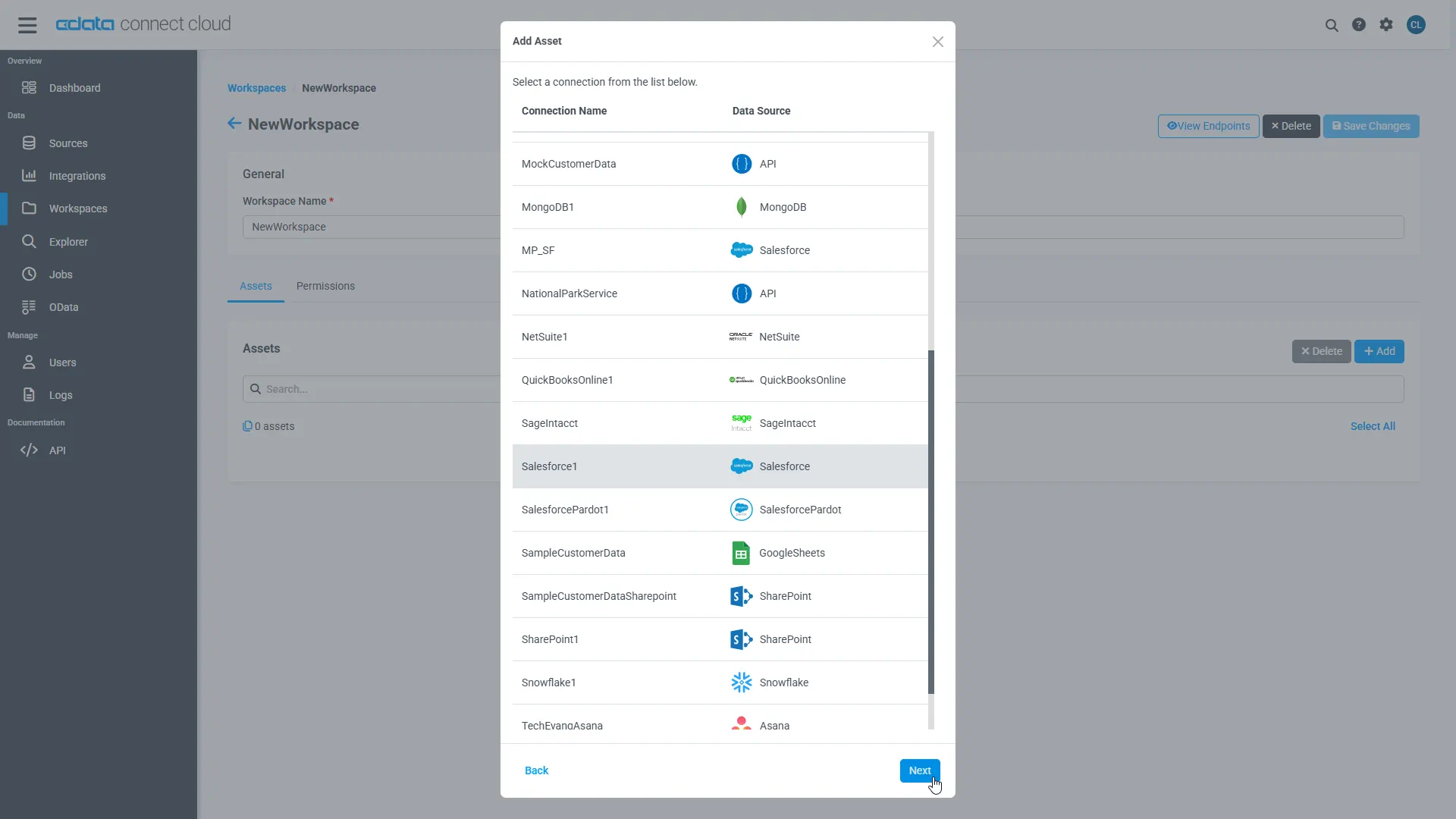
Select the Authorize.Net connection (e.g. AuthorizeNet1) and click Next.
-
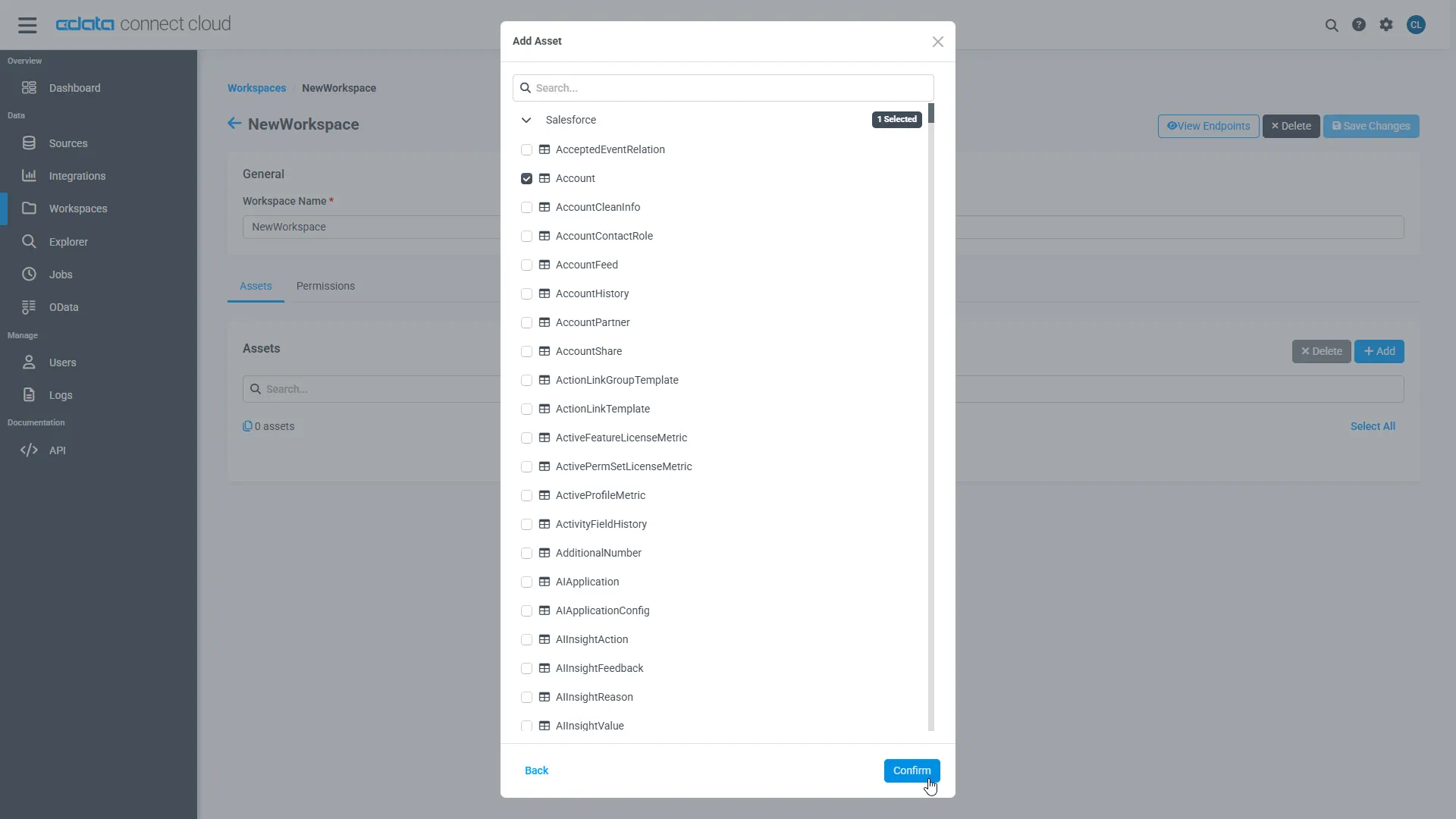
Select the table(s) you wish to work with and click Confirm.
- Make note of the OData Service URL for your workspace, e.g. https://cloud.cdata.com/api/odata/{workspace_name}
With the connection, PAT, and Workspace configured, you are ready to connect to Authorize.Net data from Axios.
Connect to Authorize.Net Data in Axios Workflows
To establish a connection from Axios to CData Connect AI using the OData protocol, follow these steps.
- Create a project directory for your web app. For example: ~/connect_cloud/
- Open a terminal, navigate the the project directory and initialize a node project using the command:
npm init -y
- Install the Axios dependency in the project using the following command:
npm install axios
In your project directory, create a file called server.js that contains the following code. Provide your CData Connect AI username (e.g. [email protected]) and PAT (the PAT you created in the prerequisites). You must also provide a query for your data, such as SELECT * FROM AuthorizeNet1.SCHEMA.SettledBatchList.
server.js code
const axios = require('axios') const user = '[email protected]' const pat = '***********************************'; //Your API endpoint const url = 'https://cloud.cdata.com/api/odata/{workspace_name}'; //Your data to be sent in the POST request const data = { "query":"SELECT * FROM {workspace_name}.SCHEMA.SettledBatchList" }; axios.post(url, data, { auth: { username: user, password: pat } }) .then(response => { const rows = response.data.results[0].rows; const schema = response.data.results[0].schema; //Create an array of column names const columnNames = schema.map(col => col.columnName); //Loop through each row and log the column name with its value rows.forEach(row => { const rowObject = {}; row.forEach((value, index) => { const columnName = columnNames[index]; rowObject[columnName] = value; }); console.log(rowObject); }) }) .catch(error => { console.error('Error:', error); });- In the terminal, execute the following command to run the server:
node server.js
The query results will appear:{ ID: 1, VALUE: -2 } { ID: 2, VALUE: 1 } { ID: 11, VALUE: null } { ID: 3, VALUE: 2 } { ID: 4, VALUE: 5 } ...
Simplified Access to Authorize.Net Data from Cloud Applications
At this point, you have a direct connection to live Authorize.Net data from Axios. For more information on gaining simplified access to data from more than 100 SaaS, Big Data, and NoSQL sources in cloud applications like Axios, refer to our Connect AI page.