







Use Claude to Talk to Your JSON Services via CData Connect AI

Claude is a family of advanced large language models (LLMs) built by Anthropic, an AI research company founded in 2021. These models power the Claude conversational assistant and developer tools.
CData Connect AI offers a dedicated cloud-to-cloud interface for connecting to JSON services. The CData Connect AI Remote MCP Server enables secure communication between Claude and JSON. This allows you to ask questions and take actions on your JSON services using Claude, all without the need for data replication to a natively supported database. With its inherent optimized data processing capabilities, CData Connect AI efficiently channels all supported SQL operations, including filters and JOINs, directly to JSON. This leverages server-side processing to swiftly deliver the requested JSON services.
Step 1: Configure JSON Connectivity for Claude
Connectivity to JSON from Claude is made possible through CData Connect AI Remote MCP. To interact with JSON services from Claude, we start by creating and configuring a JSON connection in CData Connect AI.
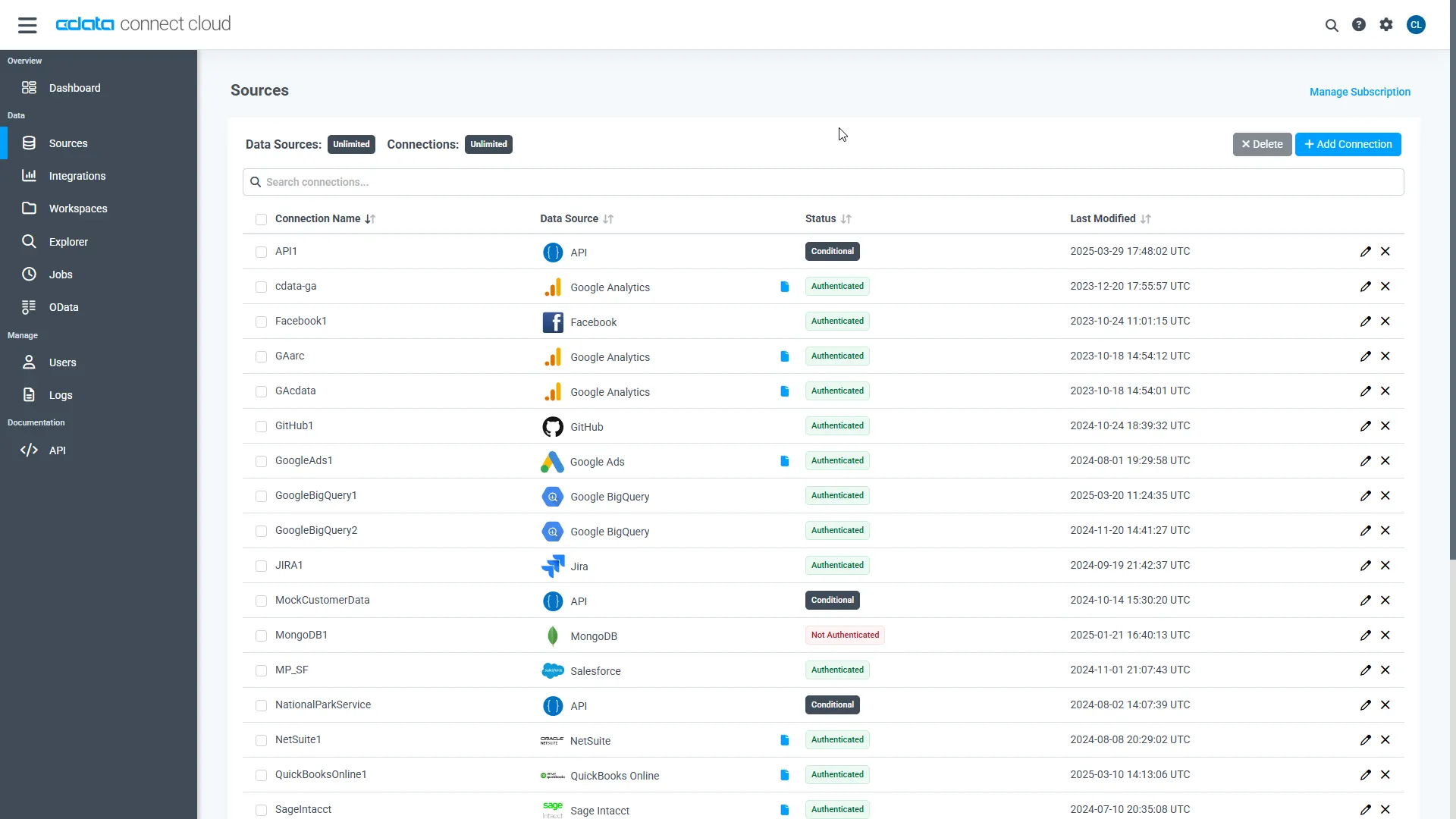
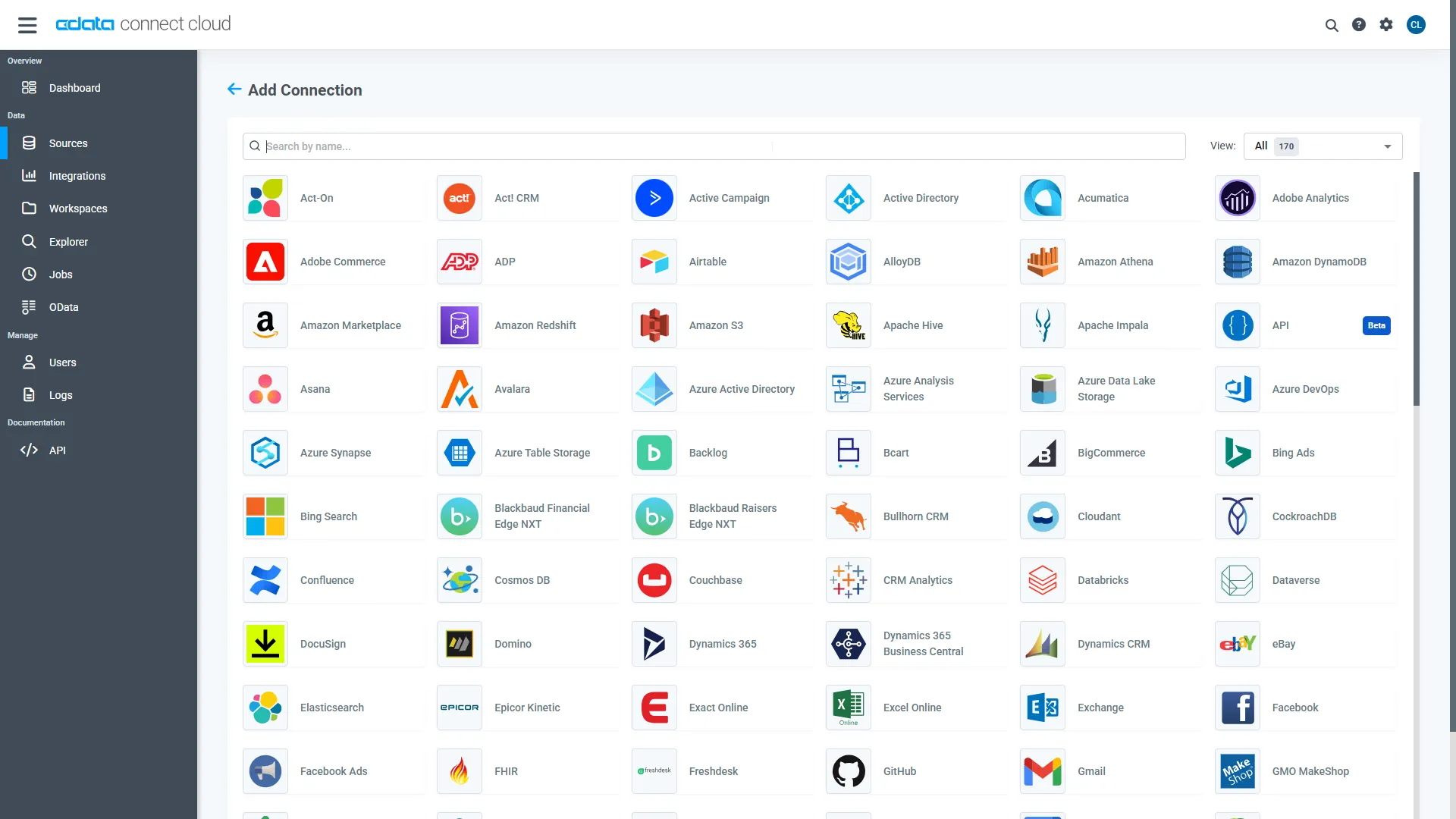
- Log into Connect AI, click Sources, and then click Add Connection
- Select "JSON" from the Add Connection panel
-
Enter the necessary authentication properties to connect to JSON.
See the Getting Started chapter in the data provider documentation to authenticate to your data source: The data provider models JSON APIs as bidirectional database tables and JSON files as read-only views (local files, files stored on popular cloud services, and FTP servers). The major authentication schemes are supported, including HTTP Basic, Digest, NTLM, OAuth, and FTP. See the Getting Started chapter in the data provider documentation for authentication guides.
After setting the URI and providing any authentication values, set DataModel to more closely match the data representation to the structure of your data.
The DataModel property is the controlling property over how your data is represented into tables and toggles the following basic configurations.
- Document (default): Model a top-level, document view of your JSON data. The data provider returns nested elements as aggregates of data.
- FlattenedDocuments: Implicitly join nested documents and their parents into a single table.
- Relational: Return individual, related tables from hierarchical data. The tables contain a primary key and a foreign key that links to the parent document.
See the Modeling JSON Data chapter for more information on configuring the relational representation. You will also find the sample data used in the following examples. The data includes entries for people, the cars they own, and various maintenance services performed on those cars.
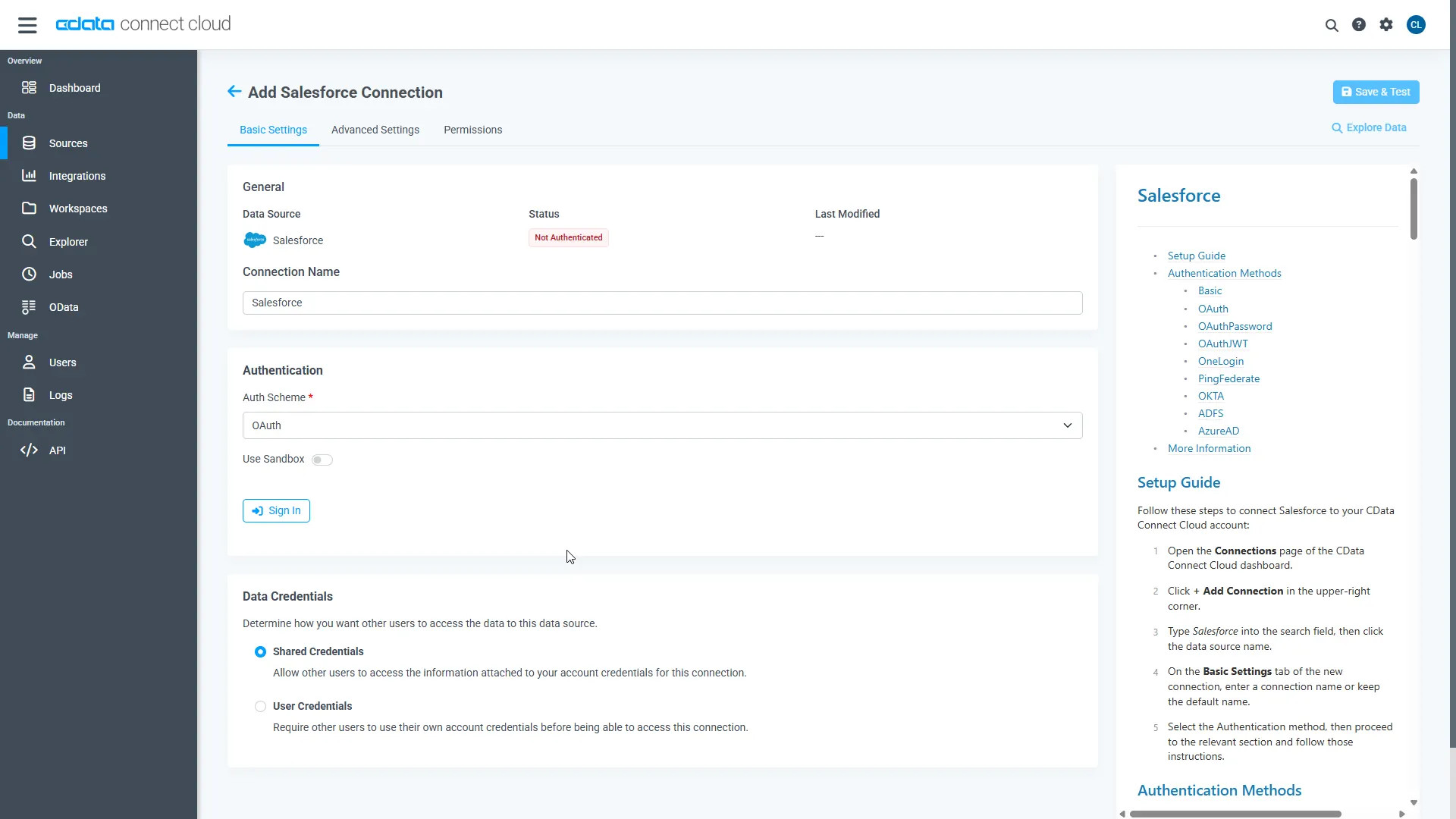
- Click Save & Test
Step 2: Connect Claude to CData Connect AI
Follow these steps to add a CData Connect AI connector in Claude:
- Sign in to Claude.ai or create a new account.
- Expand the left navigation menu.
- In the bottom-left corner, click your user name and select Settings from the menu. The Settings screen appears.
- In the Settings screen, click Connectors.
- Click the button to Browse Connectors.
- Search for "CData Connect AI" and click the listing.
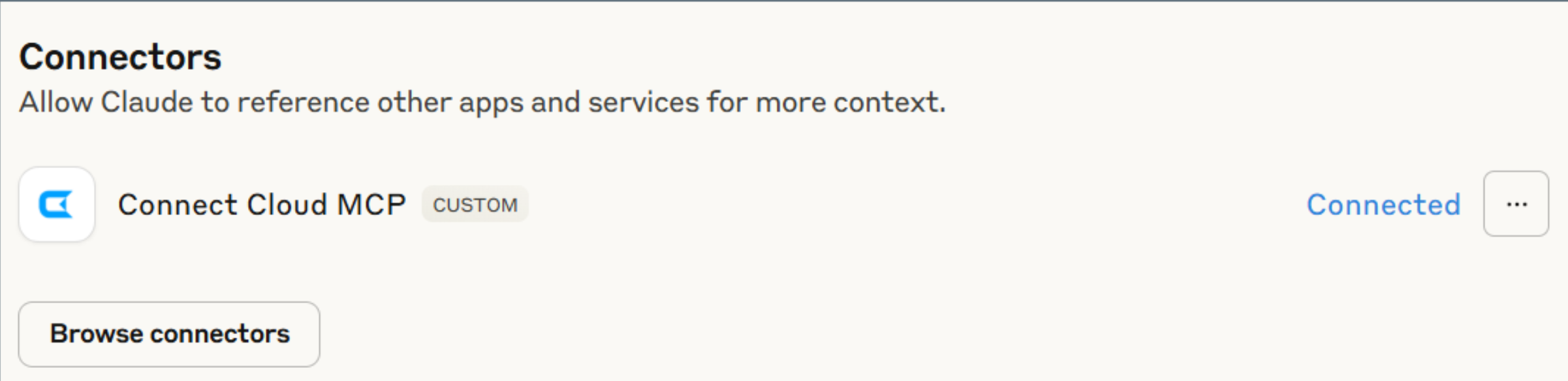
- Click "Connect" and sign into your Connect AI account.
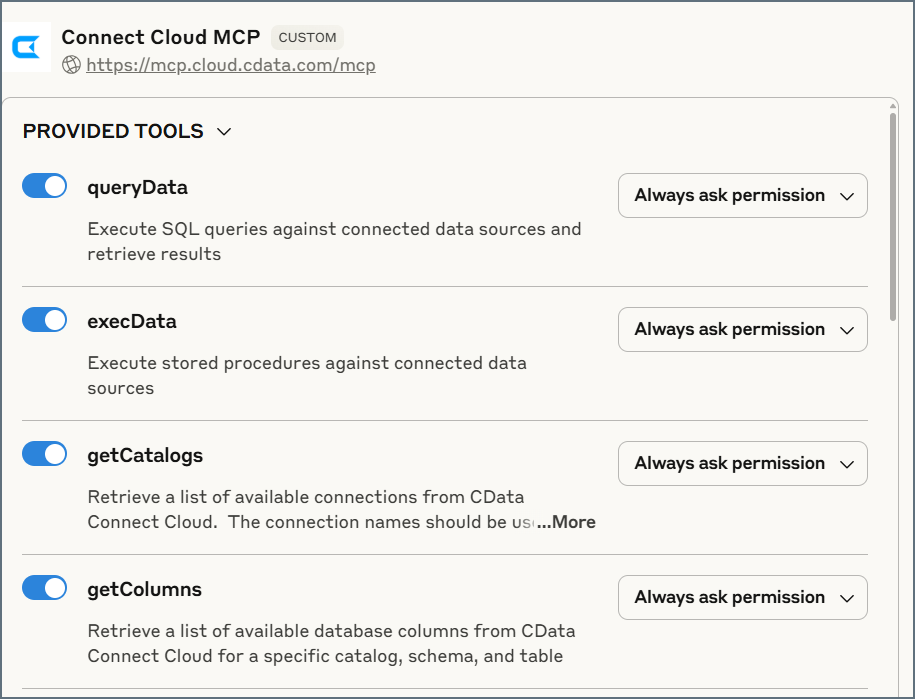
- After connecting, Claude opens a new chat.
Step 3: Explore Live JSON Services with Claude
- You can now start exploring your data with natural language prompts. Claude outlines the steps it uses to retrieve data from the source in CData Connect AI. Refer to CData's prompt library for prompt ideas.
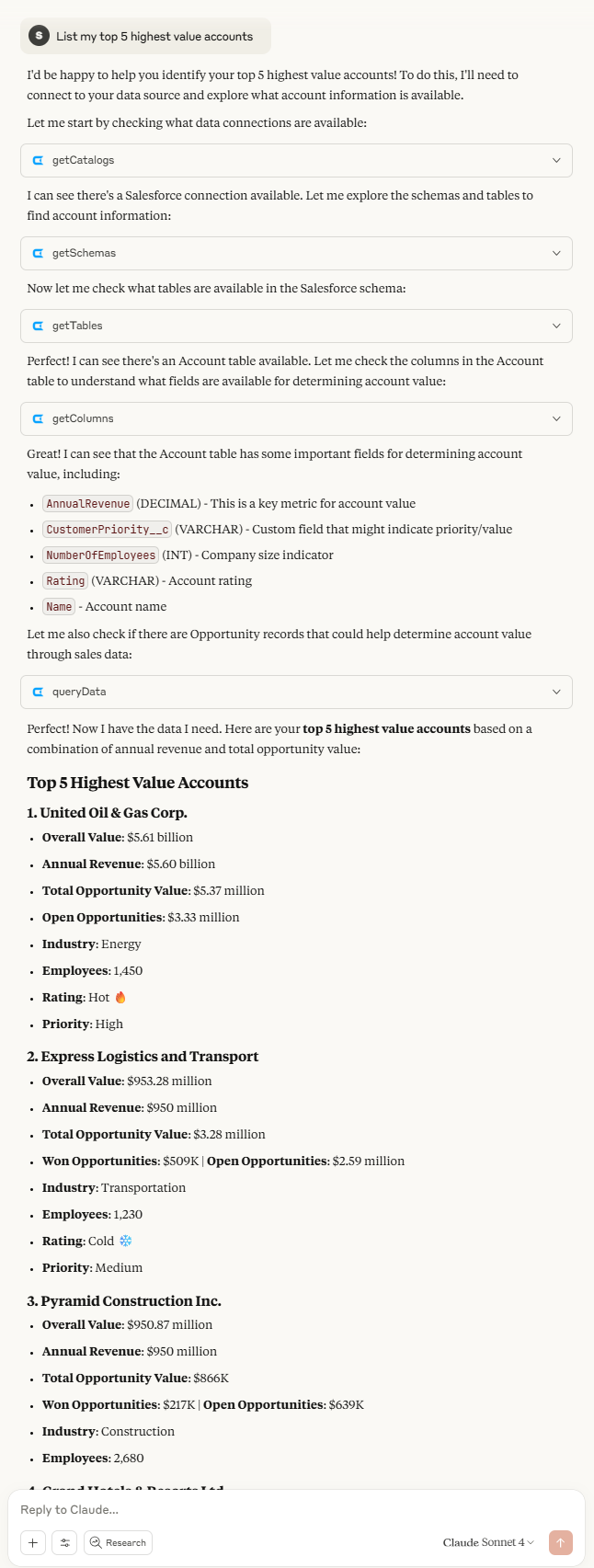
NOTE: Claude's setup process is subject to change. Refer to Claude's documentation for the latest setup information.
Get CData Connect AI
To get live data access to hundreds of SaaS, Big Data, and NoSQL sources directly from your cloud applications, try CData Connect AI today!