





Query your business apps from DBeaver
CData JDBC Drivers bring Salesforce, NetSuite, Jira, and hundreds of other SaaS, ERP, NoSQL, and big data sources into DBeaver as relational tables. Explore, query, and validate application data with the SQL you already use.
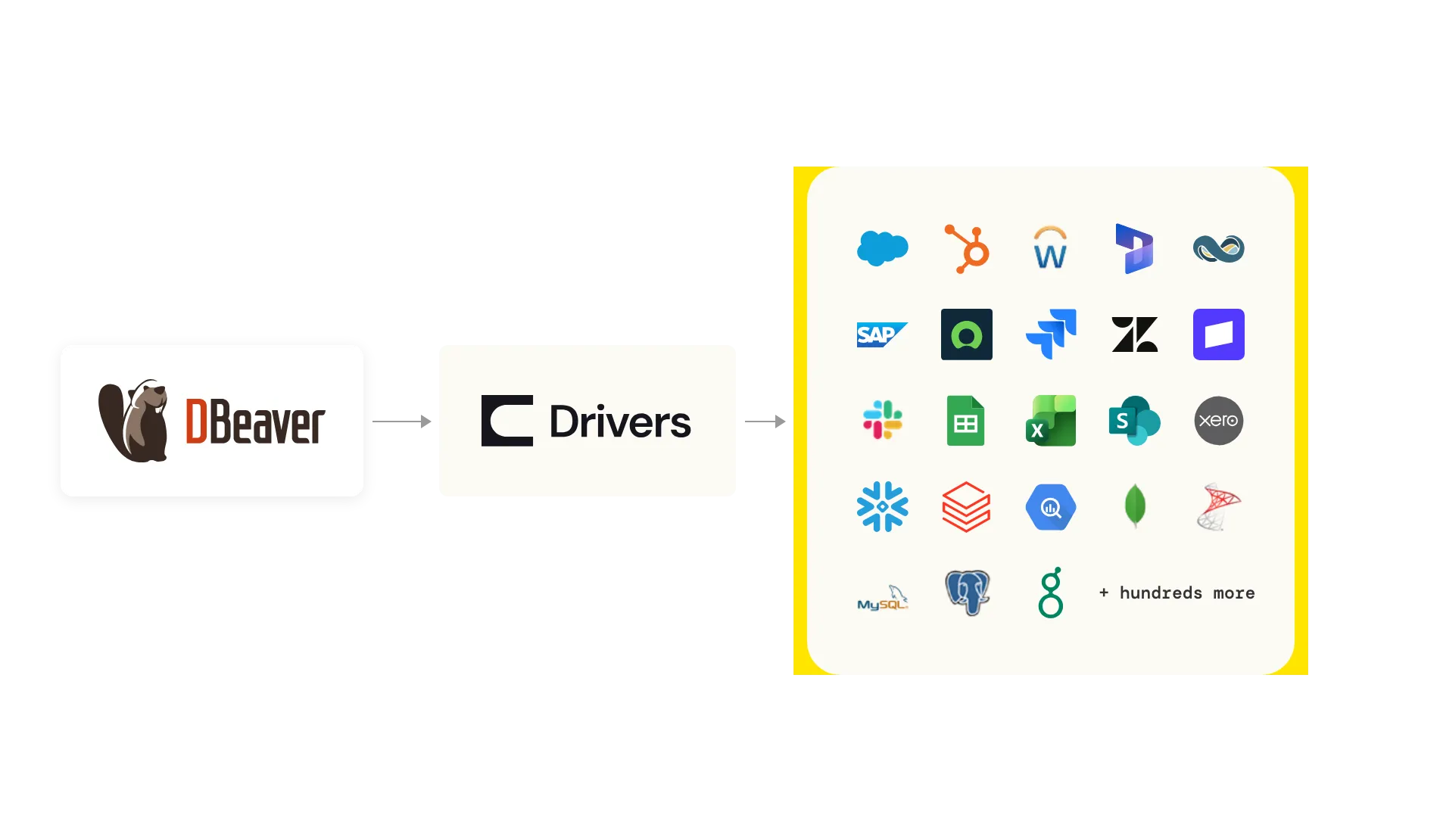
Your databases and your business apps, in one SQL client
DBeaver is where data teams browse schemas and write SQL. CData JDBC Drivers turn SaaS, ERP, NoSQL, and big data sources into relational tables, so application data gets the same treatment as everything else in your workspace.
One workspace
Salesforce, NetSuite, Jira, and hundreds of other sources sit in the Database Navigator next to your databases and warehouses. Browse tables, open the data editor, and run SQL the way you already do.
Set up inside DBeaver
The CData drivers are listed in the DBeaver connection wizard. Download a driver, start a trial or activate a license, and connect through a guided form without leaving the app.
Standard SQL, built and supported by CData
Each driver maps a source's API to tables and views and pushes filters and joins down to the source where it can, so queries stay fast and familiar. CData builds and supports every driver.
What teams do with CData and DBeaver
Explore a source before you build on it
Before you build a pipeline, an integration, or an AI agent, learn the source in DBeaver. See which objects exist, how they relate, and what the data actually looks like, then test the queries you plan to run.
Answer questions straight from the app
Pull open opportunities from Salesforce, overdue invoices from NetSuite, or sprint issues from Jira with a SQL query. No export, no ticket to the data team, and no waiting on the next warehouse load.
Check pipeline output against the source
When numbers in the warehouse look off, query the source system and the warehouse side by side in DBeaver to find missing rows, stale records, or mapping mistakes.
Prototype SQL for apps and reports
The SQL you write in DBeaver runs through the same CData JDBC Driver your Java code, ETL jobs, and BI tools use, so a query that works here carries over when you build. Export results to CSV, Excel, or JSON for one-off requests.
Ready to set it up? Follow the step-by-step guide in the Developer Center.
Simple annual pricing for DBeaver
Every driver starts with a free 30-day trial. When you're ready, buy a DBeaver license for the driver you use. The tier depends on the driver.
Professional
$99/yr
Most drivers, including Salesforce, PostgreSQL, HubSpot, and Google Sheets.
Premium
$249/yr
Enterprise systems, including NetSuite, SAP ERP, and Jira.
- Built for DBeaver: a DBeaver license activates the driver in DBeaver only, for a one-year term.
- Already a customer? An existing CData JDBC Driver license also activates the driver in DBeaver.
- Need the driver elsewhere? Use a standard CData JDBC Driver license in your other tools and applications.
- Regular CData support: DBeaver licenses include the same CData Support as every CData driver.
Drivers available in DBeaver
Every CData JDBC Driver listed in DBeaver. Select a source to learn more about the driver.


News & Insights
Open DBeaver and connect to your data
Start a free 30-day trial of any CData JDBC Driver from the DBeaver connection wizard.