







How to Build an ETL App for Redis Data in Python with CData Connect AI

The rich ecosystem of Python modules lets you get to work quickly and integrate your systems more effectively. With the CData Connect AI Python SDK and the petl framework, you can build Redis-connected applications and pipelines for extracting, transforming, and loading Redis data. This article shows how to connect to Connect AI and use petl to extract, transform, and load Redis data.
The Connect AI Python SDK (cdata-connect-ai) is a DB-API 2.0 (PEP 249) compliant client, so petl can read directly from the SDK connection with etl.fromdb. There is no driver to install per source: connect with a Personal Access Token and build your pipeline.
Connect to Redis in Connect AI
CData Connect AI uses a straightforward, point-and-click interface to connect to data sources.
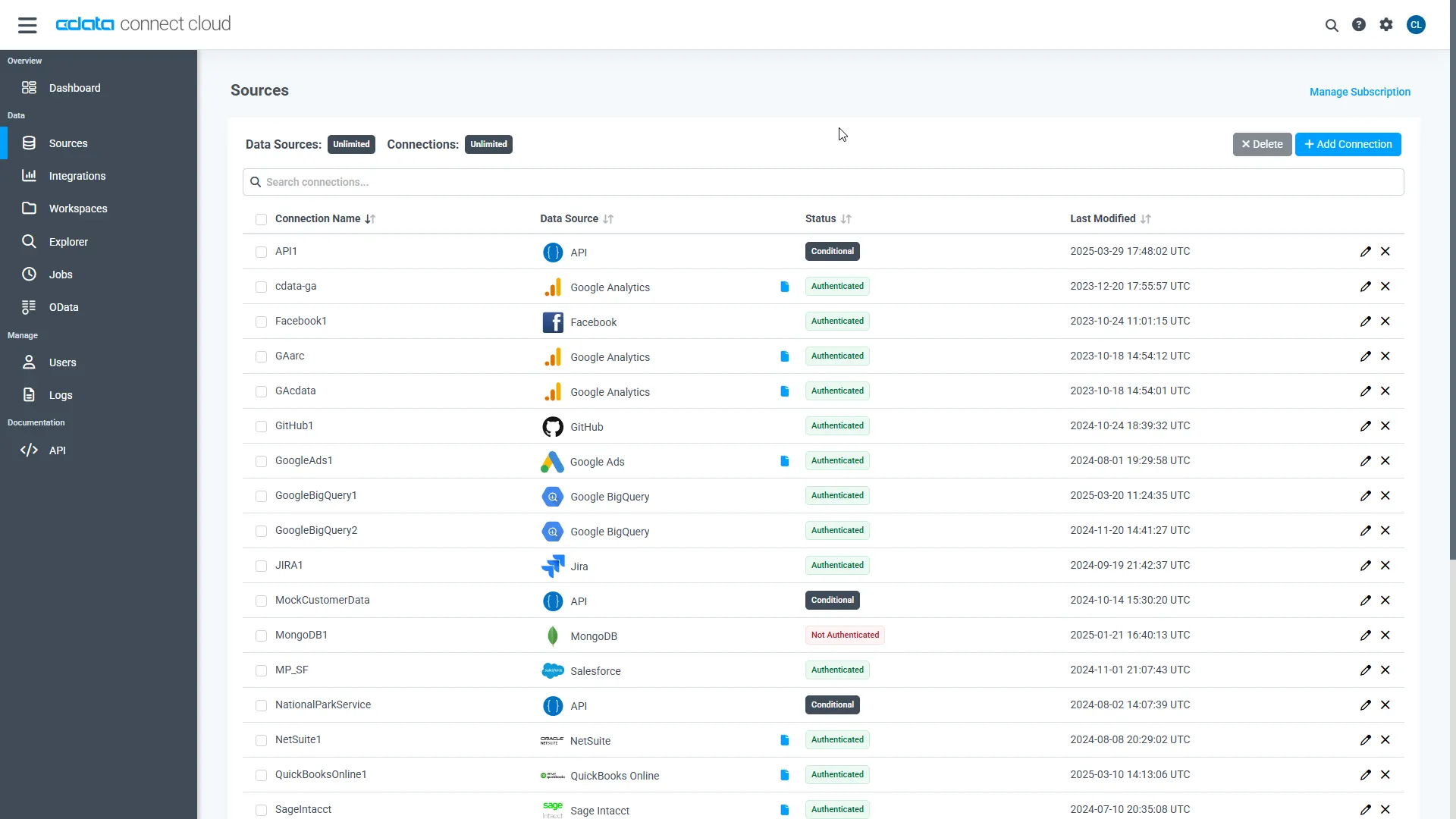
- Log into Connect AI, click Sources, and then click Add Connection
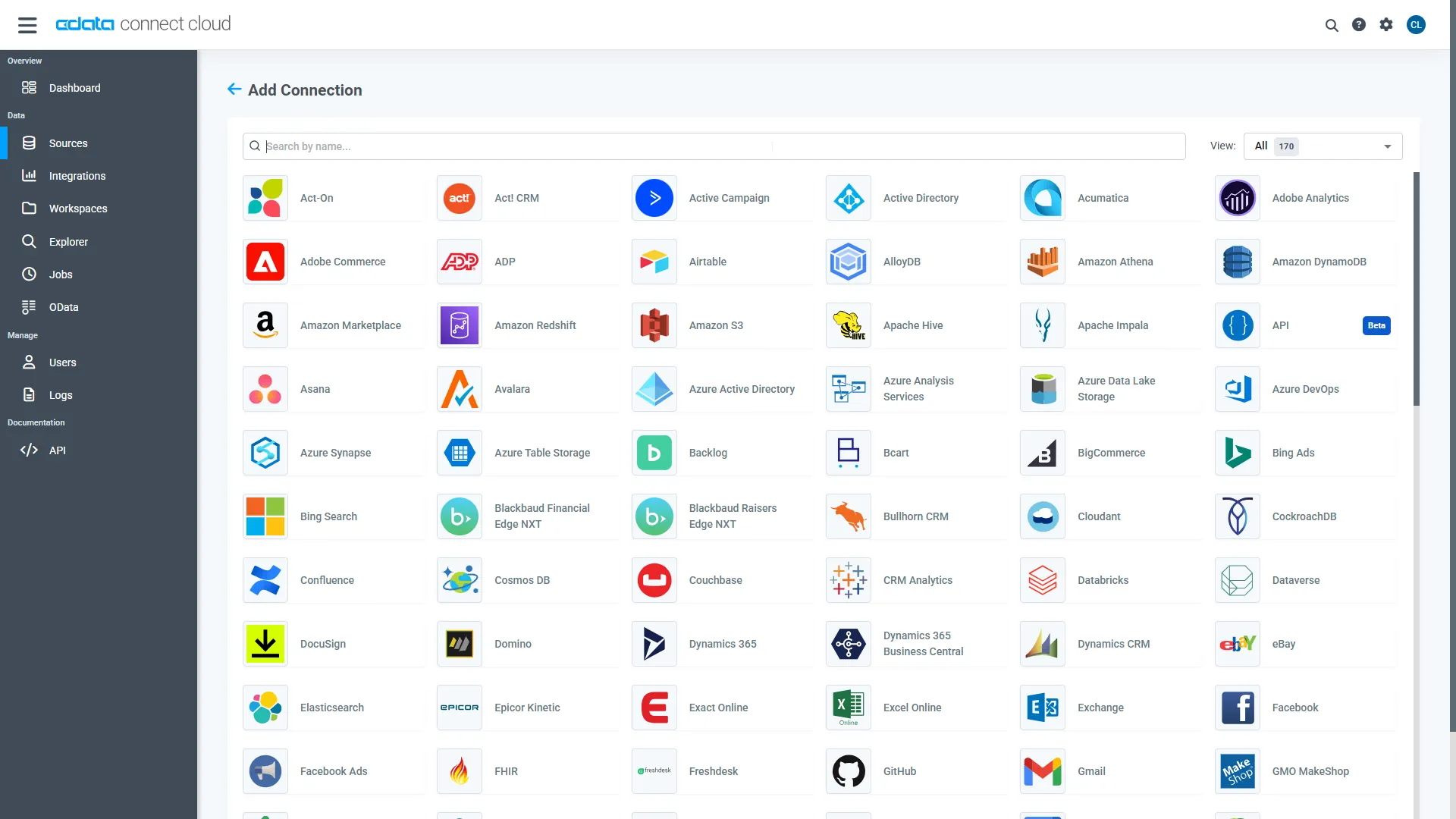
- Select "Redis" from the Add Connection panel
-
Enter the necessary authentication properties to connect to Redis.
Set the following connection properties to connect to a Redis instance:
- Server: Set this to the name or address of the server your Redis instance is running on. You can specify the port in Port.
- Password: Set this to the password used to authenticate with a password-protected Redis instance , using the Redis AUTH command.
Set UseSSL to negotiate SSL/TLS encryption when you connect.
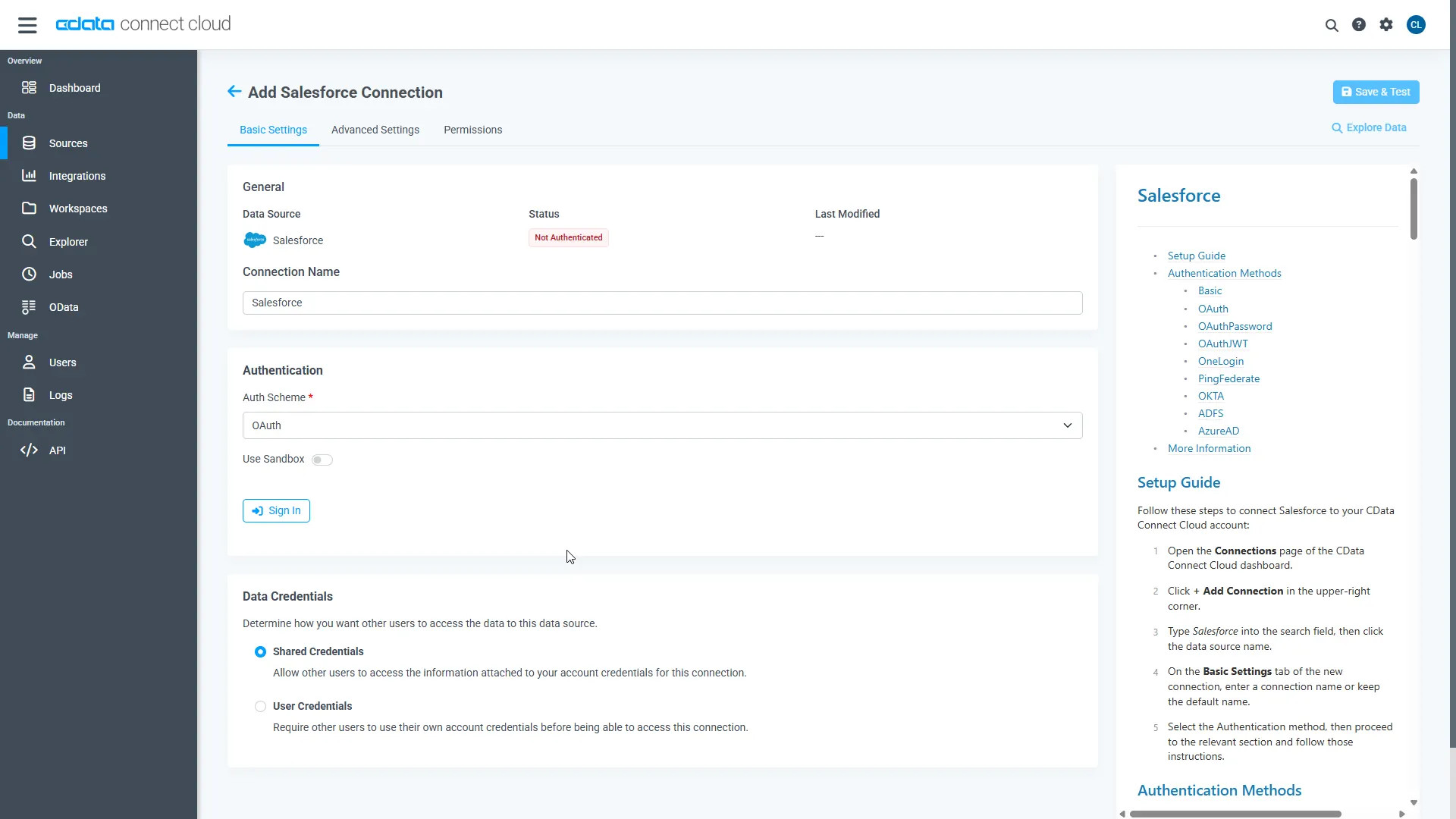
- Click Save & Test
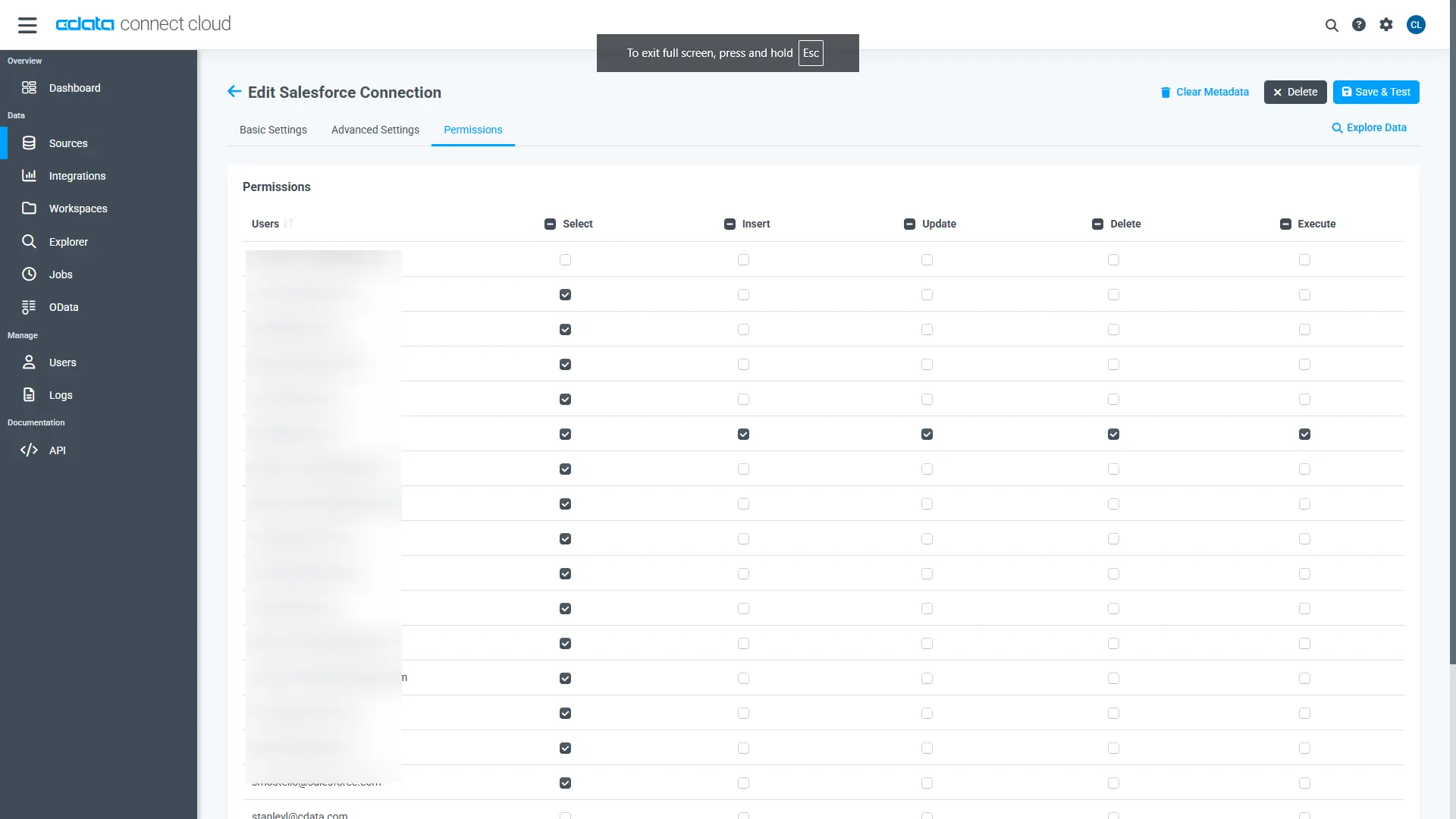
- Navigate to the Permissions tab and update the user-based permissions.
Generate a Personal Access Token (PAT)
The Python SDK authenticates to Connect AI with your account email and a Personal Access Token (PAT). It is best practice to create a separate PAT for each application to maintain granularity of access.
- Click the Gear icon () at the top right of the Connect AI app to open the Settings page.
- On the Settings page, go to the Access Tokens section and click Create PAT.
- Give the PAT a name and click Create.
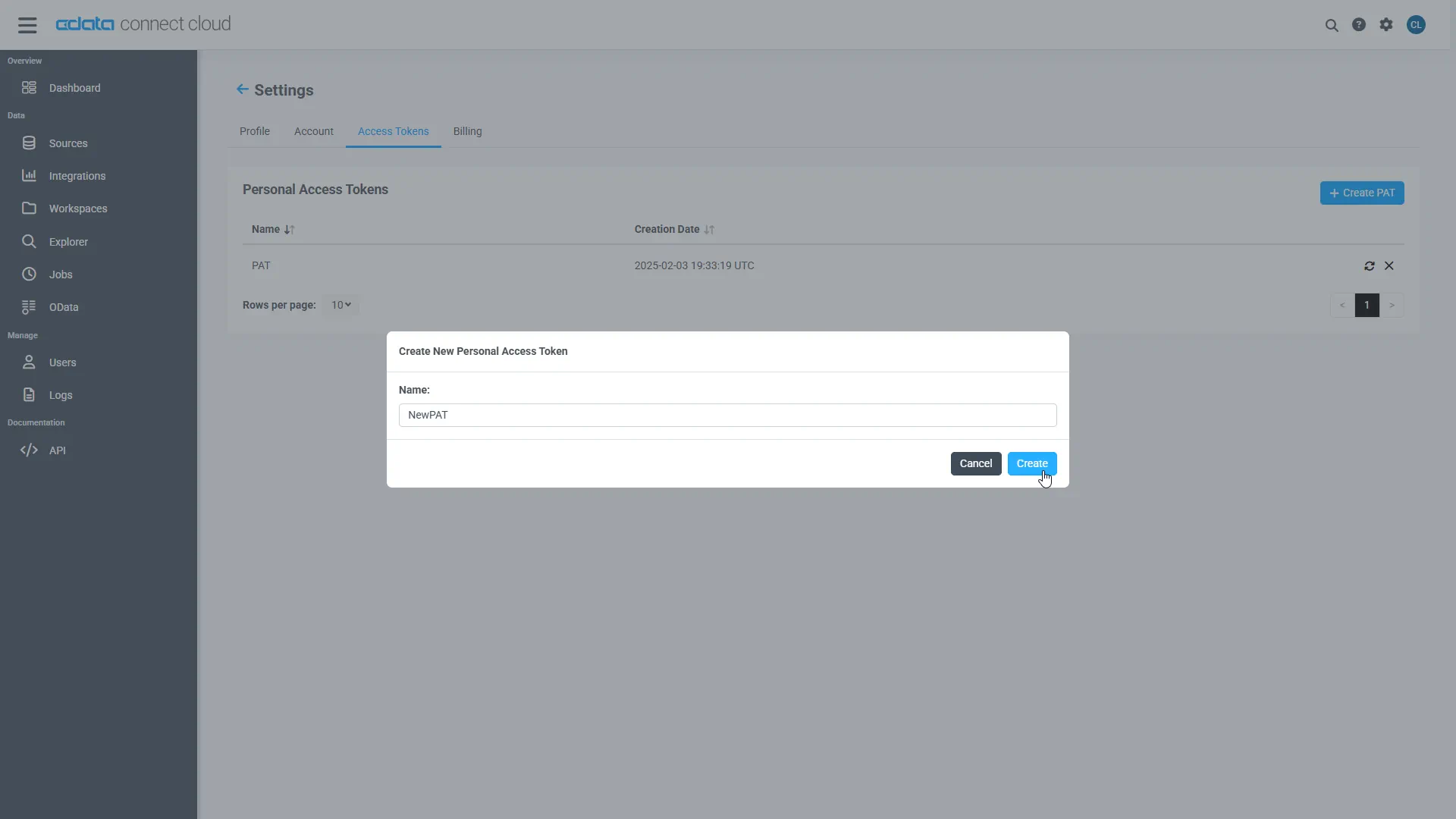
- The PAT is only visible at creation, so copy it and store it securely.
Install Required Modules
Install the SDK and the petl framework using the pip utility:
pip install cdata-connect-ai
pip install petl
Build an ETL App for Redis Data in Python
Once the required modules are installed, you are ready to build the ETL app. Code snippets follow, but the full source code is available at the end of the article.
First, import the modules and connect to Connect AI with your account email and PAT:
import petl as etl
import cdata_connect_ai

conn = cdata_connect_ai.connect(
    username="[email protected]",
    password="<your_pat>",
)
Create a SQL Statement to Query Redis
Use SQL to create a statement for querying Redis. In this article, we read data from the Customers entity. Identifiers are three-part: <Connection>.<Schema>.<Table>, where the connection name defaults to the source name (for example, Redis1).
sql = (
    "SELECT City, CompanyName "
    "FROM [Redis1].[Redis].[Customers] "
    "WHERE Country = 'US'"
)
Extract, Transform, and Load the Redis Data
With a connection and query in hand, use petl to extract, transform, and load the Redis data. In this example, we extract Redis data, sort the data by the CompanyName column, and load the data into a CSV file.
table1 = etl.fromdb(conn, sql)

table2 = etl.sort(table1, 'CompanyName')

etl.tocsv(table2, 'customers_data.csv')
Load New Rows Back into Redis
When Redis supports writes, load rows back with a batch INSERT. The SDK's executemany takes @name placeholders and a list of parameter dictionaries, one per row.
cur = conn.cursor()
cur.executemany(
    "INSERT INTO [Redis1].[Redis].[Customers] (City, CompanyName) "
    "VALUES (@val1, @val2)",
    [
        {"@val1": "New value 1", "@val2": "New value 1"},
        {"@val1": "New value 2", "@val2": "New value 2"},
    ],
)
print(f"Rows inserted: {cur.rowcount}")

conn.close()
Note: Even for writable sources, a read-only PAT or connection permission will reject write operations.
With the CData Connect AI Python SDK, you can work with Redis data just like you would with any database, including direct access to data in ETL packages like petl.
More Information and Free Trial
Now you can pipe live Redis data through petl using the CData Connect AI Python SDK. For more information on connecting to Redis (and hundreds of other data sources), visit the Connect AI page. Sign up for a free trial and start building data pipelines for live Redis data in Python.
Full Source Code
import petl as etl
import cdata_connect_ai

conn = cdata_connect_ai.connect(
    username="[email protected]",
    password="<your_pat>",
)

sql = (
    "SELECT City, CompanyName "
    "FROM [Redis1].[Redis].[Customers] "
    "WHERE Country = 'US'"
)

table1 = etl.fromdb(conn, sql)

table2 = etl.sort(table1, 'CompanyName')

etl.tocsv(table2, 'customers_data.csv')

cur = conn.cursor()
cur.executemany(
    "INSERT INTO [Redis1].[Redis].[Customers] (City, CompanyName) "
    "VALUES (@val1, @val2)",
    [
        {"@val1": "New value 1", "@val2": "New value 1"},
        {"@val1": "New value 2", "@val2": "New value 2"},
    ],
)
print(f"Rows inserted: {cur.rowcount}")
conn.close()