







Getting Started with the CData Connect AI Python SDK for Monday.com

The CData Connect AI Python SDK (cdata-connect-ai) is a DB-API 2.0 (PEP 249) compliant client that lets you fetch and act on live Monday.com data with standard Python database code. Because Connect AI provides the connectivity: you install one package, authenticate with a Personal Access Token, and query Monday.com (and every other source connected in Connect AI) using the same familiar connect() / cursor() / fetchall() pattern you already know from libraries like sqlite3 and psycopg2.
This guide walks through connecting Monday.com in Connect AI, generating a Personal Access Token, installing the SDK, and reading (and, where supported, writing) live Monday.com data.
Prerequisites
- An account in CData Connect AI
- Python 3.8 or higher
- An active Monday.com account with valid credentials
Connect to Monday.com in Connect AI
CData Connect AI uses a straightforward, point-and-click interface to connect to data sources.
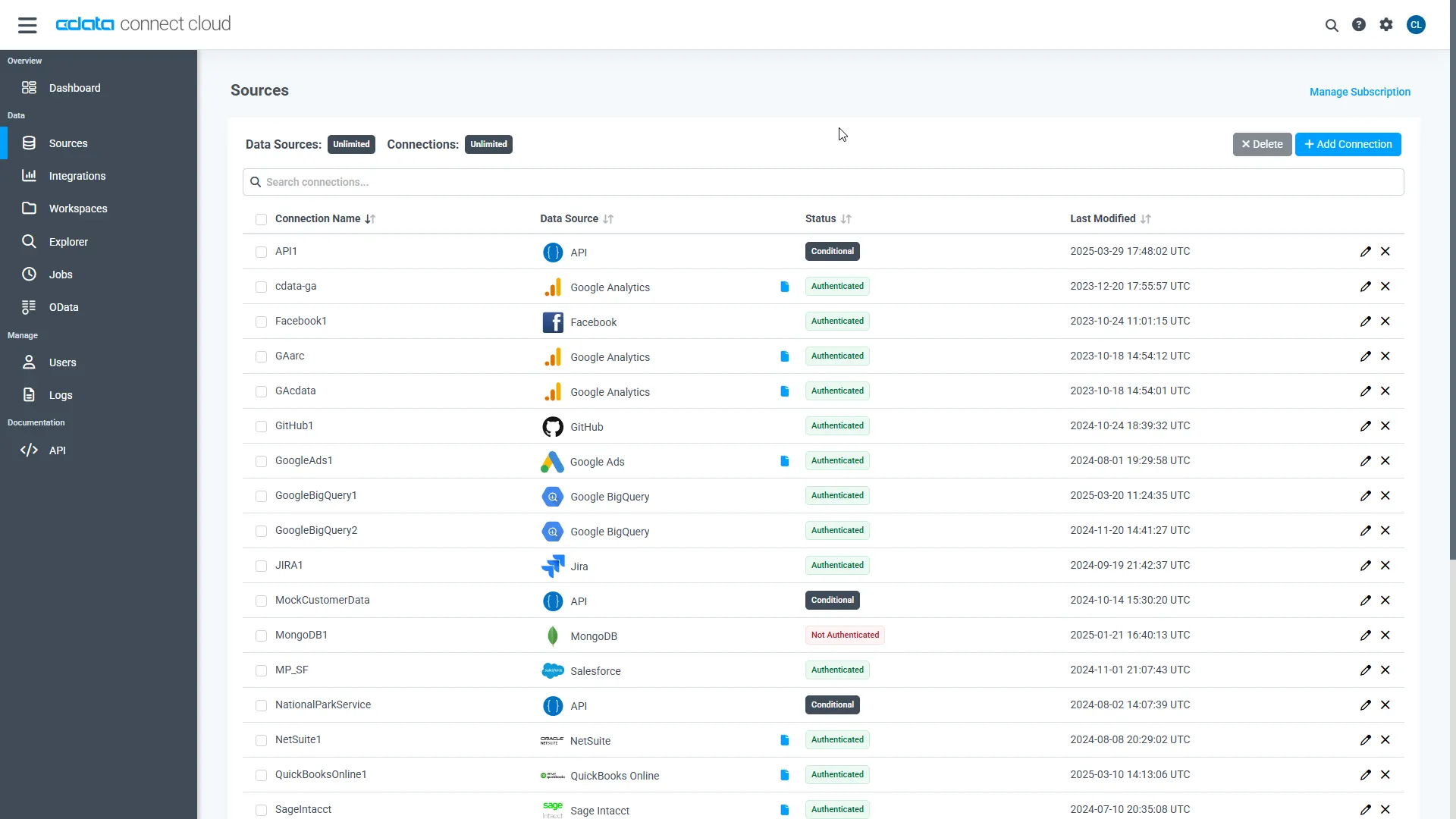
- Log into Connect AI, click Sources, and then click Add Connection
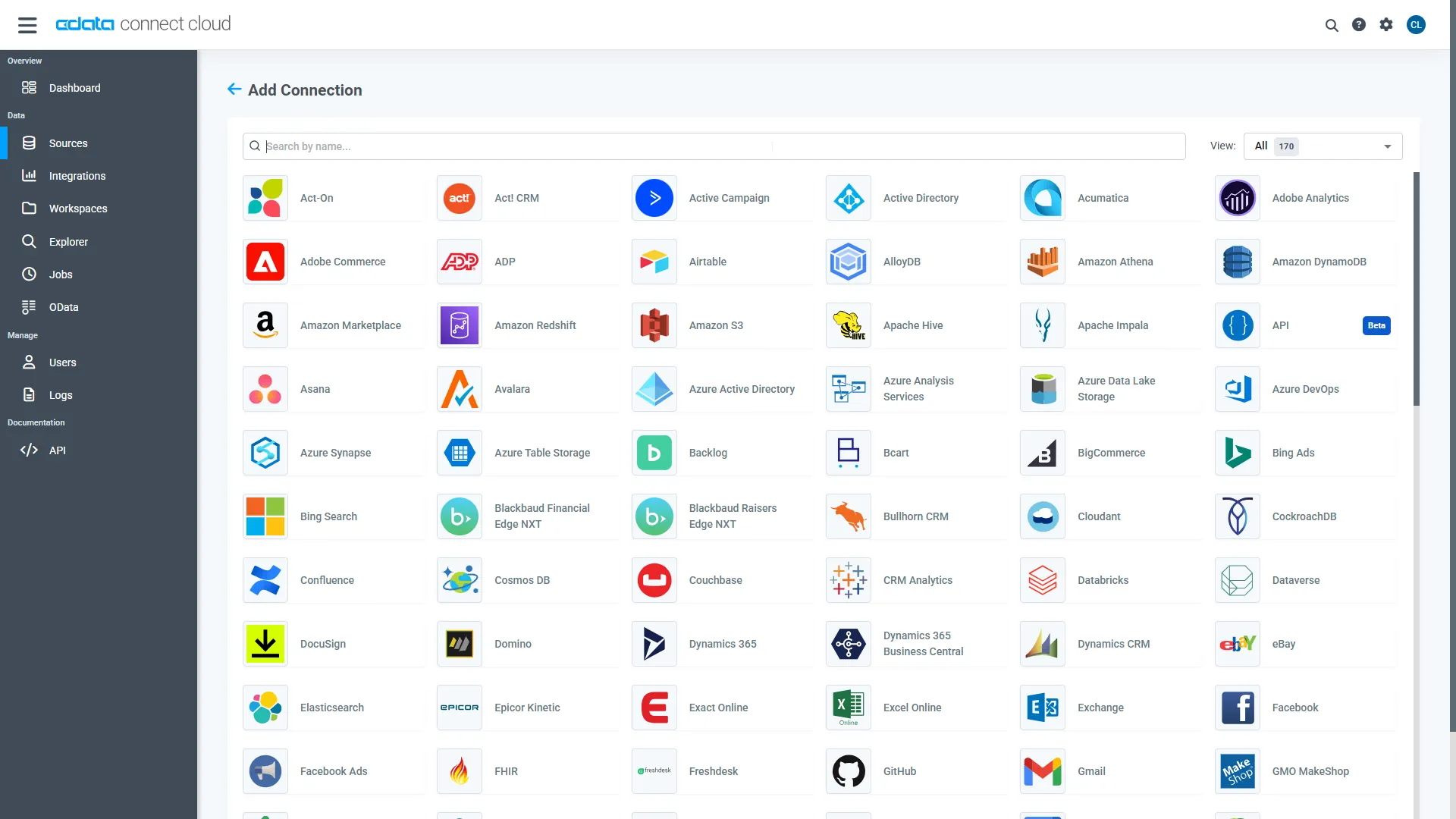
- Select "Monday.com" from the Add Connection panel
-
Enter the necessary authentication properties to connect to Monday.com.
You can connect to Monday.com using either API Token authentication or OAuth authentication.
Connecting with an API Token
Connect to Monday.com by specifying the APIToken. Set the AuthScheme to Token and obtain the APIToken as follows:
- API tokens for admin users
- Log in to your Monday.com account and click on your avatar in the bottom left corner.
- Select Admin.
- Select "API" on the left side of the Admin page.
- Click the "Copy" button to copy the user's API token.
- API tokens for non-admin users
- Click on your profile picture in the bottom left of your screen.
- Select "Developers"
- Click "Developer" and then "My Access Tokens" at the top.
- Select "Show" next to the API token, where you'll be able to copy it.
Connecting with OAuth Authentication
Alternatively, you can establish a connection using OAuth (refer to the OAuth section of the Help documentation).
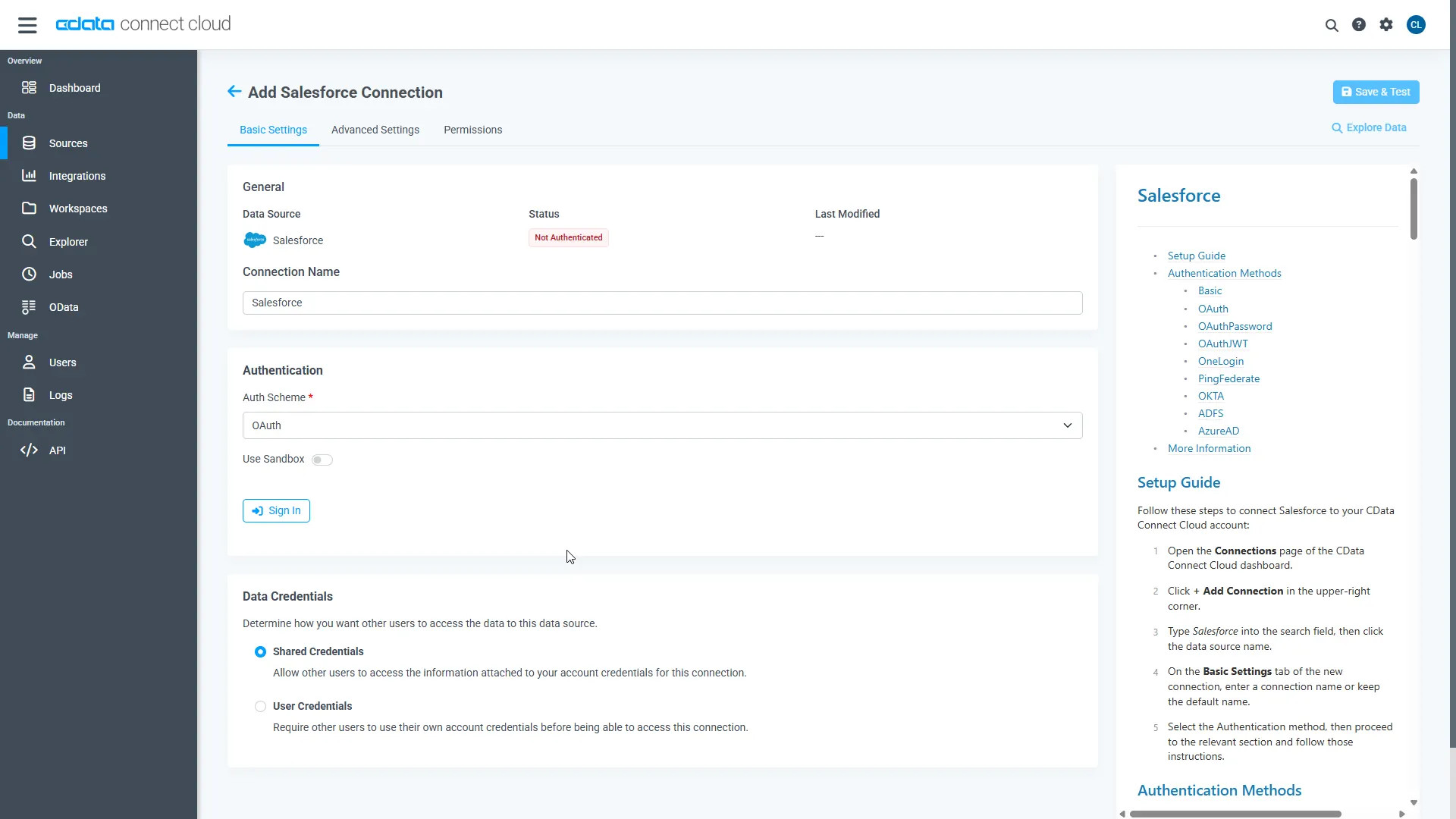
- API tokens for admin users
- Click Save & Test
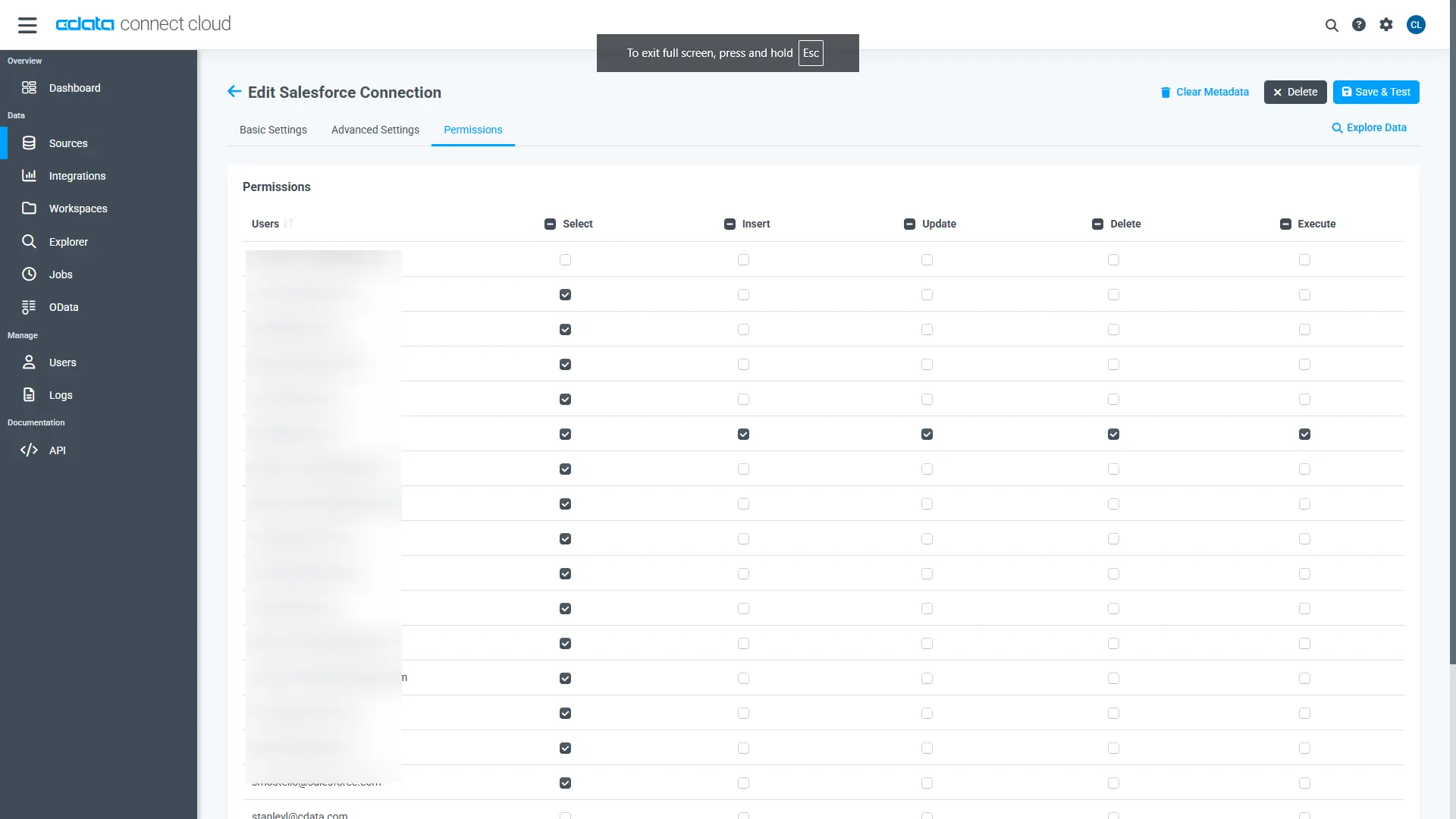
- Navigate to the Permissions tab and update the user-based permissions.
Generate a Personal Access Token (PAT)
The Python SDK authenticates to Connect AI with your account email and a Personal Access Token (PAT). It is best practice to create a separate PAT for each application to maintain granularity of access.
- Click the Gear icon () at the top right of the Connect AI app to open the Settings page.
- On the Settings page, go to the Access Tokens section and click Create PAT.
- Give the PAT a name and click Create.
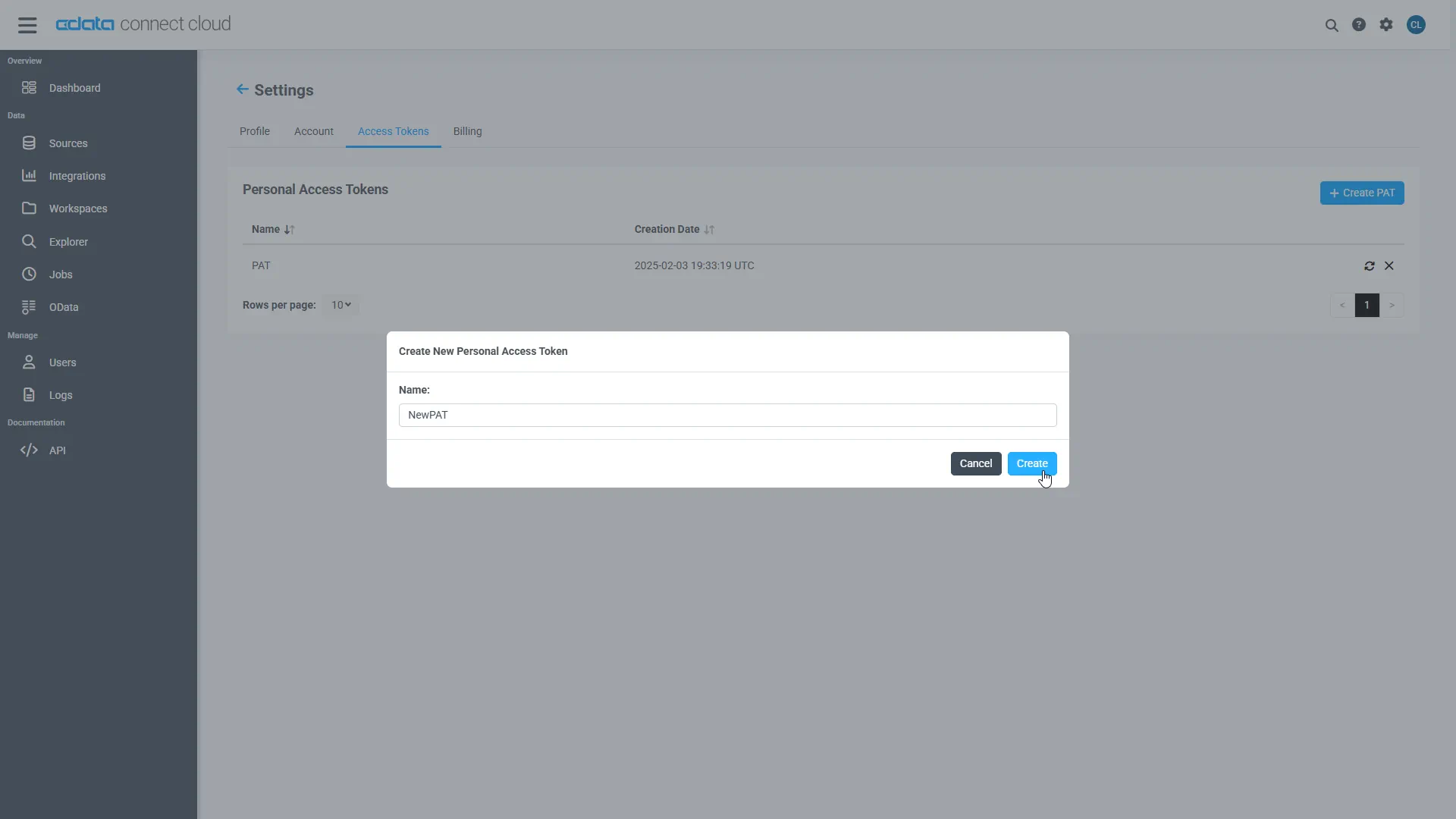
- The PAT is only visible at creation, so copy it and store it securely.
Install the SDK
Install the SDK from PyPI with pip:
pip install cdata-connect-ai
Connect and Run Your First Query
Connect with your account email and PAT, then query sys_tables to discover every table available across your connected sources. Identifiers in Connect AI are three-part: <Connection>.<Schema>.<Table>, where the connection name defaults to the source name (for example, Monday1).
import cdata_connect_ai

conn = cdata_connect_ai.connect(
    username="[email protected]",
    password="<your_pat>",
)
cur = conn.cursor()

# Discover what's available across your connected sources
cur.execute("SELECT CatalogName, SchemaName, TableName FROM sys_tables LIMIT 25")

for row in cur.fetchall():
    print(row)
Pick any table from the results and query it directly:
cur.execute(
    "SELECT Id, DueDate "
    "FROM [Monday1].[Monday].[Invoices] "
    "LIMIT 10"
)

for row in cur.fetchall():
    print(row)
Monday.com is a read-only source in Connect AI, so the SDK supports queries but not INSERT, UPDATE, or DELETE. Close the connection when you are finished:
conn.close()
That is the entire workflow: one package, a PAT, and standard DB-API calls. Because the SDK returns a normal DB-API connection, it drops straight into the rest of the Python data ecosystem. From here you can load Monday.com data into pandas, build ETL pipelines with petl, or power a Dash web app, all using this same connection.
More Information and Free Trial
Now you can query live Monday.com data from Python through the CData Connect AI Python SDK. For more information on connecting to Monday.com (and hundreds of other data sources), visit the Connect AI page. Sign up for a free trial and start working with live Monday.com data in Python.