







SharePoint drivers & connectors for data integration
Connect to live SharePoint data through easy-to-use, bi-directional drivers. Easily integrate SharePoint data with BI, reporting, analytics, ETL tools, and custom solutions.
Do more with SharePoint data


SharePoint data integration
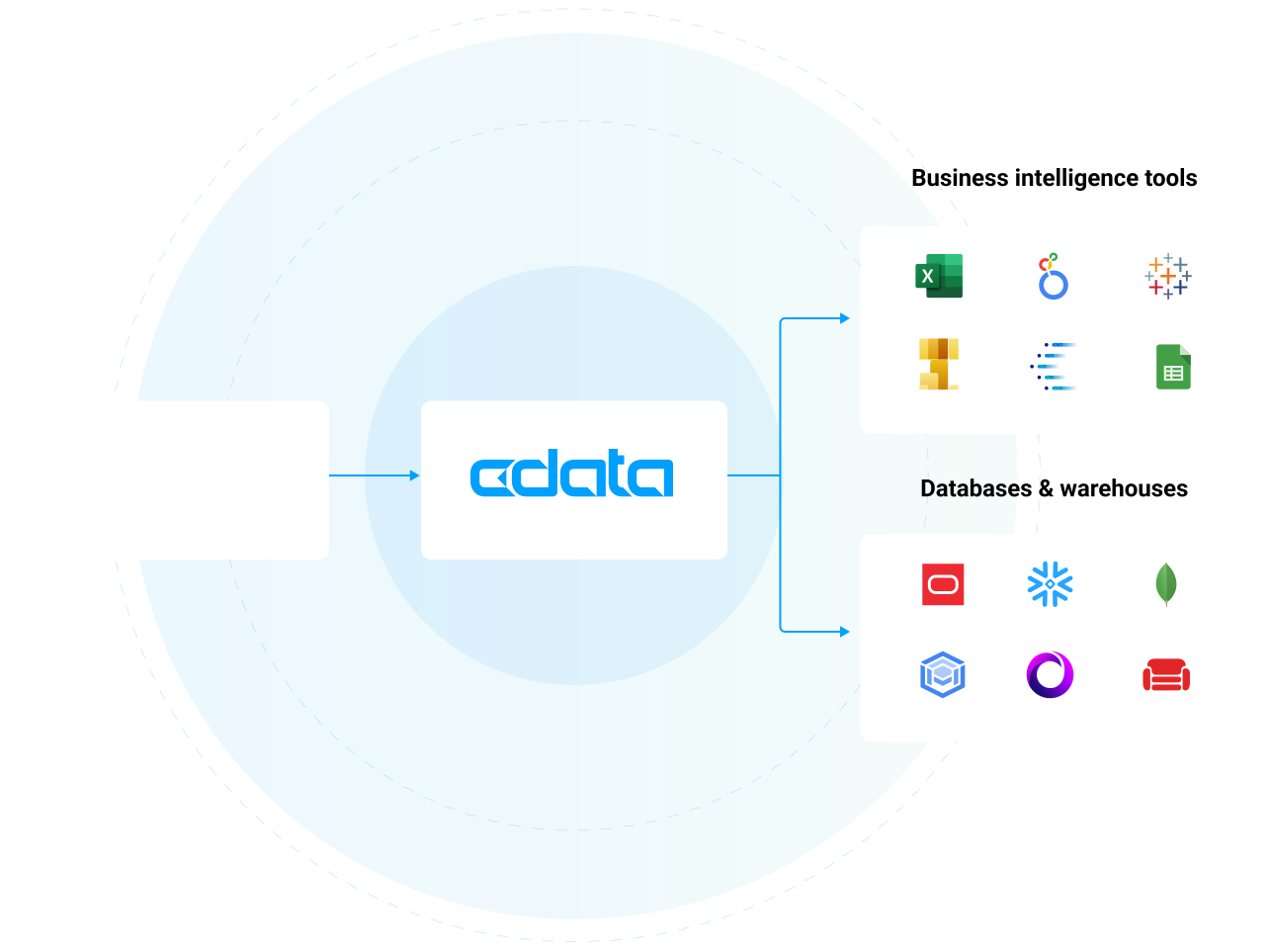
Access SharePoint data in all of the systems you use every day, including BI & analytics tools, databases, data warehouses, and custom apps. Customers commonly use CData's SharePoint connectivity to:
- Easily build reporting or visualizations of data stored in SharePoint Lists in Power BI, Tableau, or Excel, or other popular BI tool.
- Sync SharePoint List data with other systems (or vice versa) via automated recurring ETL/ELT or bulk operations.
- Connect SharePoint list updates with Power Automate, Nintex, or third-party workflow engines to Drive business processes like approval chains (e.g., expense reports), notifications or task reminders, SLA timers or triggers (e.g., alert if no update in X days) etc.
Try CData SharePoint Connectors
Trusted by SharePoint Users Worldwide
Office Depot Leverages CData to 'Lift and Shift' Critical Data and Enable Analytics Integration
“CData allows us to take that Snowflake data and put it in a cube with that sub-two second response time our end-users are looking for.”
— Daniel Ligas
Office Depot IT Architect
Read case study

Belden Supports Growing Marketing Requests by Centralizing Data Access in the Cloud
“CData connects our Tableau to Google Analytics, Google Ads, and Salesforce. Now we’ve also got connectors set up for Pardot, LinkedIn, Instagram, Facebook, and Twitter. And I have all these things all in one place with no upkeep on my end.”
— Paul Summitt
Belden D&A IT Supervisor
Read case study

Logi Analytics Brings Real-Time Data to Analytics Dashboards for SaaS
“As we expand into and serve new industries and markets, having broad-spectrum data connectivity within our products will improve our ability to support additional customers and data reporting scenarios”
— Jaimi Panini
VP of Product & Development for Logi Analytics
Read case study

The CData difference
Our standards-based approach to connectivity streamlines data access and insulates usrs from the complexities of integrating SharePoint data.

Unparalleled SharePoint Connectivity
Get full access to your SharePoint data wherever you need it. CData is the undisputed leader in SharePoint connectivity providing the most comprehensive access to live SharePoint data anywhere. Thousands of customers and hundreds of leading data ISVs rely on our connectivity to make the most of their data.

Fastest time to value
Reduce development cycles and accelerating the overall time to market. Our pre-built, optimized connectors eliminate the need for complex custom development, allowing for fast, secure access to Workday data.

Unbeatable price-performance
By standardizing and streamlining how systems interact with SharePoint our products reduce development costs and timelines, slash architectural complexity.

Blazing data access
Our SharePoint connectivity is fast — really fast. In fact, over twice as fast as other solutions. Our engineers have optimized our drivers for maximum performance all the way down to the socket level, delivering truly exceptional data access.

Future-proof integration
We continuously test against changes in the SharePoint APIs & protocols used to connect, preventing downtime in your data and analytics processes.

Enterprise-class technical support
CData is dedicated to helping you find success with SharePoint. We work as an extension of your team to help solve your toughest data challenges. Thousands of customers and hundreds of ISVs rely on our services to make the most of their data.
SharePoint data for AI agents and assistants
SharePoint MCP server connectivity for AI
Enable AI agents, assistants, and workflows to access SharePoint data to improve output, tailoring responses to your actual business data and reducing hallucinations.
- One MCP connection from SharePoint to every AI agent, assistant, copilot, or LLM that could use it.
- Maintain security and user permissions with pass-through user-based access and read/write controls
- Platform solution to control and monitor user access via AI across your organization.
Learn more: Connect AI: the world's first managed Model Context Protocol (MCP) platform.

SharePoint connectivity for BI & analytics
Live SharePoint access for analytics
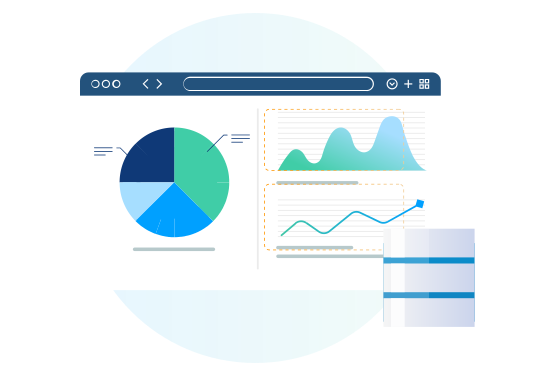
Access SharePoint data in all of the systems you use every day, including BI & analytics tools, databases, data warehouses, and custom apps.
- Connect SharePoint (and any other data source) to your favorite analytics, automation, or data management app without moving data
- Bi-directional SharePoint connectivity through common data endpoints
- Enable SharePoint governability and data privacy with user-level permissioning at the source level.
SharePoint ETL, replication, & data warehousing
Automate SharePoint data replication
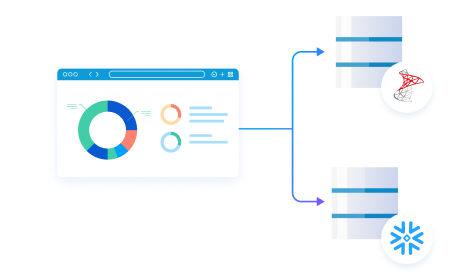
CData Sync automatically replicates data from hundreds of on-premises and cloud data sources — like SharePoint — to any modern database, data lake, or data warehouse.
- Create automated SharePoint data flows in minutes with point-and-click data replication
- Facilitate reporting, business intelligence, and analytics for decision support
- Archive data for disaster recovery
Consolidate SharePoint data management

Data management integration enables organizations to better manage their human resources data, optimize decision-making, and ensure compliance with data governance policies. Technologies like ODBC, JDBC, and ADO easily connect with all kinds of popular data management applications.
Connect SharePoint to data management systems to:
- Provide a single, accurate source of truth for employee and resource data.
- Ensure consistency, data quality, and integration across systems.
- Improve data discoverability, governance, and compliance, allowing for easy tracking, auditing, and efficient data use across the organization.
Connect to SharePoint with no-code
SharePoint is often at the center of a wide range of repetitive tasks. With low-code/no-code tools, users can automate these tasks reducing manual effort and errors.
- Customize SharePoint and integrate it with other systems (like CRM, HR, or accounting software) without writing complex code.
- Create custom dashboards, reports, or data visualizations by integrating SharePoint data with other systems.
Build fully-integrated custom applications
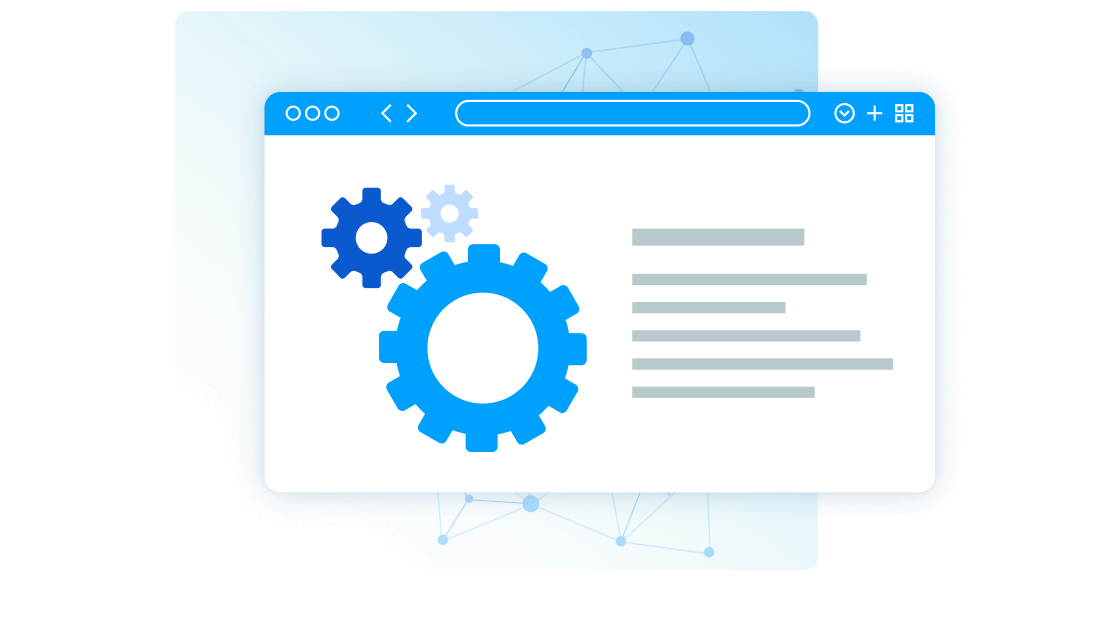
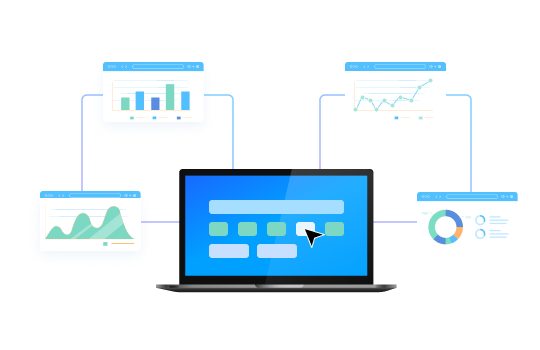
From custom AI and analytics to performance managemement and learning platforms, developers are leveraging our drivers to power all kinds of real-time integrations with SharePoint.
What is a SharePoint driver?
A SharePoint driver is a software library that enables applications to interact with SharePoint as though it were a traditional database. These drivers simplify communication by abstracting API complexities, presenting Salesforce data in a structured, database-like format.
What is a SharePoint connector?
A SharePoint connector is a tailored integration designed to allow proprietary applications or unique systems to seamlessly interact with SharePoint. Built on the same robust engine as our SharePoint drivers, these connectors provide effortless real-time access to SharePoint data for extended application functionality.
How is developing with a SharePoint driver different?
Drivers streamline integration by abstracting SharePoint APIs, allowing you to access its data through standard interfaces like SQL, making them perfect for data-focused applications.
- Pragmatic API Integration: from SDKs to Data Drivers
- Data APIs: Gateway to Data Driven Operation & Digital Transformation
Embedding CData Connectivity
Virtualize access to SharePoint data
Data virtualization tools helps organizations achieve better data access, more agile decision-making, and greater efficiency in managing data across diverse systems.
Integrating SharePoint with data virtualization tools allows organizations to combine this data with other sources like ERP systems, CRM platforms, or financial databases without physically moving or duplicating data. This unified access enables faster, more efficient decision-making.
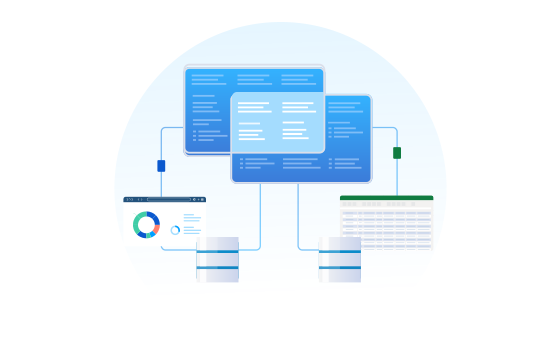
Connect to live SharePoint data in spreadsheets
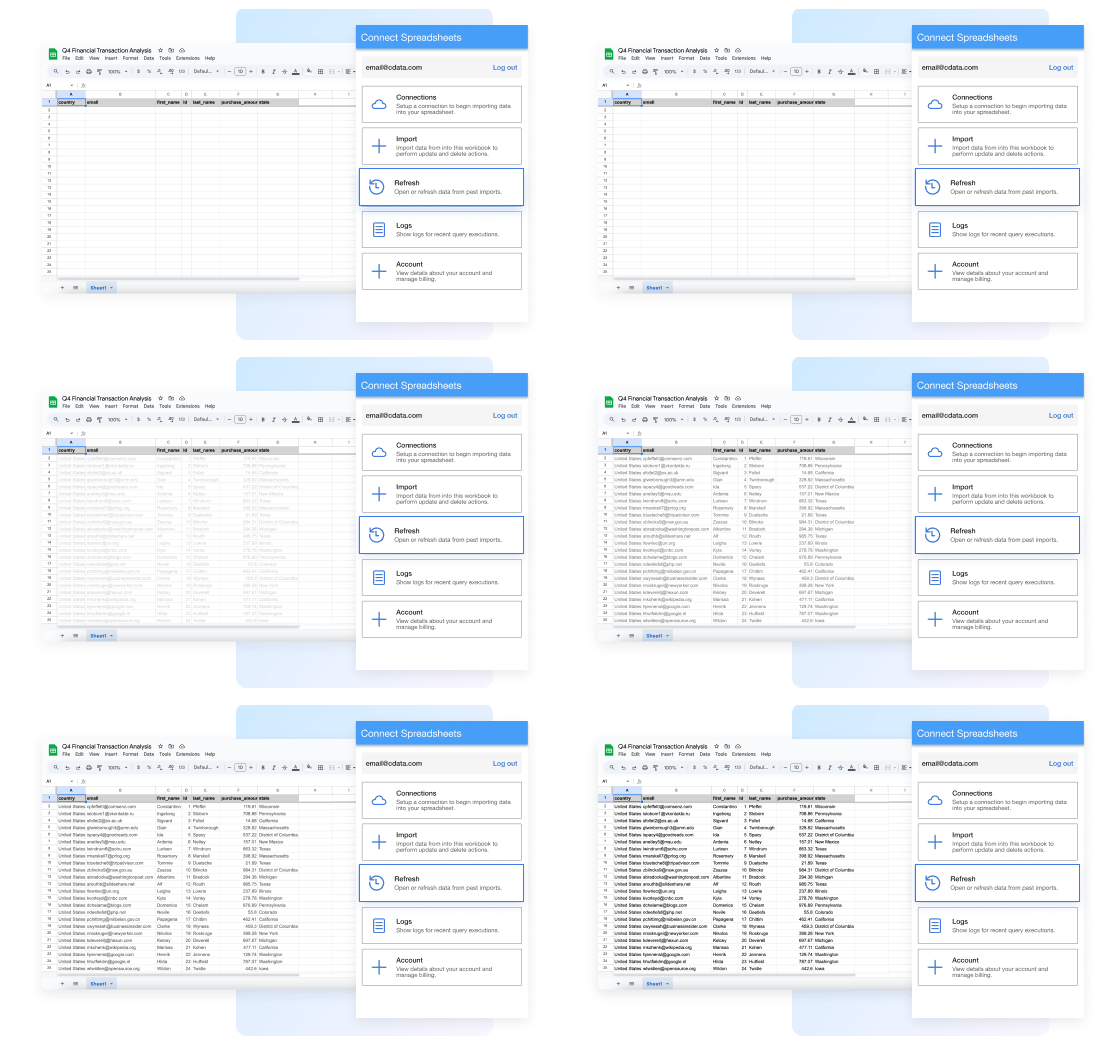
Work with live SharePoint data seamlessly in Excel and Google Sheets.
- Always work with live SharePoint data — no more downloading, copying, and pasting
- Filter and get just the attributes and data you actually need
- Refresh data with a click or set a schedule
- Update SharePoint records right from your spreadsheet
Frequently asked SharePoint integration questions
Common questions about SharePoint drivers & connectors for data and analytics integration
How does the SharePoint Driver work?
The SharePoint driver acts like a bridge that facilitates communication between various applications and SharePoint, allowing the application to read, write, and update data as if it were a relational database. The SharePoint driver abstracts the complexities of SharePoint APIs, authentication methods, and data types, making it simple for any application to connect to SharePoint data in real-time via standard SQL queries.
How is using the SharePoint Driver different than connecting to the SharePoint API?
Working with a SharePoint Driver is different than connecting with SharePoint through other means. SharePoint API integrations require technical experience from a software developer or IT resources. Additionally, due to the constant evolution of APIs and services, once you build your integration you have to constantly maintain SharePoint integration code moving forward.
By comparison, our SharePoint Drivers offer codeless access to live SharePoint data for both technical and non-technical users alike. Any user can install our drivers and begin working with live SharePoint data from any client application. Because our drivers conform to standard data interfaces like ODBC, JDBC, ADO.NET etc. they offer a consistent, maintenance-free interface to SharePoint data. We manage all of the complexities of SharePoint integration within each driver and deploy updated drivers as systems evolve so your applications continue to run seamlessly.
If you need truly zero-maintenance integration, check out connectivity to SharePoint via CData Connect AI. With Connect AI you can configure all of your data connectivity in one place and connect to SharePoint from any of the available Cloud Drivers and Client Applications. Connectivity to SharePoint is managed in the cloud, and you never have to worry about installing new drivers when SharePoint is updated.
How is a SharePoint Driver different than a SharePoint connector?
Many organizations draw attention to their library of connectors. After all, data connectivity is a core capability needed for applications to maximize their business value. However, it is essential to understand exactly what you are getting when evaluating connectivity. Some vendors are happy to offer connectors that implement basic proof-of-concept level connectivity. These connectors may highlight the possibilities of working with SharePoint, but often only provide a fraction of capability. Finding real value from these connectors usually requires additional IT or development resources.
Unlike these POC-quality connectors, every CData SharePoint driver offers full-featured SharePoint data connectivity. The CData SharePoint drivers support extensive SharePoint integration, providing access to all of the SharePoint data and meta-data needed by enterprise integration or analytics projects. Each driver contains a powerful embedded SQL engine that offers applications easy and high-performance access to all SharePoint data. In addition, our drivers offer robust authentication and security capabilities, allowing users to connect securely across a wide range of enterprise configurations. Compare drivers and connectors to read more about some of the benefits of CData's driver connectivity.
Is SharePoint SQL based?
With our drivers and connectors, every data source is essentially SQL-based. The CData SharePoint driver contains a full SQL-92 compliant engine that translates standard SQL queries into SharePoint API calls dynamically. Queries are parsed and optimized for each data source, pushing down as much of the request to SharePoint as possible. Any logic that can not be pushed to SharePoint is handled transparently client-side by the driver/connector engine. Ultimately, this means that SharePoint looks and acts exactly like a database to any client application or tool. Users can integrate live SharePoint connectivity with ANY software solution that can talk to a standard database.
What data can I access with the SharePoint driver?
What does SharePoint integrate with?
Using the CData SharePoint drivers and connectors, SharePoint can be easily integrated with almost any application. Any software or technology that can integrate with a database or connect with standards-based drivers like ODBC, JDBC, ADO.NET, etc., can use our drivers for live SharePoint data connectivity. Explore some of the more popular SharePoint data integrations online.
Additionally, since SharePoint supported by CData Connect AI, we enable all kinds of new SharePoint cloud integrations.
How can I enable SharePoint Analytics?
SharePoint Analytics and SharePoint Cloud BI integration is universally supported for BI and data science. In addition, CData provides native client connectors for popular analytics applications like Power BI, Tableau, and Excel that simplify SharePoint data integration. Additionally, native Python connectors are widely available for data science and data engineering projects that integrate seamlessly with popular tools like Pandas, SQLAlchemy, Dash, and Petl.
How can I support SharePoint Data Integration?
SharePoint data integration is typically enabled with CData Sync, a robust any-to-any data pipeline solution that is easy to set up, runs everywhere, and offers comprehensive enterprise-class features for data engineering. CData Sync makes it easy to replicate SharePoint data any database or data warehouse, and maintain parity between systems with automated incremental SharePoint replication. In addition, our SharePoint drivers and connectors can be easily embedded into a wide range of data integration tools to augment existing solutions.
Does SharePoint Integrate with Excel?
Absolutely. The best way to integrate SharePoint with Excel is by using the CData Connect AI Excel Add-In. The SharePoint Excel Add-In provides easy SharePoint integration directly from Microsoft Excel Desktop, Mac, or Web (Excel 365). Our integration offers live bi-directional access to SharePoint data directly from Excel. Simply configure your connection to SharePoint from the easy-to-use cloud interface, and access SharePoint just like you would another native Excel data source.
Using the SharePoint drivers
- Microsoft SharePoint Integration Guides and Tutorials
- Build SharePoint Visualizations in Tableau Desktop
- How to Connect to Live SharePoint Data from Sourcegraph Amp (via CData Connect AI)
- Replicate Multiple SharePoint Accounts
- Integrating Gumloop with SharePoint via CData Connect AI
- How to Seamlessly Import SharePoint Data into IBM SPSS Modeler
- Automated Continuous SharePoint Replication to SQLite
- Visualize SharePoint in TIBCO Spotfire through ADO.NET
- DataBind SharePoint to the DevExpress Data Grid

Related Blog Articles
- Connect Power BI to SharePoint Excel File: A Detailed How-To
- 7 Essential Steps to Connect Microsoft SharePoint with Snowflake in 2025
- Drivers in Focus Part 2: Streamline HR & Finance through Collaboration
- CData Update Q3 2015
- Drivers in Focus Part 1: Collaboration Tools for Empowered Marketing & Customer Success
- Fujitsu Chooses CData
- SMART InSight Embeds CData Drivers
- How Simple Prompt Injection Exposes Enterprise AI Agents and What to Do About It
- How to Build a Dremio Connector: A Quick Guide with Examples
- Explore the 2024.2 Update for CData Drivers and Connectors