





Zuora drivers & connectors for data integration
Connect to live Zuora data from reporting tools, databases, and custom applications through standards-based drivers. Easily integrate Zuora data with BI, reporting, analytics, ETL tools, and custom solutions.


Do more with Zuora data


Zuora data integration
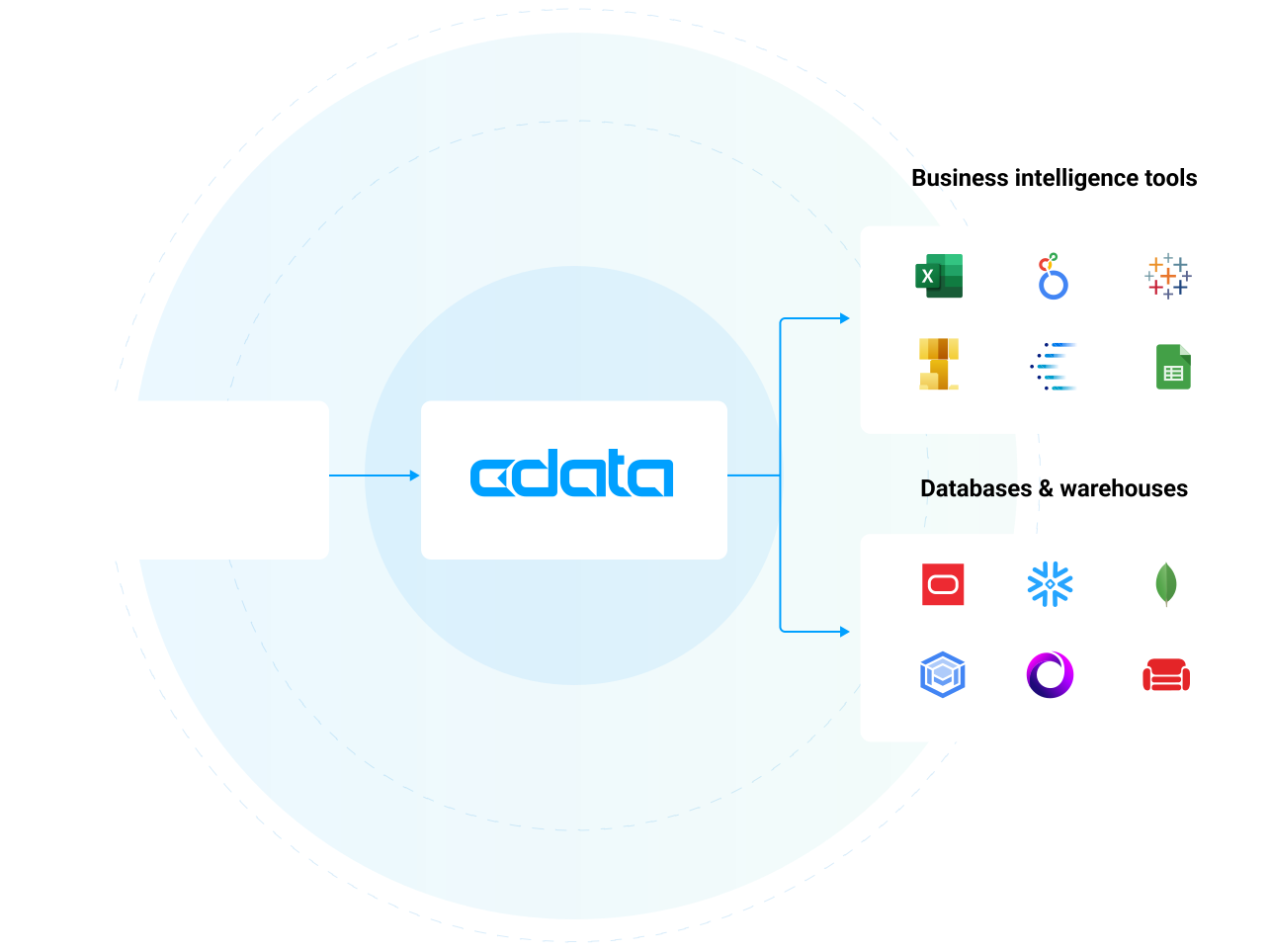
Access Zuora data in all of the systems you use every day, including BI & analytics tools, databases, data warehouses, and custom apps. Customers commonly use CData's Zuora connectivity to:
- Provide a logical data layer of abstraction that shields users from the complexity of data access and integration.
- Get blazing-fast access to data for BI, reporting, and data integration with highly optimized read/write performance.
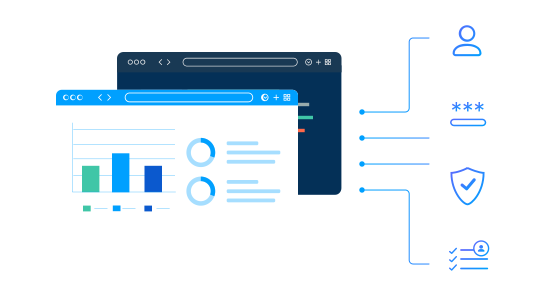
- Securely explore tables, columns, keys, data, and full meta-data based on user identity.
Try CData Zuora Connectors
Trusted by Zuora users worldwide

Office Depot Leverages CData to 'Lift and Shift' Critical Data and Enable Analytics Integration
Office Depot IT Architect

Belden Supports Growing Marketing Requests by Centralizing Data Access in the Cloud
Belden D&A IT Supervisor
Logi Analytics Brings Real-Time Data to Analytics Dashboards for SaaS
VP of Product & Development for Logi Analytics
The CData difference
Our standards-based approach to connectivity streamlines data access and insulates usrs from the complexities of integrating BigQuery data.
Unparalleled Zuora Connectivity Get full access to your Zuora data wherever you need it. CData is the undisputed leader in Zuora connectivity providing the most comprehensive access to live Zuora data anywhere. Thousands of customers and hundreds of leading data ISVs rely on our connectivity to make the most of their data.
Fastest time to value Reduce development cycles and accelerating the overall time to market. Our pre-built, optimized connectors eliminate the need for complex custom development, allowing for fast, secure access to Zuora data.
Unbeatable price-performance By standardizing and streamlining how systems interact with Zuora our products reduce development costs and timelines, slash architectural complexity.
Blazing data access Our Zuora connectivity is fast— really fast. In fact, over twice as fast as other solutions. Our engineers have optimized our drivers for maximum performance all the way down to the socket level, delivering truly exceptional data access.
Future-proof integration We continuously test against changes in the Zuora APIs & protocols used to connect, preventing downtime in your data and analytics processes.
Enterprise-class technical support CData is dedicated to helping you find success with Zuora. We work as an extension of your team to help solve your toughest data challenges. Thousands of customers and hundreds of ISVs rely on our services to make the most of their data.
AI Integrations
Zuora data for AI agents and assistants
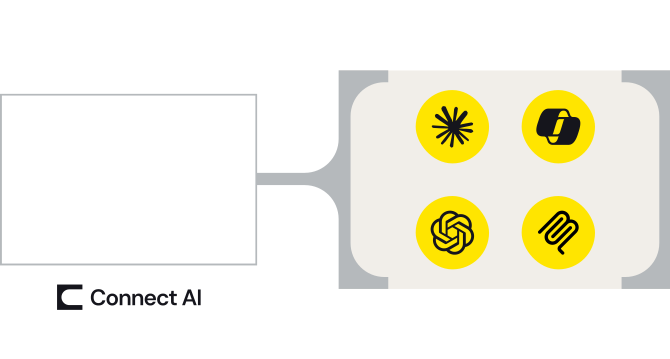
Zuora MCP server connectivity for AI
Enable AI agents, assistants, and workflows to access Zuora data to improve output, tailoring responses to your actual business data and reducing hallucinations.
- One MCP connection from Zuora to every AI agent, assistant, copilot, or LLM that could use it.
- Maintain security and user permissions with pass-through user-based access and read/write controls
- Platform solution to control and monitor user access via AI across your organization.
BI & Analytics
Zuora connectivity for BI & analytics
Live Zuora access for analytics
Access Zuora data in all of the systems you use every day, including BI & analytics tools, databases, data warehouses, and custom apps.
- Connect Zuora (and any other data source) to your favorite analytics, automation, or data management app without moving data
- Bi-directional Zuora connectivity through common data endpoints
- Enable Zuora governability and data privacy with user-level permissioning at the source level.
Data Warehousing
Zuora ETL, replication, & data warehousing
Automate Zuora data replication
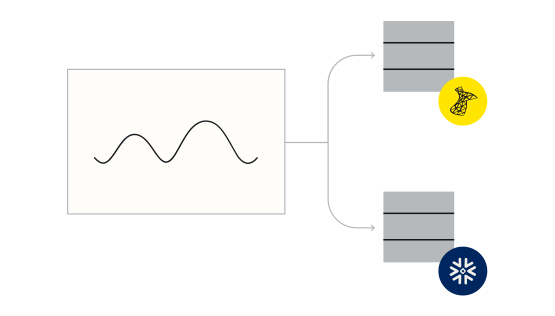
CData Sync automatically replicates data from hundreds of on-premises and cloud data sources — like Zuora— to any modern database, data lake, or data warehouse.
- Create automated Zuora data flows in minutes with point-and-click data replication
- Facilitate reporting, business intelligence, and analytics for decision support
- Archive data for disaster recovery
Data Management
Consolidate Zuora data management
Data management integration enables organizations to better manage their human resources data, optimize decision-making, and ensure compliance with data governance policies. Technologies like ODBC, JDBC, and ADO easily connect with all kinds of popular data management applications.
Connect Zuora to data management systems to:
- Provide a single, accurate source of truth for employee and resource data.
- Ensure consistency, data quality, and integration across systems.
- Improve data discoverability, governance, and compliance, allowing for easy tracking, auditing, and efficient data use across the organization.
No Code
Connect to Zuora with no-code
Zuora is often at the center of a wide range of repetitive tasks. With low-code/no-code tools, users can automate these tasks reducing manual effort and errors.
- Customize Zuora and integrate it with other systems (like CRM, HR, or accounting software) without writing complex code.
- Create custom dashboards, reports, or data visualizations by integrating Zuora data with other systems.
Custom Apps
Build fully-integrated custom applications
From custom AI and analytics to performance managemement and learning platforms, developers are leveraging our drivers to power all kinds of real-time integrations with Zuora.
- Pragmatic API Integration: from SDKs to Data Drivers
- Data APIs: Gateway to Data Driven Operation & Digital Transformation
Embedding CData Connectivity
Data Virtualization
Virtualize access to Zuora data
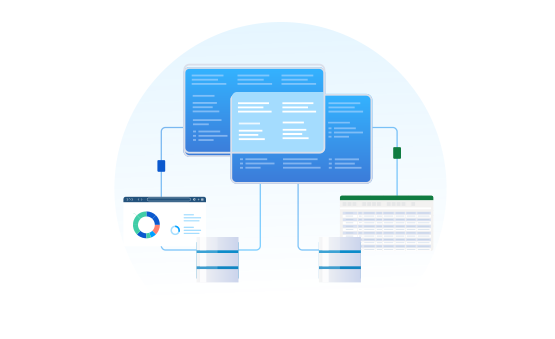
Data virtualization tools helps organizations achieve better data access, more agile decision-making, and greater efficiency in managing data across diverse systems.
Integrating Zuora with data virtualization tools allows organizations to combine this data with other sources like ERP systems, CRM platforms, or financial databases without physically moving or duplicating data. This unified access enables faster, more efficient decision-making.
Spreadsheets
Connect to live Zuora data in spreadsheets
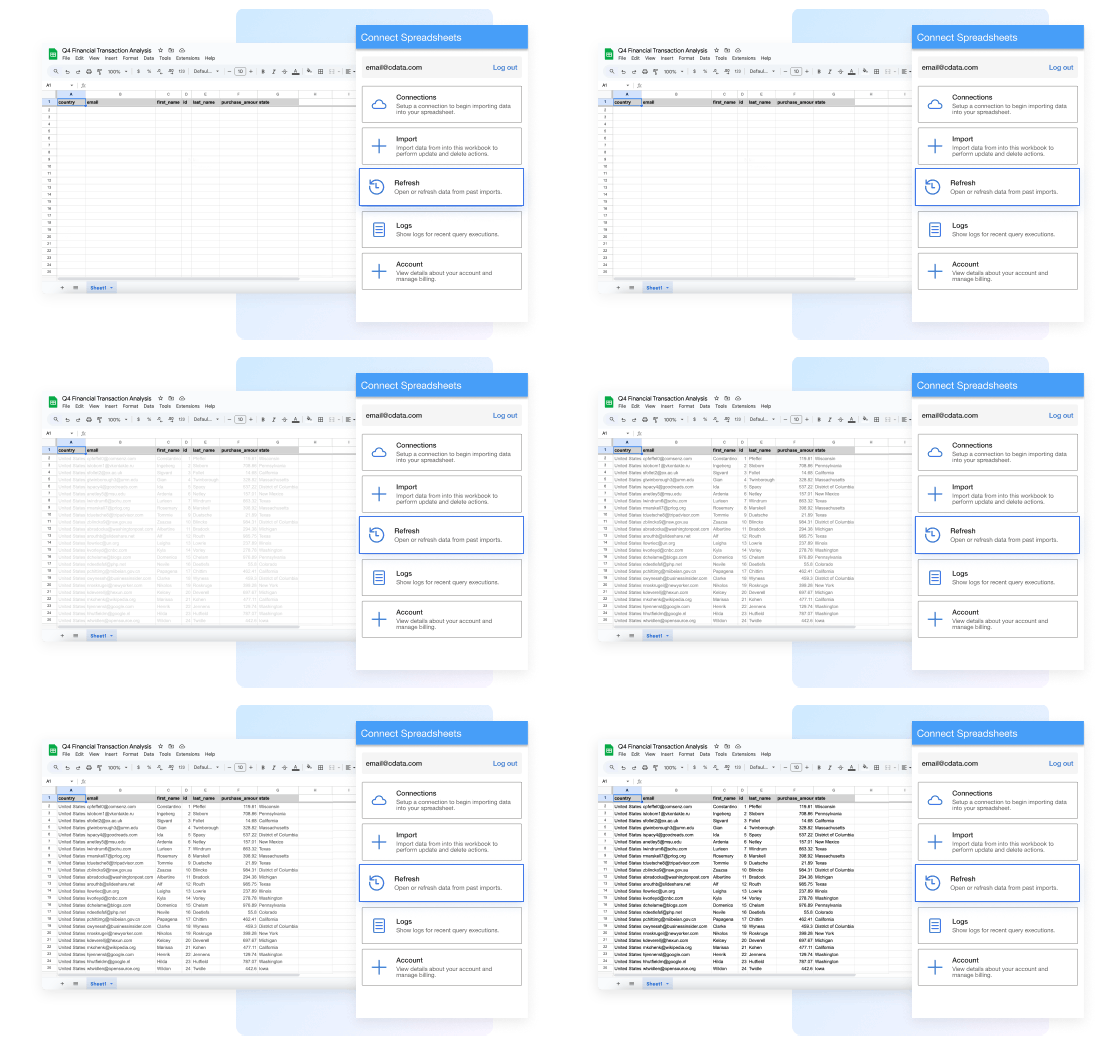
Work with live Zuora data seamlessly in Excel and Google Sheets:
- Always work with live Zuora data— no more downloading, copying, and pasting
- Filter and get just the attributes and data you actually need
- Refresh data with a click or set a schedule
- Update Zuora records right from your spreadsheet
FAQs
Frequently asked Zuora integration questions
Common questions about Zuora drivers & connectors for data and analytics integration
- How does the Zuora Driver work?
- How is using the Zuora Driver different than connecting to the Zuora API?
- How is a Zuora Driver different than a Zuora connector?
- Is Zuora SQL based?
- What data can I access with the Zuora driver?
- What does Zuora integrate with?
- How can I enable Zuora Analytics?
- How can I support Zuora Data Integration?
- Does Zuora Integrate with Excel?
Additional Zuora connectivity resources
Technical articles
Using the Zuora drivers
- Zuora Integration Guides and Tutorials
- Create Data Visualizations Based On Zuora Data in Mode
- Replicate Zuora Data from PowerShell
- Use Databricks Agent Bricks to Talk to Your Zuora Data via CData Connect AI
- How to use SQLAlchemy ORM to access Zuora Data in Python
- Automate Zuora Data Replication to SAP HANA
- Automated Continuous Zuora Replication to Databricks
- Configure the CData JDBC Driver for Zuora in a Connection Pool in Tomcat
- Zuora Data Cloud Connectivity
Blog
Related blog articles
- Explore the 2026.1 CData Drivers Release
- Build Custom MCP Tools in Connect AI for Repeatable, Predictable Agentic Actions
- 2021 Data Connectivity Update
- The Connect AI March Release: Custom Agent Tools, Governed Toolkits, and a New Standard for What MCP Can Do
- Data Strategy: A Concise Definition, Essential Components & Steps to Create One
- What is a Data Lake? Definition, Challenges, and 3 Solutions
- CData Recognized in the 2024 Gartner Magic Quadrant for Data Integration Tools
- Mastering Google Analytics 4 Multidimensional Data Analysis with CData Predefined Reports
- Join CData at Sage Transform 2022
- How to Build a Workday‑to‑Azure Data Lake ETL Pipeline in 2026
